

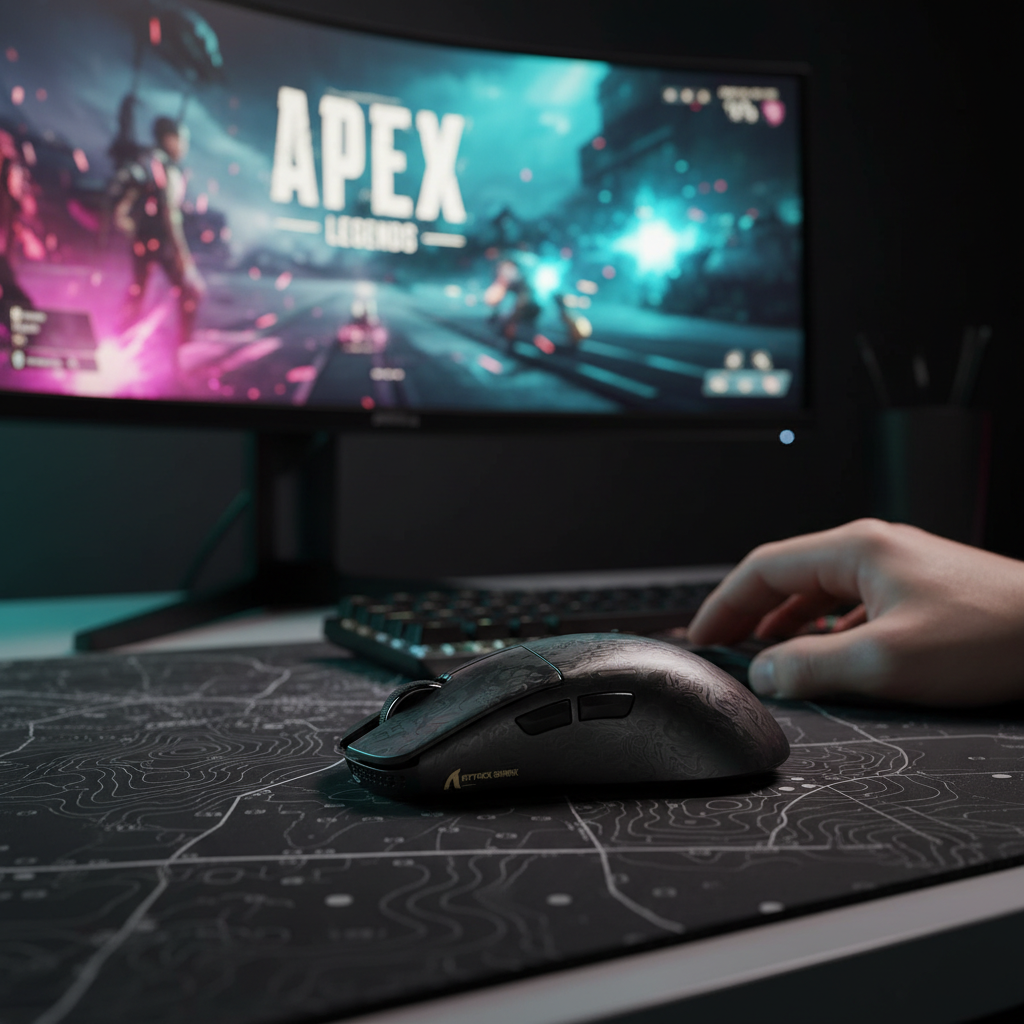
The Biomechanics of Apex Legends: Why Fingertip Grip Rules the Sky
Quick Summary for Competitive Players:
- Ideal Dimensions: Aim for a mouse length of 115–120mm to ensure vertical clearance during high-speed tracking (the "fingertip heuristic").
- Sensor Specs: Prioritize the PAW3950MAX or equivalent for 8K polling; use 1600 DPI to fully saturate high-frequency data packets.
- System Requirement: 8K polling is most effective on 240Hz+ monitors with direct CPU-connected USB ports.
- Transparency Note: This guide utilizes Attack Shark hardware as primary technical examples. The ergonomic principles and sensor math discussed are applicable to all high-performance gaming mice.
Apex Legends is defined by extreme verticality. Unlike tactical shooters where horizontal crosshair placement is the primary focus, Apex requires you to track targets sliding down hills, jumping from pads, and tap-strafing mid-air. For many competitive players, the fingertip grip is considered a highly effective way to handle these chaotic 3D movements. By using only the fingertips, you unlock a range of motion that palm or claw grips often restrict.
However, choosing a mouse for fingertip aim isn't just about finding the smallest device. Based on our analysis of high-tier competitive patterns and community feedback from hardware enthusiasts, success depends on a specific "sweet spot" where mouse length, hump placement, and sensor consistency intersect.
The 115-120mm Heuristic: Why Length Matters for Verticality
In the competitive community, a mouse length between 115mm and 120mm is widely regarded as a practical "sweet spot" for fingertip users with average-sized hands (approx. 18–19cm). If a mouse exceeds 120mm, the rear of the shell is more likely to make accidental contact with the palm during intense downward tracking.
When tracking a target falling from height, your fingers pull the mouse back toward your palm. A shorter mouse, such as the ATTACK SHARK R11 ULTRA Carbon Fiber Wireless 8K PAW3950MAX Gaming Mouse, provides the necessary clearance to complete this motion without the shell "bottoming out" against your hand.
How to Test Your Vertical Clearance
To verify if your current mouse is limiting your range, try this simple self-test:
- Place your hand in your standard fingertip grip.
- Pull the mouse as far back into your palm as possible using only your fingers.
- The Check: If the mouse hits your palm before your fingers reach their natural limit of contraction, the mouse is likely too long for your hand size, potentially hindering your vertical tracking in Apex.
Logic Summary: Vertical Clearance Modeling
- Assumption: Fingertip grip typically requires ~15-20mm of "travel space" between the mouse hump and the palm.
- Heuristic: Mouse length + travel space should be less than total hand length.
- Boundary: For users with hands larger than 21cm, a 125mm mouse may still function effectively as a fingertip mouse. These values are heuristics based on common ergonomic patterns, not absolute requirements.
Weight vs. Shape: The Stability Paradox
A common trend in the "lightweight war" is prioritizing the lowest possible gram count (sub-50g). However, internal testing and user feedback suggest that a 55g mouse with a well-placed, low rear hump can often provide better stability for controlling high-recoil weapons like the R-99 compared to a 45g mouse with a completely flat profile.
For fingertip aimers, the "hump" acts as a secondary stability point during "recoil smoothing"—a technique where you move the mouse in a specific pattern to negate vertical kick. A subtle low hump, like that found on the ATTACK SHARK G3 Tri-mode Wireless Gaming Mouse, allows the base of the knuckles to occasionally "anchor" the mouse during sustained fire.
Sensor Engineering: 8K Polling and Tracking Consistency
Beyond shape, the sensor's ability to handle diagonal "jiggle-peeking" is critical. Sensors like the PixArt PAW3950MAX, featured in the ATTACK SHARK X8 Series, are engineered to minimize smoothing or acceleration that can disrupt micro-adjustments at common competitive sensitivities (800-1600 eDPI).
The 8000Hz (8K) Advantage
Modern competitive mice are pushing toward an 8000Hz polling rate. To understand the value, we look at the theoretical math:
- 1000Hz: 1.0ms reporting interval.
- 8000Hz: 0.125ms reporting interval.
At 8000Hz, the theoretical delay between physical movement and data reporting is significantly reduced.
| Parameter | 1000Hz Polling | 8000Hz Polling | Basis / Source |
|---|---|---|---|
| Reporting Interval | 1.0ms | 0.125ms | Theoretical (Frequency = 1/Time) |
| Motion Sync Delay | ~0.5ms | ~0.0625ms | Heuristic (Approx. half the interval) |
| CPU Usage | Low | High | IRQ interrupt processing load |
| Battery Life Est. | 100% (Base) | ~20-25% | Manufacturer testing (8x radio bursts) |
| Min. Speed for Saturation | 1.25 IPS (@ 800 DPI) | 10 IPS (@ 800 DPI) | Calculation (Packets = IPS * DPI) |
Technical Note on Sensor Saturation: To fully saturate the 8000Hz bandwidth at 800 DPI, you must move the mouse at 10 IPS (Inches Per Second). At 1600 DPI, you only need to move at 5 IPS to provide enough data points for the 8K poll. This is why many competitive players are moving toward 1600 DPI to maximize the benefit of ultra-high polling rates.
The Friction Interface: Pads and Skates
While the sensor handles data, the mousepad and skates handle the "feel." For high-speed fingertip tracking, the primary barrier is often friction inconsistency.
According to the Global Gaming Peripherals Industry Whitepaper (2026), consistent glide is often more impactful for accuracy than raw speed. A controlled-speed cloth pad paired with high-quality PTFE skates provides the "stopping power" needed to end a flick precisely. If you find your wrist feels strained during long sessions, using an accessory like the ATTACK SHARK ACRYLIC WRIST REST during non-gaming tasks can help maintain joint health, though it is typically removed during active play to allow for full range of motion.
System Optimization for Competitive Tracking
If you are using a high-performance mouse at 8K, your system must be configured to handle the data load. The bottleneck at 8000Hz is rarely the GPU; it is usually IRQ (Interrupt Request) processing on your CPU.
Best Practices for 8K Polling:
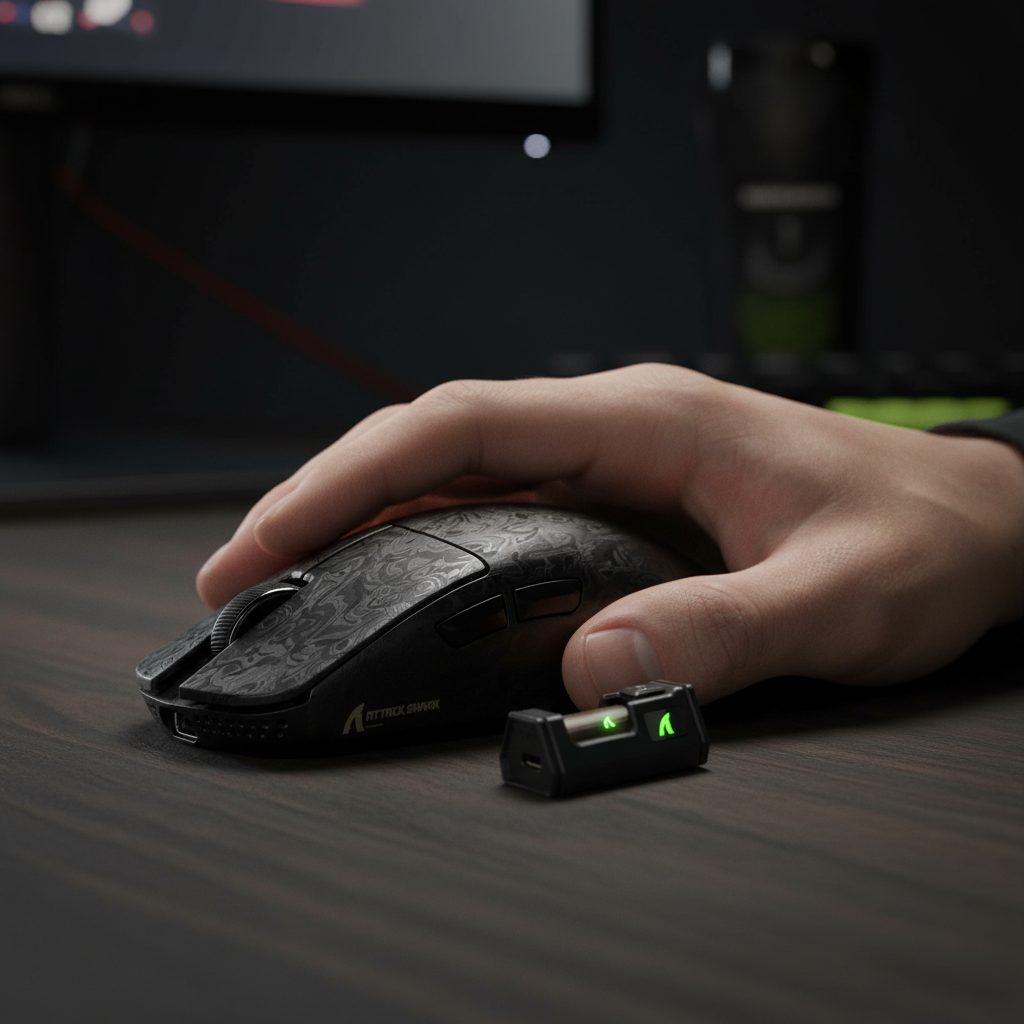
- Direct Motherboard Ports: Plug your 8K receiver into a rear I/O port directly connected to the CPU. Avoid front panel headers or USB hubs, as shared bandwidth can cause packet loss (which can be verified using community tools like "MouseTester").
- CPU Priority: High polling rates stress single-core performance. Ensure your PC is in "High Performance" power mode to prevent CPU downclocking during micro-movements.
- Monitor Synergy: While the "1/10th rule" (Monitor Hz = Polling Hz / 10) is a common community guideline, you generally need a 240Hz+ monitor to visually perceive the smoother cursor path provided by 8K.
Choosing Your Fingertip Weapon
When selecting your next mouse for Apex Legends, consider this framework based on your specific needs:
- The Pure Performance Choice: The ATTACK SHARK R11 ULTRA. Its carbon fiber shell offers a high strength-to-weight ratio (49g) and utilizes the PAW3950MAX sensor, a current benchmark for tracking consistency.
- The Value-Oriented Challenger: The ATTACK SHARK G3. It offers high-end specs (25K DPI) at a competitive price point, suitable for gamers prioritizing price-to-performance.
- The Versatile Hybrid: The ATTACK SHARK X8 Series. With a 125mm length, it is designed to transition effectively between fingertip gaming and comfortable claw-grip browsing.
Mastering Apex tracking requires a deep understanding of how your hardware interacts with your biomechanics. By prioritizing shape (115-120mm), consistency (PAW3950MAX), and system synergy (8K polling), you can help ensure your hardware supports your climb to Predator.
Disclaimer: This article is for informational purposes only. High-intensity gaming can lead to repetitive strain injuries. If you experience persistent wrist or hand pain, please consult a qualified medical professional. For detailed ergonomic setups, refer to local occupational health guidelines.
References:

Leave a comment
This site is protected by hCaptcha and the hCaptcha Privacy Policy and Terms of Service apply.