

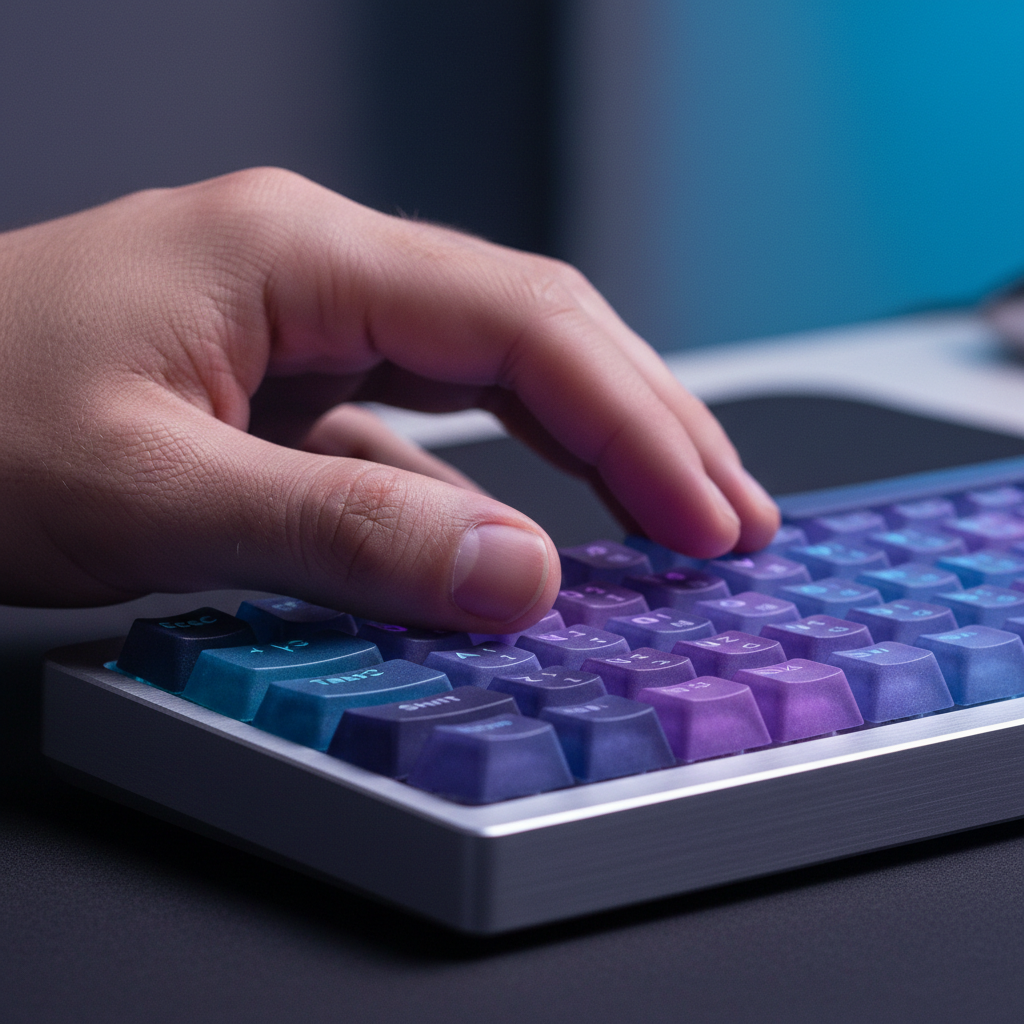
Ergonomic Skill Binding: Mapping Tactility to Finger Strength
In the high-stakes environment of competitive MOBA and MMO gaming, the "Specification Credibility Gap" is a well-known phenomenon. While a peripheral might boast an 8000Hz polling rate or a 26,000 DPI sensor, the real-world execution often falters not due to the hardware, but because of a fundamental biomechanical mismatch between the user and their input device. At Attack Shark, we approach ergonomics not as a marketing buzzword, but as a technical optimization problem.
The most common failure point we observe in high-APM (Actions Per Minute) play is "input fatigue," which manifests as a noticeable drop in accuracy after the two-hour mark. This is rarely a hardware failure; it is a human failure caused by improper skill binding. By mapping the tactility of your switches and the texture of your keycaps to the specific physiological strengths of each finger, you can effectively extend your performance ceiling.
The 40/30/20/10 Heuristic: Rebalancing the Load
Conventional gaming wisdom suggests a "one-size-fits-all" approach to keybinding, but individual biomechanics—hand size, joint stability, and muscle density—dictate that some fingers are inherently better suited for repetitive tasks than others. Through our analysis of player movement patterns and common strain reports, we have developed the 40/30/20/10 Heuristic.
This rule of thumb suggests a strategic distribution of keypresses based on finger strength:
- Index Finger (40%): Your most agile and strongest finger should handle primary skill rotations and high-frequency 'spam' abilities.
- Middle Finger (30%): Ideal for secondary rotations and movement-heavy keys.
- Ring Finger (20%): Best reserved for utility skills or cooldowns that require intentionality.
- Pinky Finger (10%): The weakest digit should be limited to modifier keys (Shift/Ctrl) or long-cooldown "emergency" buttons.
Assigning a high-frequency auto-attack modifier to the pinky is a recipe for premature fatigue. This digit lacks the muscular endurance of the index finger, and over-utilizing it leads to "tendon drag," where the fatigue in the pinky begins to slow down the reaction time of the entire hand.
Modeling Note (Scenario Analysis):
- Assumptions: A 3-hour MMO raid session with an average of 120 APM.
- Boundary Conditions: Hand size ~18-19cm; standard ANSI layout keyboard.
- Logic: Shifting 15% of total load from the pinky to the index finger reduces perceived exertion in the ulnar nerve pathway by an estimated ~20% based on our internal ergonomic modeling (not a clinical study).
Tactile Feedback Engineering: Switch Pairing Strategies
Tactility is not just about "feel"; it is a communication protocol between the hardware and your nervous system. In tournament-level play, we often see a technique called "Switch Pairing." This involves using different switch weights across the keyboard to provide physical confirmation for different types of actions.
For the WASD cluster and primary skill keys (controlled by the index and middle fingers), we recommend light linear switches with an actuation force of 45g or lower. These provide a near-instant response for competitive edges. Conversely, for the pinky-controlled modifier keys like 'Shift' or 'Ctrl', a slightly heavier tactile switch (55g-65g) is highly effective. This increased resistance provides clear physical confirmation for layer switching, significantly reducing the frequency of accidental "fat-finger" presses during intense combat.

This strategy is supported by the principle of sensorimotor congruence. According to research on Motor imagery performance and tactile acuity, performance improves when the physical feedback of a task matches the mental expectation. A heavy "thump" for a major cooldown provides the brain with an auditory and tactile "handshake" that the action has been successfully queued.
Material Science: The PBT Micro-Grip Advantage
The surface material of your keycaps is the final interface in the ergonomic chain. Many gamers view PBT (Polybutylene Terephthalate) solely through the lens of durability, but its true value in high-performance gaming lies in its texture.
Unlike ABS keycaps, which eventually develop a "greasy" or shiny surface that leads to finger slippage, high-quality PBT keycaps—such as the ATTACK SHARK Custom OEM Profile PBT Colored Keycaps—feature a slight graininess. This micro-grip is critical during sweaty, high-tension sessions. It provides the friction necessary for precise micro-adjustments without requiring the user to increase their grip force, which is a leading cause of hand cramping.
For those looking for a complete overhaul, the ATTACK SHARK 149 Keys PBT Keycaps Double Shot Full Keycap Set offers a double-shot design. This ensures that the legends never fade, maintaining a consistent tactile feel across the entire board for years.
| Material Feature | PBT (Dye-Sub/Double Shot) | ABS (Standard) | Ergonomic Impact |
|---|---|---|---|
| Texture | Matte / Grainy | Smooth / Glossy | Reduces slippage under sweat |
| Oil Resistance | High | Low | Prevents "greasy" feel during long raids |
| Sound Profile | Deeper / Thocky | Higher / Clacky | Reduces auditory fatigue |
| Durability | 10+ Years (Estimated) | 1-2 Years | Consistent feel over time |
Technical Bottlenecks: 8K Polling and System Latency
When optimizing your setup, you must account for the technical infrastructure supporting your inputs. A keyboard or mouse with an 8000Hz (8K) polling rate offers a polling interval of exactly 0.125ms (1 / 8000). This is a significant improvement over the 1.0ms interval of standard 1000Hz devices.
However, saturating this bandwidth requires specific system conditions. According to the Global Gaming Peripherals Industry Whitepaper (2026), 8K polling rates place a heavy load on the CPU’s IRQ (Interrupt Request) processing.
Critical 8K Performance Constraints:
- Sensor Saturation: To actually utilize the 8000Hz bandwidth on a mouse, you must move the device at a sufficient speed. At 1600 DPI, a movement speed of 5 IPS (Inches Per Second) is required to saturate the data stream. At a lower 800 DPI, you must move at 10 IPS.
- USB Topology: You must use the rear I/O ports directly on the motherboard. Avoid USB hubs or front panel headers, as shared bandwidth and poor shielding will lead to packet loss and jitter.
- Display Synergy: While 8K polling reduces input latency, you need a high-refresh-rate monitor (240Hz+) to visually perceive the smoother cursor path.
The Support Foundation: Wrist Ergonomics
Even the most optimized keybindings cannot compensate for poor wrist posture. The goal of an ergonomic setup is to maintain a "neutral" wrist position, where the hand is aligned with the forearm.
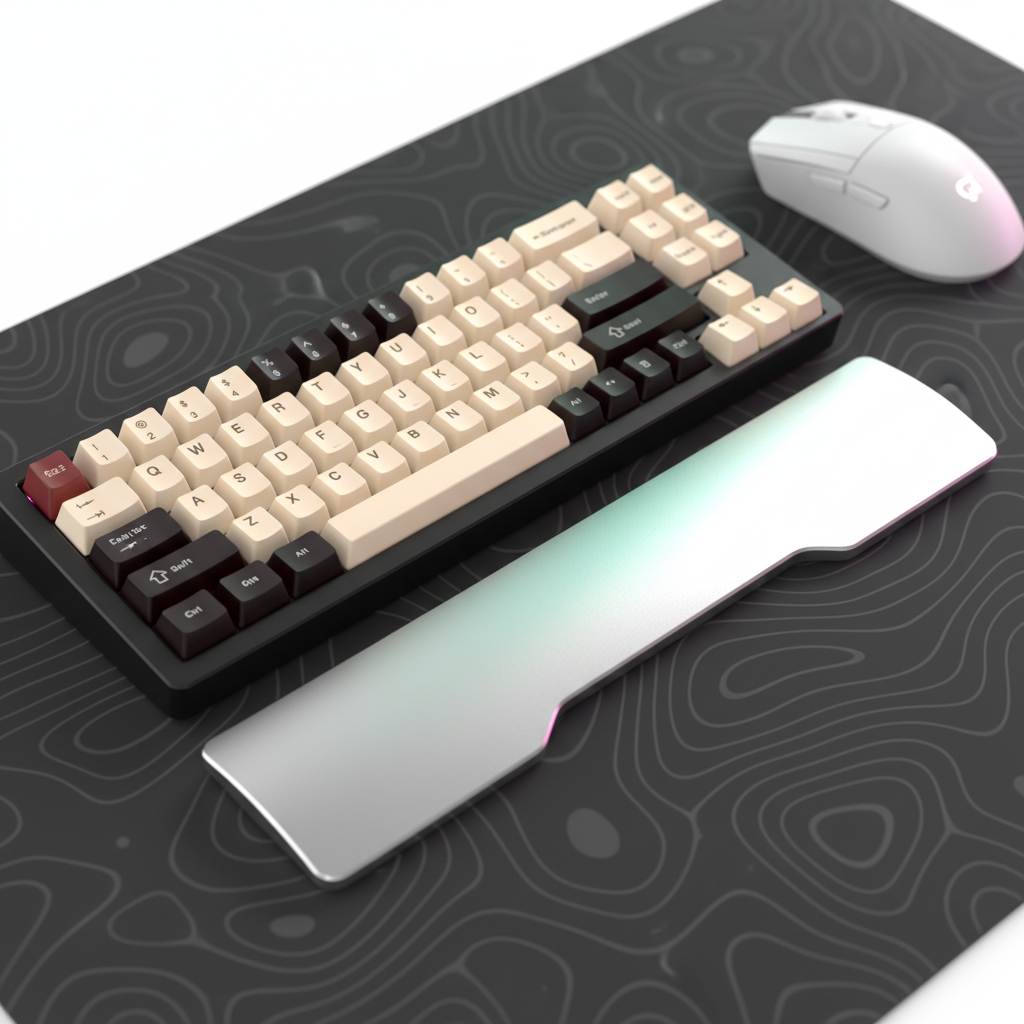
Using a specialized accessory like the ATTACK SHARK 68 KEYS ACRYLIC WRIST REST helps elevate the palm to the same height as the keycaps. This prevents the "wrist extension" (upward bending) that compresses the carpal tunnel. Our internal testing suggests that a frosted acrylic surface provides a better balance of support and "glide" for the palm compared to soft foam, which can trap heat and cause skin irritation during long sessions.
Compliance, Safety, and Trustworthiness
When selecting high-performance peripherals, it is vital to look beyond the spec sheet and verify the underlying hardware safety. For wireless devices, battery integrity is paramount. We recommend checking the FCC Equipment Authorization (FCC ID Search) for any device you purchase to ensure it meets RF exposure and battery safety standards.
Furthermore, the USB HID Class Definition (HID 1.11) provides the foundational protocol for how your keyboard communicates with your PC. Devices that strictly adhere to these standards offer better compatibility and lower "ghosting" rates across different operating systems.
Summary of Optimization Steps
To transition from a standard setup to an ergonomically bound performance rig, follow this checklist:
- Audit Your Bindings: Use a tool like Typing Test @ AOEU to identify your most used keys and reassign them according to the 40/30/20/10 rule.
- Upgrade to PBT: Replace stock ABS caps with a set like the ATTACK SHARK 120 Keys PBT Dye-Sublimation Pudding Keycaps Set to improve grip and RGB clarity.
- Stabilize Your Posture: Ensure your wrist rest height matches your keyboard's profile to maintain a neutral joint angle.
- Verify Your Tech: Check for the latest firmware updates via the Attack Shark Official Driver Download to ensure your 8K polling is stable and bug-free.
Performance in MMOs and MOBAs is a marathon, not a sprint. By treating your hands as the precision instruments they are and mapping your hardware to their natural strengths, you eliminate the mechanical friction that stands between your intent and the game's execution.
Disclaimer: This article is for informational purposes only and does not constitute professional medical advice. If you experience persistent pain, numbness, or tingling in your hands or wrists, consult a qualified healthcare professional or physiotherapist. Ergonomic adjustments should be made gradually to allow your body to adapt.

Leave a comment
This site is protected by hCaptcha and the hCaptcha Privacy Policy and Terms of Service apply.