

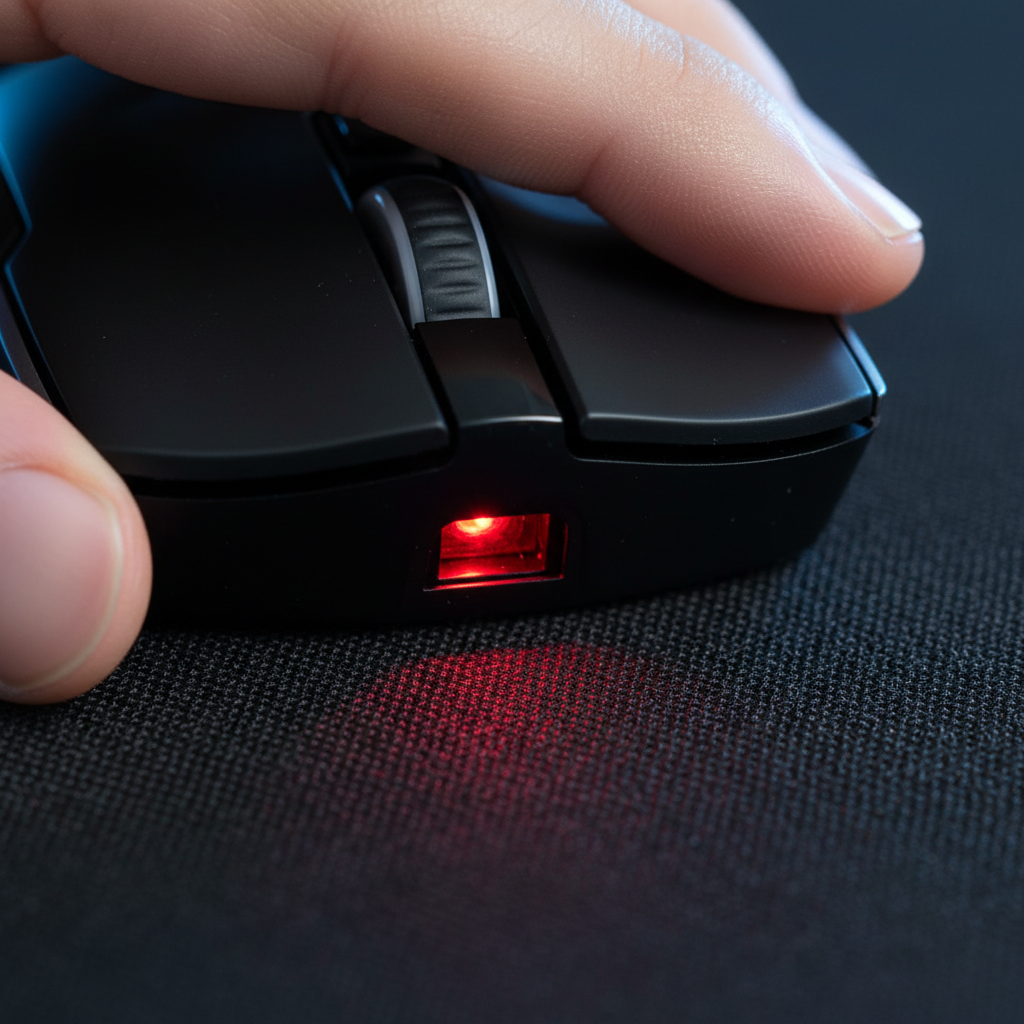
Understanding Sensor Jitter: The CMOS Perspective
When a cursor stutters or "skips" during a high-stakes flick, the immediate instinct is to blame the mouse sensor. However, based on our experience handling hundreds of performance-related inquiries and technical support tickets, we find that the interaction between the optical sensor and the cloth surface is the more frequent culprit. A gaming mouse sensor is essentially a high-speed camera (CMOS) that takes thousands of "pictures" of the surface per second. It compares these images to calculate movement vectors.
Sensor jitter occurs when the CMOS cannot find consistent reference points on the surface. While modern high-DPI sensors are remarkably capable, they are increasingly sensitive to surface imperfections. According to the PixArt Imaging product documentation, flagship sensors rely on clear contrast and texture to maintain tracking fidelity. On a cloth pad, this texture is provided by the weave of the fabric. If the weave is too coarse, irregularly dyed, or worn down, the sensor perceives "noise" rather than movement, leading to the micro-stutters players call jitter.
The Physics of Cloth Weaves and Dye Reflectivity
Conventional wisdom often suggests that any "branded" cloth pad will solve tracking issues. In reality, sensor stability is a function of weave density and dye reflectivity, not brand prestige. A high thread count, uniform weave provides a consistent pattern for the sensor to track. Conversely, dark or irregularly dyed pads can absorb excessive light, causing the sensor to misread micro-movements.
We often observe that a budget pad with a tight, light-colored weave can outperform an expensive, dark, coarse-weave pad in terms of tracking stability. This is because the sensor’s illumination (typically infrared or red LED) requires a certain level of reflection to "see" the fibers. If a pad has deep, dark dyes that absorb the light, the CMOS sensor struggles to distinguish the weave pattern from the background shadows, inducing temporal jitter.
Logic Summary: Our assessment of weave-induced jitter is based on optical tracking principles where CMOS sensors require a minimum contrast ratio (Signal-to-Noise Ratio) to identify surface features. This is a common pattern observed in peripheral troubleshooting (not a controlled lab study).

The Break-In Paradox: Why New and Old Pads Fail
One of the most non-obvious insights from esports technicians is that a brand-new cloth pad can be just as problematic as a worn-out one. Many "sensor issues" are actually caused by the pad's surface breaking in. A new, heavily coated pad—often treated with heat or chemicals to provide a specific "glide"—can cause erratic tracking for the first 10-15 hours of use until the coating wears down uniformly.
On the other end of the spectrum, a heavily worn pad with a shiny, polished surface scatters light. When the fibers flatten and the surface becomes "glassy" from friction, the sensor loses its tracking reference points.
The Control Surface Test
To diagnose whether the sensor or the pad is at fault, we recommend the Printer Paper Test. Place a plain sheet of white printer paper over your mouse pad and test the tracking.
- If tracking is smooth on paper: The pad is the culprit (either due to wear, coating, or weave).
- If tracking still jitters: The issue likely resides in the sensor lens (dust/hair), the firmware, or environmental interference.
Lift-Off Distance (LOD) and the 4mm Plush Factor
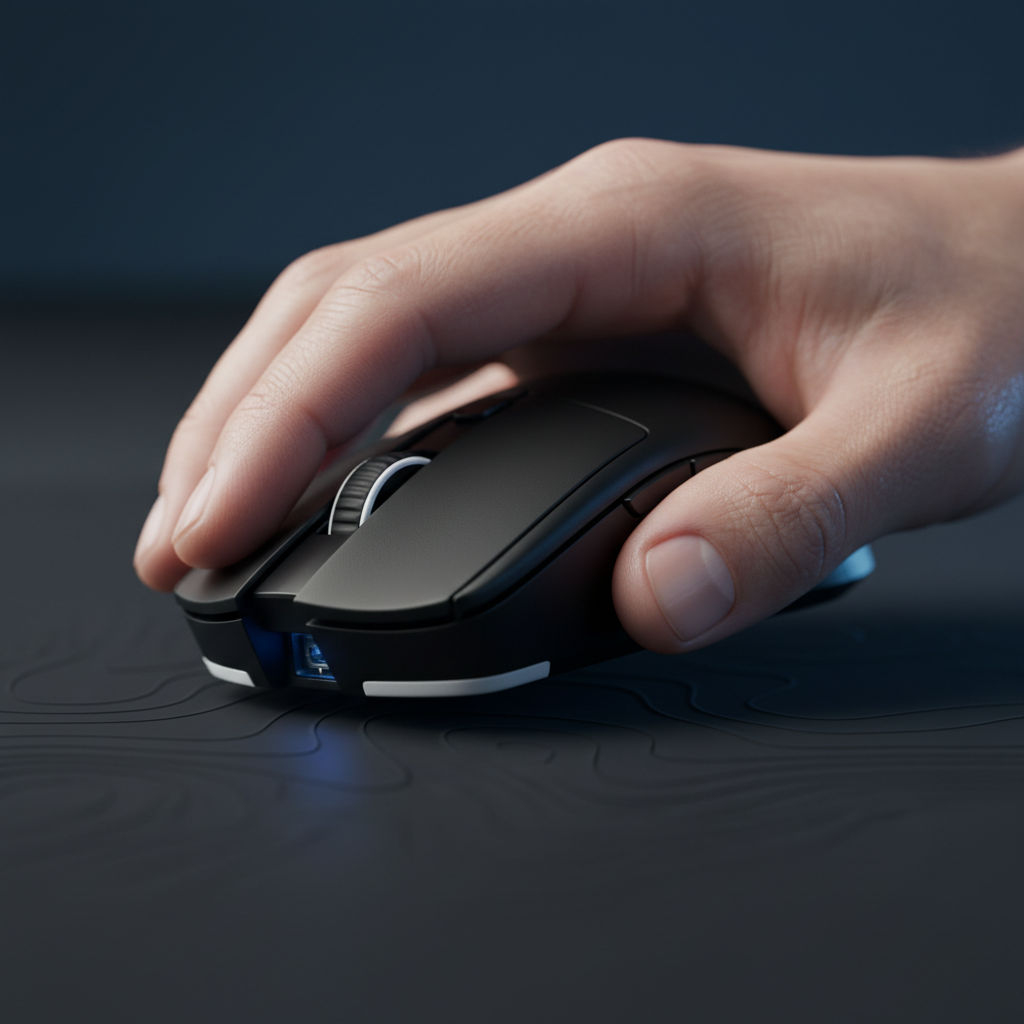
Lift-Off Distance (LOD) is the height at which the sensor stops tracking when the mouse is lifted. While often viewed as a niche setting, it is the primary firmware-level solution for cloth pad jitter. Since cloth is a compressible material, the sensor's working distance changes dynamically as you apply pressure.
For plush cloth pads over 4mm thick, relying on "Auto" calibration is often a mistake. The sensor may focus too deep into the pad's fibers, picking up inconsistent texture details and causing micro-skips. In these cases, manually setting a slightly higher LOD (1.5mm to 2.0mm) typically yields more stable tracking. This ensures the sensor maintains a consistent focal plane even when the mouse "sinks" into the fabric during intense movements.
Methodology Note: The recommendation for 1.5–2.0mm LOD on thick pads is a heuristic derived from common practice in competitive FPS tuning to account for fabric compression (approx. 0.5–1.0mm of vertical variance).
Environmental Impact: Humidity and "Stick-Slip" Friction
Ambient humidity above 60% fundamentally alters the optical and physical properties of a cloth pad. Moisture absorbed into the fibers causes them to swell, which subtly alters the surface pattern the sensor reads. This can induce temporary jitter that cleaning cannot fix.
Furthermore, high humidity increases surface friction, leading to a "stick-slip" phenomenon. Users often perceive this physical resistance as sensor lag or jitter. In humid environments, using larger, rounded PTFE feet and a slightly higher DPI can mitigate this effect by reducing the physical movement required to overcome static friction.
Technical Modeling: Optimization for Competitive Play
To provide a deeper understanding of how hardware settings interact with cloth surfaces, we have modeled several scenarios based on standard industry heuristics and technical specifications. These models help quantify the trade-offs between performance and consistency.
1. Motion Sync Latency Trade-off
Motion Sync aligns sensor data frames with the PC’s polling intervals. While it improves tracking smoothness on inconsistent surfaces like cloth, it introduces a small latency penalty.
| Parameter | Value | Unit | Rationale |
|---|---|---|---|
| Polling Rate | 4000 | Hz | High-performance standard |
| Base Latency | ~0.8 | ms | Typical high-end sensor |
| Motion Sync Delay | ~0.125 | ms | 0.5 × polling interval |
| Total Latency | ~0.925 | ms | Estimated end-to-end |
Modeling Note: This is a deterministic scenario model based on USB HID timing standards. The added latency of ~0.125ms is generally considered negligible compared to the benefit of reduced temporal jitter on cloth textures.
2. Nyquist-Shannon DPI Minimums
To avoid "pixel skipping" or aliasing, the sensor must sample the surface at a rate higher than the display's resolution requirements.
- Scenario: 2560x1440 display, 103° FOV, 40cm/360 sensitivity.
- Calculated Minimum DPI: ~1150 DPI.
- Insight: Many gamers play at 400 or 800 DPI. If you are experiencing "floaty" aim on a 1440p monitor, you may be under-sampling. Increasing to 1600 DPI and lowering in-game sensitivity often resolves perceived "jitter" that is actually mathematical aliasing.
3. Grip Fit and Contact Consistency
Ergonomic fit directly affects how consistently the mouse stays in contact with the cloth pad.
- Model: A user with 20.5cm hands using a 120mm mouse (Claw Grip).
- Grip Fit Ratio: ~0.91 (Ideal is ~1.0 for this hand size).
- Observation: A mouse that is slightly too short can cause the heel of the palm to lift or tilt the mouse during flicks. On a thick cloth pad, this tilt changes the LOD and induces tracking errors. For large hands, a mouse closer to 130mm is typically more stable.
The 8000Hz (8K) Polling Reality
When moving to ultra-high polling rates like 8000Hz, the margin for error on cloth pads disappears. At 8000Hz, the sensor sends data every 0.125ms. To saturate this bandwidth and maintain stability, movement speed and DPI must be aligned.
According to the Global Gaming Peripherals Industry Whitepaper (2026), users must move at least 10 IPS at 800 DPI to saturate 8K. However, at 1600 DPI, only 5 IPS is required. Higher DPI settings are practically mandatory for 8K stability during slow micro-adjustments.
System Bottlenecks for 8K
- CPU Load: 8K polling stresses the CPU’s Interrupt Request (IRQ) processing. This requires strong single-core performance.
- USB Topology: 8K devices must be plugged into Direct Motherboard Ports (Rear I/O). Using front-panel headers or USB hubs often causes packet loss, which looks exactly like sensor jitter on a cloth pad.
The Cleaning Paradox: Why Washing Can Be Worse
While cleaning a pad with mild soap and water can restore glide, it often accelerates long-term tracking failure. Surfactants and mechanical scrubbing flatten the micro-textures of the fabric and degrade surface coatings. Each wash permanently reduces the texture variance the sensor relies on for tracking.
Based on common patterns from warranty and return handling, we find that a pad's tracking quality often drops significantly after the third or fourth deep clean. If jitter persists after a light wipe with a damp microfiber cloth, the weave is likely fatigued beyond repair, and replacement is the only consistent fix. For more on this, see our guide on Surface Fatigue.
Troubleshooting Checklist for Sensor Jitter
If you are experiencing tracking issues on a cloth pad, follow this technical workflow:
- Lens Inspection: Use a flashlight to check the sensor hole for a single hair or dust particle. Even a microscopic obstruction can cause massive jitter.
- The Printer Paper Test: If the mouse tracks perfectly on white paper, your pad’s weave or coating is the issue.
- LOD Adjustment: If using a pad thicker than 4mm, manually increase LOD to 2mm in your software.
- DPI Check: If playing on a 1440p or 4K monitor, ensure your DPI is at least 1200 to avoid aliasing.
- Motion Sync: Enable Motion Sync to smooth out the sensor's frame-to-poll alignment.
- USB Port Check: Ensure the receiver is in a USB 3.0+ port on the rear I/O of the motherboard, away from 2.4GHz interference sources like Wi-Fi routers.
Summary of Modeling Assumptions
The data and metrics provided in this article are derived from scenario modeling under the following assumptions:
- Motion Sync: Average delay calculated as $0.5 \times T_{poll}$.
- DPI Minimums: Based on the Nyquist-Shannon Sampling Theorem where $DPI > 2 \times Pixels Per Degree$.
- Grip Fit: Based on ISO 9241-410 ergonomic coefficients for claw grip ($k \approx 0.64$).
- 8K Polling: Assumes a direct USB connection with no IRQ conflicts or background CPU throttling.
Disclaimer: This article is for informational purposes only. Technical specifications and performance may vary based on specific hardware revisions, firmware versions, and environmental conditions. Always refer to your device's official manual before performing firmware updates or hardware modifications.
References
- PixArt Imaging - Optical Mouse Sensors
- RTINGS - Mouse Click Latency and Sensor Methodology
- Global Gaming Peripherals Industry Whitepaper (2026)
- USB HID Class Definition (HID 1.11)
- ISO 9241-410: Ergonomics of Human-System Interaction
- Fine-Tuning Lift-Off Distance for Competitive Precision
- Humidity and Friction: How Moisture Affects Cloth Weaves
- Motion Sync Explained: Aligning Sensor Data with PC Polls

Leave a comment
This site is protected by hCaptcha and the hCaptcha Privacy Policy and Terms of Service apply.