

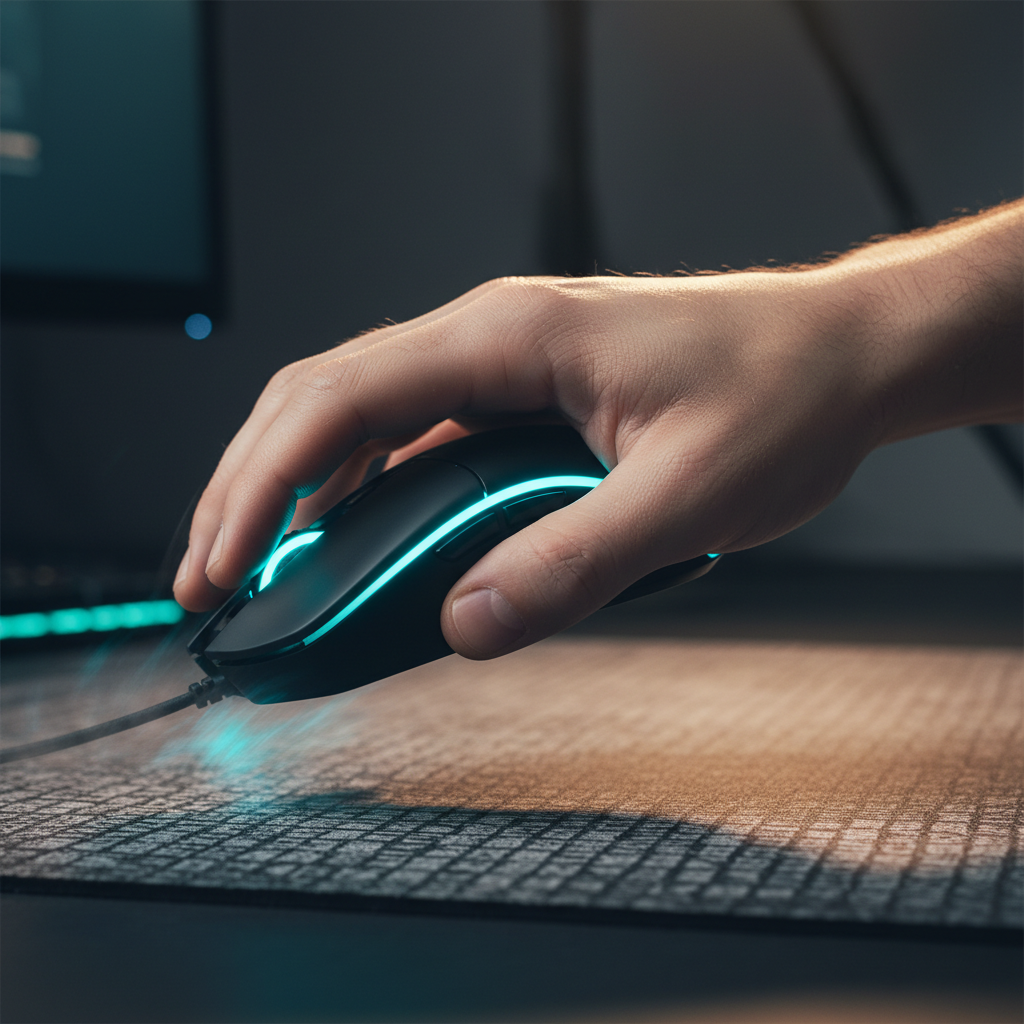
Flick-Aim Calibration: Maintaining Integrity During Rapid Swipes
In the high-stakes environment of competitive tactical shooters, the "flick shot" represents the ultimate test of human-machine synchronicity. Whether it is a 180-degree reaction in a movement shooter or a micro-adjustment to a head-level pixel in a tactical environment, the integrity of the input signal during high-acceleration swipes is paramount. While marketing materials frequently emphasize maximum acceleration (G) and inches per second (IPS) ratings, professional-grade performance is defined by tracking consistency and the elimination of "spin-outs"—the sudden loss of tracking that occurs when a sensor’s internal processing is overwhelmed by physical velocity.
Calibrating a sensor for flick-heavy games requires a shift from chasing raw numbers to optimizing the data pipeline. This guide explores the technical mechanisms of sensor integrity, the mathematical relationship between DPI and resolution, and the calibration heuristics necessary to maintain a competitive edge.
The Physics of the Swipe: Acceleration vs. Consistency
A common misconception in the gaming peripheral market is that a higher maximum acceleration rating (e.g., 50G vs. 40G) directly correlates to better aim. In reality, the human arm rarely exceeds 20G of acceleration even during the most violent flick. The critical metric is not the ceiling, but the sensor's ability to maintain a linear relationship between physical movement and on-screen cursor displacement during rapid directional changes.
When a player performs a flick, the sensor must capture thousands of surface images per second, compare them to identify movement vectors, and report those vectors to the PC. If the surface texture is inconsistent or the sensor’s "Motion Sync" is poorly implemented, the resulting data can become erratic.
The Role of Surface Calibration
A frequent culprit for sensor spin-outs is not the hardware itself, but a worn or inconsistent mousepad surface. Sensors like the PixArt PAW3395 and PAW3950 utilize high-speed imaging to track microscopic imperfections in the pad. As a pad wears down, the "LOD" (Lift-Off Distance) can fluctuate, causing the sensor to momentarily lose its tracking lock during high-velocity swipes.
Practitioner Observation: Based on patterns observed in hardware maintenance and community feedback, players often mistake a "muddy" or worn mousepad for sensor malfunction. Regularly cleaning the surface or recalibrating the LOD via the device's driver can restore tracking integrity without requiring hardware replacement.

Polling Rate Dynamics and the 8000Hz Frontier
The transition from 1000Hz to 8000Hz (8K) polling rates has redefined the temporal resolution of flick aiming. At 1000Hz, the PC receives a position update every 1.0ms. At 8000Hz, this interval is reduced to a near-instant 0.125ms. This increased frequency is vital for flicking because it provides more data points along the arc of the movement, resulting in a smoother, more predictable path.
Motion Sync: The Latency Trade-off
Motion Sync is a firmware feature that aligns the sensor’s internal frames with the USB polling interval. While it improves tracking smoothness, it historically introduced a small amount of latency. However, as frequency increases, this penalty diminishes.
- At 1000Hz: Motion Sync adds ~0.5ms of delay (half the polling interval).
- At 8000Hz: The penalty drops to approximately 0.0625ms.
For competitive players, the consistency gained by enabling Motion Sync at 8K far outweighs the negligible 0.06ms latency hit. This alignment ensures that every report sent to the PC contains a fresh, synchronized movement update, which is critical during the high-velocity phase of a flick.
Modeling Transparency: Motion Sync Latency Estimator
This scenario models the latency impact of enabling Motion Sync on a high-performance gaming mouse.
| Parameter | Value | Unit | Rationale / Source |
|---|---|---|---|
| Polling Rate | 8000 | Hz | Competitive standard for 8K devices |
| Base Latency | 0.8 | ms | Optimized wireless MCU performance |
| Motion Sync State | Enabled | - | Analyzing consistency benefits |
| Polling Interval | 0.125 | ms | $1 / \text{Frequency}$ |
| Added Latency | ~0.06 | ms | $0.5 \times \text{Interval}$ |
Modeling Note: This is a deterministic parameterized model based on USB HID timing standards. It assumes a perfect alignment between sensor framing and the USB Start of Frame (SOF). Actual results may vary slightly due to MCU processing jitter.
DPI Calibration and the Nyquist-Shannon Criterion
A frequent error among technically-minded gamers is setting an excessively low DPI (e.g., 400 DPI) on a high-resolution display (1440p or 4K). This can lead to "pixel skipping," where the mouse does not have enough resolution to address every pixel on the screen at a given sensitivity.
To maintain "Pixel Integrity," the DPI must be high enough to satisfy the Nyquist-Shannon Sampling Theorem, which states that a signal must be sampled at twice its highest frequency to be reconstructed accurately. In gaming, this means the DPI should be at least twice the "Pixels Per Degree" (PPD) of the display's field of view.
Scenario Analysis: 1440p Flick Aiming
Using our DPI Minimum Calculator, we can determine the optimal setting for a player using 1440p resolution and a 103° FOV (standard for VALORANT) with a 30 cm/360 sensitivity.
- Minimum Calculated DPI: ~1515 DPI.
- Practical Recommendation: 1600 DPI.
Using 1600 DPI ensures that even the smallest micro-correction during the final stage of a flick is registered by the system without aliasing or skipping. For players accustomed to 400 or 800 DPI, we recommend doubling the DPI and halving the in-game sensitivity to maintain the same "cm/360" while gaining significant input fidelity.
Hardware Synergy: IPS Saturation and CPU Load
To fully utilize an 8000Hz polling rate, the sensor must generate enough data to fill the packets. This is governed by the relationship between movement speed (IPS) and DPI.
- Saturation Formula: $\text{Packets per second} = \text{IPS} \times \text{DPI}$
- At 800 DPI: You must move the mouse at 10 IPS to saturate 8000Hz.
- At 1600 DPI: Only 5 IPS is required.
Higher DPI settings actually help maintain 8K stability during the slower beginning and end phases of a flick. Furthermore, players must be aware of the system-side bottleneck: IRQ (Interrupt Request) processing. 8000Hz polling places a heavy load on a single CPU core. To prevent frame stutters, ensure the mouse is connected to a Direct Motherboard Port (Rear I/O) rather than a USB hub, which can introduce packet loss and shared bandwidth interference.
Ergonomic Alignment for Flick Stability
The physical interface between the hand and the mouse determines how effectively a player can decelerate a flick. For large-handed players (hands measuring ~20–21cm), the "Grip Fit Ratio" is a vital heuristic for stability.
The 60% Rule for Claw Grip
Competitive players often prefer a claw grip for its balance of speed and micro-adjustment capability. According to ergonomic heuristics, the ideal mouse width for a claw grip is approximately 60% of the hand's breadth.
- Example: A 95mm hand breadth would ideally pair with a 57mm grip width.
- Impact: If a mouse is too narrow, the hand may over-compress, leading to "over-flicking" due to lack of lateral stability. If it is too wide, the fingers lose the ability to make fine vertical micro-corrections.
For a detailed breakdown of how polling interacts with arm movement, see our analysis on Arm Aiming Dynamics.
Practical Calibration SOP (Standard Operating Procedure)
To achieve maximum integrity during rapid swipes, follow this calibration sequence:
- Firmware Verification: Ensure the mouse and dongle are on the latest firmware. Manufacturers often release patches that optimize Motion Sync and 8K report alignment.
- DPI Adjustment: If playing at 1440p, set the native DPI to 1600. Adjust in-game sensitivity down to match your preferred cm/360.
- Polling Rate Selection: Set the rate to 8000Hz if your CPU can handle the IRQ load. If you experience frame drops, scale back to 4000Hz.
- Software Optimization: Disable "Angle Snapping" or "Prediction" in the mouse software. These features introduce artificial smoothing that degrades raw input accuracy during flick shots.
- Surface Calibration: Use the sensor's auto-calibration tool on your specific mousepad. If the pad is older than six months, consider a replacement to ensure consistent tracking during high-G movements.
Technical Integrity and Global Standards
High-performance gaming mice are complex electronic devices that must adhere to stringent global standards for wireless communication and safety. For instance, the Federal Communications Commission (FCC) regulates the RF exposure and frequency bands used by 2.4GHz wireless dongles to ensure they do not interfere with other household electronics. Similarly, devices sold in the European Union must comply with the Radio Equipment Directive (RED), which mandates essential requirements for safety and electromagnetic compatibility.
When selecting hardware, technically-minded users should look for compliance marks such as the UKCA (for the UK) or the KC certification (for South Korea), which indicate that the hardware has undergone rigorous testing for signal integrity and electrical safety.
Summary Checklist for Competitive Calibration
| Feature | Recommended Setting | Technical Reason |
|---|---|---|
| Polling Rate | 4000Hz - 8000Hz | Reduces update interval to 0.25ms - 0.125ms |
| Motion Sync | Enabled (at 8K) | Latency penalty is negligible (~0.06ms) |
| DPI | 1600+ | Prevents pixel skipping on 1440p+ displays |
| Angle Snapping | Disabled | Prevents unwanted smoothing of raw input |
| USB Port | Rear Motherboard (Direct) | Avoids IRQ bottlenecks and hub interference |
Maintaining integrity during rapid swipes is a multi-faceted challenge involving physics, mathematics, and system optimization. By understanding the underlying mechanisms—from the Nyquist-Shannon theorem to the IRQ processing of 8K polling—players can move beyond generic advice and calibrate their setup for true competitive dominance. For a deeper look at industry-wide benchmarks, refer to the Global Gaming Peripherals Industry Whitepaper (2026).
Disclaimer: This article is for informational purposes only. High polling rates (4K/8K) significantly increase CPU usage and may impact system stability or battery life on older or lower-spec hardware. Always ensure your system meets the recommended specifications before enabling ultra-high polling rates.

Leave a comment
This site is protected by hCaptcha and the hCaptcha Privacy Policy and Terms of Service apply.