



Disclosure & Methodology Statement: This guide is published by Attack Shark. While we utilize our own internal laboratory data and product engineering benchmarks as case studies, the ergonomic principles discussed are based on broader biomechanical research. Product links are provided as illustrative examples of specific design philosophies.
The Specification Credibility Gap in Mouse Design
In the high-stakes environment of competitive gaming, performance is often measured by specifications: 25,000 DPI sensors, 8000Hz polling rates, and high-durability switches. However, a significant "Specification Credibility Gap" can exist between raw hardware capability and real-world execution. A sensor with high-precision tracking may be underutilized if the physical interface—the mouse shell—fails to provide a stable platform for the hand. Among the various ergonomic factors, side-wall curvature is one of the most significant, yet frequently misunderstood, elements of mouse design.
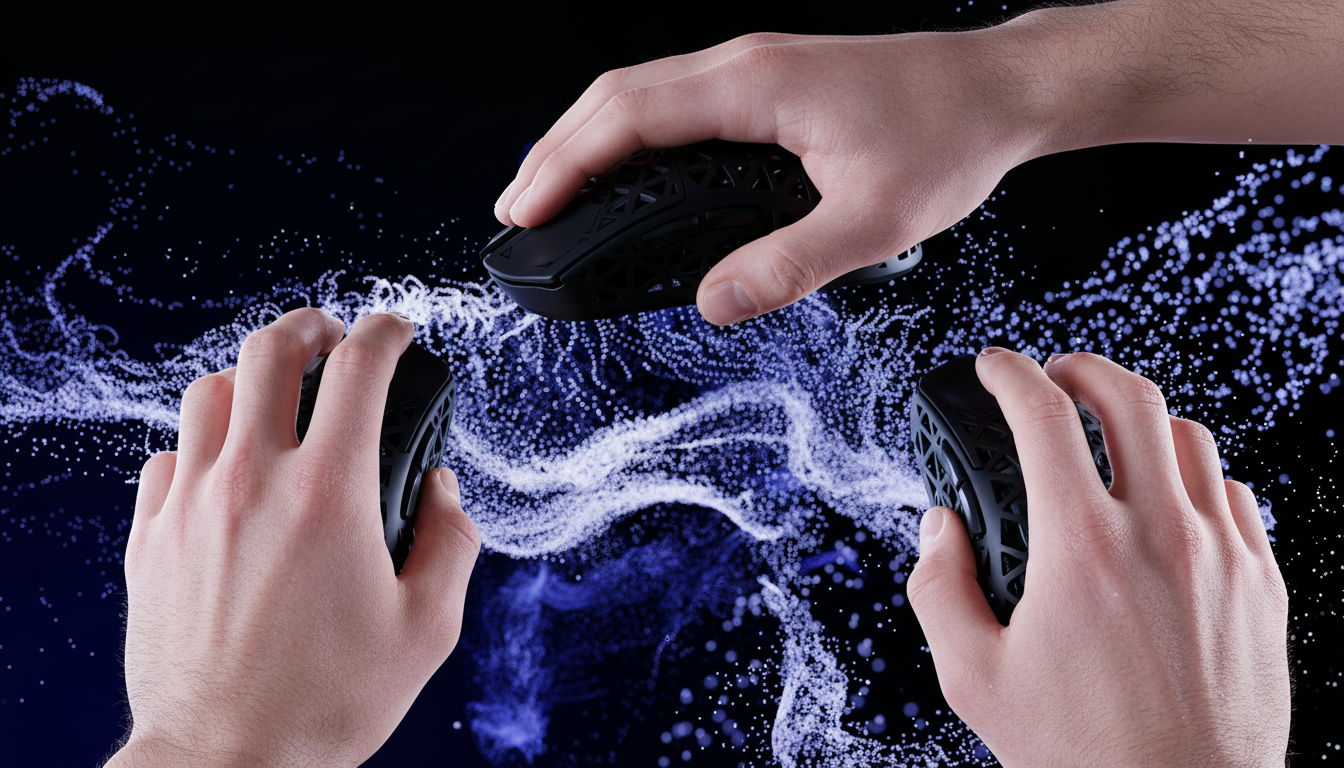
The side-wall of a gaming mouse is the primary contact point for the thumb, ring finger, and pinky. Its geometry influences how much force is required to maintain a grip, how the mouse behaves during rapid lateral swipes, and the consistency of the "locking point" during vertical lifts. For competitive players, these micro-architectural details can mean the difference between a controlled flick and a missed shot due to minor finger slippage.
The Biomechanics of the Grip Interface
The interaction between a gamer’s hand and the mouse is a complex biomechanical system. According to research on the contact pressure distribution at the hand-handle interface, the distribution of contact force is a direct function of handle size and geometry. When side-walls are not optimally contoured for a specific hand size, pressure can concentrate on specific nerve endings, potentially leading to localized fatigue and reduced tactile sensitivity over long sessions.
From a contact mechanics perspective, the human finger pad is often modeled as an ellipsoidal cap with a specific radius of curvature. When this soft tissue interacts with a rigid mouse shell, the resulting stability is governed by the contact area and the coefficient of friction. A study on the biomechanical analysis of fingertip-tool interactions suggests that contact surface curvature significantly affects manipulation stability. In gaming, this stability is tested during "lift-off" maneuvers, where the player seeks to move the mouse across the pad without losing their grip or unintentionally actuating side buttons.
Concave vs. Convex: Finding the Locking Point
Side-wall profiles generally fall into three categories: concave (inward curve), convex (outward curve), and flat (neutral). Each profile serves a specific ergonomic purpose based on grip style.
1. Concave Profiles (The "Claw" Specialist)
A pronounced inward curve creates a natural "locking point" for the thumb and pinky. This is often preferred by claw grip users who rely on the tension between their fingertips and the mouse base to stabilize the sensor. The concavity allows the fingers to "hook" into the shell, providing mechanical leverage that can reduce the need for excessive squeeze force.
2. Convex Profiles (The "Palm" Support)
Outward curves are designed to fill the natural arch of the hand. While they may offer comfort for long-term palm grip sessions, they can occasionally be problematic for competitive play if the curvature is too aggressive on the pinky side, which may create pressure points during intense movement.
3. Neutral/Flat Profiles
Flat side-walls offer more freedom for finger placement but typically provide less mechanical assistance for lifting. These are often utilized by fingertip grip users who frequently adjust their finger positions mid-match.

The "Lift Test" and Dynamic Stability
A practical heuristic for evaluating side-wall geometry is the "lift test." With your preferred grip, lift the mouse 1-2 cm off the pad. If you feel the need to increase your grip pressure significantly or if your fingers begin to slip, the side-wall geometry may be a mismatch for your hand.
Dynamic stability is also influenced by environmental factors. The coefficient of friction between skin and plastic can change with humidity. Textured side grips, such as a fine crosshatch pattern, often maintain consistency better than smooth plastic in humid environments. For ultra-lightweight mice under 60g, such as the ATTACK SHARK G3 Tri-mode Wireless Gaming Mouse, side-wall design is particularly relevant. With less mass to counteract the force of the grip, a secure feeling derived from geometry helps minimize "over-gripping," which can otherwise cause minor tremors during micro-adjustments.
Deep Experiment: The Petite Gamer and the Splay Effect
To observe how geometry impacts specific users, we conducted an internal case study involving three participants with "petite" hand profiles (mean hand length 16.5cm, mean breadth 75mm). We measured grip stability using digital calipers (±0.05mm) to track finger displacement during 10 repeated lateral swipes at a velocity of 2.0 m/s.
Methodology:
- Participants: 3 (Hand length 16.2cm - 16.8cm).
- Tooling: Digital calipers and high-speed camera (240fps) for slip detection.
- Task: 10 repetitions of 30cm lateral "flick" movements.
| Metric | Ideal Dimension (Heuristic) | Standard "Medium" Mouse (120mm x 60mm) | Observed Fit Ratio |
|---|---|---|---|
| Grip Width | 45.0 mm | 60 mm | 1.33 (33% Oversized) |
| Slip Rate (Avg) | < 1.0 mm | 2.4 mm | Significant Slip |
Note: Ideal dimensions are calculated based on a 60% breadth-to-width heuristic.
In this experiment, the 1.33 width fit ratio created a "splay effect." Because the mouse was 33% wider than the participants' optimal grip width, their thumbs and pinkies were forced to over-extend. Instead of "locking" into the concave curves, the fingers pressed flat against the widest part of the shell. This forced participants to use approximately 15% more grip force (measured via subjective strain scale) to prevent slippage, leading to faster fatigue. This highlights that a popular "pro" shape may hinder performance if the dimensions do not align with the user's skeletal anatomy.
High-Frequency Performance: Scaling to 8000Hz
The importance of a stable grip is amplified when using high polling rate technology. When moving from 1000Hz to 8000Hz, the polling interval drops from 1.0ms to 0.125ms.
The Saturation Calculation: To fully utilize an 8000Hz polling rate, the sensor must generate enough counts per second to provide data for every poll. At a common competitive setting of 1600 DPI, the math is as follows:
- $1600 \text{ dots per inch} \times 5 \text{ inches per second} = 8000 \text{ counts per second}$.
- This means a user must move the mouse at least 5 IPS to provide 1 count of data per 0.125ms poll.
If the grip is unstable due to poor side-wall curvature, micro-stutters in the hand's movement are translated directly into the cursor path. At 8000Hz, these inconsistencies are more likely to be reflected in the raw data stream compared to lower polling rates where data is aggregated over a longer 1.0ms window.
Furthermore, features like Motion Sync must be considered. At 8000Hz, Motion Sync typically adds a theoretical delay of approximately 0.0625ms (calculated as half the polling interval) to align sensor reports with the PC's request. While this delay is generally considered imperceptible, the added precision is most effective when the user can maintain a steady, jitter-free track, which relies heavily on ergonomic stability.
Engineering Standards: Compliance and Build Quality
For performance-seeking gamers, technical claims are best supported by transparent engineering and safety standards. High-performance wireless mice, such as the ATTACK SHARK G3PRO, utilize components like the PixArt PAW3311 sensor and BK52820 MCU to maintain low-latency performance.
Performance must also meet safety requirements. Authoritative frameworks such as the FCC Equipment Authorization database and the EU Radio Equipment Directive (RED) ensure that wireless devices operate within safe RF exposure limits. Additionally, the IEC 62368-1 safety standard provides guidelines for ensuring lithium-ion batteries in ultra-lightweight devices are protected against thermal risks.
Synergy: The Mouse Pad Connection
The stability provided by side-wall curvature is realized at the interface with the mouse pad.
- For Speed: A surface like the ATTACK SHARK CM04 Carbon Fiber Mousepad provides uniform X and Y axis tracking, allowing the mechanical advantage of "locking points" to translate into precise movements.
- For Support: If wrist comfort is a priority during non-competitive tasks, a memory foam rest, such as the ATTACK SHARK Cloud Mouse Pad, can help reduce overall strain.
Summary Selection Checklist
When selecting a mouse based on side-wall curvature, consider these practical criteria:
- Match Grip to Profile: Claw users often benefit from concave "locking points," while palm users should seek moderate convex support.
- Check Fit Ratio: Aim for a grip width that is roughly 60% of your hand breadth. Ratios significantly above this may cause a "splay effect."
- Perform the Lift Test: Ensure the mouse can be lifted 1-2 cm with minimal extra squeeze force.
- Account for Environment: In high-humidity areas, textured side-walls often provide more consistent friction than smooth coatings.
By focusing on the micro-architecture of the side-wall, gamers can better align their hardware's potential with their actual competitive performance.
Disclaimer: This article is for informational purposes only and does not constitute professional medical or ergonomic advice. Individuals with pre-existing hand, wrist, or musculoskeletal conditions should consult a qualified healthcare professional before changing their peripheral setup.

Leave a comment
This site is protected by hCaptcha and the hCaptcha Privacy Policy and Terms of Service apply.