

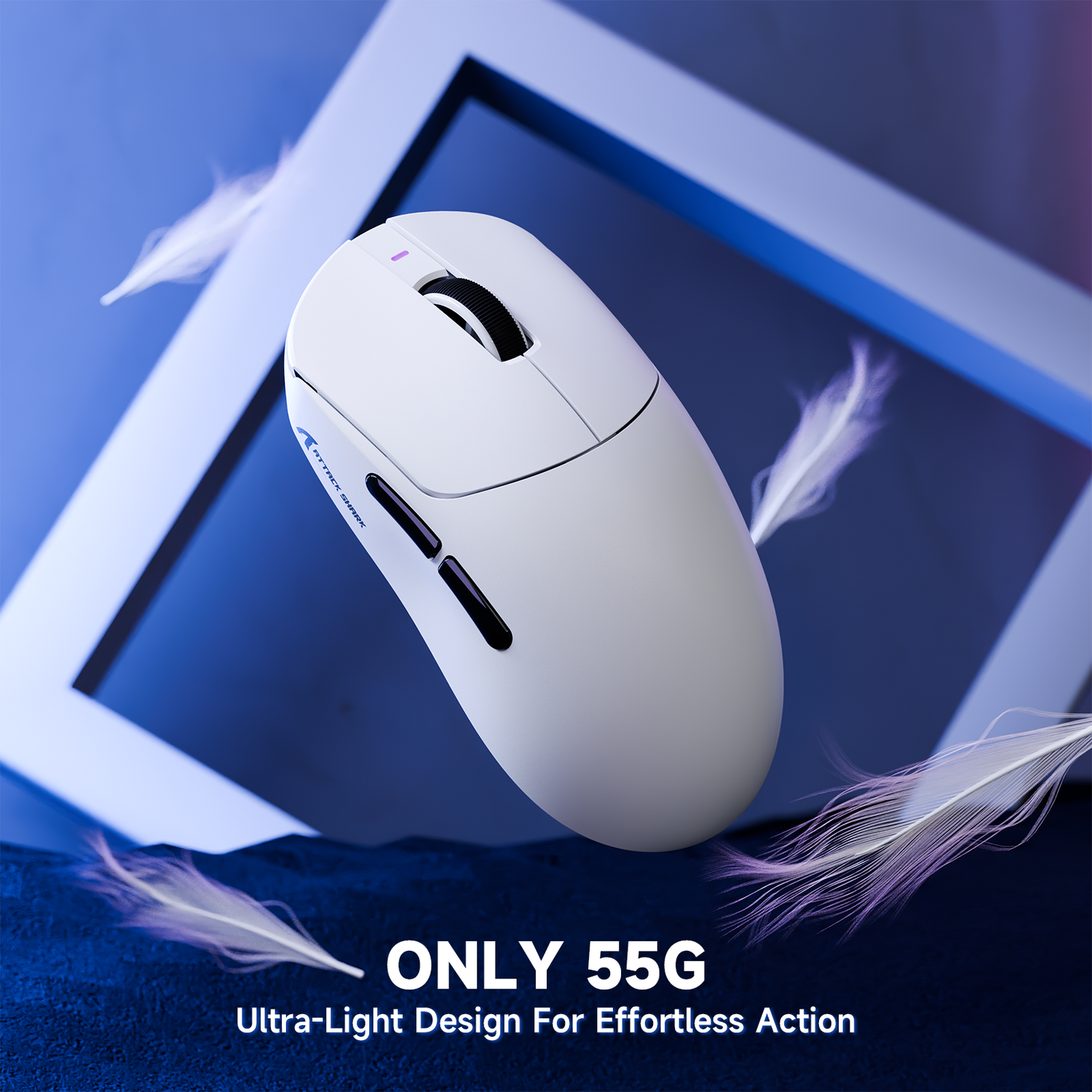
The Specification Credibility Gap: Why Ergonomics Dictate Performance
In the competitive gaming peripheral market, a significant "specification credibility gap" often exists between raw sensor data and actual in-game performance. While a mouse may boast a near-instant 1ms response time or a high-precision 8K polling rate, these technical advantages are frequently negated if the physical interface—the mouse shell—does not align with the user's hand dimensions. An ill-fitting mouse forces the hand into compensatory postures, leading to muscle tremors that degrade sensor tracking accuracy.
According to the Global Gaming Peripherals Industry Whitepaper (2026), achieving peak competitive performance requires a synergy between hardware specs and anthropometric fit. This guide establishes a data-driven framework for measuring hand size and selecting a mouse form factor that optimizes biomechanical efficiency.
Standardized Measurement Methodology
Accurate measurement is the foundation of ergonomic selection. A common mistake among gamers is measuring from the tip of the middle finger to the base of the palm's central crease. This method typically undersizes the hand by 5–10mm because it ignores the heel of the hand, which provides critical stability during palm and claw grip maneuvers.
The Correct Landmark: The Wrist Crease
The industry-standard landmark for hand length is the first wrist crease at the heel of the hand. To measure accurately:
- Hand Length: Place a ruler on a flat surface. Position the first wrist crease at the zero mark. Measure to the tip of the longest finger (usually the middle finger).
- Hand Width: Measure across the knuckles (metacarpophalangeal joints), excluding the thumb. This "breadth" measurement determines the "grip width" of the mouse, which is the most critical dimension for micro-adjustment control.
Methodology Note: These measurement protocols are aligned with ISO 7250-1:2017, which defines basic human body measurements for technological design. This ensures that the resulting data is comparable to global anthropometric databases.
Hand Size Tiering and Population Percentiles
To simplify the selection process, hand sizes are categorized into tiers based on length. These tiers correlate with population percentiles derived from the ANSUR II Anthropometric Database.
| Hand Size Tier | Length Range (cm) | Male Percentile | Female Percentile |
|---|---|---|---|
| Small | < 17.0 | < P5 | < P45 |
| Medium | 17.0 – 19.0 | P5 – P60 | P45 – P99 |
| Large | 19.0 – 21.0 | P60 – P99 | > P99 |
| Extra Large | > 21.0 | > P99 | N/A |
Users in the "Extra Large" category (>21.0cm) often face the greatest challenges, as most mainstream gaming mice are designed for the P50 male average (~18.8cm). For these users, a mouse that is too short prevents proper palm contact, significantly increasing the risk of fatigue during extended sessions.
The Grip-Fit Heuristics: Length and Width Ratios
Beyond basic categories, professional players use specific heuristics—rules of thumb—to determine if a mouse shell will support their specific grip style.
The 60% Width Rule
For fingertip grip users, practitioners find that the mouse grip width should be roughly 55–60% of the user's hand width. This ratio allows for optimal micro-adjustment control without causing thumb or pinky strain. If the mouse is wider than 65% of the hand width, the user may experience "width oversizing," leading to thumb compression and reduced dexterity.
The 0.64x Length Coefficient
For claw and hybrid grips, the ideal mouse length is often estimated using a 0.64x coefficient of the hand length. This provides enough surface area for palm contact at the rear hump while leaving sufficient space for the fingers to arch comfortably over the primary buttons.
Logic Summary: These ratios are heuristics used by gear enthusiasts and support engineers to provide quick selection guidance. They may vary based on the specific curvature (hump placement) of the mouse and individual joint flexibility.

Advanced Modeling: The "Precision Pete" Scenario
To demonstrate the impact of poor fit, consider a scenario model of "Precision Pete," a competitive FPS player with a hand length of 21.5cm (Extra Large) and a width of 8.5cm. Pete uses a hybrid claw/fingertip grip on a standard 120mm mouse.
Quantitative Fit Assessment
- Ideal Length: 21.5cm × 0.64 = 137.6mm.
- Current Fit Ratio: 120mm / 137.6mm = 0.87 (Undersized).
- Ideal Width: 85mm × 0.6 = 51mm.
- Current Width Ratio: 60mm / 51mm = 1.18 (Oversized).
This mismatch forces Pete to compensate. Behavioral adaptations include frequent grip adjustments (estimated at 3–5 per minute) and increased shoulder elevation to stabilize the mouse.
Biomechanical Risk Analysis
Using the Moore-Garg Strain Index (SI), a tool for analyzing the risk of distal upper extremity disorders, we can model the impact of Pete's setup during a 4-hour competitive session.
| Parameter | Value | Rationale |
|---|---|---|
| Intensity | High (2) | High exertion for micro-adjustments with long fingers |
| Efforts/Min | > 200 (4) | High actions per minute (APM) in FPS |
| Posture | Poor (2) | Hyperextended joints due to small mouse shell |
| Duration/Day | 4-8 hrs (1.5) | Typical competitive gaming workload |
| Final SI Score | 48 | Classification: Hazardous |
Modeling Transparency: This is a deterministic scenario model, not a controlled lab study. The SI score of 48 exceeds the standard hazardous threshold of 5, indicating that users with similar hand proportions using undersized equipment may experience significant physiological strain. These findings are directional and individual tolerance varies.
Performance Synergy: DPI, Polling, and Hand Size
Hand size also dictates the physical range of motion available for mouse movements, which in turn influences the required sensor settings.
Nyquist-Shannon DPI Minimums
A larger hand moving a mouse over a larger surface area requires a specific DPI (Dots Per Inch) to maintain "pixel-perfect" tracking. According to the Nyquist-Shannon Sampling Theorem, the sensor must sample at a rate higher than the visual signal's bandwidth to avoid "pixel skipping."
For a 1440p resolution setup with a 103° Field of View (FOV) and a sensitivity of 40cm/360, the calculated minimum DPI is approximately 1150. Users with large hands who prefer low-sensitivity "arm aiming" must ensure their mouse sensor can maintain stability at these DPI levels without introducing smoothing or jitter.
8000Hz (8K) Polling and System Bottlenecks
High-performance mice now offer 8000Hz polling rates, providing a near-instant 0.125ms polling interval. However, this performance is only achievable if the system can process the increased Interrupt Request (IRQ) load.
- CPU Load: 8K polling stresses single-core CPU performance.
- USB Topology: Devices must be connected to Direct Motherboard Ports (Rear I/O). Using USB hubs or front panel headers causes packet loss and shared bandwidth issues, negating the 0.125ms advantage.
- Motion Sync: At 8000Hz, Motion Sync adds a negligible delay of ~0.0625ms (half the polling interval), compared to ~0.5ms at 1000Hz.
Common Pitfalls in Mouse Selection
Even with accurate measurements, several "gotchas" can lead to a poor fit:
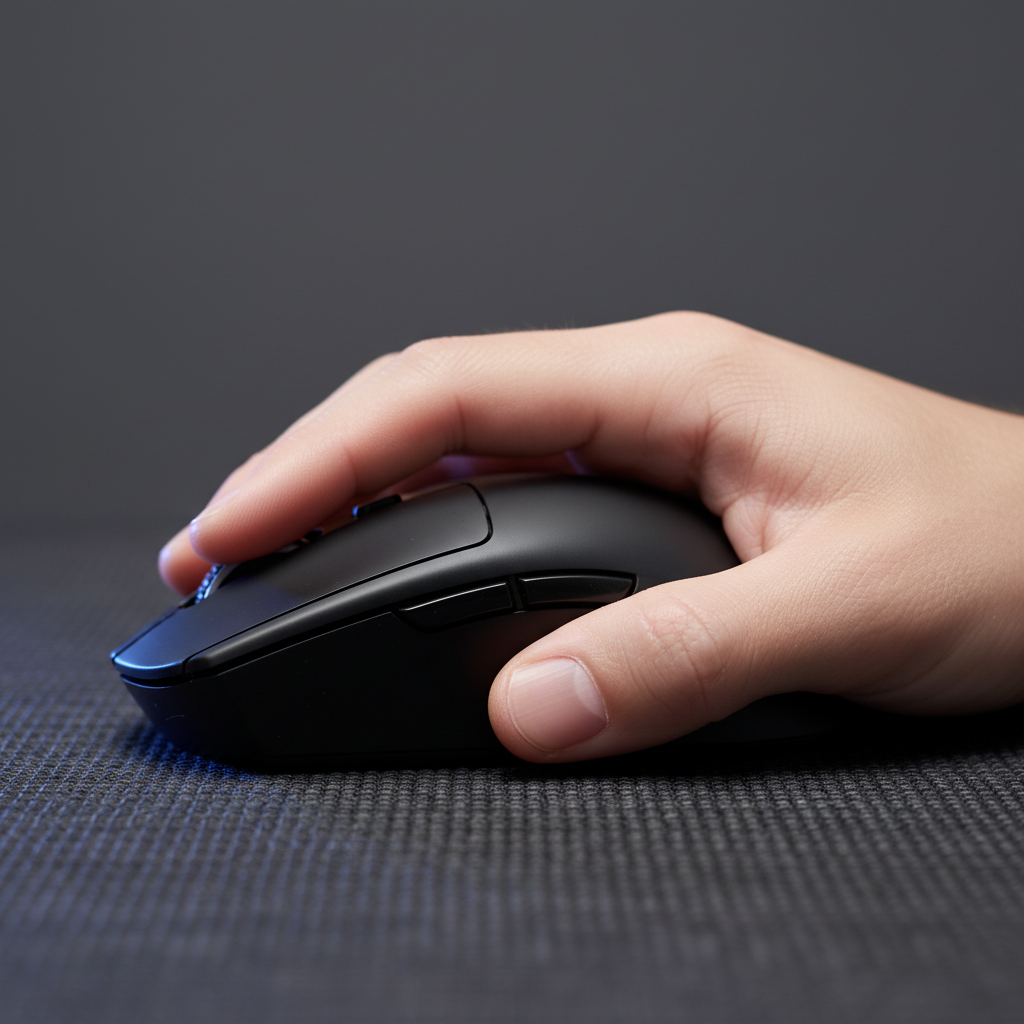
- The Hump Placement Failure: In claw grip, a frequent point of failure is a rear hump that is too low or too far back. This causes the knuckles to hyperextend. For optimal support, the hump should contact the center of the palm's metacarpal region. Mouse Hump Placement explores this mechanical interaction in detail.
- Finger Straightening in Palm Grip: For long MOBA/RTS sessions, a properly sized palm-grip mouse should allow the fingers to rest on the buttons with a slight, relaxed curve. If the fingers are fully straight, the mouse is too long, which will cause fatigue in the extensor muscles.
- Ignoring the Break-in Period: The break-in period for a new mouse shell and its internal switches is typically 7–10 hours of active use. Persistent wrist or finger discomfort after this period is a strong indicator of a poor fit, not just a temporary adjustment phase.
Safety, Compliance, and Material Integrity
Value-oriented gamers must also consider the regulatory compliance of their peripherals, as build quality directly impacts long-term health. Peripherals that meet the EU RoHS Directive 2011/65/EU and REACH Regulation ensure that the materials in contact with the skin are free from hazardous chemicals like lead or phthalates.
Furthermore, for wireless models, adherence to IATA 2025 Lithium Battery Guidance and FCC Equipment Authorization ensures that the internal power systems and radio frequencies are stable and safe for consumer use. Users can verify a brand's credibility by searching for the "Grantee Code" on the FCC ID database.
Summary of Actionable Steps
To find the perfect fit, users should follow this technical checklist:
- Measure correctly: Use the wrist crease landmark, not the palm base.
- Identify your tier: Use the ISO-based tiering table to find your size category.
- Apply heuristics: Check the 60% width rule and 0.64x length coefficient.
- Evaluate hump placement: Ensure the shell supports your metacarpal region based on your grip style.
- Verify specs: Ensure the DPI and polling rate (e.g., 8K) are supported by your system's CPU and USB topology.
Selecting a gaming mouse is not merely about aesthetic preference; it is an engineering decision that impacts both competitive ceiling and physiological longevity. By grounding selection in anthropometric data, gamers can bridge the specification credibility gap and unlock the full potential of high-performance hardware.
Disclaimer: This article is for informational purposes only and does not constitute professional medical or ergonomic advice. If you experience persistent pain, numbness, or tingling in your hands or wrists, consult a qualified healthcare professional or occupational therapist.


Leave a comment
This site is protected by hCaptcha and the hCaptcha Privacy Policy and Terms of Service apply.