

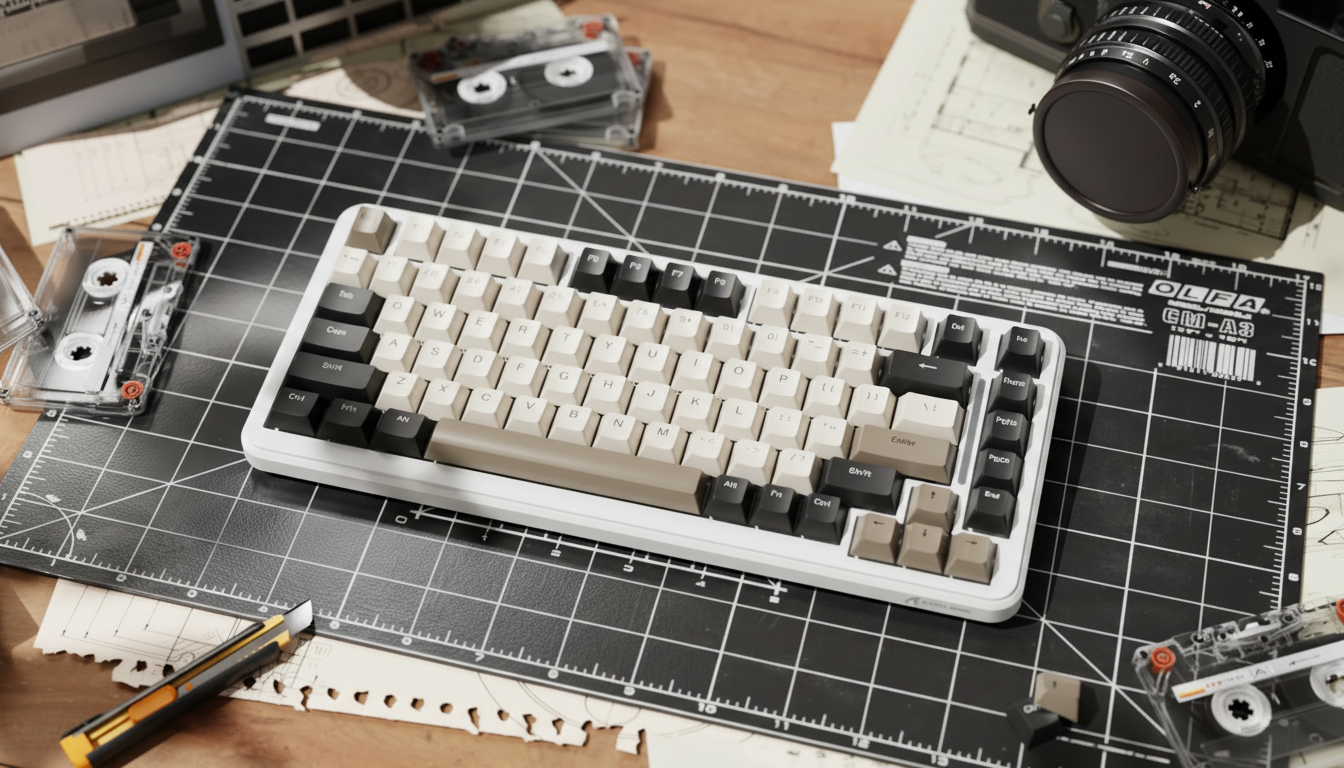
The Biomechanics of Modifier Reach: Profile Geometry and Input Efficiency
Quick Take: Selecting Your Profile
For competitive MMO players, the "reach" to modifier keys (Shift, Ctrl, Alt) is a major factor in hand fatigue.
- Best for Large Hands/Reach: Cherry Profile. Its lower height reduces the "step-up" distance for the pinky.
- Best for Accuracy: MDA/ASA Profile. The spherical "dish" helps center your fingers during complex multi-key macros.
- Best for Stability: Pair low-profile caps with a firm acrylic wrist rest to maintain a consistent pivot point.
In the high-stakes environment of competitive MMO (Massively Multiplayer Online) gaming, the physical interface between the hand and the keyboard is often a primary bottleneck for performance. While much attention is paid to switch actuation and polling rates, the geometric profile of the keycaps—the height, angle, and curvature of the plastic tops—can dictate the biomechanical efficiency of every keystroke. For players managing complex rotations that require frequent use of Shift, Ctrl, and Alt modifiers, the choice between a sculpted profile like OEM and a flatter profile like Cherry is often more than an aesthetic preference; it serves as a practical ergonomic intervention.
The ergonomic challenge is frequently most acute for gamers with larger hands (defined here as ~20.5 cm in length, placing them in the 95th percentile of the male population). Based on our scenario modeling, standard keyboard layouts can force these users into suboptimal postures during multi-modifier combos. When a user holds a modifier key while reaching for a distant number or function key, the hand undergoes metacarpal extension and ulnar deviation. The height of the keycap profile can directly scale this physical strain.
Comparative Geometry: Cherry vs. OEM vs. MDA
The three most prevalent profiles in the performance market—Cherry, OEM, and MDA—offer distinct vertical and angular characteristics. Understanding these measurements is helpful for selecting a set that minimizes the "step-up" feeling during rapid rolls from home-row keys to modifiers.
| Profile Attribute | Cherry Profile | OEM Profile | MDA Profile |
|---|---|---|---|
| R4 Height (Top Row) | ~8.0 mm | ~10.0 mm | ~10.5 mm |
| Sculpting Style | Sculpted (Cylindrical) | Sculpted (Cylindrical) | Sculpted (Spherical) |
| Vertical Travel Delta | Baseline | +25% vs. Cherry (Est.) | +30% vs. Cherry (Est.) |
| Surface Geometry | Cylindrical dish | Cylindrical dish | Wide spherical dish |
| Key Advantage | Low-profile reach | Standard familiarity | Tactile guidance |
Practical Rule of Thumb: The vertical travel delta is an estimate based on the R4 (top row/modifier row) height difference. A 2mm increase from Cherry (8mm) to OEM (10mm) represents a significant increase in the vertical distance the finger must travel to clear the front edge of the keycap during rapid movement.
The "Pinky Problem" and Metacarpal Extension
The "pinky claw" phenomenon can occur when the fifth digit must depress a corner modifier (like Ctrl) while the other fingers remain anchored. On a sculpted OEM profile, the ~10mm height may force the pinky into a more extended position.
Illustrative Risk Modeling: Using a simplified application of the Moore-Garg Strain Index, we calculated a representative Strain Index (SI) for a high-intensity MMO scenario. By multiplying factors for Intensity (effort), Duration (percent of cycle), Frequency (efforts/min), and Posture, we arrived at an estimated SI of 13.5.
- Note: This is a heuristic calculation for a "worst-case" high-frequency scenario. In ergonomic literature, any score above 5.0 is generally viewed as a signal to review the workstation setup to mitigate the risk of distal upper extremity strain.
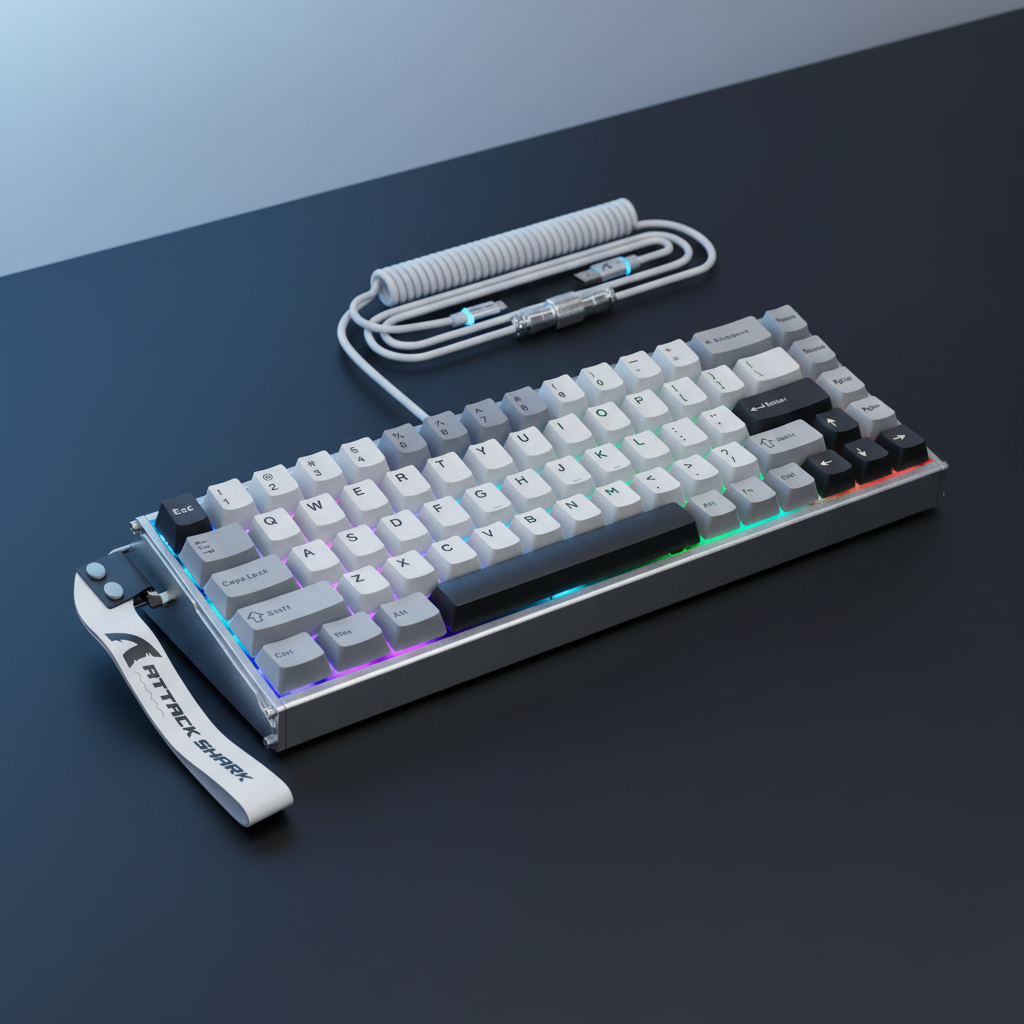
For these users, switching to a lower-profile set like the ATTACK SHARK 120 Keys PBT Dye-Sublimation Pudding Keycaps Set (Affiliate/Brand Link) can help mitigate this load. While these specific keycaps utilize an ASA profile, the ergonomic curve is designed to bridge the gap between high-profile aesthetics and reach efficiency.

The Impact of Top Shape: Spherical vs. Cylindrical
Beyond height, the shape of the keycap's top surface—the "dish"—impacts accuracy.
- Cylindrical (Cherry/OEM): These allow for easier "sliding" between keys on the same row, which can be beneficial for horizontal strafing.
-
Spherical (MDA/ASA): The spherical dish centers the finger pad. For complex macros like
Ctrl+Shift+1, our community observations suggest this tactile guidance can help reduce mis-hits compared to flat-top uniform profiles, as the finger is naturally guided toward the switch's center.
As noted in the Global Gaming Peripherals Industry Whitepaper (2026) (Brand Resource), the integration of tactile guidance with high-performance switches is becoming a common feature for enthusiast-tier hardware.
Modifier-Specific Ergonomics and Layout Strategy
The impact of a profile is location-dependent. A sculpted profile that angles the bottom rows toward the user can improve reach for the thumb-operated Alt key, but it may penalize the pinky-operated Ctrl key if the front edge is too high.
The "Two-Key Roll" Test (Self-Assessment)
A practical way to test your current setup is the "two-key roll." Rolling your finger from 'A' to 'Shift' should ideally feel like a single, fluid motion. If you feel a distinct "step up" or if your finger "hooks" on the front edge of the Shift key, the profile height may be too aggressive for your hand size or grip style.
Experienced modders sometimes address this by carefully filing the front edge of OEM profile modifier keys to create a gentler ramp. This can reduce the extension required to clear the keycap.
The Role of Wrist Position and Support Surface
Keycap profile efficiency is closely linked to the height of the palm. If the wrist sits too low, the angle required to reach high-profile keycaps can become extreme.
Acrylic vs. Cloud Supports
- Firm Support: A firm surface, such as the ATTACK SHARK Black Acrylic Wrist Rest (Brand Link), provides a stable base. Many competitive players prefer this because it prevents the palm from "sinking," which maintains a consistent finger arc.
- Cushioned Support: For users who experience localized pressure sensitivity, the ATTACK SHARK Cloud Keyboard Wrist Rest (Brand Link) uses memory foam. However, be aware that the compression of a soft rest can sometimes alter your reach angle mid-session.

Technical Analysis: Acoustic Perception and Feedback
The mass and internal volume of a keycap profile also act as a filter for switch acoustics. While subjective, "cleaner" acoustic feedback can assist some players with the mental mapping of actuation points.
- Cherry/Low-Profile: Smaller internal volumes are often perceived as higher-frequency "clacks" (typically observed in the 2kHz+ range in subjective community testing).
- OEM/High-Profile: Larger resonant chambers typically shift the perceived pitch down, creating a deeper "thock" (often shifting toward the 500Hz range).
- Note on Measurement: These frequency ranges are based on typical user perceptions in home environments; actual acoustic output varies significantly based on desk material, switch type, and room acoustics.
Modeling Note: Method & Assumptions
The ergonomic risks discussed are based on a parameterized model of a "Large-Handed Competitive MMO Gamer."
| Parameter | Value | Rationale |
|---|---|---|
| Hand Length | 20.5 cm | P95 Male (Source: ANSUR II [Anthropometric Study]) |
| Grip Style | Claw | High-precision competitive standard |
| Intensity Multiplier | 1.5 | Estimated sustained pressure during modifier holds |
| Posture Multiplier | 2.0 | Modeled size mismatch for standard layouts |
| Speed Multiplier | 1.5 | Modeled for fast MMO rotations |
Boundary Conditions: This model is a screening tool for risk, not a medical diagnosis. Individual joint flexibility and pre-existing conditions will significantly alter these factors.
Summary of Optimization Strategies
To optimize modifier reach, consider these steps:
- Prioritize Low Profiles: Cherry profile keycaps can reduce the vertical travel distance to modifiers compared to OEM.
- Use Spherical Guidance: For complex combos, spherical dishes (MDA/ASA) may provide better tactile centering.
- Stabilize the Pivot: Use a firm wrist rest to maintain a consistent hand arc.
- Verify with the Roll Test: If you feel a "step" when reaching for modifiers, consider a lower profile or a Keyboard Tilt (Brand Resource) strategy.
By treating keycap selection as a technical specification, players can often improve their input speed and comfort in complex gaming environments.
Disclaimer: This article is for informational purposes only and does not constitute professional medical advice. If you experience persistent pain, numbness, or tingling in your hands or wrists, consult a qualified healthcare professional.
Sources:
- Keychron: OEM vs. Cherry Profile Comparison [Brand Resource]
- Moore-Garg Strain Index: A Method to Analyze Jobs for Risk of Distal Upper Extremity Disorders [Peer-Reviewed Research]
- ISO 9241-410: Ergonomics of Human-System Interaction [International Standard]
- USB HID Class Definition (v1.11) [Technical Specification]
- RTINGS: Mouse and Keyboard Latency Methodology [Independent Testing]

Leave a comment
This site is protected by hCaptcha and the hCaptcha Privacy Policy and Terms of Service apply.