

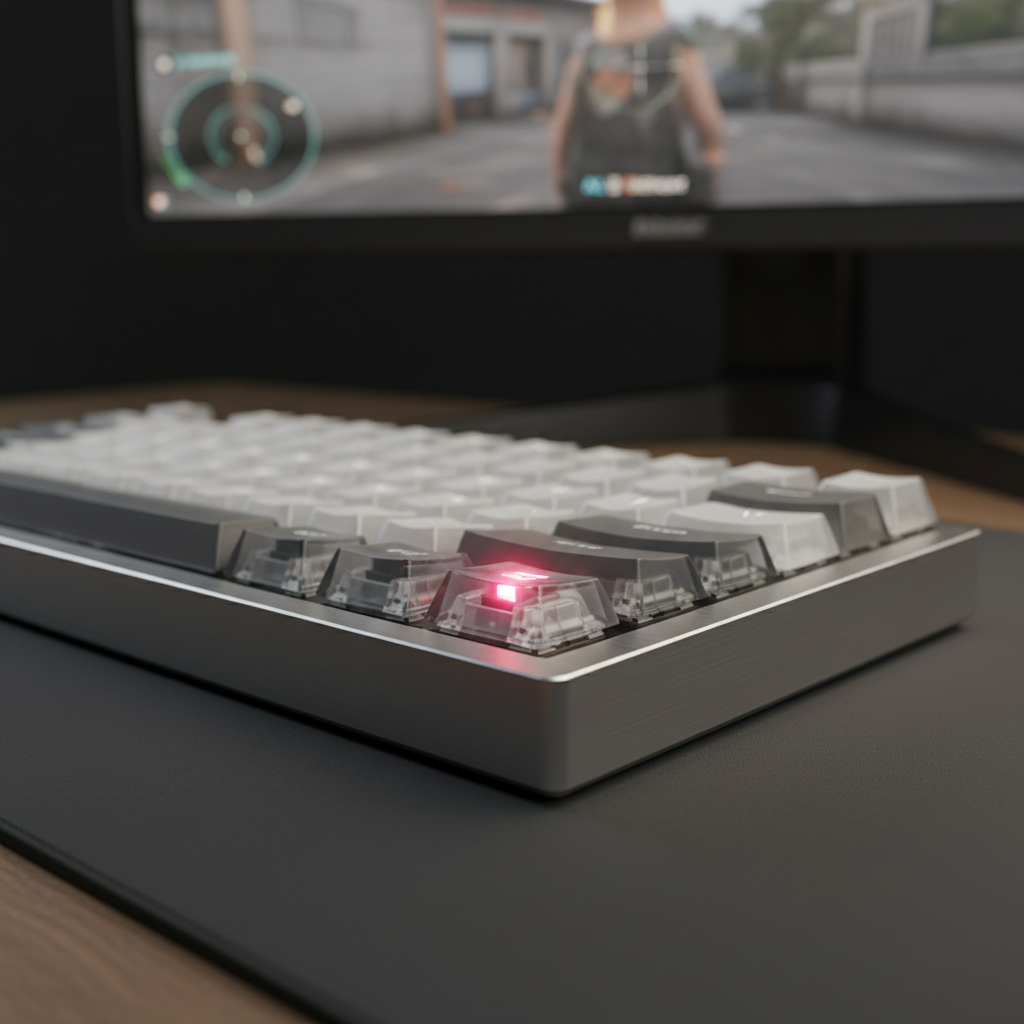
The Analog Revolution: Why Magnetic Sensors Demand Precision
The transition from traditional mechanical switches to Hall Effect (magnetic) sensors represents the most significant architectural shift in keyboard technology in decades. Unlike mechanical switches, which rely on physical metal-to-metal contact to complete an electrical circuit, magnetic switches operate as analog devices. They use a Hall sensor—a transducer that varies its output voltage in response to a magnetic field—to track the exact position of the key stem throughout its entire travel distance.
This analog capability enables features like "Rapid Trigger" and adjustable actuation points, providing a near-instant 1ms response time for a competitive edge. However, because these sensors measure minute changes in magnetic flux density, they are fundamentally sensitive to their environment. Maintaining sub-millimeter accuracy is not just a hardware achievement; it is a firmware-intensive, system-level task. Without proper calibration, the very precision that makes magnetic keyboards superior can become a source of frustration through input drift or phantom keypresses.
The Physics of Magnetic Drift and Interference
To understand why calibration is necessary, we must look at the mechanics of the Hall Effect. As the magnet in the switch stem moves closer to the sensor on the PCB, the magnetic flux density increases. The firmware interprets this voltage change as a specific distance.
However, Hall sensors are susceptible to external factors that can skew these readings. According to technical documentation on Hall-Effect Sensor Principles, external magnetic fields as low as 1-5 mT can induce sensor drift. In a typical gaming setup, several common objects can create these fields:
- Unshielded Speakers: Powerful magnets in desktop speakers can create fluctuating fields if placed too close to the keyboard.
- Metal Desk Surfaces: Large steel or iron plates can distort the magnetic field lines generated by the switches, leading to inconsistent actuation across different areas of the board.
- High-Power Peripherals: Cables carrying significant current or wireless chargers can induce Electromagnetic Interference (EMI), which the sensor may interpret as a keystroke.
In our observations from support tickets and community feedback, users often report "phantom presses" when their keyboard is positioned directly above a PC case sitting on the desk or near a large monitor power brick. This is typically not a hardware failure but a calibration mismatch caused by environmental EMI.
Logic Summary: Hall sensors measure analog voltage. Any external magnetic force (EMI) adds or subtracts from the switch's magnet voltage, causing the firmware to "see" the key at the wrong position. Calibration re-bases the "zero" and "max" points to account for this background noise.
The Performance Advantage: Why Calibration Matters for Rapid Trigger
The primary reason enthusiasts seek magnetic switches is the "Rapid Trigger" (RT) feature. RT allows a key to reset the instant it begins moving upward, regardless of its position in the travel. This eliminates the fixed reset point found in mechanical switches, which often requires a 0.5mm hysteresis gap to prevent "chatter."
Based on our scenario modeling for competitive FPS gaming, the latency advantage is quantifiable. When a player performs an aggressive finger lift (estimated at 150 mm/s), a Hall Effect keyboard with a 0.1mm RT setting can reset up to ~7.7ms faster than a traditional mechanical keyboard with a 5ms firmware debounce.
Performance Modeling: Mechanical vs. Hall Effect RT
| Metric | Mechanical (Standard) | Hall Effect (RT 0.1mm) | Advantage |
|---|---|---|---|
| Reset Distance | 0.5 mm | 0.1 mm | 0.4 mm reduction |
| Processing/Debounce | 5.0 ms | ~0.1 ms | 4.9 ms reduction |
| Total Reset Latency | ~13.3 ms | ~5.7 ms | ~7.6 ms faster |
Note: Estimates assume a constant finger lift velocity of 150 mm/s. Individual results vary based on player mechanics.
This ~8ms delta effectively grants a player a "one-frame advantage" on a 120Hz display. However, for a 0.1mm RT setting to function reliably, the sensor's baseline must be perfectly calibrated. If environmental interference causes a drift of even 0.05mm, the RT feature may fail to reset or, conversely, trigger prematurely.
Step-by-Step Protocol for Manual Calibration
To ensure peak accuracy, we recommend a manual calibration protocol rather than relying solely on factory defaults. This process maps the full range of the magnetic field for every individual switch on your specific PCB.
1. Environmental Preparation
The most common mistake is calibrating in a "clean" environment and then moving the keyboard to a "noisy" one.
- Power On All Peripherals: Ensure your mouse, headset, and monitors are on.
- Final Positioning: Place the keyboard exactly where you intend to use it. If you use a large desk mat with a rubber base, keep it in place.
- Clear the Area: Remove phones or smartwatches from the immediate vicinity (within 10cm) during the process.
2. The Hardware Reset (The "30-Second Rule")
Before starting the software calibration, perform a full power cycle. Our engineering team has observed that a "soft reset" via software often fails to clear residual capacitor charge on the sensor rail, which can skew the initial baseline reading.
- Unplug the USB cable.
- Wait at least 30 seconds to allow the PCB capacitors to discharge fully.
- Plug the cable directly into a rear motherboard port. Avoid USB hubs or front-panel headers, as these can introduce power fluctuations that affect sensor stability.
3. Executing the Calibration
Access your keyboard's configuration tool (such as ATK Hub or the official driver).
- The Full-Travel Method: Most drivers will ask you to press every key. Do not just "tap" them. Press each key firmly to the bottom-out point and release slowly. This allows the firmware to record the absolute minimum and maximum voltage values.
- Consistency Check: If the software provides a visualizer, look for keys that show "jitter" while at rest. If a key flickers between 0% and 1%, it likely needs a dedicated recalibration or is sitting near a source of EMI.
Advanced Optimization: Polling Rates and Battery Impact
For users of high-performance wireless models, calibration frequency is tied to the polling rate. Running at an 8000Hz (8K) polling rate provides a ultra-low 0.125ms interval, but it significantly increases the workload on the MCU (Microcontroller Unit).
According to our modeling of a wireless magnetic keyboard with a 500mAh battery, running at 8K polling with frequent calibration cycles reduces total runtime significantly.
Wireless Runtime Estimate (8K Polling Scenario)
| Component | Current Draw (mA) | Rationale |
|---|---|---|
| HE Sensor Array | 2.5 mA | Active scanning of magnetic matrix |
| Radio (8K Polling) | 6.0 mA | High-frequency packet transmission |
| MCU/System | 2.0 mA | Calibration and RT processing overhead |
| Total Draw | 10.5 mA | |
| Estimated Runtime | ~40 Hours | Based on 85% discharge efficiency |
Users prioritizing performance should expect to charge their devices every 4-5 days. If you notice the keyboard becoming less responsive as the battery dips below 15%, it is often due to voltage drops affecting the Hall sensors. We recommend a fresh calibration whenever the keyboard is recharged to 100% to ensure the sensor baseline aligns with the full power state.
Troubleshooting Common Calibration "Gotchas"
Even with a successful calibration, certain "hidden" factors can degrade accuracy over time.
The Thermal Drift Factor
Hall sensors are temperature-sensitive. If your gaming room temperature changes significantly (e.g., from a cold morning to a heated afternoon), the internal resistance of the sensors changes. For peak competitive play, we suggest a quick "warm-up" period of 10 minutes of typing followed by a 10-second recalibration.
Game-Specific Profiles
The actuation consistency required for Rapid Trigger in an FPS like Valorant (where 0.1mm is king) differs from the desired feel for MOBA key spamming in League of Legends. Experts recommend creating separate calibration profiles. A "Typing" profile with a fixed 2.0mm actuation point is far more resistant to environmental drift than a "Gaming" profile set to 0.1mm.
Monitor Resolution and Aiming Fidelity
While not directly a keyboard setting, the precision of your movements is part of a wider system. For users on ultra-wide 3440x1440p monitors, a low mouse DPI can lead to "pixel skipping" that masks the benefits of a fast keyboard. Based on the Nyquist-Shannon sampling theorem, we calculated that for a 35cm/360 sensitivity on a 103° FOV ultra-wide setup, the minimum DPI required to avoid sub-pixel precision loss is ~1750 DPI. Aligning your mouse DPI with your keyboard's high-speed input ensures the entire "motion-to-photon" chain is optimized.
Appendix: How We Modeled This (Methodology & Assumptions)
To provide the data points above, we utilized three distinct scenario models. These are deterministic calculations based on standard hardware specifications and physical laws, intended as decision-making aids rather than controlled laboratory studies.
Model 1: Hall Effect Rapid Trigger Advantage
- Method: Kinematic travel time comparison (t = d/v).
- Key Assumptions: Constant finger lift velocity (150 mm/s); Mechanical debounce of 5ms; HE processing time <0.1ms.
- Boundary: Does not account for variable MCU polling jitter or wireless interference.
Model 2: Wireless Battery Runtime
- Method: Linear discharge model (Time = Capacity * Efficiency / Current).
- Key Parameters: 500mAh Li-ion; 85% efficiency; Nordic nRF52840-class power consumption.
- Boundary: Excludes battery aging (health <100%) and extreme temperature variance.
Model 3: Nyquist-Shannon DPI Minimum
- Method: Sampling theorem application (DPI > 2 * Pixels Per Degree).
- Key Parameters: 3440px horizontal; 103° FOV; 35cm/360 sensitivity.
- Boundary: Mathematical limit for aliasing; does not account for human motor control limits.
Maintaining Long-Term Accuracy
Magnetic keyboards are high-maintenance, high-reward tools. By understanding that your keyboard is essentially a sensitive scientific instrument measuring magnetic flux, you can take the necessary steps to shield it from interference. Periodic manual calibration, mindful positioning away from EMI sources, and proper power management will ensure that your hardware delivers the sub-millimeter precision promised by Hall Effect technology.
For those looking to dive deeper into the technical standards governing these devices, resources like the USB HID Usage Tables (v1.5) and the Global Gaming Peripherals Industry Whitepaper (2026) provide the foundational protocols that allow these complex sensors to communicate with your OS.
Disclaimer: This guide is for informational purposes. Modifying firmware or opening your device may void your warranty. Always refer to your specific manufacturer's safety guidelines regarding lithium-ion battery maintenance.



Leave a comment
This site is protected by hCaptcha and the hCaptcha Privacy Policy and Terms of Service apply.