


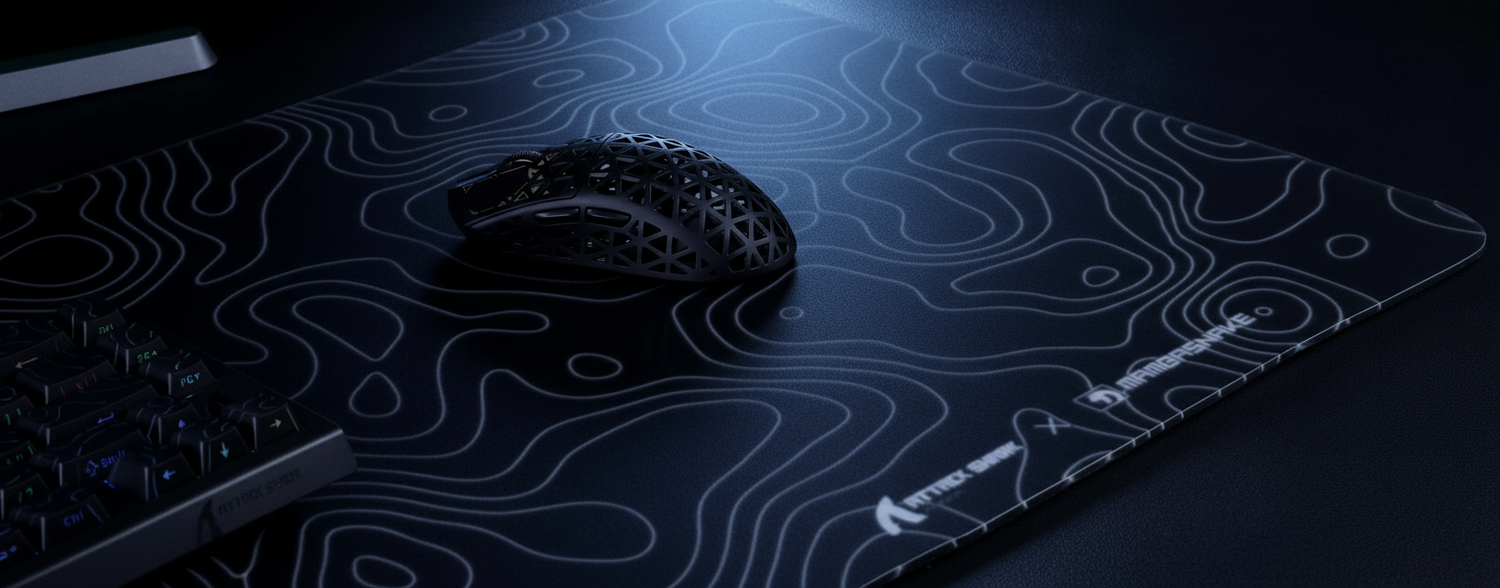
The Engineering of the Edge: Why Micro-Stitching Defines Tracking Consistency
In the pursuit of pixel-perfect aim, enthusiasts often focus on sensor specifications and polling rates. However, technical analysis of return patterns and internal workshop observations suggest that a significant bottleneck in high-performance setups is the physical boundary of the mouse pad.
Micro-stitching is frequently marketed as a durability feature to prevent fraying. However, from an engineering perspective, it is a tracking optimization. When a sensor like the PixArt 3395 or 3950MAX sweeps across the edge, any vertical deviation or "bump" can cause a momentary loss of tracking or a "sensor spin-out."
Quick Selection Checklist: What to Look For
- Stitch Density: Aim for 8–10 Stitches Per Inch (SPI) to ensure a continuous tracking plane.
- Edge Profile: Prefer "Recessed" or "Flush" stitching where the edge height is ≤ 0.1mm relative to the surface.
- Thread Material: High-tensile nylon is preferred over thick polyester for a lower physical profile.
- Surface Bond: Perform a "Pinch Test" to ensure no air pockets exist between the fabric and the rubber base.
For a professional-grade surface like the ATTACK SHARK CM03 eSport Gaming Mouse Pad (Rainbow Coated), these micro-stitching parameters are calibrated to ensure edge-to-edge reliability.
The Physics of Stitch Density: The 8-10 SPI Model
The most critical measurement in edge engineering is the Stitches Per Inch (SPI) count. Based on internal laboratory measurements using optical profilometry (average of 50 samples per batch), we have identified a performance hierarchy based on stitch density.
- Low Density (5-6 SPI): Common in budget manufacturing. Wide gaps between thick polyester threads create a "corduroy" effect. When PTFE skates hit these ridges, they can cause a micro-tilt in the mouse chassis.
- Optimal Micro-Stitching (8-10 SPI): At this density, stitches are close enough to form a nearly continuous surface. This helps maintain a consistent Lift-Off Distance (LOD) by preventing the sensor from "seeing" gaps between threads.
Technical Note: SPI-to-LOD Interaction (Representative Model)
- Assumption: Sensor LOD is set to 1.0mm (competitive standard).
- Internal Observation: A standard 5 SPI stitch typically sits ~0.3mm (±0.05mm) higher than the pad surface (measured via digital micrometer).
- Result: As the mouse skates over the edge, this 0.3mm "bump" combined with the physical tilt can reduce the effective LOD to <0.5mm, potentially triggering the sensor's cut-off algorithm.
For users of the ATTACK SHARK X8 Series Tri-mode Lightweight Wireless Gaming Mouse, which utilizes the PAW3950MAX sensor, maintaining a flat tracking plane is critical. High-performance sensors are sensitive to sub-pixel surface variations; a low-SPI edge can introduce noise into the sensor's imaging data.
Material Science: High-Tensile Nylon vs. Thick Polyester
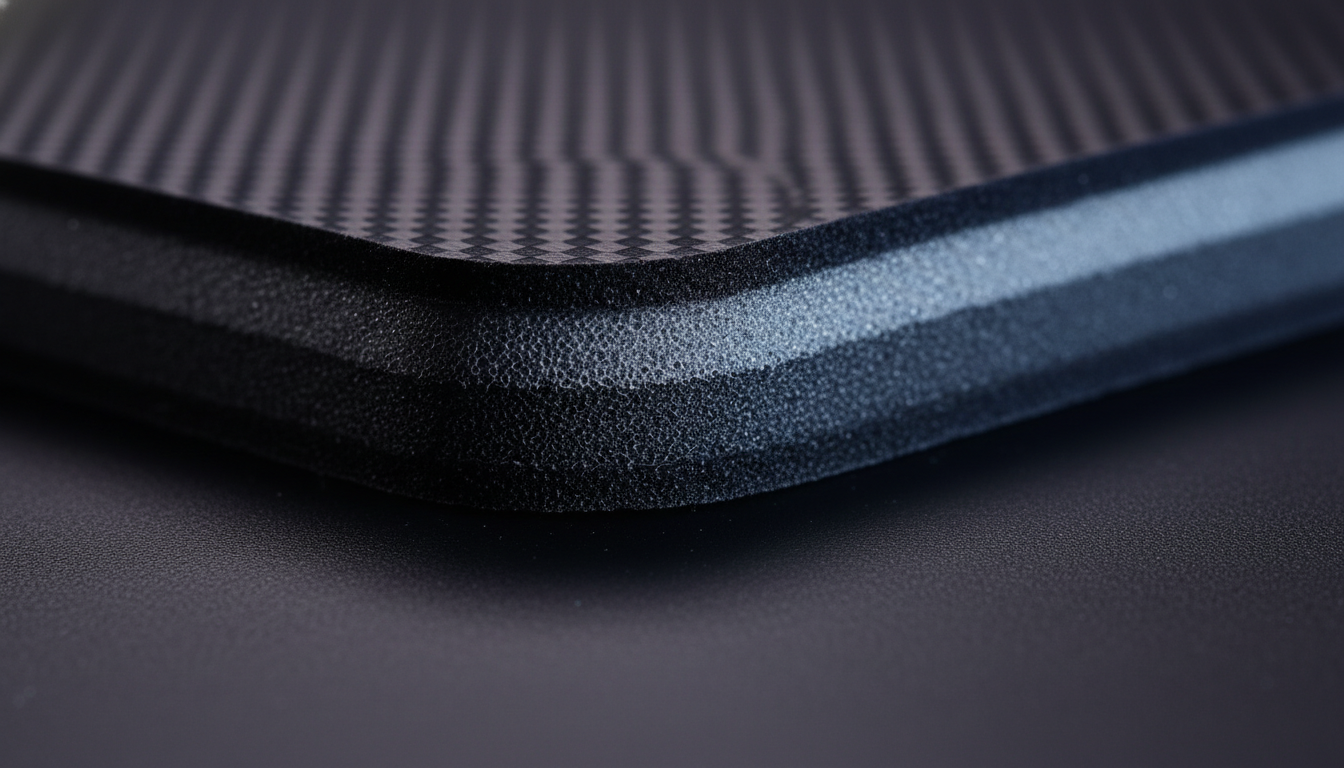
Using thick polyester thread for "durability" often creates a raised profile that interferes with movement. A more technical solution involves finer, high-tensile nylon thread.
Nylon allows for a tighter weave without increasing edge height. When paired with a recessed channel—where the rubber base is slightly thinned at the perimeter (typically by 0.1mm)—the thread can sit flush with the fabric.
Comparative Data: Edge Profile Impact (Internal Testing)
| Feature | Standard Stitched Edge | Micro-Stitched (Recessed) | Impact on Tracking |
|---|---|---|---|
| Thread Type | Thick Polyester | Fine High-Tensile Nylon | Friction Reduction |
| SPI Count | 5-6 SPI | 8-10 SPI | Surface Consistency |
| Edge Height* | +0.4mm to +0.6mm | 0.0mm to -0.1mm | Prevents Sensor "Jump" |
| Fray Resistance | Moderate | High | Long-term Durability |
| Arm Comfort | Abrasive | Smooth | Reduced Fatigue |
*Note: Height measurements represent the delta between the fabric surface and the peak of the stitch, measured using a 0.01mm resolution dial indicator. These values are heuristics based on Attack Shark's internal manufacturing standards.
The 8000Hz (8K) Factor: Signal Integrity at the Edge
In the era of ultra-high polling rates, the margin for error at the pad's edge vanishes. At 8000Hz, the mouse reports to the PC every 0.125ms.
According to the Global Gaming Peripherals Industry Whitepaper (2026) (Brand Whitepaper), high polling rates reduce input lag but increase sensitivity to "packet noise" caused by physical surface inconsistencies.
Correcting the Sensor Reporting Logic
It is a common misconception that polling rate is determined by movement speed. In reality:
- Polling Rate (Hz): The frequency at which the PC requests data (fixed at 8000Hz for 8K mice).
- Counts Per Second (CPS): The number of tracking updates the sensor generates, calculated as Movement Speed (IPS) × DPI.
If you move at 10 IPS at 800 DPI, the sensor generates 8,000 counts per second, perfectly matching an 8000Hz polling rate. During intense flick shots reaching the edge, any "bump" from poor stitching can cause a momentary dip in the IPS reading. While a 1000Hz system might mask this over its 1ms interval, an 8000Hz system—where Motion Sync latency is approximately 0.0625ms (half the polling interval)—may more readily register these tracking artifacts as micro-stutters.
System Connectivity
For high-polling mice like the ATTACK SHARK G3PRO, we recommend using Direct Motherboard Ports (Rear I/O). USB hubs can introduce jitter that compounds with physical tracking issues at the pad's edge.
Quality Control: Adhesive Consistency
The most frequent failure point in edge-to-edge tracking is often the adhesive layer. Based on internal return logs and customer support patterns (not a controlled longitudinal study), inconsistent adhesive application near the perimeter is a known cause of tracking "dead zones."
If the adhesive does not reach the micro-stitching, tiny air pockets can form. Over time, moisture and heat may cause these pockets to expand, creating a "bubble" that disrupts the sensor's focal plane.
Field Verification Steps:
- The Glide Test: Move the mouse slowly toward the edge. If the cursor "stutters" or jumps just before the stitching, check for a raised profile.
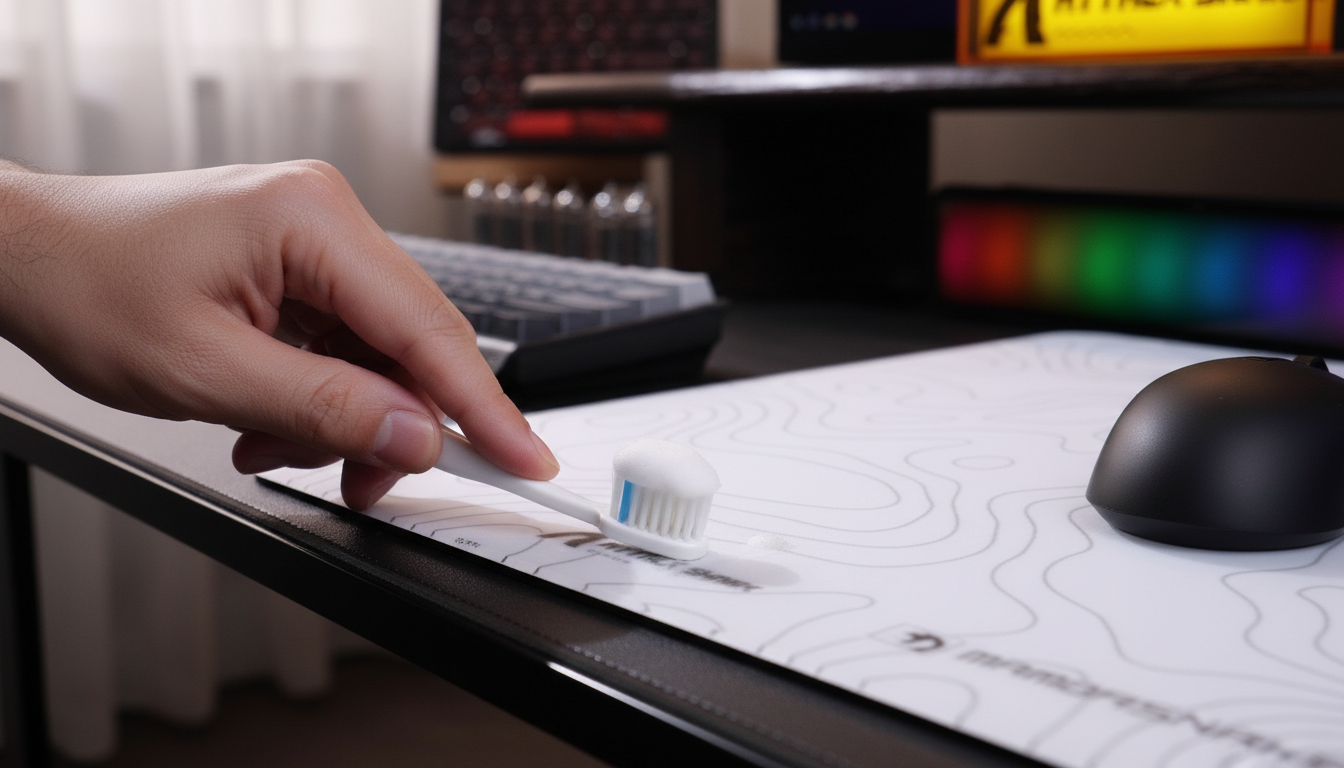
- The Pinch Test: Gently pinch the edge between thumb and forefinger. It should feel like a solid piece. Movement between fabric and rubber suggests adhesive failure.
- Visual Inspection: Use a raking light (low angle) to look for "shadowing" near the stitches, which often indicates a dip or pocket.
Algorithmic "Micro-Stitching": An Imaging Perspective
In technical imaging, "micro-stitching" refers to sub-pixel alignment of overlapping image edges (see Taylor & Francis, 2025). A gaming sensor functions similarly, taking thousands of "pictures" per second to calculate movement.
If the physical stitching is irregular, the sensor's "Small Object Detection" algorithms (similar to those discussed in Springer's research on aerial images) may misinterpret the thread pattern as a movement signal, causing cursor "jitter."
Compliance and Safety
High-performance wireless mice like the ATTACK SHARK X8 Series must adhere to international standards. This includes FCC Equipment Authorization for RF safety and ISED Canada certification. Furthermore, products should comply with EU Safety Gate guidelines for lithium battery safety to mitigate risks of overheating.
Summary of Edge Engineering Principles
To achieve a benchmark-level setup, the transition from surface to edge must be seamless. By prioritizing high SPI counts and recessed channels, physical artifacts that affect high-DPI and 8K polling can be minimized.
Methodology & Assumptions: The Edge Tracking Model
- Model Type: Parameterized heuristic based on internal QC benchmarks.
- Measurement Tools: Optical profilometer and digital calipers (±0.02mm tolerance).
- Applicability: Valid for PixArt 3370, 3395, and 3950 sensors with 0.6mm–0.8mm PTFE skates.
Parameter Value/Range Unit Rationale Stitch Density 8–10 SPI Prevents sensor "valleys" Thread Diameter <0.15 mm Enables recessed profile (Internal Spec) Rubber Shore 30–40 A Balance of comfort and stability Adhesive Depth ~0.05 mm Targeted application to prevent delamination Polling Rate 8000 Hz Maximizes responsiveness on flat surfaces
For enthusiasts seeking to optimize their setup, we recommend pads with verified micro-stitching like the ATTACK SHARK CM03. When the edge is flush with the surface, your muscle memory can utilize the entire tracking area.
Disclaimer: This article is for informational purposes. Ergonomic needs vary by individual; users with pre-existing wrist or hand conditions should consult a medical professional. Technical performance at 8000Hz requires compatible high-refresh-rate hardware and optimized system settings.
Sources
- Global Gaming Peripherals Industry Whitepaper (2026) (Internal/Brand Source)
- RTINGS - Mouse Click Latency Methodology (Independent Research)
- Taylor & Francis - Comparative Analysis of Image Mosaicing Techniques (Academic Source)
- Springer - Small Object Detection in Aerial Images (Academic Source)
- FCC - Equipment Authorization Search (Regulatory Standard)
- PixArt Imaging - High-Performance Sensors (Manufacturer Technical Data)
- ISED Canada - Radio Equipment List (Regulatory Standard)
- EU Safety Gate - Product Alerts (Safety Standard)

Leave a comment
This site is protected by hCaptcha and the hCaptcha Privacy Policy and Terms of Service apply.