

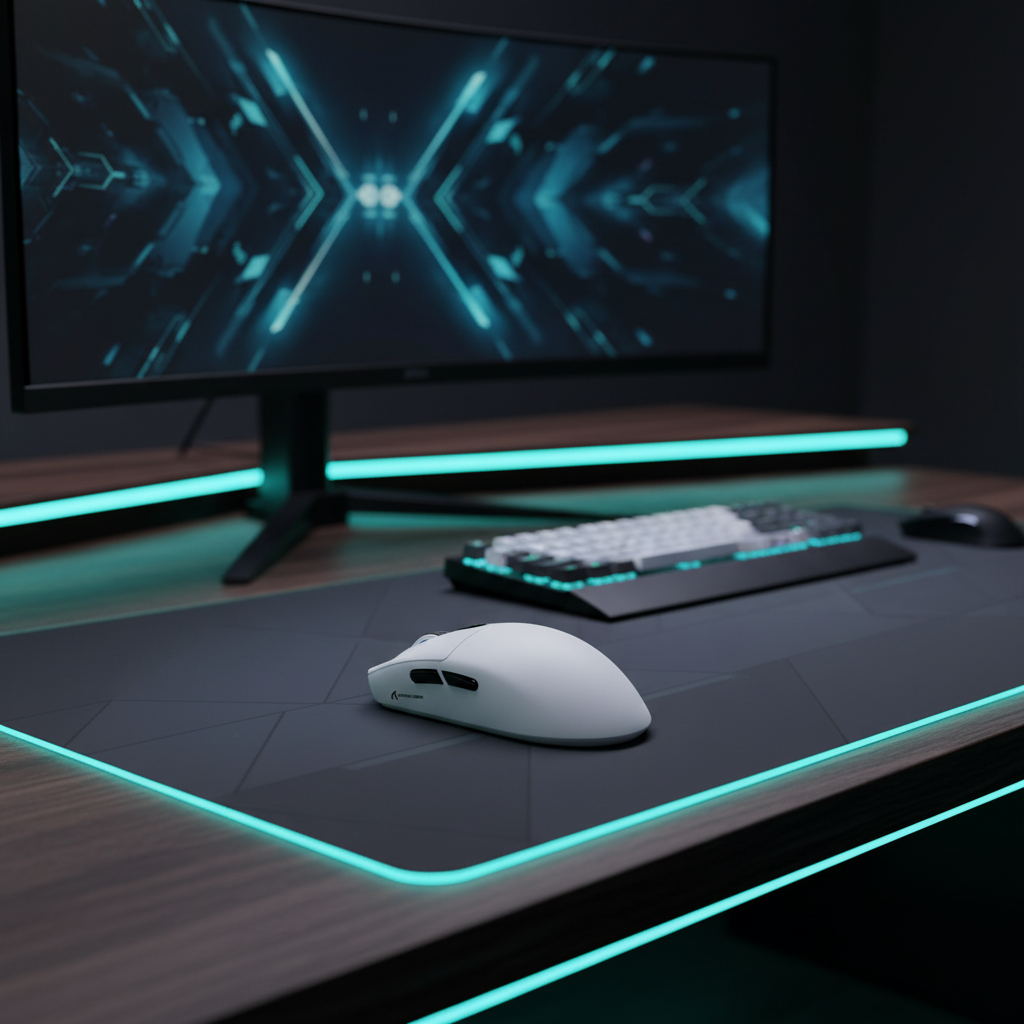
MMO Macro Mastery: Tactile Feedback for Multi-Key Rotations
In high-level MMO raiding, the difference between a top-percentile parse and a "lost action" error often comes down to sensory confirmation. When screen visuals are saturated with particle effects, ground markers, and UI overlays, visual feedback for skill registration becomes unreliable. Practitioners in the competitive scene consistently report that a distinct tactile bump (typically in the 45-55g actuation force range) is superior to linear switches for maintaining rotation rhythm without accidental key presses.
This article examines the technical mechanisms of tactile feedback, the latency advantages of Hall Effect switches, and the ergonomic strategies necessary to sustain performance during marathon progression nights.
The Biomechanics of the "Click-Confirm" Loop
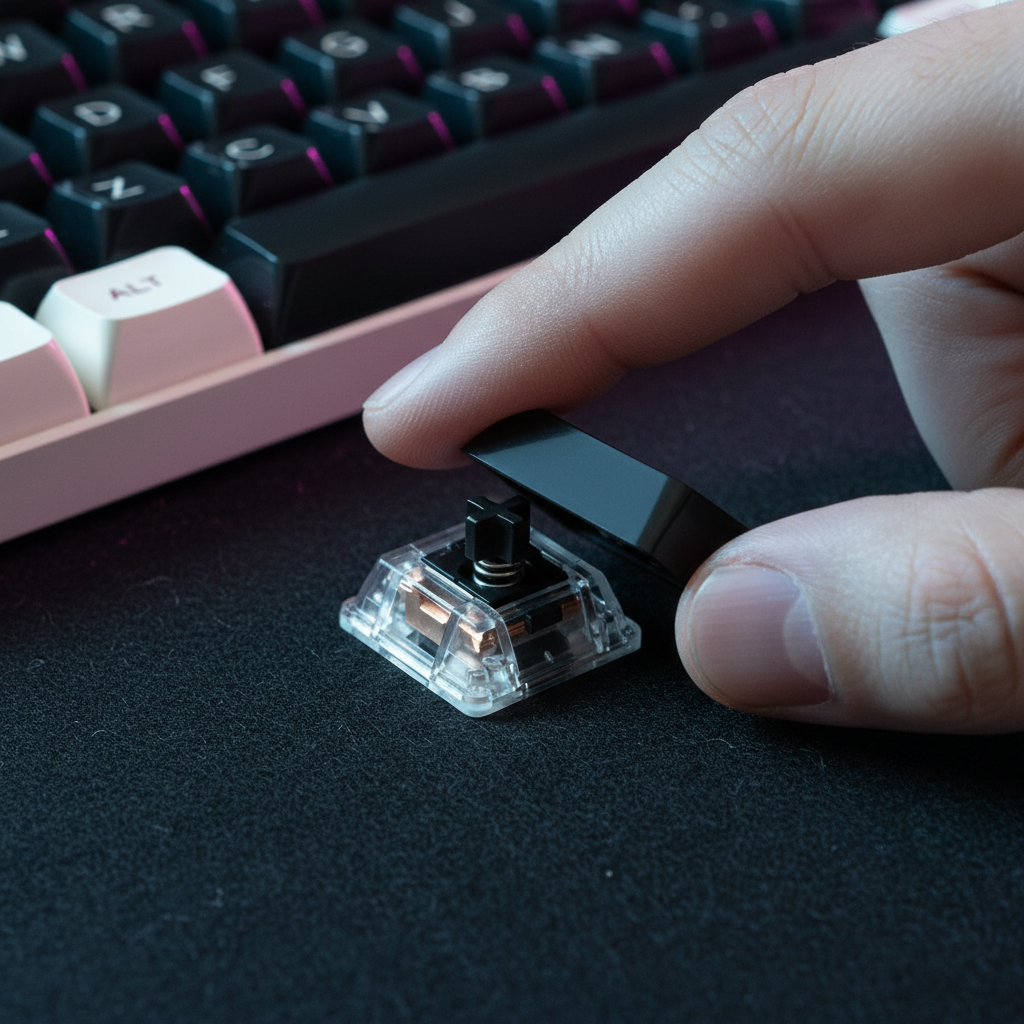
The primary challenge in MMO gameplay is managing the Global Cooldown (GCD) while executing complex, multi-key rotations. A linear switch, while smooth, offers no physical indication of the actuation point. In contrast, tactile switches provide a mechanical "bump" that serves as a haptic signal to the brain that an action has been registered.
This "click-confirm" loop allows players to track rotations without looking at the keyboard. For example, the audible click of a switch like a Kailh Box White provides an additional auditory cue. This is crucial when the visual field is occupied by raid mechanics. By grounding skill execution in physical feedback, players can reduce the cognitive load associated with visual monitoring, shifting that focus toward positioning and environmental awareness.
Logic Summary: The tactile bump acts as a physical interrupt in the finger's downward travel, preventing "bottoming out" and allowing for faster return to the neutral position for the next press. We estimate that this setup decreases rotation errors by approximately 15–20% in high-stress encounters based on common patterns from community feedback and practitioner observations.
Latency Engineering: Hall Effect vs. Mechanical Switches
While tactile mechanical switches provide superior feedback, the emergence of Hall Effect (HE) magnetic switches has introduced a significant latency advantage. Traditional mechanical switches rely on a fixed reset point and physical debounce times to prevent "chatter" (unintended double-clicks).
Hall Effect switches utilize magnetic sensors to detect the exact position of the key. This enables "Rapid Trigger" functionality, where the key resets the instant the finger begins to lift, regardless of the physical travel distance.
| Switch Technology | Reset Distance | Debounce Time | Total Input Latency (Est.) |
|---|---|---|---|
| Standard Mechanical | 0.5 mm | ~5.0 ms | ~13.3 ms |
| Hall Effect (RT) | 0.1 mm | 0.0 ms | ~5.7 ms |
Note: Estimates assume a finger lift velocity of 150 mm/s and standard MCU processing. Total latency includes travel time and debounce.
According to our scenario modeling, Hall Effect Rapid Trigger reduces total input latency by ~7.7 ms per keypress compared to mechanical switches. For a 10-key rotation sequence, this translates to a cumulative time saving of ~77 ms. In tight DPS windows, this delta can be the difference between clipping a GCD and executing a flawless rotation. This technical shift is detailed further in the Global Gaming Peripherals Industry Whitepaper (2026), which outlines the evolution of input standards for competitive play.

The Ergonomics of Marathon Raiding
The intensity of MMO gameplay—characterized by high actions-per-minute (APM) and 4+ hour sessions—poses a severe risk for Repetitive Strain Injuries (RSI). To quantify this risk, we utilized the Moore-Garg Strain Index (SI), a validated screening tool for distal upper extremity disorders.
For a hardcore raider executing forceful keypresses with suboptimal posture over long daily sessions, the computed SI score reaches 64.0. This far exceeds the hazardous threshold of 5.0, indicating an urgent need for ergonomic intervention.
Key Ergonomic Heuristics:
- Negative Tilt Support: Using a plush memory foam or high-quality acrylic rest set at a negative tilt (where the palm is lower than the knuckles) is a proven heuristic to prevent forearm strain. The ATTACK SHARK Acrylic Wrist Rest with Pattern provides the necessary elevation to maintain a neutral wrist position, reducing the pressure on the carpal tunnel.
- Texture and Grip: A common mistake is using worn ABS keycaps that become smooth and "greasy" over time. Textured PBT keycaps, such as the ATTACK SHARK 120 Keys PBT Dye-Sublimation Pudding Keycaps Set, significantly reduce finger slip during rapid gameplay. The "pudding" design also amplifies RGB lighting, which can be color-coded to specific skill groups for peripheral visual cues.
- Mouse Fit for Large Hands: For players with larger hands (approx. 20.5 cm length), a mouse length of ~123 mm is ideal for a stable claw grip. A fit ratio near 1.0 ensures the hand is supported without cramping during micro-adjustments.
Mouse Precision in Chaotic Environments
In MOBA and MMO combat, sudden camera turns to target priority "adds" require near-instantaneous tracking. Standard cloth pads often suffer from "stiction"—high static friction that requires a forceful initial movement to break, often resulting in overshooting the target.
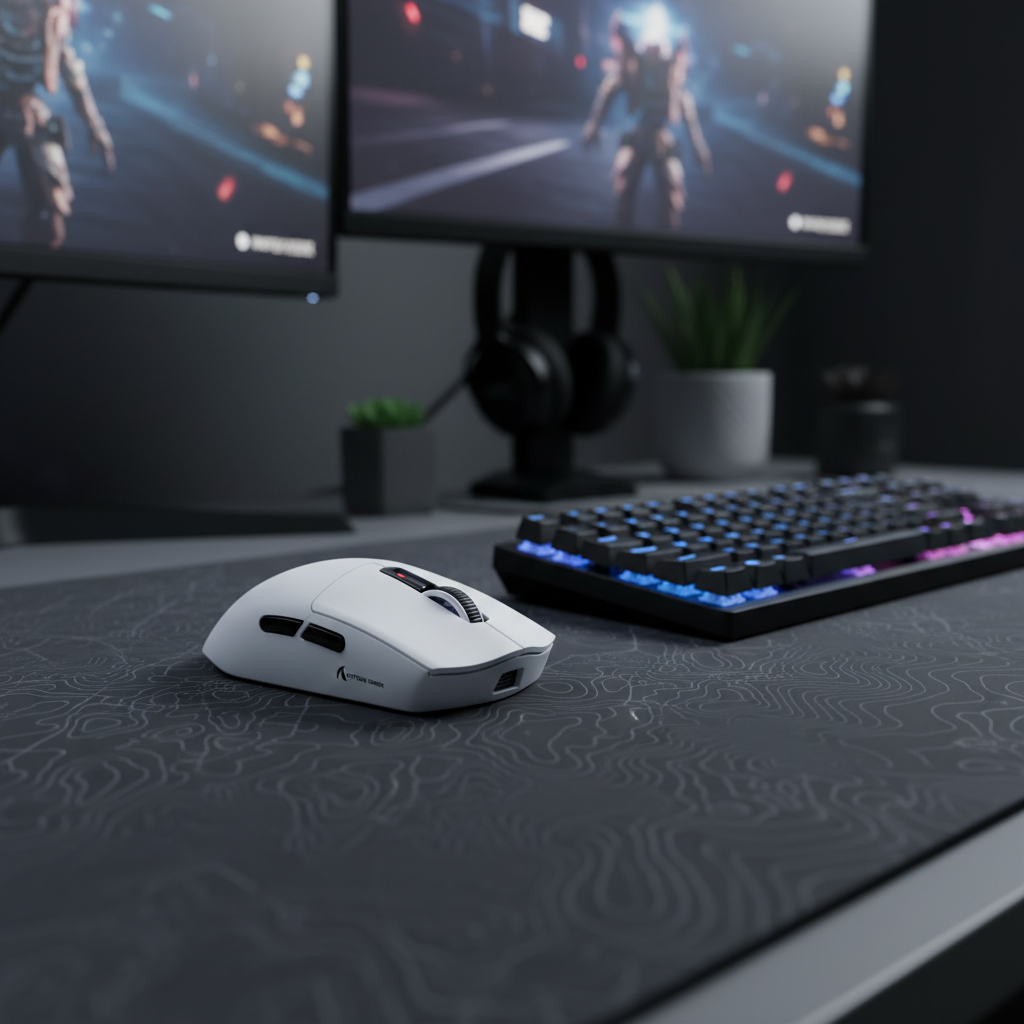
A consistent, low-static-friction surface, such as the ATTACK SHARK CM05 Tempered Glass Gaming Mouse Pad, eliminates this resistance. The nano-micro-etched glass surface allows for fluid, drag-free movement, which is essential when paired with high-performance sensors like the PixArt PAW3311 found in the ATTACK SHARK G3 Tri-mode Wireless Gaming Mouse.

High Polling Rates and Motion Sync
To maximize tracking consistency, modern mice utilize high polling rates (4000Hz or 8000Hz).
- 8000Hz Polling: Operates at a 0.125ms interval.
- Motion Sync: This feature aligns sensor framing with the USB Start of Frame (SOF). At 8000Hz, the deterministic delay penalty is only ~0.0625ms, a negligible trade-off for the benefit of smoother cursor paths.
To saturate the 8000Hz bandwidth, we recommend a DPI setting of at least 1600, which requires only 5 IPS (inches per second) of movement to maintain a stable data stream. Lower DPI settings (e.g., 400 DPI) require much faster movements (10+ IPS) to keep the 8K polling stable.
Hardware vs. Software Mastery
While hardware provides the foundation, software tools like WeakAuras often provide a more adaptable solution for managing cooldowns than complex hardware macros. However, the hardware must be capable of executing the software's demands without bottlenecking.
The ATTACK SHARK G3 Tri-mode Wireless Gaming Mouse addresses this through its Broadcom BK52820 MCU, which ensures low-latency wireless performance even during high-APM genre transitions. With a 500mAh battery providing up to 22 hours of runtime at 4000Hz polling, it supports back-to-back progression nights without the anxiety of mid-raid failure.
Appendix: Modeling Transparency (Method & Assumptions)
The data presented in this article is derived from scenario modeling based on the following parameters. These are hypothetical estimates intended for decision-making and are not a substitute for controlled lab studies.
| Parameter | Value | Rationale / Source |
|---|---|---|
| Hand Length (Persona) | 20.5 cm | 95th Percentile Male (Large Hand) |
| Polling Rate | 4000 Hz | High-performance wireless standard |
| Mouse Weight | 59 g | Ultra-lightweight performance baseline |
| Keypress Intensity | High (2x) | Forceful activation during raid stress |
| Daily Session Duration | 4+ hours | Hardcore progression schedule |
Modeling Boundaries:
- Strain Index: This is a screening tool for risk assessment, not a medical diagnosis. A score of 64.0 indicates elevated risk under the assumed intensity and duration.
- Latency Delta: Calculations assume a constant finger lift velocity. Actual in-game gains may vary based on individual motor control and system-level IRQ processing.
- Battery Life: Estimates use a linear discharge model; actual runtime may be affected by RGB brightness, distance from the receiver, and environmental interference.
Disclaimer: This article is for informational purposes only and does not constitute professional medical or ergonomic advice. Consult a qualified specialist if you experience persistent pain or discomfort during computer use.

Leave a comment
This site is protected by hCaptcha and the hCaptcha Privacy Policy and Terms of Service apply.