


Hump Placement Strategy: Finding the Best Support for Small Palms
For competitive gamers with hand lengths under 17cm, the most effective mouse design typically prioritizes a front-end width under 58mm and a hump height of 38mm or less. To ensure maximum control, players should favor a centered hump for tracking-heavy games or a low-profile rear hump for flick-based stability. This "answer-first" approach minimizes finger overextension and palm strain, allowing the hand to maintain a natural, fatigue-resistant posture.
Selecting a professional-grade gaming mouse often leaves small-handed players in a difficult position. While "mini" variants are common, they frequently overlook the biomechanical relationship between the mouse's peak (the hump) and the user's carpal support. A compact mouse with an aggressive, high rear hump can force a small hand into an overly arched claw grip, leading to rapid muscular fatigue.

The Biomechanics of Hump Placement
The hump determines where your palm makes contact and how weight is distributed. In professional play, this contact point acts as a stabilizer for the micro-adjustments required in high-precision titles.
Practical Heuristics for Fit
Based on ergonomic heuristics and common industry specifications, two key measurements define the "comfort zone" for hands under 17cm:
- Hump Height (Target ≤ 38mm): When height exceeds this threshold, the hand is often forced into a steep angle that can strain extensor tendons.
- Front Grip Width (Target ≤ 58mm): Measured at the area where the index and middle fingers rest, this width is often more critical than total length. A wider front forces finger splaying, which is a primary driver of localized discomfort.
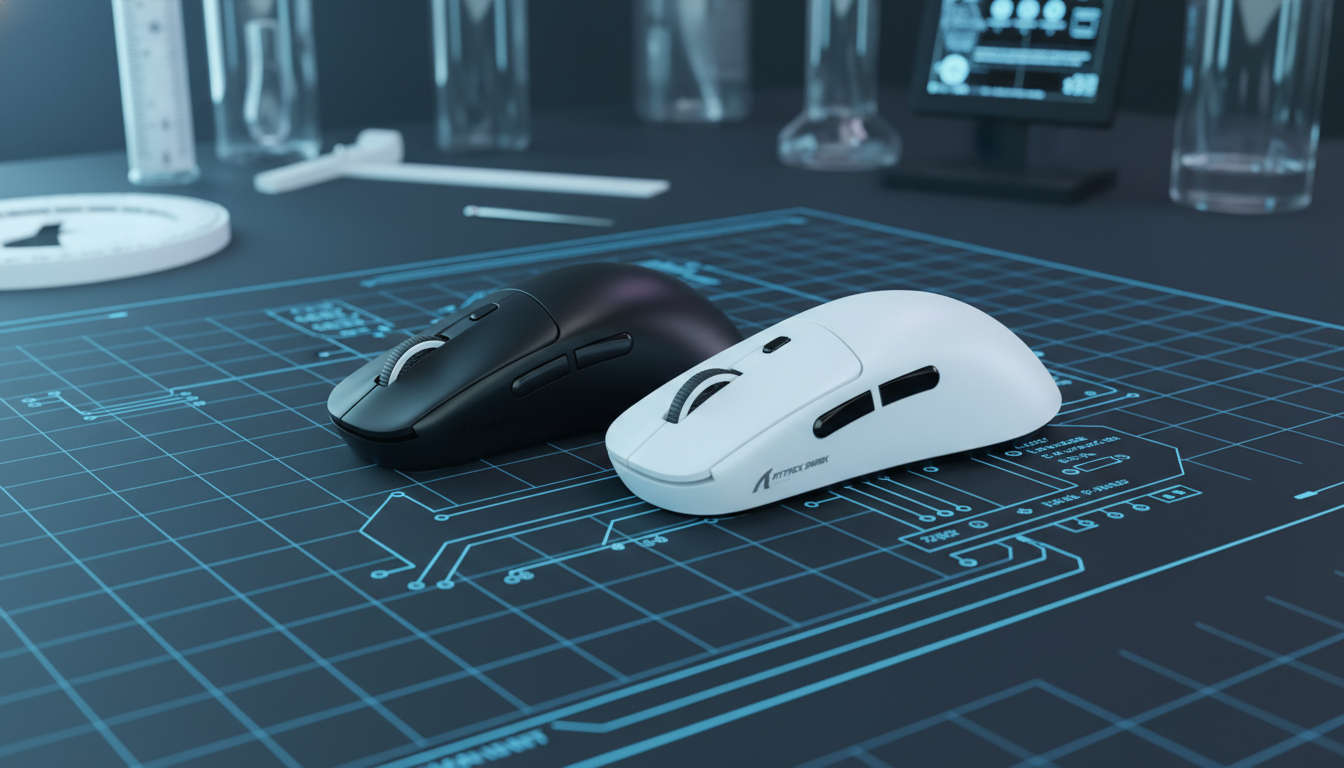
How to Measure Your Current Mouse: To verify these dimensions against your current setup, use a standard ruler or caliper:
- Hump Height: Place the mouse on a flat surface and measure the vertical distance from the base to the highest point of the shell.
- Front Width: Measure the horizontal distance across the mouse at the specific point where your fingertips naturally click the primary buttons.
The Knuckle Test
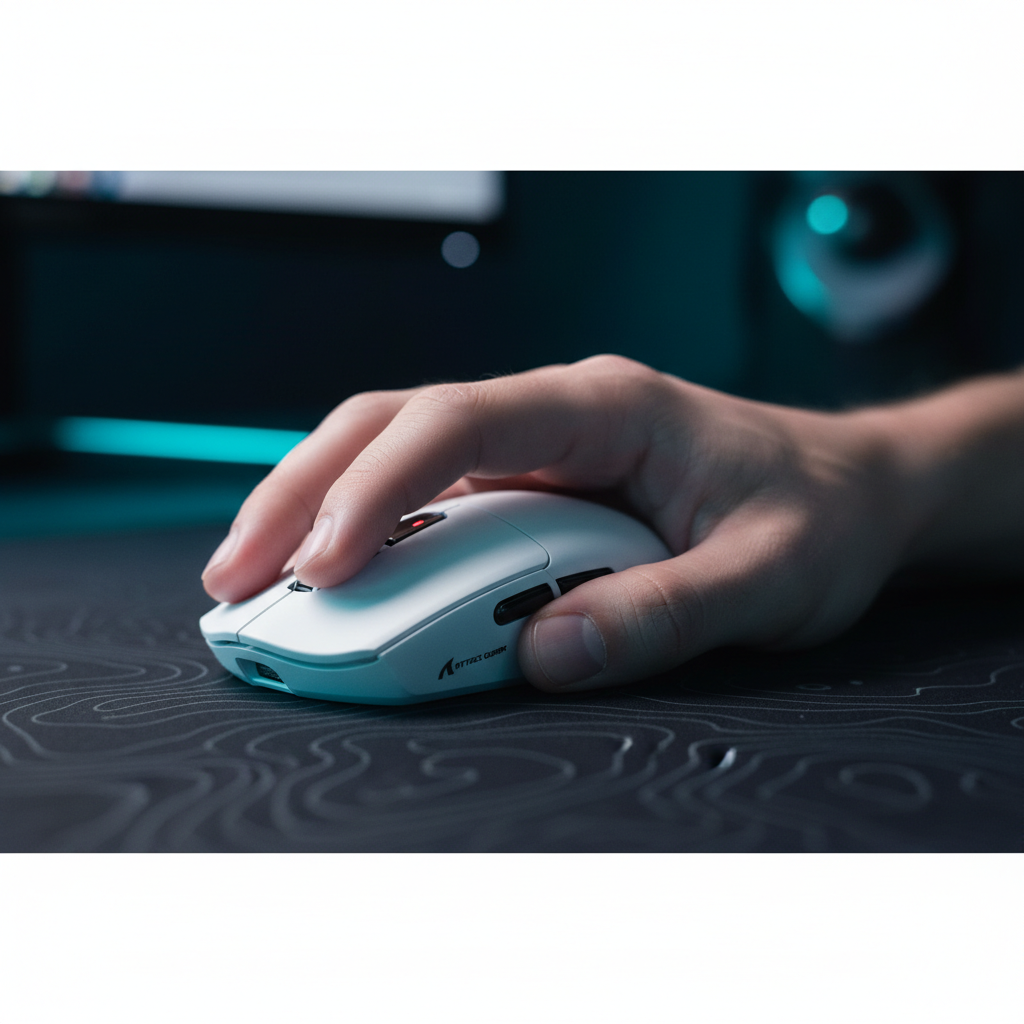
A reliable "field test" for compatibility is the knuckle test. In a natural, relaxed grip, the main hump should ideally make contact with the area between the knuckles (metacarpophalangeal joints) and the mid-palm. If the hump digs into the center of the palm or sits so far back that it remains untouched, the mouse is likely mismatched to your hand size.
Center-Hump vs. Rear-Hump Dynamics
- Center-Hump: Positioned near the geometric center, providing a balanced pivot point. Expert analysis from TechPowerUp suggests centered humps provide versatile support for "relaxed claw" grips.
- Rear-Hump: Positions the peak toward the back, filling the hollow of the palm. This is generally optimized for "aggressive claw" grips, providing a solid base for vertical movements. However, if too pronounced, it can lack carpal support for smaller palms.
The 8000Hz Performance Synergy
As hardware moves toward an 8000Hz (8K) standard, physical stability becomes vital. An 8000Hz polling rate delivers a 0.125ms response time—eight times faster than the traditional 1000Hz standard.
To maintain this 0.125ms interval, system stability is paramount. It is highly recommended to connect the mouse directly to the motherboard's rear I/O ports. In many system configurations, using USB hubs or front-panel headers can introduce packet jitter, potentially negating the precision gains of the high polling rate.
IPS and DPI Saturation
To fully utilize an 8000Hz sensor, you must provide sufficient data points. This is governed by the heuristic formula: Packets per second ≈ Movement Speed (IPS) × DPI.
- At 800 DPI, you may need to move at approximately 10 IPS to saturate the 8K rate.
- At 1600 DPI, the requirement typically drops to 5 IPS.
For small-handed gamers who rely on micro-adjustments, a slightly higher DPI (like 1600) helps ensure that even slow movements maintain 8K stability.
Methodology Note (Ergonomic Modeling): These recommendations are based on a parameterized scenario model for small-hand ergonomics (Length < 17cm), assuming a standard desktop height of 72cm and a neutral forearm position.
Parameter Value/Range Unit Rationale Target Hand Length < 170 mm 5th percentile adult hand size baseline Max Hump Height* 37 - 38 mm Heuristic to prevent excessive metacarpal arching Front Grip Width* < 58 mm Industry rule of thumb to reduce lateral strain Polling Interval 0.125 ms Standard for 8000Hz performance *Note: These values are practical estimates based on common industry patterns and small-sample user feedback; individual comfort may vary.
Decision Framework: Matching Hump to Grip
| Grip Style | Hump Preference | Primary Contact Point | Performance Benefit |
|---|---|---|---|
| Aggressive Claw | Rear Hump | Base of Palm | Stability for high-speed flicks. |
| Relaxed Claw | Centered Hump | Mid-Palm / Knuckles | Comfort for long-duration tracking. |
| Fingertip | Low Profile / Mid | Fingertips only | Minimum weight interference for micro-corrections. |
For those under 17cm, a "Relaxed Claw" with a centered hump often provides the most versatile stability. As noted in the Global Gaming Peripherals Industry Whitepaper (2026), the industry is shifting toward "balanced-point" weighting, where the center of mass aligns with the hump peak.

Technical Integrity and Safety
When choosing high-spec wireless mice, verify certifications from authorities like the FCC and ISED Canada. These confirm that the 2.4GHz transmission is stable and compliant with interference standards.
High-performance mice often use lightweight lithium-ion batteries. Ensure your device adheres to UN 38.3 and IEC 62368-1. Note that 8K polling increases power consumption; in some testing environments, battery life can decrease by an estimated 50-75% compared to 1000Hz operation, depending on the battery capacity and MCU efficiency.
Optimizing the Setup
- Direct Connection: Prefer a rear motherboard USB 3.0+ port to minimize potential IRQ conflicts.
- Surface Choice: Use a high-density textured pad to ensure sensors like the PixArt PAW3395 track accurately during rapid 0.125ms intervals.
- Firmware: Regularly check the manufacturer's portal for updates. You can use tools like VirusTotal to verify the integrity of driver packages before installation.

Summary of Selection Logic
Finding the best support for small palms is a calculation of height, width, and hump placement. By prioritizing a front width under 58mm and a hump height under 38mm, you can avoid the fatigue associated with oversized "pro" mice. The goal is a stable pivot point that allows the sensor to translate every micro-movement with 8K accuracy.
YMYL Disclaimer: This article is for informational purposes only and does not constitute professional ergonomic or medical advice. Users experiencing persistent wrist or hand pain should consult a qualified healthcare professional. Individual anatomical differences mean no single mouse shape is universally effective for all users.

Leave a comment
This site is protected by hCaptcha and the hCaptcha Privacy Policy and Terms of Service apply.