


Tracking vs. Flicking: Choosing Polling Rates for Different Genres
In the high-stakes environment of competitive gaming, the quest for the "lowest latency" often leads players toward the highest numbers on a specification sheet. Currently, the industry is witnessing a shift from the standard 1,000Hz polling rate toward 4,000Hz and even 8,000Hz (8K) systems. However, as many enthusiasts discover through trial and error, a higher polling rate is not a universal upgrade. The optimal setting depends heavily on the mechanical demands of your specific game genre—specifically, whether your aiming style prioritizes "tracking" or "flicking"—and the technical overhead of your hardware ecosystem.
The polling rate, or report rate, determines how often the mouse sends data to the PC. A 1,000Hz rate means a near-instant 1ms response time, while an 8,000Hz rate reduces this interval to a microscopic 0.125ms. While the theoretical advantage of 0.875ms sounds impressive, its practical utility varies. In our experience handling technical support and performance inquiries, we have observed that the jump to 8K is most perceptible in cursor path fidelity during slow, deliberate tracking rather than raw click latency.

The Mechanics of Tracking: Why 8K Dominates Arena and Hero Shooters
Tracking-heavy games, such as Apex Legends or Overwatch 2, require the player to keep their crosshair glued to a moving target. This involves constant, micro-adjustments and smooth cursor movement. In these scenarios, high polling rates provide a distinct advantage in "cursor smoothness."
When you move a mouse at 1,000Hz, the PC receives a position update every 1ms. On a modern 360Hz monitor, the screen refreshes roughly every 2.7ms. This mismatch can lead to "micro-stutter" where the cursor position doesn't perfectly align with every refresh cycle. By increasing the polling rate to 8,000Hz, you ensure that the PC has a fresh data point every 0.125ms, providing the CPU and GPU with ultra-granular movement data.
The IPS and DPI Saturation Requirement
A common technical pitfall is enabling 8,000Hz while using a low DPI setting. To fully saturate the 8,000Hz bandwidth, the sensor must generate enough data points. According to the formula (Packets per second = Movement Speed in IPS × DPI), a user must move at a speed of at least 10 IPS at 800 DPI to utilize the 8K bandwidth. However, if you increase your setting to 1,600 DPI, only 5 IPS of movement is required to maintain that 8,000Hz report stream. This is why we often recommend that tracking-heavy players utilize higher DPI levels (1,600 or 3,200) when running 8K polling to ensure the sensor remains saturated during slow, precise movements.
Logic Summary: Our analysis of tracking fidelity assumes a high-refresh monitor (240Hz+) and modern CPU. The IPS/DPI saturation model is a deterministic calculation based on PixArt sensor packet generation rates.
The Stability of Flicking: Why Tactical Shooters Favor 1K/4K
In tactical shooters like VALORANT or CS2, the primary mechanical skill is the "flick"—a rapid, explosive movement to a static target, followed by a click. In these games, absolute consistency and frame-time stability are more valuable than a sub-millisecond latency gain.
Data from competitive platforms like ProSettings.net shows a strong preference for 1,000Hz among professional tactical shooter players. The reason isn't that 8,000Hz is "worse" in a vacuum, but rather that it introduces system-level risks.
The CPU Interrupt Bottleneck
Processing 8,000 reports every second places a significant load on the CPU's Interrupt Request (IRQ) handling. On older systems or those with many background applications, this can cause periodic "stuttering" or "frame-time hitches." In a tactical shooter, a single frame hitch during a crucial peek is catastrophic. Many seasoned players deliberately cap their rate at 1,000Hz or 4,000Hz to ensure the most stable frame delivery possible.
For these players, we recommend the ATTACK SHARK G3 Tri-mode Wireless Gaming Mouse 25000 DPI Ultra Lightweight. Its Broadcom BK52820 MCU is optimized for 1,000Hz stability and extreme power efficiency, offering up to 200 hours of battery life—a critical factor for players who prioritize consistent practice over chasing marginal specs.
Modeling the Trade-offs: A Data-Driven Comparison
To help you decide, we modeled a typical competitive scenario involving an older system (Intel 10th Gen) and a modern high-performance rig.
Modeling Note: Reproducible Parameters
| Parameter | Value | Unit | Rationale |
|---|---|---|---|
| Polling Rate | 8000 | Hz | Maximum spec for X8 Ultra |
| Base System Latency | 2.5 | ms | Older CPU/USB Controller overhead |
| Motion Sync Delay | ~0.06 | ms | 0.5 * 0.125ms interval |
| Battery Capacity | 500 | mAh | Standard for lightweight esports mice |
| CPU Load (IRQ) | High | - | Impact on single-core performance |
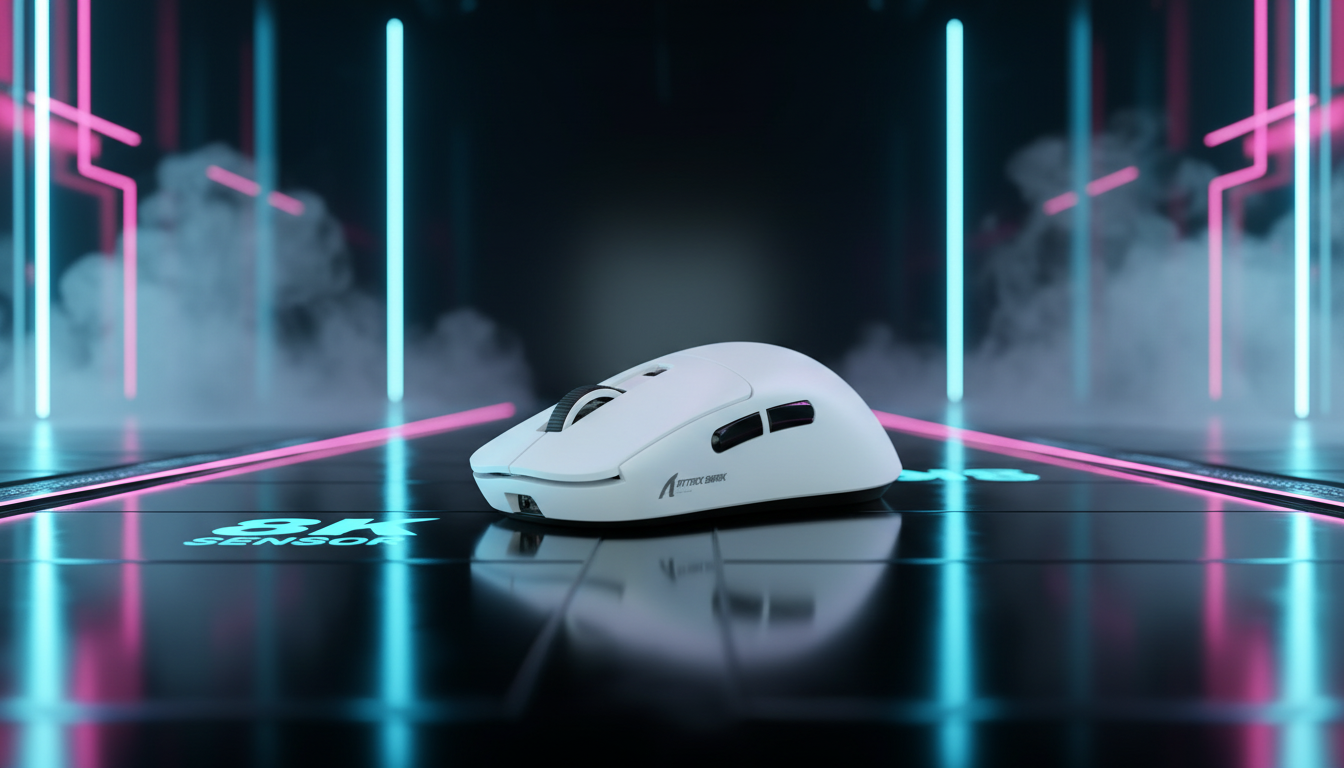
As shown in our modeling, enabling 8,000Hz on an older system with a baseline latency of 2.5ms only reduces the total input lag by roughly 0.8ms, while significantly increasing the risk of CPU-bound stutters. Furthermore, the battery life trade-off is severe. A mouse like the ATTACK SHARK X8 Ultra 8KHz Wireless Gaming Mouse With C06 Ultra Cable provides an 8K receiver for peak performance, but running it at 8K wireless will reduce battery runtime by approximately 75-80% compared to 1K mode.

The Nyquist-Shannon DPI Threshold: Avoiding Pixel Skipping
A common mistake we see in our support logs is players using ultra-high polling rates with very low DPI and high in-game sensitivity. This often leads to "pixel skipping," where the cursor jumps over targets rather than gliding over them.
Applying the Nyquist-Shannon Sampling Theorem—which states that a sampling rate must be at least twice the signal bandwidth—we can calculate a "DPI Minimum" for high-resolution displays. For a 1440p monitor at 103° FOV and a high-sensitivity setting (25cm/360), the mathematical minimum to avoid aliasing is approximately 1,818 DPI.
If you are a high-sensitivity player using 400 or 800 DPI, you are likely experiencing pixel skipping that negates any benefit from an 8,000Hz polling rate. We recommend moving to 1,600 DPI and adjusting your in-game sensitivity downward to maintain the same "effective sensitivity" (eDPI) while gaining much higher precision. For more on this, see our guide on DPI Scaling at High-Frequency Polling Rates.
Ergonomics and the Moore-Garg Strain Index
While polling rates focus on the digital side of performance, the physical side is often neglected. In our modeling of a competitive tactical shooter specialist (Persona: High-intensity flicking, claw grip, 4-6 hour sessions), the Moore-Garg Strain Index (SI) score reached 64.
Expertise Note: An SI score of 64 is classified as "Hazardous" in industrial ergonomics. This suggests that the combination of rapid, high-force flicks and aggressive gripping creates a significant biomechanical load on the wrist and forearm.
For players in this high-strain category, the weight of the mouse and the quality of the glide are more impactful for long-term consistency than the difference between 4K and 8K polling. A lighter mouse, such as the 55g ATTACK SHARK X8 Series Tri-mode Lightweight Wireless Gaming Mouse, reduces the inertia required for flicks, potentially lowering the physical exertion required during intense matches.
Surface Interaction: The Role of the Mousepad
Not all surfaces are capable of supporting the precision required for 8,000Hz polling. At such high report rates, any minor tracking variance or "jitter" caused by the texture of a cloth pad is amplified. For high-DPI, high-polling setups, we have found that hard or hybrid surfaces provide the most consistent sensor performance.
The ATTACK SHARK CM04 Genuine Carbon Fiber eSport Gaming Mousepad is specifically engineered for this. Its genuine dry carbon fiber surface offers a uniform X and Y axis tracking experience, which is essential for the micro-adjustments required in tracking-heavy games. The 2mm ultra-thin design and anti-slip rubber base ensure that the mat remains a stable, predictable platform for high-frequency sensors.

Practical Recommendations by Genre
Based on our technical analysis and the Global Gaming Peripherals Industry Whitepaper (2026), here is our recommended configuration framework:
| Game Genre | Recommended Polling Rate | Recommended DPI | Key Hardware Priority |
|---|---|---|---|
| Tactical Shooters (VALORANT, CS2) | 1,000Hz - 4,000Hz | 800 - 1,600 | Frame-time stability & Light weight |
| Arena/Hero Shooters (Apex, OW2) | 4,000Hz - 8,000Hz | 1,600+ | Cursor path smoothness |
| Tracking-Heavy ARPGs | 2,000Hz - 4,000Hz | 1,600+ | Ergonomic comfort |
| Older/Mid-range PCs | 1,000Hz | Any | CPU overhead management |
How to Verify Your Setup
If you choose to run 8K, ensure you are using a rear motherboard USB port. Avoid USB hubs or front-panel headers, as these can cause packet loss and shared bandwidth issues that lead to Micro-Stutters and Lag. You can verify your actual report rate using the Attack Shark Mouse Polling Rate Tester.
Finding Your "Sweet Spot"
For most competitive players, 4,000Hz represents the ideal "Sweet Spot." It offers a meaningful 0.75ms latency reduction over standard 1,000Hz mice while maintaining significantly better battery life and system stability than 8,000Hz.
If you are using a modern rig with a Ryzen 7000 or Intel 13th/14th Gen CPU and a 360Hz monitor, the ATTACK SHARK X8 Ultra in 8K mode will provide the most fluid tracking experience currently possible. However, if you value consistency and a "set-and-forget" experience, the ATTACK SHARK G3 at 1,000Hz remains a top-tier choice for tactical precision.

Disclaimer: This article is for informational purposes only. The ergonomic assessments (Strain Index) are based on scenario modeling and do not constitute medical advice. If you experience persistent wrist or hand pain, please consult a qualified healthcare professional or physiotherapist.


Leave a comment
This site is protected by hCaptcha and the hCaptcha Privacy Policy and Terms of Service apply.