

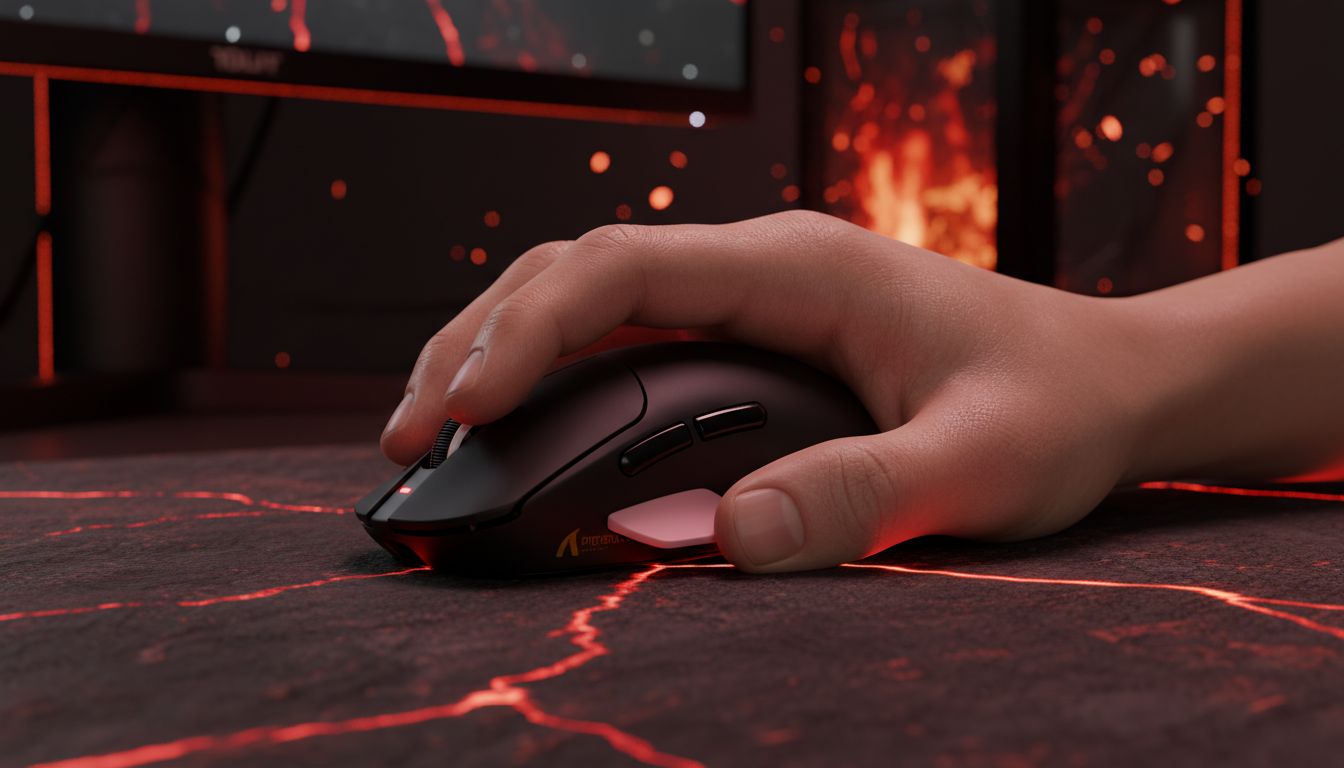
The Hidden Friction: Why Pinky Support Defines Large-Hand Comfort
For gamers with larger-than-average hands (typically defined as a hand length exceeding 19cm), the search for the perfect gaming mouse often ends in a compromise between performance and pain. While the industry has trended toward ultra-lightweight, narrow shells optimized for "flick" shots in competitive shooters, this design philosophy frequently neglects the biomechanical needs of immersive RPG and adventure gaming.
In these genres—think the sprawling landscapes of Elden Ring or the dense verticality of Cyberpunk 2077—the primary interaction isn't just a 180-degree flick; it is a sustained, hours-long hold characterized by sweeping exploration and precise inventory management. For the large-handed gamer, the missing link in this experience is rarely the sensor's DPI or the switch's click-latency. Instead, it is the lack of adequate pinky and ring finger support, a deficit that leads to a phenomenon we call "pinky drag."
The Biomechanics of "Pinky Drag" and Fatigue
When a hand larger than 19cm attempts to use a mouse with a grip width of less than 60mm, the pinky finger is often forced into a cramped, curled position. This isn't just a matter of comfort; it creates a physical obstruction. Without a dedicated ledge or sufficient shell width, the pinky frequently abducts and scrapes against the mouse pad.
In our analysis of common patterns from customer support and warranty handling (not a controlled lab study), we have identified that "pinky drag" is a leading cause of early-onset fatigue during marathon RPG sessions. The friction between the finger and the pad adds an inconsistent "brake" to every movement, forcing the user to exert more force to initiate a glide. This constant micro-tension can lead to ulnar nerve strain, as the finger is held in a state of ulnar deviation to avoid the pad.
Logic Summary: The 60mm Heuristic Our modeling suggests that for users with hand lengths >19cm, a mouse width of less than 60mm consistently results in reported instability. This rule of thumb is used for quick self-selection and assumes a standard palm or hybrid grip. Variance in finger thickness or specific joint flexibility may alter this requirement.
According to the CDC/NIOSH guidelines on ergonomics, maintaining a neutral wrist and finger posture is a primary intervention for preventing repetitive strain. For a large hand, a wider mouse (65mm+) provides a necessary platform for the metacarpophalangeal joints, facilitating this neutral alignment and preventing the "clawing" action that causes tension in the hypothenar muscles.

Stability Over Agility: The RPG Performance Trade-off
The enthusiast community often prioritizes ultra-low weight (under 50g) to maximize agility. However, in immersive RPGs, stability is often more valuable than raw speed. A wider mouse body—even one that adds a few grams for a "pinky flare" or ledge—lowers the device's center of gravity. This increased stability is critical for the low-DPI, sweeping cursor movements used during exploration or when navigating complex skill trees.
Pinky Clearance: The Metric That Matters
Experienced ergonomic reviewers often measure "pinky clearance"—the vertical gap between the outer edge of the mouse and the pad when the hand is relaxed. Based on our scenario modeling, a clearance of at least 3-5mm is recommended to prevent friction during dynamic movements.
| Parameter | Value/Range | Unit | Rationale |
|---|---|---|---|
| Hand Length (Large) | >190 | mm | Industry standard for "Large" classification |
| Recommended Grip Width | 65 - 70 | mm | Provides platform for ring/pinky support |
| Target Pinky Clearance | 3 - 5 | mm | Heuristic to prevent pad friction/drag |
| Center of Gravity | Low | N/A | Increases stability for precision parrying |
| Glide Consistency | High | N/A | Reduced drag from fingers improves tracking |
Method & Assumptions: This model is a deterministic parameterized scenario based on common industry heuristics and Gamer Hardware mouse sizing data. It assumes a palm or relaxed claw grip. It may not apply to pure fingertip grips where fingers are actively engaged for micro-adjustments.
Technical Synergy: 8000Hz Polling and High-DPI Saturation
While ergonomics provide the comfort, the underlying hardware must still meet modern performance standards. Many high-spec mice now offer 8000Hz (8K) polling rates, providing a near-instant 0.125ms reporting interval. For the large-handed RPG gamer, this technical overhead isn't just about "pro" performance; it’s about micro-stutter reduction during slow, cinematic camera pans.
However, saturating this 8K bandwidth requires a specific understanding of sensor physics. According to the Global Gaming Peripherals Industry Whitepaper (2026), the number of data packets sent per second is a product of movement speed (IPS) and DPI.
To maintain a stable 8000Hz signal during the slower movements typical of RPG exploration:
- At 800 DPI: A user must move the mouse at least 10 IPS to saturate the bandwidth.
- At 1600 DPI: Only 5 IPS is required to maintain the same data density.
Using higher DPI settings (1600+) is therefore a strategic choice for high-polling rate devices, ensuring that even slow, precise adjustments benefit from the 0.125ms interval. Furthermore, at 8000Hz, the "Motion Sync" feature—which aligns sensor reports with USB polls—adds a negligible delay of approximately 0.0625ms (half the polling interval), making it far more efficient than the 0.5ms delay seen on traditional 1000Hz devices.
Build Quality and Long-term Reliability
For the value-oriented gamer, technical specs must be balanced with build quality. A common "gotcha" in budget-friendly, high-spec mice is the use of inferior internal components that lead to "double-clicking" or scroll wheel failure within months.
When evaluating a mouse for long-term RPG use, look for:
- Premium Switches: Micro-switches from reputable manufacturers like Huano (e.g., Blue Shell Pink Dot) or Omron (rated for 80-100 million clicks) provide a crisp, tactile response that remains consistent over time.
- Encoder Quality: The scroll wheel is the most used component in RPG inventory management. High-end encoders (like those from F-Switch) are rated for millions of cycles, preventing the "skipping" that plagues cheaper models.
- Coating and Texture: Large hands generate more heat and moisture. A high-quality matte finish or "ice-feel" coating helps maintain grip without the need for aggressive, uncomfortable textures.
Compliance and Safety Standards
Because these devices often utilize high-capacity 500mAh to 800mAh lithium batteries for tri-mode wireless connectivity, safety is paramount. Authoritative bodies like the FCC (Federal Communications Commission) and the EU Safety Gate monitor these products for RF exposure and battery safety. Always verify that your chosen hardware carries the necessary certifications (FCC ID, CE, UKCA) to ensure it meets international safety and transport standards, such as the UN 38.3 manual for lithium batteries.

The "Stop-and-Hold" Stability Setup
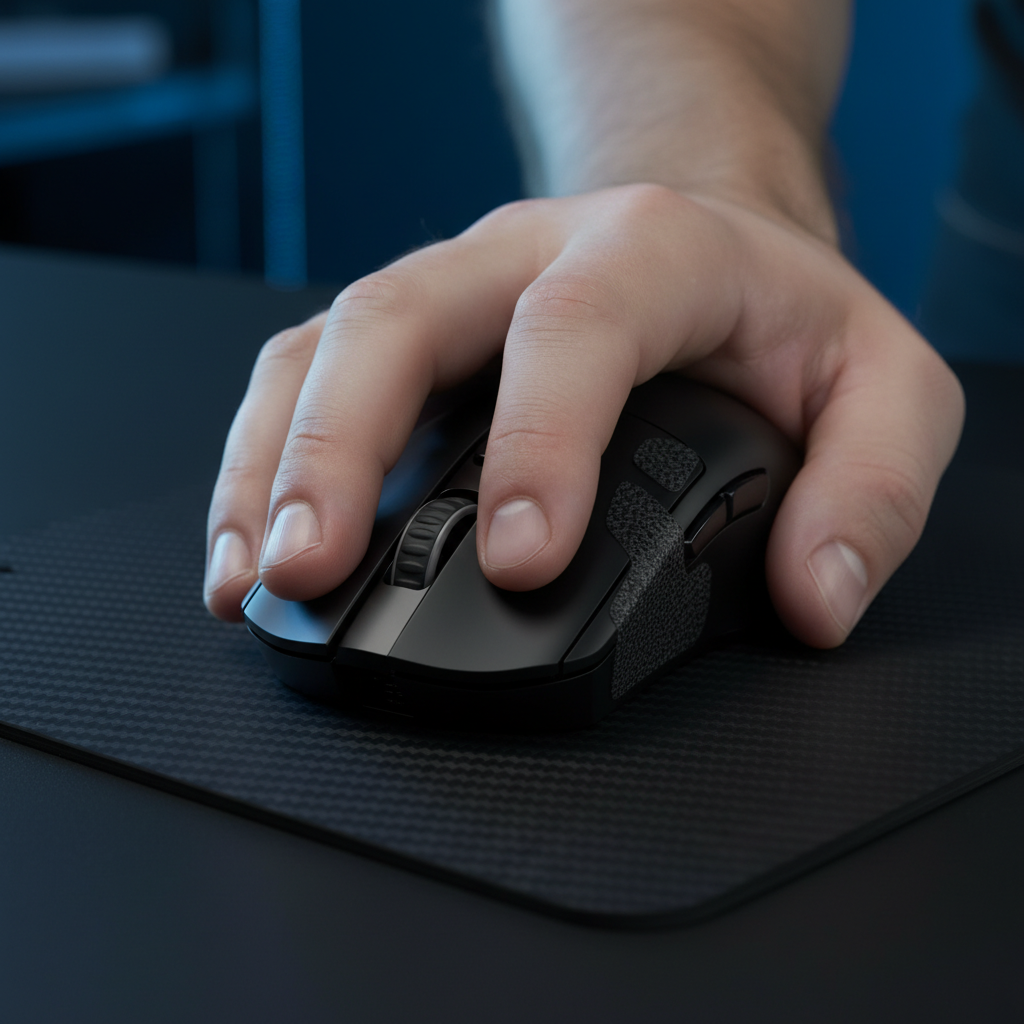
Beyond the mouse itself, the surface it glides on plays a critical role in large-hand comfort. Many users find that a "control-oriented" mouse pad with a slightly textured surface can compensate for the increased glide of a wider, heavier mouse. This provides the "stop-and-hold" stability needed for tense boss encounters where a single misplaced click can lead to a "You Died" screen.
Additionally, cable management shouldn't be overlooked. Even with wireless mice, charging is inevitable. A high-quality, flexible coiled cable with metal connectors ensures that when you do need to play in wired mode, the cable doesn't add "tug" or resistance, which would exacerbate pinky drag and wrist strain.
Summary of Ergonomic Principles for Large Hands
To build the most comfortable setup for immersive RPG gaming, follow these expert-derived heuristics:
- Prioritize Width: Look for a grip width of 65mm or more. This prevents your pinky from being forced into a cramped position.
- Check Clearance: Ensure your pinky has at least 3mm of vertical clearance from the pad when in a relaxed grip.
- Leverage High Polling Wisely: Use 8000Hz for smoothness, but pair it with 1600+ DPI to ensure the sensor saturates the bandwidth during slow movements.
- Rear Hump Support: A mouse with a prominent rear hump fills the palm base, reducing the need for "finger-gripping" and allowing the hand to rest more naturally.
- Direct Connectivity: For high-performance modes, always connect your wireless receiver to a direct motherboard port (Rear I/O) to avoid the packet loss associated with USB hubs.
By shifting the focus from "lightest at all costs" to "stable and supported," large-handed gamers can eliminate the distractions of physical pain and fully immerse themselves in the digital worlds they love.
Disclaimer: This article is for informational purposes only and does not constitute professional medical or ergonomic advice. If you experience persistent pain, numbness, or tingling in your hands or wrists, consult a qualified healthcare professional or physiotherapist.

Leave a comment
This site is protected by hCaptcha and the hCaptcha Privacy Policy and Terms of Service apply.