

Quick Guide: 4 Steps to Reduce Fingertip Grip Cramping
If you are experiencing hand pain while fingertip aiming, these four adjustments can provide immediate relief:
- Check Your Mouse Size: Aim for a "60% Fit"—a mouse length approximately 60% of your hand length (e.g., a 126mm mouse for a 21cm hand).
- Raise Your DPI: Switch to 1600 DPI. This reduces the physical force required for micro-adjustments and prevents "pixel skipping" on high-res monitors.
- The 180° Rule: Adjust sensitivity so a 180-degree turn is a wrist pivot, not a finger extension.
- Reduce Friction: Replace worn mouse skates (feet) to lower the "pinch force" needed to move the mouse.
The Physical Cost of Precision: Why Fingertip Aiming Causes Cramps
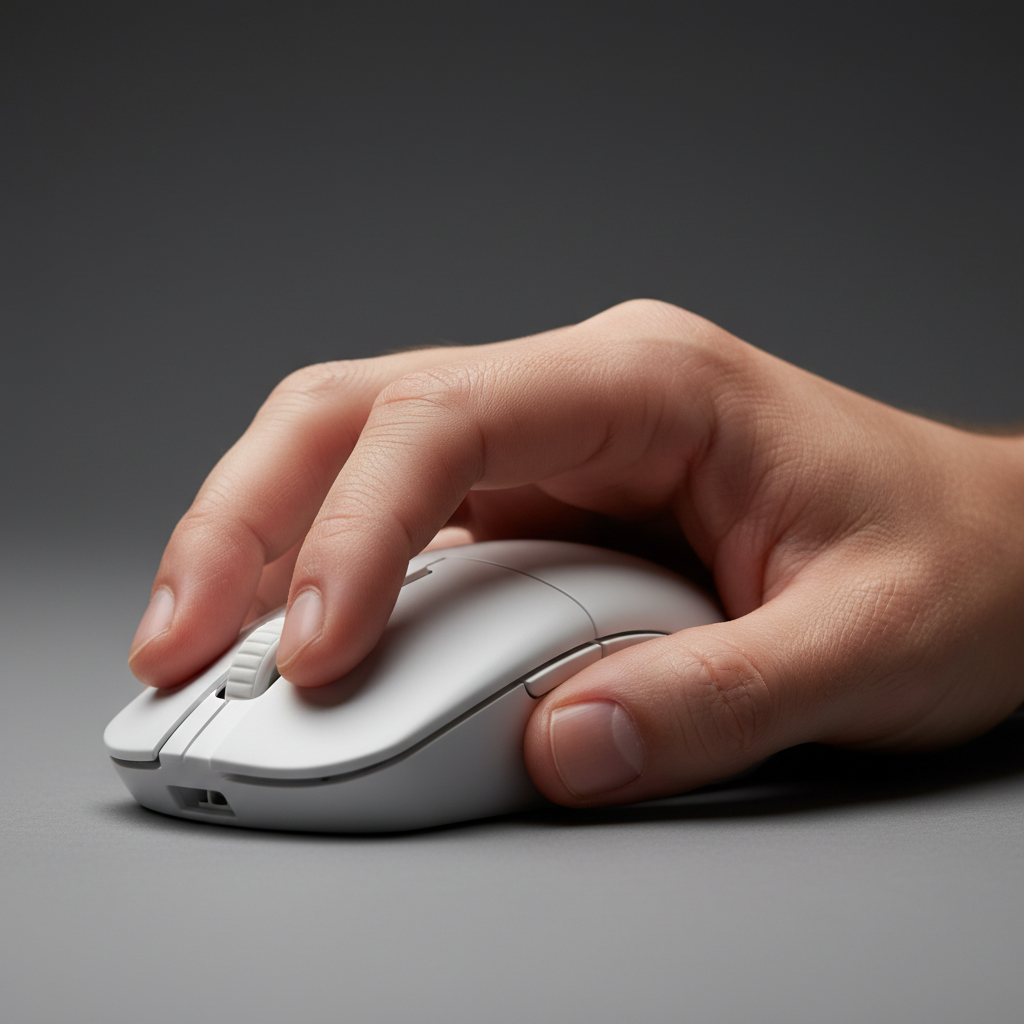
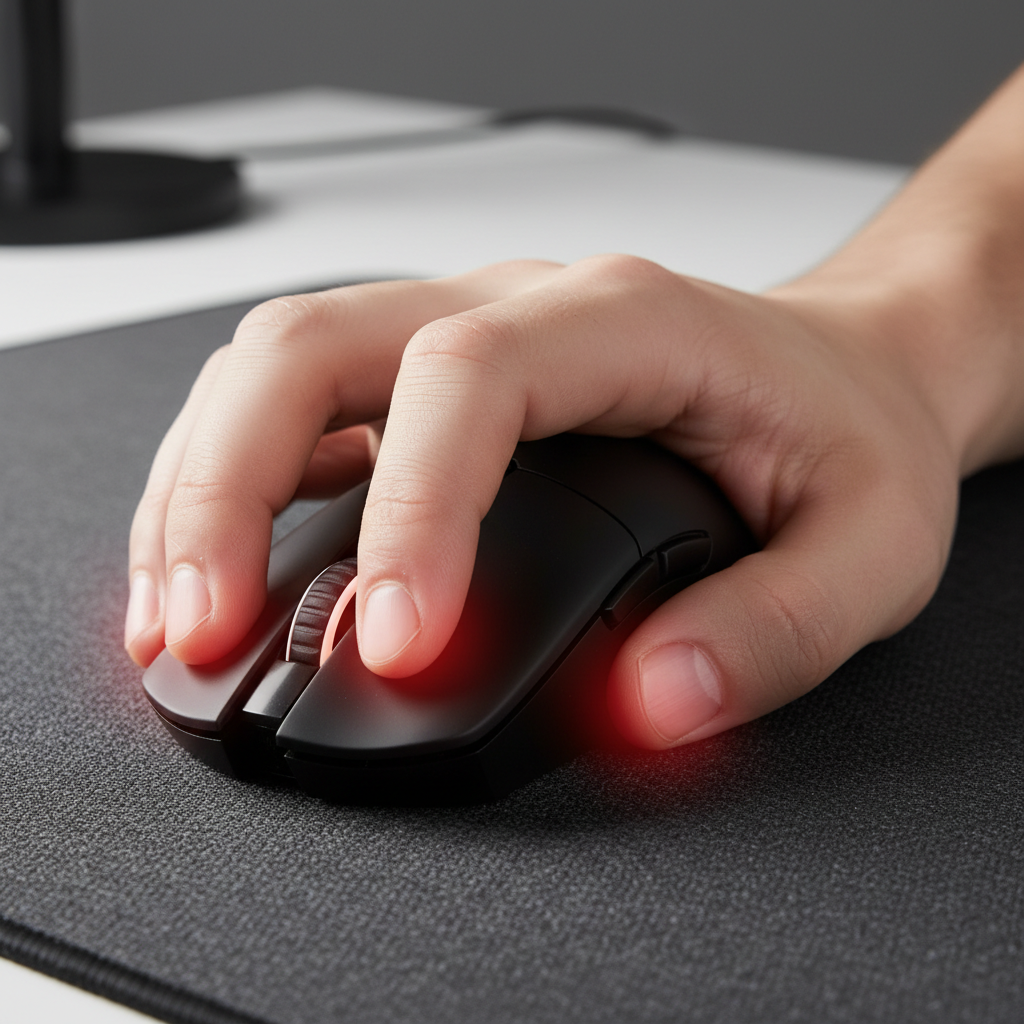
In the pursuit of pixel-perfect tracking, many competitive gamers have adopted the fingertip grip. This style—where only the fingertips contact the mouse—offers a high range of motion for micro-adjustments. However, based on common patterns we see in community feedback and support logs, this performance comes with a physical tax. Unlike palm grips that distribute force, fingertip aiming isolates strain on the intrinsic muscles (the small muscles inside your palm).
The issue isn't just weight. Even with ultra-light mice, the "pinch" mechanic used to stabilize the sensor during flicks can increase internal hand pressure. Some industry observations from ergonomic keyboard designers [Brand Source: X-Bows] suggest that high-tension pinching can significantly increase pressure in the carpal tunnel compared to a relaxed press. If the hand is improperly positioned, even a 50g mouse can lead to fatigue.
To address this, we use a technical framework to quantify risk and provide practical, data-backed adjustments for your setup.

Quantifying the Risk: The Moore-Garg Strain Index
To understand why fingertip aimers experience deep palm aches, we modeled a high-intensity scenario using the Moore-Garg Strain Index (SI). This is an industry-standard tool [Academic Source: Moore & Garg, 1995] used to assess the risk of hand and wrist injuries.
Scenario Modeling: High-Intensity Competitive Play
We modeled a "Large-Handed Player" (hand length ~21.5 cm) using a standard 120mm mouse. The SI score is calculated by multiplying six risk factors together: Formula: $SI = \text{Intensity} \times \text{Duration} \times \text{Efforts/Min} \times \text{Posture} \times \text{Speed} \times \text{Hours/Day}$
| Variable | Multiplier | Rationale (Heuristic/Assumptions) |
|---|---|---|
| Intensity of Effort | 2.0 | High precision requires sustained "pinch" force. |
| Duration of Task | 1.5 | Based on 30–50% duty cycle in active FPS matches. |
| Efforts per Minute | 4.0 | High Actions Per Minute (APM) during engagements. |
| Hand/Wrist Posture | 2.0 | Fingertip grip often forces hyper-extension of the finger joints. |
| Speed of Work | 2.0 | Rapid tracking and flick shots increase muscle velocity. |
| Duration per Day | 2.0 | Assumes daily play exceeding 4–8 hours. |
Model Result: SI Score = 96.0 (High Risk Category)
For comparison, standard office work typically yields an SI score near 5.0. A score of 96 suggests a high risk of repetitive strain. This is a theoretical model intended to highlight how combined factors—like "hyper-extension" (bending fingers back too far) and high speed—multiply risk. Independent research [Academic Source: Orthopedics Journal, 2024] indicates that gamers in high-exposure categories (>20 hours/week) are more susceptible to wrist extensor fatigue.
Hardware Fit: The 60% Rule and Grip Ratios
A common mistake is choosing a mouse based on popularity rather than anthropometric fit (how it matches your body's measurements).
The Grip Fit Heuristic
We recommend a practical rule of thumb called the Grip Fit Ratio. Based on ergonomic principles found in standards like ISO 9241-410 [Standard], a fingertip mouse should ideally be smaller than your hand to allow for movement:
- Target Mouse Length ≈ Hand Length × 0.6
- Target Mouse Width ≈ Hand Breadth × 0.6
In our model (21.5 cm hand), the ideal length is ~129mm. Using a 120mm mouse results in a ratio that may force the metacarpophalangeal joints (the large knuckles) into a more flexed, tense position. This tension is a significant contributor to the "claw cramp" sensation.
Hump Placement
Even if you don't rest your palm, the "hump" (the mouse's highest point) acts as a safety limit. A hump positioned toward the back can prevent the hand from collapsing into a stressful, hyper-extended state. For more on this, see our guide on mouse hump placement and precision [Brand Source].
Technical Synergy: DPI and Muscle Strain
Your software settings dictate how much force your muscles must exert. Misaligned settings can lead to "strenuous micro-adjustments."
The Nyquist-Shannon DPI Rule
Many players use 400 or 800 DPI for "stability," but on 1440p or 4K monitors, this can cause the cursor to "jump" pixels. To compensate, your fingers must work harder to correct the aim.
Applying the Nyquist-Shannon Sampling Theorem [Academic Source: IEEE]—which suggests your sampling rate should be at least 2x your visual resolution—we calculate a mathematical baseline for high-resolution gaming. For a typical 1440p setup, this suggests a minimum of ~1550 DPI.
Practical Recommendation: We suggest a baseline of 1600 DPI. This helps ensure the sensor captures every nuance of your movement, reducing the physical effort needed for micro-corrections.
8000Hz Polling and Stability
High polling (8K) reduces input lag, but it requires enough data to work correctly.
- Sensor Saturation: At 800 DPI, you must move the mouse very fast to fill an 8K signal. At 1600 DPI, you can move slower while still maintaining a stable 8K connection.
- System Load: We highly recommend connecting high-polling mice to Direct Motherboard USB Ports. Using hubs can cause "jitter," which increases hand tension as you try to compensate for an erratic cursor.
For a deeper dive into these technical requirements, see our 2026 Peripherals Whitepaper [Brand Source].
Practical Habits for Hand Health
The 180-Degree Wrist Pivot Rule
Avoid setting sensitivity so low that a 180-degree turn requires you to fully stretch your fingers. A helpful rule of thumb is to ensure a 180-degree turn can be handled by a wrist pivot. This keeps the movement within your hand's "power zone" and reduces strain on the small palm muscles.
Friction and Skates
Worn PTFE skates (the feet on the bottom of the mouse) increase "static friction." Higher friction forces you to grip the mouse tighter just to get it moving. Regularly replacing skates helps maintain a light grip tension.
Conscious Relaxation
The most common cause of fatigue is "over-gripping" during intense moments. Consciously relaxing your hand during respawns or downtime can reduce cumulative fatigue. This helps reset the hand's natural balance, as noted in studies on precision grip stability [Academic Source: PNAS].
Modeling Note: Methodology & Assumptions
The values provided are based on scenario modeling and established ergonomic heuristics. They are screening tools, not medical diagnostics.
| Parameter | Value / Range | Unit | Source Category |
|---|---|---|---|
| Hand Length (Model) | 21.5 | cm | 95th Percentile Male (ANSUR II data). |
| Mouse Length (Model) | 120 | mm | Industry standard "Superlight" mice. |
| DPI Minimum | ~1550 | DPI | Calculated via Nyquist-Shannon (1440p/103 FOV). |
| Polling Interval (8K) | 0.125 | ms | Physical law ($T = 1/f$). |
Boundary Conditions:
- Actual injury risk is influenced by individual biology and recovery habits.
- DPI minimums are mathematical boundaries for fidelity; actual "feel" may vary.
Summary Checklist
To help mitigate the ergonomic risks of fingertip aiming:
- Fit: Use a mouse roughly 60% of your hand length.
- DPI: Try 1600 DPI to reduce physical micro-adjustment effort.
- Friction: Keep mouse skates fresh to lower grip tension.
- Sensitivity: Ensure common turns are handled by the wrist, not finger extensions.
- Recovery: Practice conscious grip relaxation during downtime to manage long-term injury risks [Independent Source].
Disclaimer: This article is for informational purposes only and does not constitute medical advice. The "Strain Index" scores are theoretical risk indicators based on specific assumptions. If you experience persistent pain, numbness, or tingling, consult a qualified healthcare professional.
References
- [Brand Source] Global Gaming Peripherals Industry Whitepaper (2026)
- [Academic Source] Moore, J. S., & Garg, A. (1995). The Strain Index for risk of distal upper extremity disorders.
- [Industry Source] X-Bows: Vertical Mouse Pinch Force and Pressure Review.
- [Academic Source] Orthopedics Journal: Carpal tunnel syndrome in gamers (2024).
- [Academic Source] PNAS: Finger stability in precision grips.
- [Standard] ISO 9241-410: Ergonomics of physical input devices.
- [Academic Source] IEEE: Communication in the Presence of Noise (Shannon, 1949).
- [Independent Source] News Medical: Repetitive wrist use in esports.

Leave a comment
This site is protected by hCaptcha and the hCaptcha Privacy Policy and Terms of Service apply.