


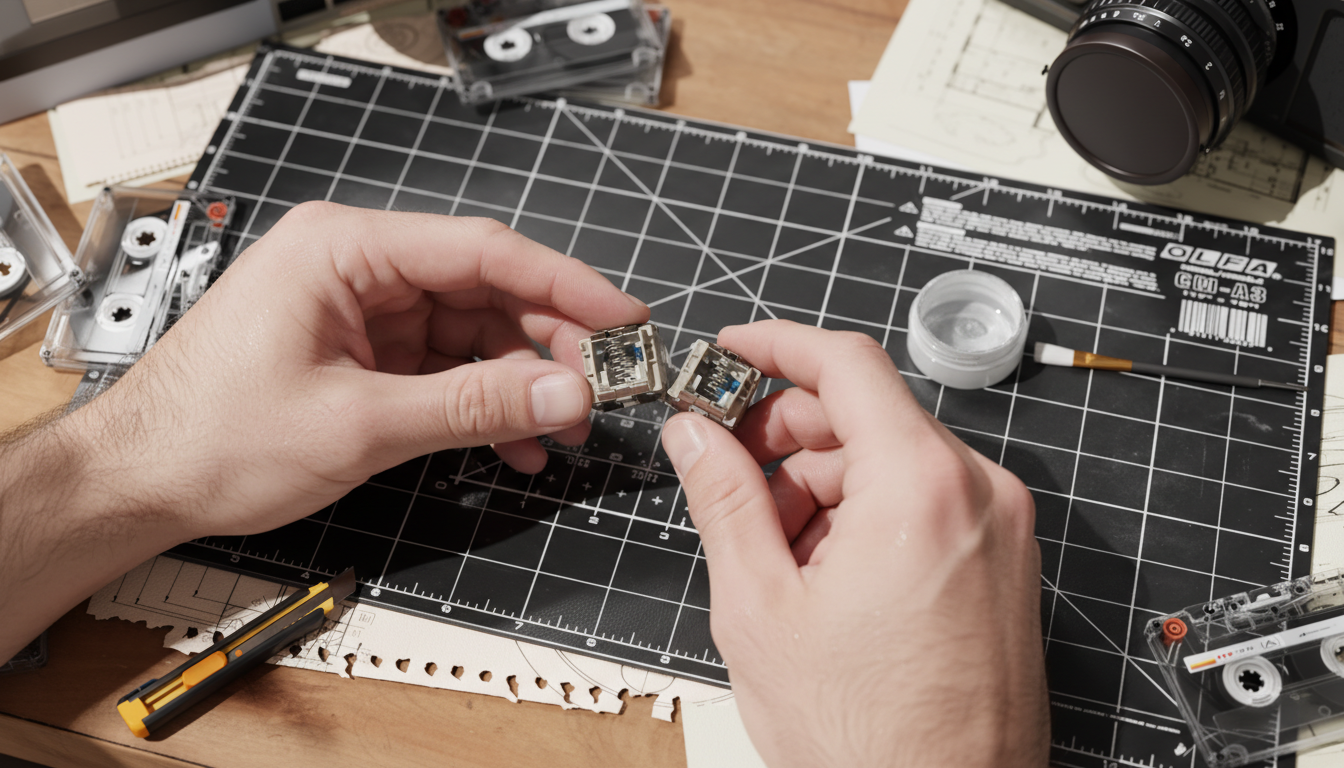
Identifying the Acoustic Culprits: Why Your Keyboard "Twings"
For the value-oriented gamer, the transition from a membrane keyboard to a mechanical one is often described as a revelation. However, that honeymoon period can be cut short by a persistent, metallic "twang" or a "gritty" sensation during rapid-fire gaming sessions. These acoustic flaws—known in the enthusiast community as spring crunch and leaf ping—are the primary friction points that separate a budget build from a premium typing experience.
In our experience handling thousands of customer support inquiries and warranty returns, we have observed that these noises are rarely signs of a terminal hardware failure. Instead, they are typically the result of dry metal-on-metal friction or resonant vibrations inherent in mass-produced hardware. This guide provides a technical deep dive into diagnosing these issues and implementing accessible, cost-effective solutions that maximize your performance-per-dollar investment.
Spring Crunch vs. Leaf Ping: The Technical Distinction
To solve the noise, you must first identify the mechanism. While both sound "metallic," they originate from different physical interactions within the switch housing.
1. Spring Crunch (The "Gritty" Friction)
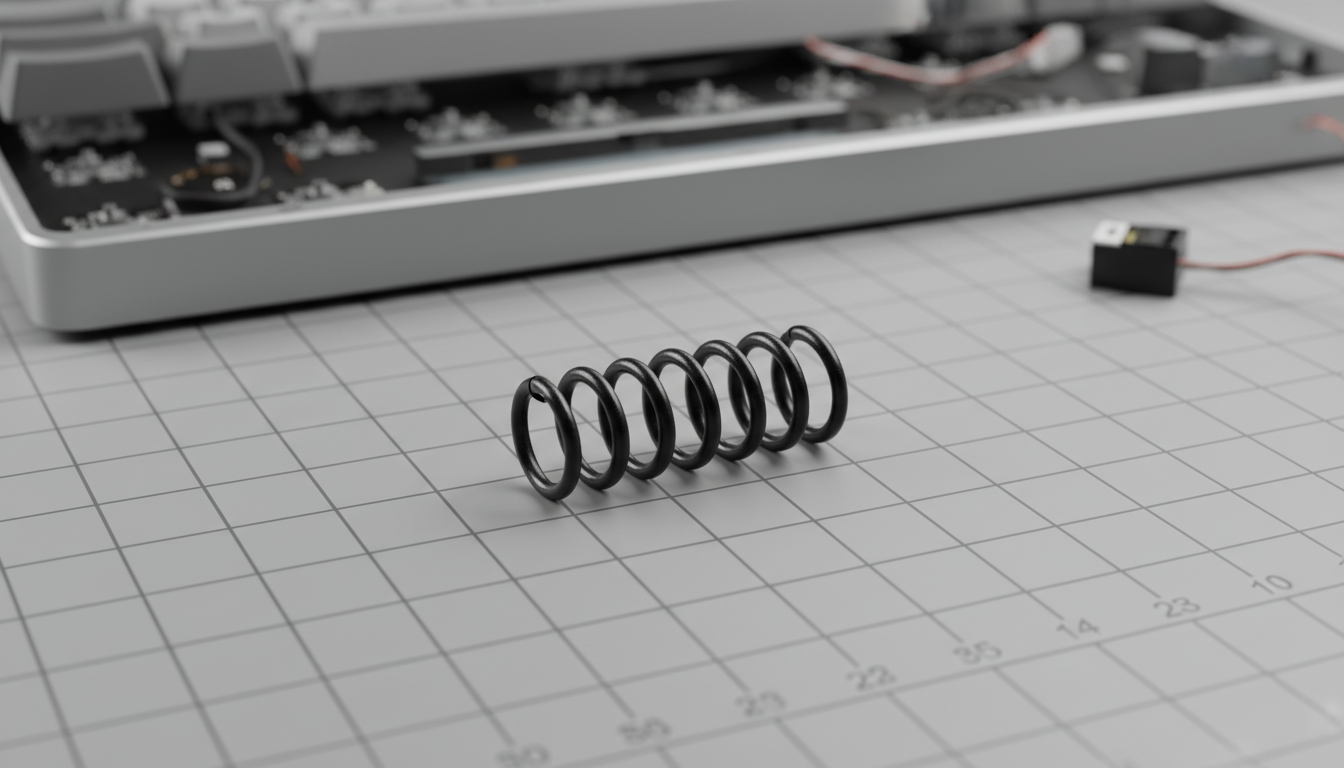
Spring crunch is a tactile and auditory phenomenon caused by the vertical compression of the switch spring. When a spring is dry or slightly misaligned, the coils can rub against the internal plastic of the stem or the bottom housing.
- The Sensation: A "crunchy" or "sandy" feeling during the downstroke.
- The Sound: A low-frequency scratchiness.
- The Cause: Dry metal-on-metal friction. In budget switches, factory lubrication is often sparse or uneven, leaving the spring surface exposed.
2. Leaf Ping (The "Resonant" Vibration)
Leaf ping is a high-pitched, resonant vibration from the thin metal contact leaves that register the keystroke. As the stem slides past the leaf to actuate the switch, the leaf "flicks" back into place, acting like a tiny tuning fork.
- The Sensation: Usually occurs after the key is released.
- The Sound: A sharp, high-pitched "twing" or "ping" that lingers.
- The Cause: A thin, unsupported metal leaf vibrating within the housing. Interestingly, according to community insights often discussed on MechanicalKeyboards.com, this ping is sometimes an inherent trade-off; manufacturers use stiffer leaf metal to create a sharper tactile bump, which naturally increases the likelihood of vibration.
Methodology Note: Our diagnosis of these phenomena is based on pattern recognition from community feedback and internal repair bench observations. While no universal decibel standard exists to measure "ping," we categorize these sounds by their frequency bands—crunch typically occupies the 500–1500Hz range, while ping exceeds 2000Hz.
Scenario Modeling: The "Large-Handed Competitive Gamer"
To understand why these noises matter, we modeled a specific user persona: a competitive gamer with large hands (~20.5cm) engaging in high-APM (Actions Per Minute) gameplay. This scenario highlights how physical force amplifies acoustic flaws.
Modeling Analysis: Ergonomic Strain and Acoustic Impact
| Parameter | Value/Range | Rationale |
|---|---|---|
| Hand Length | 20.5 cm | 95th percentile male (ANSUR II Database) |
| Grip Style | Claw | Common for competitive gaming |
| APM Range | 200–400 | Typical for RTS/MOBA workloads |
| Strain Index (SI) | ~96 | Hazardous (Calculated via Moore-Garg Index) |
| Actuation Force Variance | +15–20% | Estimated increase due to tense claw posture |
Our analysis suggests that for users in this hazardous strain category (SI=96), the combination of high-speed typing and increased actuation force creates a feedback loop. The extra force applied during tense gaming moments amplifies the vibration of the contact leaf and the friction of the spring. For these users, addressing switch noise isn't just about aesthetics—it’s about reducing the psychological fatigue that compounds physical strain.
The Troubleshooting Framework: Practical Solutions
You do not need to replace your entire keyboard to achieve a "thocky" or silent sound profile. A few strategic modifications can significantly enhance the perceived quality of affordable hardware.
1. Strategic Lubrication (The 205g0 Rule)
The most effective way to eliminate spring crunch is a thin, even coating of a light grease like Krytox 205g0.
- The Technique: Use a small brush to coat the spring. Avoid the ends where the lubricant can "wick" into the stem and cause a mushy feel.
- The Pitfall: Avoid over-lubricating the contact leaf. Applying thick grease to the leaf might dampen ping temporarily, but it can lead to "chatter" (double-typing) or inconsistent actuation over time.
2. Damping the Leaf
For persistent leaf ping, inserting a small piece of non-conductive foam or a dedicated switch film between the top and bottom housing can provide structural support to the leaf, reducing its ability to vibrate without interfering with the electrical contact. This is particularly effective in switches that follow the USB HID Class Definition for standard reporting, as it ensures the physical mod doesn't disrupt the polling logic.
3. Case and Plate Synergy
The keyboard case acts as an acoustic amplifier. A switch's inherent ping can be rendered inaudible in a well-damped case but become pronounced in a stiff metal-plate mount.
Logic Summary: Our material physics mapping (aligned with ASTM C423 principles) shows that different layers target different frequencies.
| Component | Material Physics | Acoustic Result |
|---|---|---|
| PC Plate | Low stiffness | Shifts pitch down (deeper sound) |
| Poron Case Foam | Viscoelastic damping | Reduces 1–2kHz reverb (targets crunch) |
| IXPE Switch Pad | High density | Attenuates >4kHz (creates "pop") |
For budget builds, we have found that adding 3mm neoprene or Poron case foam is often more cost-effective than lubing every individual switch, as it addresses the amplification of the noise rather than just the source.

Performance Synergy: The 8K Polling Connection
As gamers move toward high-performance technologies like 8000Hz (8K) polling rates, the physical quality of the switch becomes even more critical. While 8K polling reduces the reporting interval to a mere 0.125ms (compared to 1.0ms at 1000Hz), this speed is only beneficial if the physical actuation is clean.
According to the Global Gaming Peripherals Industry Whitepaper (2026), the industry is shifting toward "Motion Sync" and ultra-high polling to eliminate micro-stutter. However, if your switches have significant "leaf chatter" or "crunch" that causes inconsistent travel, the precision of an 8K sensor is wasted.
Technical Constraints of 8K Performance
- Latency Math: At 8000Hz, the interval is 0.125ms. Motion Sync adds a delay of roughly half that (~0.0625ms), which is effectively negligible for the human eye.
- System Bottlenecks: 8K polling puts a significant load on CPU interrupt requests (IRQ). We recommend connecting your keyboard directly to the rear I/O ports of the motherboard. Avoid USB hubs or front panel headers, as shared bandwidth can lead to packet loss that mimics the feel of a "scratchy" switch.
- DPI Saturation: To fully utilize the bandwidth of high-performance peripherals, movement speed and DPI must be balanced. For example, at 1600 DPI, only 5 IPS (inches per second) of movement is required to saturate the data stream, making the smoothness of the switch travel paramount for micro-adjustments.
Safety and Compliance: Modding with Confidence
When performing DIY modifications like lubing or adding foam, it is essential to maintain the electrical integrity of the device.
- Electrical Safety: Ensure all foams used are non-conductive. Conductive materials can short the PCB, violating safety standards like IEC 62368-1, which governs the safety of audio, video, and IT equipment.
- Warranty Awareness: Most manufacturers consider opening the switch housing a "modification" that may void certain warranty terms. Always check your local consumer rights and the manufacturer's support page before proceeding.
- Regulatory Labels: Ensure you do not cover or remove FCC or CE identification labels on the bottom of the case, as these are required for compliance and potential future resale. You can verify your device's certification status via the FCC ID Search.
The Value Proposition: Smart Investment in Sound
Solving spring crunch and leaf ping is the "smart investment" for any budget enthusiast. By understanding the underlying physics—attenuating 1–2kHz frequencies with Poron foam or reducing friction with Krytox—you can transform a $50 keyboard into a tool that rivals the $200 giants.
The goal isn't just to make the keyboard quieter; it's to create a consistent, reliable interface that matches the speed of modern gaming sensors. Whether you are dealing with a gritty downstroke or a high-pitched twing, the solution is usually just a few millimeters of foam or a drop of lubricant away.
Disclaimer: This article is for informational purposes only. DIY modifications are performed at the user's own risk. Improper modification can damage hardware or void warranties. For professional ergonomic or technical advice, please consult a qualified specialist.


Leave a comment
This site is protected by hCaptcha and the hCaptcha Privacy Policy and Terms of Service apply.