


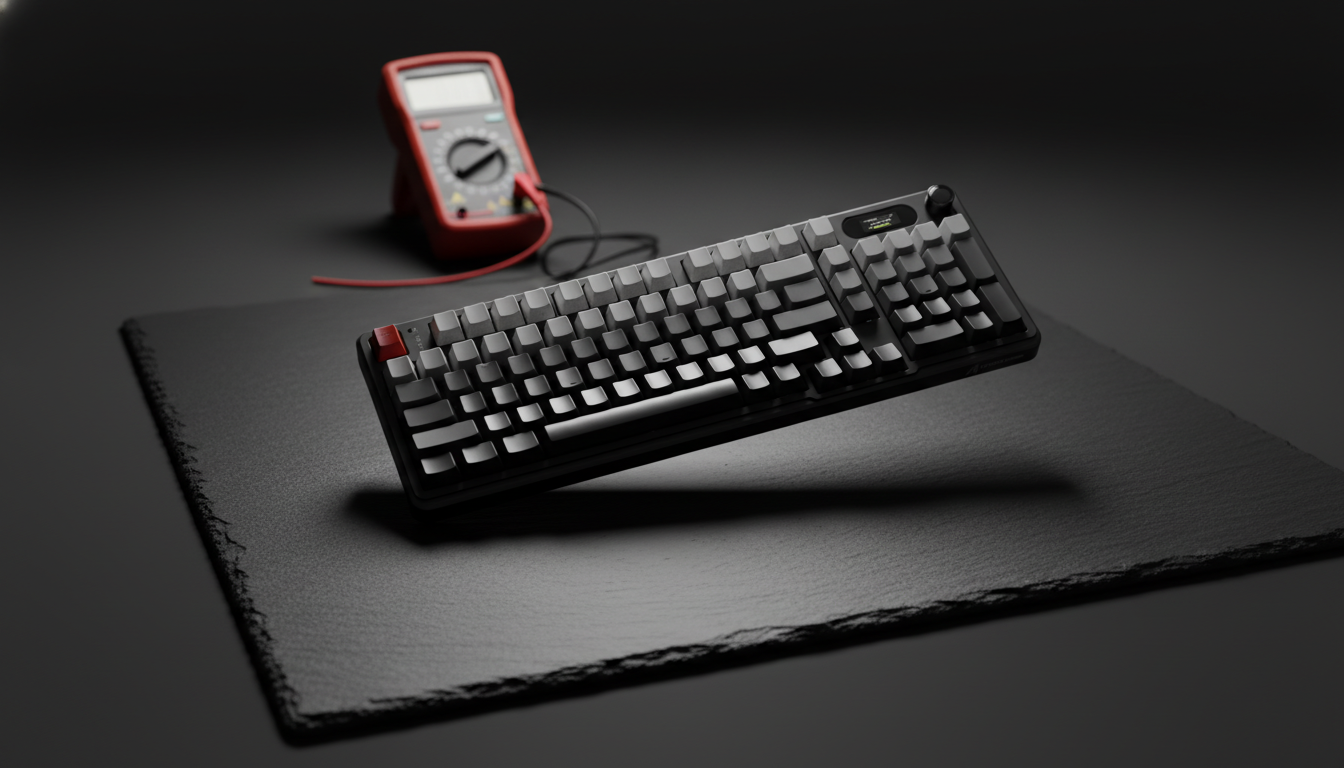
Executive Summary: Solving Static in Metal Keyboards
For enthusiasts using aluminum mechanical keyboards, Electrostatic Discharge (ESD) is more than a nuisance—it is a technical hurdle that can cause input stutter, sensor jitter, or system instability. Because the anodized coating on most cases acts as an electrical insulator, the metal chassis can become a "floating" conductor that stores charge rather than dissipating it.
The Quick Fix Checklist:
- Primary Connection: Use the Rear I/O ports on your motherboard, not front-panel case headers.
- Cable Check: Ensure your USB cable (including aviator connectors) has a continuous shield from the PC to the keyboard.
- Environment: Maintain a relative humidity of 40–55% to naturally suppress static buildup.
- Hardware Test: Use a multimeter to verify that the resistance between your case (raw metal point) and the PC chassis is <1 Ohm (Practical Benchmark).
The Physical Reality of Electrostatic Discharge in Aluminum Keyboards
Aluminum keyboard cases are prized for their structural rigidity and premium heft. However, the transition from polymer to metallic housings introduces complex electrical challenges. While metal is a superior conductor, consumer hardware manufacturing often creates "floating" conductive islands.
In typical home environments, static buildup occurs through triboelectric charging—friction between sleeves and desk mats, or movement in a chair. When this charge finds a path to an ungrounded keyboard case, it accumulates. If the case is not properly bonded to a ground plane, the discharge eventually seeks the path of least resistance—often through the PCB or USB controller. This can manifest as momentary input lag or, in dry conditions, a full system restart.
The Anodizing Insulator Paradox
A common misconception is that an aluminum case is inherently conductive on all surfaces. Most anodized finishes are designed for durability and aesthetics, resulting in a surface resistivity that can exceed 10^12 ohms per square. Effectively, the protective oxide layer acts as a dielectric barrier.
For a keyboard to safely dissipate static, the ESD must reach the raw aluminum or a dedicated grounding point. In many mass-produced units, internal screws are the only points where the anodizing might be thin enough to provide a path to the PCB ground. If the PCB itself is not properly bonded to the chassis ground, the case remains isolated, holding a charge until a user touches the frame and triggers a discharge.
Workshop Heuristic: We treat anodized coatings as insulators. Effective grounding requires breaking this barrier at internal contact points to reach a low-resistance path to the USB shield.
Grounding Infrastructure: USB Paths and Chassis Bonding
The primary path for grounding a keyboard is the USB cable shield. However, not all USB implementations provide the same level of protection. Based on common patterns seen in technical support and repairs, shield-to-chassis resistance can vary significantly depending on the connection point.
Front Panel vs. Rear I/O Headers
A frequent cause of ESD-related disconnects is the use of front-panel USB ports. These are typically connected via unshielded internal ribbon cables or headers that introduce higher impedance compared to ports soldered directly to the motherboard's rear I/O shield.
Workshop experience suggests that migrating a "glitchy" metal keyboard to a rear I/O port is the most effective first-line diagnostic step. This ensures a more direct, low-resistance path to the power supply unit (PSU) casing and the building's electrical ground.
The Role of Aviator Connectors and Coiled Cables
Custom "aviator" style connectors are popular but inconsistent in their grounding performance.
- High-Quality Connectors: Feature full metal housings with internal bonding to the cable shield.
- Budget Alternatives: May use thin plating or lack a secure connection between the shell and the wire shielding, rendering the "metal" connector ineffective for static dissipation.
Heuristic Labeling: The "Tingle Test" is a common workshop observation. If you feel a slight "buzz" or static sensation when touching the case, it indicates a high-impedance ground path. A properly grounded setup should eliminate this sensation.
Diagnostic Protocols for the Technical Enthusiast
To verify grounding integrity, enthusiasts can use a digital multimeter. Safety Warning: Always disconnect the keyboard from the PC and power source before performing resistance or continuity tests to avoid damaging the multimeter or the PCB.
- Continuity Check: Set the multimeter to the resistance (Ohms) mode.
- Point A: Touch one probe to a non-anodized part of the keyboard case (e.g., an internal screw head or an unpainted area inside the case).
- Point B: Touch the other probe to the metal shell of the USB connector (while unplugged) or a known ground point on the PC chassis.
- Target Threshold: A reading of <1 Ohm is a practical target for effective ESD protection. Readings significantly above 10 Ohms suggest a "floating" case or a poorly shielded cable.
Environmental Mitigation: The 45-55% Rule
In low-humidity environments (below 30% RH), static buildup increases exponentially. Even a well-grounded aluminum case can struggle to dissipate charge as quickly as it is generated by synthetic fabrics. According to general ergonomic and hardware stability guidelines, such as those discussed in the Global Gaming Peripherals Industry Whitepaper (2026), maintaining a relative humidity of 45-55% is a highly effective long-term solution for preventing ESD-related hardware failures.
High-Performance Bottlenecks: 8K Polling and ESD Sensitivity
As keyboard technology reaches 8000Hz (8K) polling rates, the system's sensitivity to electrical noise increases. At 8000Hz, the polling interval is exactly 0.125ms (1/8000).
IRQ Processing and Packet Loss
At 8K, the bottleneck is often the management of Interrupt Requests (IRQs). Every ESD event, even a minor one, can introduce noise into the USB data lines. This noise can cause packet loss or force the OS to resynchronize the HID (Human Interface Device) report. While a single dropped packet is unnoticeable at 1000Hz (1.0ms), at 0.125ms, a burst of static noise can cause a perceptible stutter in input.
| Polling Rate | Interval | Motion Sync Delay (avg) | CPU/IRQ Load |
|---|---|---|---|
| 1000Hz | 1.0ms | ~0.5ms | Low |
| 4000Hz | 0.25ms | ~0.125ms | Moderate |
| 8000Hz | 0.125ms | ~0.0625ms | High |
Modeling Note: Motion Sync delay is calculated as 0.5 * Polling Interval. For an 8K setup, this delay is a negligible ~0.0625ms, meaning grounding and signal stability are far more critical for performance than the firmware feature's latency penalty.
ESD-Safe Workspace Configuration
For users in high-risk environments, grounding the keyboard alone may not be enough. Standards like ANSI/ESD S20.20 emphasize maintaining personnel and equipment at an equal potential.
Grounding Mats and Desk Surfaces
A dissipative desk mat can act as a bridge, slowly bleeding off charge from the user's arms. These should be connected to a known ground point via a 1-megohm resistor for safety. This prevents a "hard ground," which could be hazardous in the event of a building power fault.
Avoiding Dangerous DIY Solutions
Warning: Never attempt to ground a keyboard case directly to a radiator or a water pipe. This can violate electrical codes (such as NEC 250.4) and create dangerous ground loops. If a plumbing system becomes energized due to a fault elsewhere in the building, a DIY ground wire could expose the user to lethal voltages.
Illustrative Performance and Stability Scenarios
These scenarios represent simulated models based on common technical patterns; they are intended for comparative analysis rather than as a controlled laboratory study.
Scenario A: The Optimized Setup
- Environment: 45% Humidity, Rear I/O connection, high-quality shielded cable.
- Result: The system maintains a stable 0.125ms polling interval. Motion Sync ensures alignment with the display refresh cycle with minimal risk of ESD-induced jitter.
Scenario B: The High-Risk Setup
- Environment: 25% Humidity, Front Panel USB, unshielded custom cable.
- Result: High likelihood of IRQ resynchronization. Static events (often reaching several thousand volts in dry air) carry a higher risk of causing the USB controller to reset or the system to restart.
Parameters Used in Modeling
| Parameter | Estimated Range | Unit | Rationale |
|---|---|---|---|
| Polling Rate | 4000 - 8000 | Hz | Modern high-performance standard |
| Relative Humidity | 25 - 55 | % | Typical indoor variance |
| USB Shield Resistance | 100 - 1000 | mOhm | Observed variance in consumer cables |
Summary of Best Practices
To protect your aluminum keyboard and ensure peak performance:
- Use Rear I/O: Always connect directly to the motherboard to minimize ground impedance.
- Verify Your Cable: Ensure custom cables have a continuous shield connection.
- Control the Air: Aim for 45% RH to reduce static generation.
- Safety First: Only perform hardware modifications or testing when the device is unplugged.
By understanding the physics of ESD and the insulating properties of anodized coatings, you can enjoy the premium feel of a metal keyboard without the frustration of intermittent performance issues.
Disclaimer: This article is for informational purposes only. Modifying electrical equipment or building custom grounding solutions carries risks of hardware damage or personal injury. Always consult a qualified electrical professional and adhere to local building codes and safety standards.

Leave a comment
This site is protected by hCaptcha and the hCaptcha Privacy Policy and Terms of Service apply.