

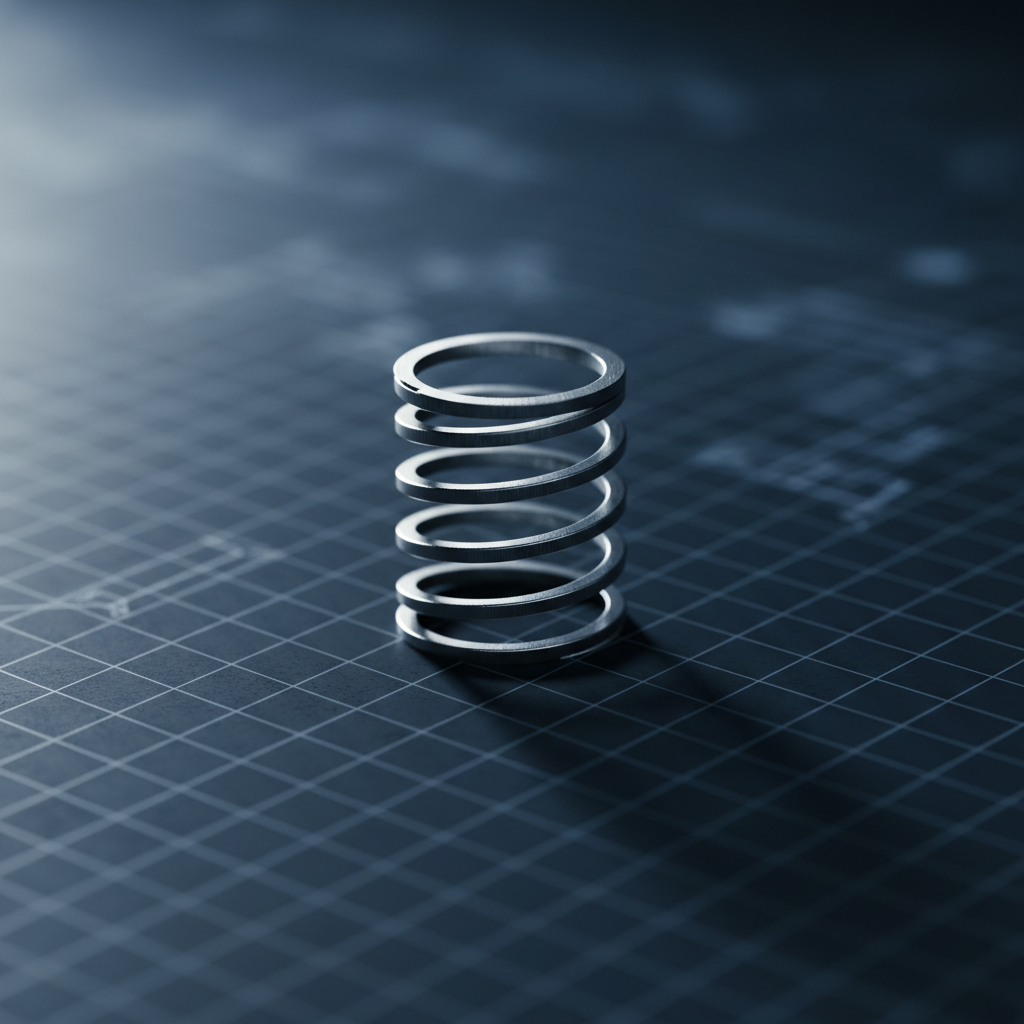
The Engineering Physics of Switch Springs
In the ecosystem of high-performance mechanical keyboards, the switch spring is the primary engine of tactile feedback. While much of the industry's marketing focuses on the housing material or the stem's smoothness, the spring dictates the force curve, the return speed, and the overall structural consistency of the typing experience. For technically-minded gamers, understanding the degradation of these components is vital for maintaining a competitive edge.
Mechanical springs operate on the principle of elastic deformation. When a key is pressed, the spring stores potential energy; when released, it converts that energy back into kinetic force to reset the switch. However, this cycle is not infinite. Over time, materials undergo fatigue—a progressive structural damage that occurs when a material is subjected to cyclic loading. While a switch might be rated for 50 million to 100 million actuations, these figures often refer to the electrical contact leaf's durability rather than the spring's ability to maintain its original force profile.
The following analysis explores the variables that shorten spring lifespan, the technical signals of impending failure, and a data-driven framework for determining when a replacement is necessary to restore peak performance.
Mechanical Fatigue and the 50-Million Cycle Myth
Conventional wisdom in the peripheral market suggests that switch longevity is a fixed constant. However, data from the Global Gaming Peripherals Industry Whitepaper (2026) indicates that real-world durability is a composite of housing stability, stem friction, and spring health.
A critical distinction exists between electrical failure and mechanical fatigue. A switch may still register a keystroke (electrical success) while the spring has lost 10% of its bottom-out force (mechanical failure). This phenomenon, known as stress relaxation, occurs when a spring is held under load or subjected to high-frequency use. The metal atoms within the alloy begin to shift, permanently altering the spring's "memory."
The Corrosion Factor in Hybrid Assemblies
One of the most significant, yet overlooked, causes of spring failure is galvanic corrosion. In many standard mechanical switches, a stainless steel spring is housed in close proximity to brass or copper-based contact leaves. According to research on the Galvanic Corrosion of Brass and Steel, these two metals have a significant galvanic potential. When moisture from the air (humidity) enters the switch housing, it acts as an electrolyte, creating a microscopic battery.
In this scenario, the steel spring acts as the anode and corrodes, while the brass contact acts as the cathode. This process accelerates the degradation of the spring's surface, leading to micro-fissures that eventually cause the spring to snap or lose its linear consistency.

Scenario Modeling: Environmental Stress on Competitive Hardware
To provide a practical baseline for enthusiasts, we modeled a specific high-stress environment: a competitive esports gamer operating in a high-humidity coastal region. This scenario demonstrates how environmental variables can compress the typical hardware lifecycle.
Modeling Note: High-Humidity Competitive Usage
Method & Assumptions: This analysis uses a deterministic parameterized model to estimate component degradation. It is a scenario model, not a controlled lab study.
Parameter Value / Range Unit Rationale Ambient Humidity 70–80 % RH Coastal/Tropical environment standards Actuation Frequency 10,000 presses/hr Average for high-intensity FPS/RTS gaming Spring Material Stainless Steel Alloy Common budget/mid-range switch standard Contact Material Brass Alloy Standard electrical interface Polling Rate 4,000 Hz High-performance wireless setting
Analysis Results: Under these specific conditions, spring corrosion and fatigue accelerate by an estimated 200–300% compared to a climate-controlled office environment. While a standard spring might last 5 years in an office, a competitive gamer in 75% humidity may notice a significant loss of consistency within 18 to 24 months.
Furthermore, high-performance settings like 4,000Hz polling rates increase the frequency of rapid-fire inputs, which generates localized heat within the switch housing, further promoting the relaxation of the spring metal.
Identifying the Signals: The "Ping Test" and Acoustic Shifts
Experienced keyboard modders often rely on sensory diagnostics to identify worn springs before they fail completely. One of the most reliable heuristics is the "ping test."
When a spring begins to undergo material stress, its resonant frequency changes. A healthy spring should produce a dull, muted thud upon return, especially if lubricated. A fatiguing spring, however, often develops a distinct metallic ringing or "ping" sound. This occurs because the internal damping of the metal has decreased as micro-cracks form in the crystalline structure of the steel.
Acoustic Material Reference: Thock vs. Clack
Spring wear shifts the acoustic signature of a keyboard toward higher frequencies. As the spring loses its original tension, it may vibrate more freely within the housing, creating high-frequency "clack" sounds (typically >2000Hz).
| Component Layer | Material Physics | Frequency Band Attenuated | Acoustic Result |
|---|---|---|---|
| PC Plate | Low stiffness (E) | Low-pass filter | Shifts fundamental pitch down (deepens sound) |
| Poron Case Foam | Viscoelastic damping | 1 kHz - 2 kHz | Reduces hollow case ping/reverb |
| IXPE Switch Pad | High density foam | > 4 kHz | Creates "poppy" transient emphasis |
When a spring wears out, it bypasses these damping layers by generating vibrations that exceed the material's absorption capacity. If a keyboard that previously sounded "deep" or "creamy" begins to sound "thin" or "metallic," the springs are likely the culprit.

The Technical Indicators of Spring Death
Beyond acoustics, there are measurable physical changes that indicate a spring is reaching the end of its functional life:
- Increased Friction (Scratchiness): As corrosion develops, the surface of the spring becomes rough. This creates friction against the internal stem post of the switch, leading to a "scratchy" feel that lubrication cannot permanently fix.
- Inconsistent Actuation Force: In linear switches, wear often manifests as a "mushy" feel. In tactile switches, metal memory loss can lead to an inconsistent tactile bump, where some keys feel heavier or lighter than others.
- Binding and Crunching: If a spring has physically deformed or "bowed" inside the housing, it may catch on the stem, creating a crunching sensation or causing the key to stick halfway through its travel.
- Discoloration: During DIY maintenance, if a spring appears slightly brown or rainbow-colored near the coils, it is an indicator of oxidation or heat-induced stress. These springs should be replaced immediately.
Proactive Maintenance: The DIY Path to Longevity
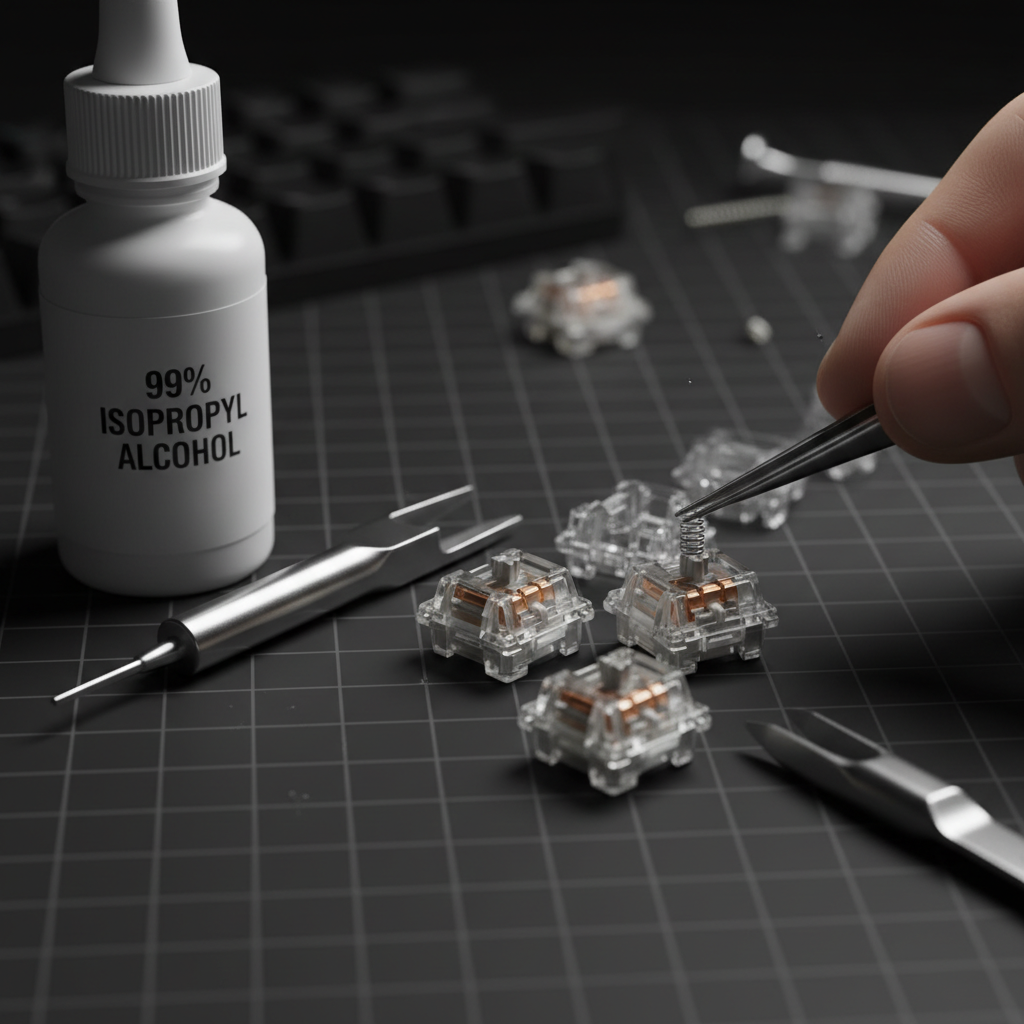
For the value-oriented enthusiast, replacing an entire set of switches can be an unnecessary expense if only the springs are failing. Spring swapping is a common practice that allows users to restore—or even upgrade—their keyboard's performance for a fraction of the cost of new hardware.
The "Break-In" Protocol
When installing new replacement springs, seasoned builders recommend a "break-in" period. New springs often have "settling" points where the coils haven't yet found their natural seat. Performing approximately 500 to 1,000 actuations before final assembly can help achieve a more consistent force curve. This is aligned with the testing methodologies suggested by RTINGS - Mouse Click Latency Methodology, which emphasizes the importance of standardized state-of-wear testing.
Lubrication and Environmental Protection
To combat the galvanic corrosion mentioned earlier, using a high-quality synthetic grease (like Krytox 205g0) on the spring ends is essential. The lubricant acts as a physical barrier, preventing moisture from reaching the metal-on-metal contact points between the spring and the housing.
For users in high-humidity areas, using a transparent keyboard cover when the device is not in use can drastically reduce the rate of oxidation. According to the EU General Product Safety Regulation (GPSR), maintaining electrical equipment in dry conditions is a primary recommendation for preventing premature component failure.

When to Repair vs. Replace
The decision to replace springs versus buying new switches depends on the extent of the wear. If the switch housings are made of POM or POK (high-durability plastics) and show no signs of structural wear, a spring swap is the most cost-effective path. However, if the switch stems are also heavily abraded, the labor of spring swapping may not yield a "like-new" feel.
Decision Matrix: The Hardware Lifecycle
- Acoustic Ping Only: Lubricate the springs. If the ping persists, replace the springs (Estimated cost: ~$10–$15 per set).
- Inconsistent Weighting (>5g variance): Replace the springs immediately to prevent muscle memory degradation.
- Sticky/Binding Keys: Inspect the stem. If the stem is damaged, replace the entire switch.
- Visible Corrosion: Replace the switches. Corrosion on the spring often means the internal brass contacts are also compromised, which can lead to "key chatter" or double-typing.
Regulatory and Safety Considerations
While keyboard switches are low-voltage components, the materials used in springs and housings are subject to international standards. When sourcing replacement springs, ensure they comply with the EU RoHS Directive, which restricts the use of hazardous substances like lead and cadmium in electronic components.
Furthermore, for those using magnetic or Hall Effect (HE) switches, spring choice is even more critical. Since HE switches rely on precise distance measurements to trigger, a fatiguing spring can cause the "Rapid Trigger" point to drift, leading to unintended inputs in competitive games. For a deeper dive into this, see our guide on Magnetic Switch Reliability for Professional LAN Events.
Maximizing Your Hardware Investment
The lifespan of a switch spring is not a mystery; it is a predictable outcome of material science and environmental interaction. By recognizing the early warning signs of fatigue—such as the metallic "ping" or inconsistent weighting—you can intervene before hardware failure impacts your gaming performance.
Proactive maintenance, including proper lubrication and the use of protective covers, can extend the life of budget-friendly hardware to match that of "premium" alternatives. In the world of competitive peripherals, the most valuable tool is not just the hardware itself, but the technical knowledge required to keep it running at its theoretical peak.
Disclaimer: This article is for informational purposes only. Modifying mechanical switches (opening housings, swapping springs) typically voids manufacturer warranties. Always ensure your device is unplugged before attempting any DIY maintenance. If you are unsure about the safety or technical requirements of hardware modification, consult a professional technician.

Leave a comment
This site is protected by hCaptcha and the hCaptcha Privacy Policy and Terms of Service apply.