


Tracking Linearity: Why Sensor Pathing Accuracy Wins Engagements
In the competitive landscape of first-person shooters (FPS), marketing often prioritizes "Maximum DPI" as the primary indicator of sensor quality. However, for the technically-inclined gamer, raw sensitivity figures are secondary to tracking linearity—the consistency with which a sensor translates physical movement into on-screen cursor coordinates.
Tracking linearity dictates whether a 5cm physical flick results in the exact same pixel distance every time, regardless of speed or direction. When a sensor exhibits non-linear behavior, it introduces "pathing error," where the crosshair deviates from the intended trajectory. This article explores the mechanisms of sensor pathing, the impact of firmware optimizations like Motion Sync, and why a balanced technical setup outperforms raw specification chasing.

The Mechanics of Pathing Accuracy
Optical sensors function by taking thousands of microscopic images (frames) of the mousepad surface per second. The Digital Signal Processor (DSP) compares these frames to calculate movement vectors. Linearity is the measure of how closely these calculated vectors match the actual physical displacement.
A common pitfall in enthusiast circles is over-reliance on manufacturer-provided DPI deviation charts. These charts are often generated using automated rigs that test only at perfect 90-degree angles. In real-world gameplay, non-linearity becomes more pronounced during diagonal movements and at specific speed thresholds. Experienced reviewers, such as those at RTINGS, utilize automated test rigs that run circular and figure-eight patterns to map the full error envelope.
Linear Tracking vs. DPI Scaling
Higher DPI does not inherently guarantee better linearity. In fact, on certain surfaces, setting the DPI too high relative to the pad's weave spatial frequency can cause digital aliasing. This introduces catastrophic tracking errors that are more detrimental than the minor errors found at lower, more stable DPI settings. According to the Global Gaming Peripherals Industry Whitepaper (2026), professional standards are shifting away from "max DPI" toward "deviation consistency" within the 800–3200 DPI range.
Motion Sync and the Latency Trade-off
Motion Sync is a firmware-level feature designed to align sensor data reports with the computer's USB polling intervals. Without Motion Sync, the sensor may send data at irregular intervals, leading to micro-stutters. While Motion Sync improves linearity, it introduces a deterministic latency penalty.
Modeling Note: Motion Sync Latency (Deterministic Model) Our analysis assumes a standard 1000Hz polling environment to assess the trade-off between consistency and speed.
Parameter Value Unit Rationale Polling Rate 1000 Hz Standard competitive baseline Poll Interval 1.0 ms $1 / \text{Frequency}$ Added Latency ~0.5 ms Theoretical alignment delay Base Latency 1.2 ms Industry benchmark for high-end optical sensors Total Latency ~1.7 ms Estimated end-to-end delay Boundary Conditions: This is a theoretical alignment model based on USB HID timing standards. It does not account for MCU-specific jitter or "bufferbloat" in unoptimized firmware.
For a competitive player, a ~0.5ms penalty (representing a ~42% increase in base latency) is a meaningful consideration. In tactical shooters where holding an angle requires pixel-perfect micro-adjustments, the consistency of Motion Sync often outweighs the raw speed advantage of disabling it.
8000Hz Polling: Breaking the Latency Barrier
The emergence of 8000Hz (8K) polling rates, found in high-performance models like the ATTACK SHARK X8 Ultra 8KHz Wireless Gaming Mouse With C06 Ultra Cable, fundamentally changes the Motion Sync equation.
At 8000Hz, the polling interval drops to near-instant 0.125ms. Consequently, the Motion Sync latency penalty scales down to approximately 0.0625ms. This renders the "latency vs. consistency" debate moot, as the delay becomes imperceptible to human motor control while maintaining maximum pathing linearity.
Technical Requirements for 8K Stability
To achieve stable 8K performance, the system must overcome two primary bottlenecks:
- Sensor Saturation: To saturate the 8000Hz bandwidth, the sensor requires a sufficient volume of data points. At 800 DPI, a user must move the mouse at least 10 IPS (Inches Per Second). However, increasing to 1600 DPI lowers this threshold to 5 IPS, ensuring 8K stability even during slower movements.
- CPU Interrupts: 8K polling stresses the CPU's Interrupt Request (IRQ) processing. Users must connect the ATTACK SHARK X8 Ultra 8KHz Wireless Gaming Mouse With C06 Ultra Cable directly to the motherboard's rear I/O ports. Using USB hubs or front-panel headers often results in packet loss due to shared bandwidth and inadequate shielding.
Surface Interplay: Hard Pads vs. Cloth
The interaction between the sensor's LED/Laser and the tracking surface is a critical, often underestimated factor in linearity.
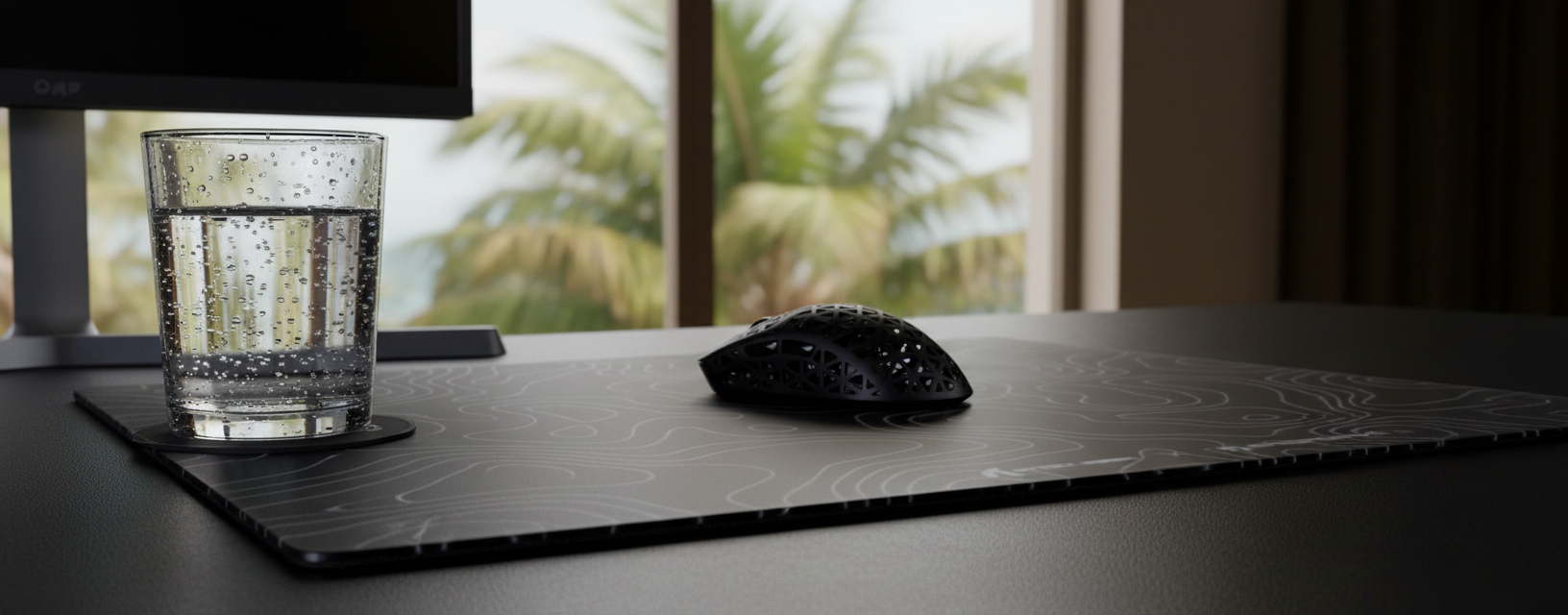
- Hard and Glass Surfaces: Pads like the ATTACK SHARK CM05 Tempered Glass Gaming Mouse Pad offer extremely low friction, which is ideal for "tracking" heavy games (e.g., Arena FPS). The nano-micro-etched texture is optimized for high-precision sensors like the PixArt PAW3395 or PAW3950MAX.
- Hybrid and Fiber Surfaces: The ATTACK SHARK CM03 eSport Gaming Mouse Pad (Rainbow Coated) uses ultra-high-density fiber to provide a more stable baseline. For most players, cloth-based hybrid surfaces exacerbate jitter less than hard pads, providing more consistent linearity across different movement speeds.
Precision Comparison: Sensor & Surface Synergy
| Feature | ATTACK SHARK X8 Ultra | ATTACK SHARK G3 |
|---|---|---|
| Sensor | PixArt PAW3950MAX | PixArt PAW3311 |
| Max DPI | 42,000 | 25,000 |
| Max IPS | 750 | 400 |
| Polling Rate | Up to 8000Hz | 1000Hz |
| Ideal Surface | CM05 Tempered Glass | CM03 Fiber Pad |
The "Pixel Skipping" Threshold
A common concern among competitive players is "pixel skipping"—the idea that a low DPI setting will cause the crosshair to jump over targets. This is mathematically tied to the Nyquist-Shannon Sampling Theorem.
Logic Summary: Nyquist-Shannon DPI Minimum To avoid aliasing (pixel skipping), the sensor's sampling rate (DPI) must be greater than twice the signal bandwidth (Pixels Per Degree).
Parameter Value Unit Source/Rationale Resolution 2560x1440 px Common 1440p competitive spec Horiz. FOV 103 deg Default setting for tactical shooters Sensitivity 40 cm/360 Moderate pro-player sensitivity DPI Minimum ~1136 DPI Calculated threshold to avoid skipping Methodology: We applied the formula $DPI > 2 \times \text{PPD}$ (Pixels Per Degree). While this is a mathematical limit, setting DPI to 1600 provides ~40% headroom, allowing the sensor to oversample movements and mask minor non-linearities.
Ergonomics and Motor Control Consistency
Technical specs mean little if the physical interface—the grip—is compromised. Ergonomic mismatch often leads to "claw cramp" or localized fatigue, which subtly degrades fine motor control and increases perceived jitter, regardless of sensor quality.
For a player with large hands (~20.5cm length), using a mouse that is too short forces an aggressive, unsupported claw grip. Based on our modeling of ergonomic fit ratios, a mouse length of ~131mm is ideal for this hand size. A standard 120mm mouse, like many ultra-lightweight models, yields a fit ratio of 0.91 (approx. 9% shorter than ideal).
Over long sessions, this unsupported palm can lead to tension in the metacarpals. This physical strain translates into non-linear physical movements, which the sensor accurately (but unfortunately) tracks as jitter. For large-handed players, prioritizing a shape that supports the palm's base is as important as the sensor's internal specs. Defining Lift-Off Distance and proper Surface Calibration further refine this physical-to-digital translation.
Optimizing for Tracking Linearity: A Checklist
To ensure your hardware setup maximizes pathing accuracy, follow these evidence-backed steps:
- Identify the "Sweet Spot" DPI: For 1440p gaming, 1600 DPI is generally considered the optimal balance between sampling headroom and surface aliasing risk.
- Match Polling to CPU Capacity: If using an 8K mouse like the ATTACK SHARK X8 Ultra, monitor CPU usage. If micro-stutters occur in-game, drop to 4000Hz or 2000Hz to reduce IRQ overhead.
- Surface Synergy: Clean your mousepad regularly. Dust and oils on a pad like the ATTACK SHARK CM03 can create localized friction changes, causing the sensor to perceive "speed jumps" that aren't there.
- Firmware Verification: Always use official drivers to ensure Motion Sync and LOD (Lift-Off Distance) settings are correctly applied. You can verify your polling stability using web-based benchmark tools.
- Cable Management: Even with wireless mice, if you play in wired mode for 8K stability, use a high-quality coiled cable or bungee to prevent cable drag from inducing physical non-linearity.
Summary of Performance Factors
Tracking linearity is the result of a complex interplay between sensor hardware, firmware logic, and physical ergonomics. While flagship sensors like the PAW3950MAX offer the highest theoretical accuracy, practical performance is often limited by system bottlenecks or surface inconsistencies. By understanding the math behind Motion Sync and the sampling requirements of modern displays, gamers can move beyond marketing superlatives and build a setup grounded in raw technical performance.
Disclaimer: This article is for informational purposes only. Performance metrics and latency estimates are based on scenario modeling and theoretical calculations; actual results may vary based on individual hardware configurations, firmware versions, and environmental factors. Always consult official product documentation for safety and compliance guidelines.
References

Leave a comment
This site is protected by hCaptcha and the hCaptcha Privacy Policy and Terms of Service apply.