


Quick Start: How to Prevent UV-Induced "Muddy" Glide
If you want to maintain a consistent, high-performance tracking surface, follow these core conclusions derived from our product maintenance observations:
- Avoid Direct Sunlight: Even 30–60 minutes of daily exposure can significantly accelerate the breakdown of synthetic fibers.
- The "Warmth" Test: If your mouse pad feels warm to the touch from sunlight, it is likely undergoing chemical degradation.
- Rotate Regularly: A 180-degree rotation every two weeks helps distribute wear and prevents "dead zones" from forming near windows.
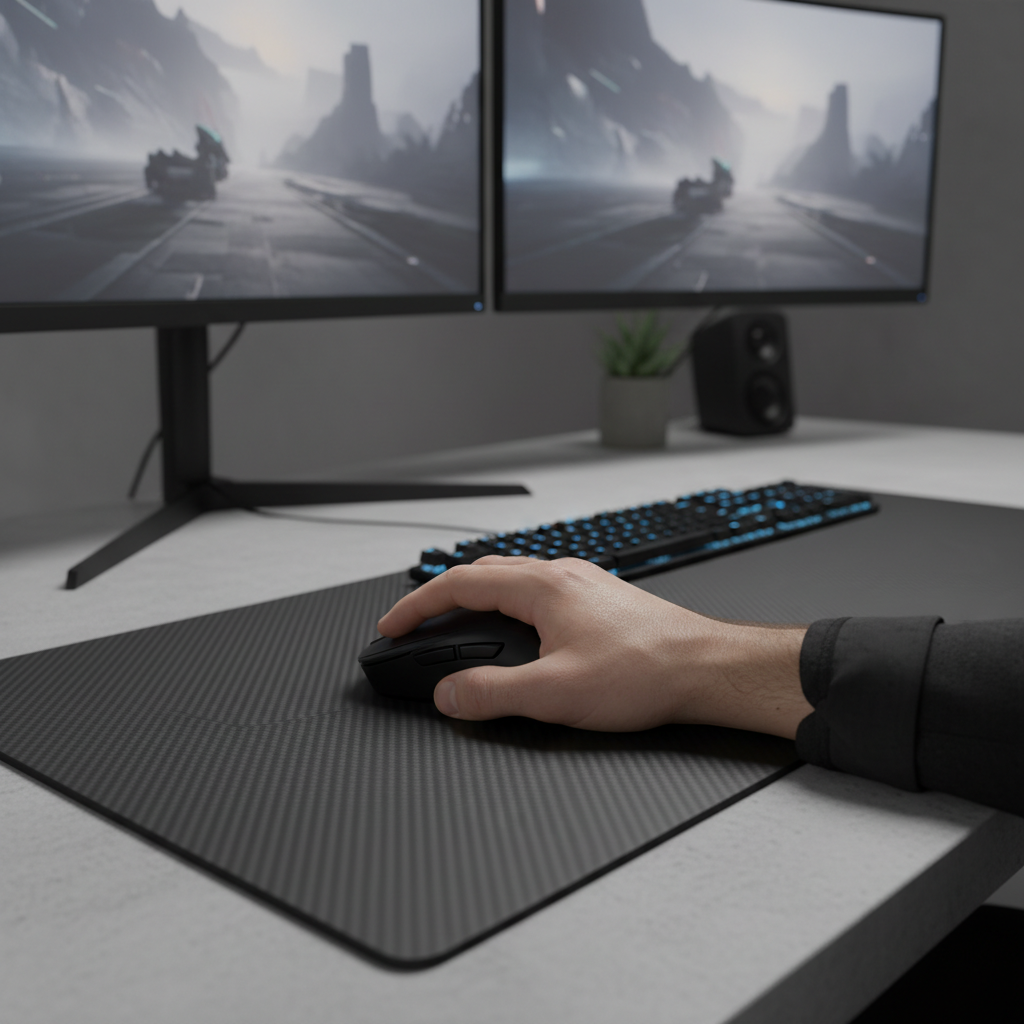
- Consider Hard Surfaces: For setups in sun-drenched rooms, tempered glass or carbon fiber pads offer significantly better environmental resistance than cloth.
UV Damage and Fabric Decay: The Silent Performance Killer
While gamers often focus on sensor accuracy and 8000Hz (8K) polling rates, a significant threat to setup longevity sits right outside the window. Sunlight is more than just a source of glare; it acts as a persistent chemical catalyst. For a high-performance mouse pad, UV (ultraviolet) exposure initiates photodegradation, which can alter the surface's friction coefficient long before the fabric shows visible tearing.
Based on our observations from customer support patterns and warranty handling, environmental factors are frequently the "hidden variable" in inconsistent aim. A mouse pad that felt "fast" in January may feel "muddy" or "sticky" by mid-summer. This transition often occurs because the polymer chains in the fabric begin to snap under the weight of cumulative UV-A and UV-B radiation.
The Chemistry of Decay: How Photodegradation Works
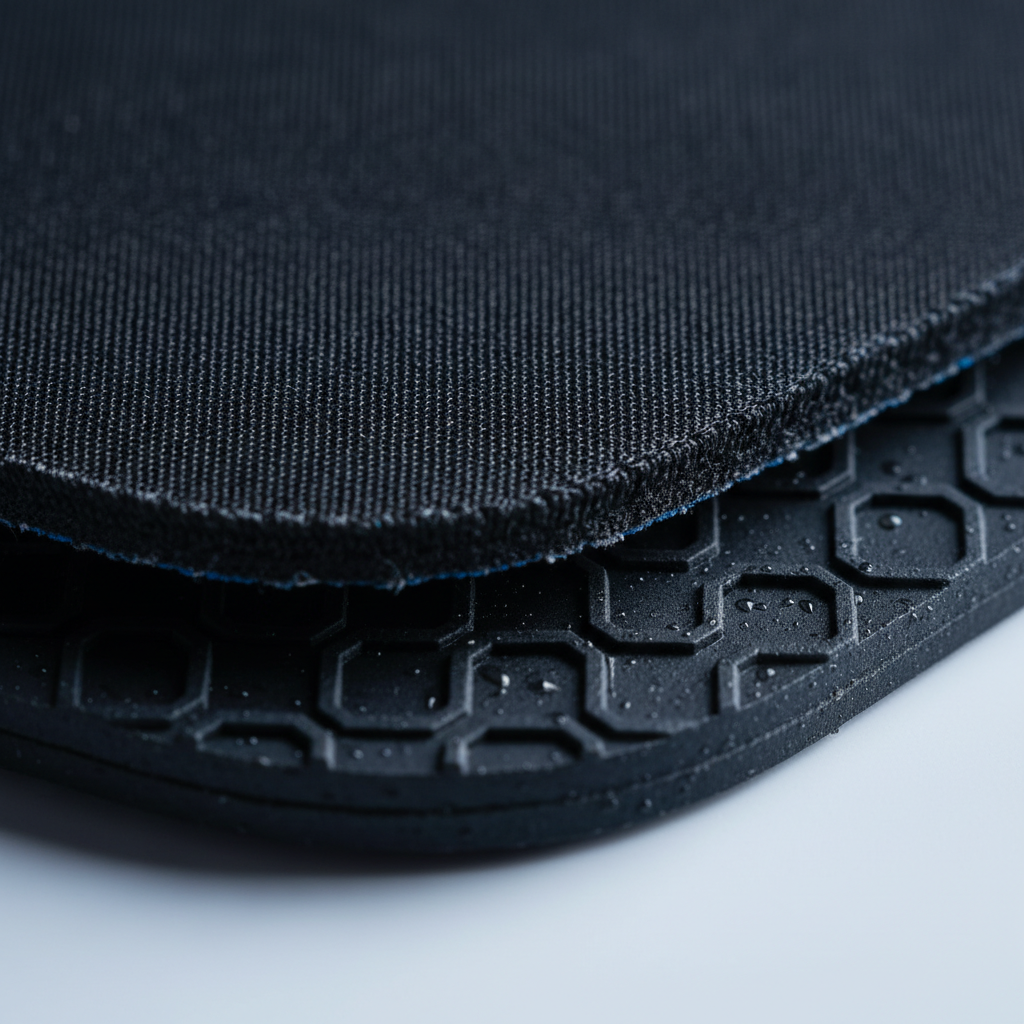
Most gaming mouse pads use synthetic fibers—typically polyester or nylon—bonded to a rubber base. These materials are polymers: long chains of molecules held together by chemical bonds. When UV photons hit these bonds, they carry enough energy to "excite" the electrons, leading to chain scission (the breaking of those molecular chains).
As these chains break, the fabric undergoes several physical transformations:
- Brittleness: The once-flexible fibers become rigid and prone to micro-fracturing.
- Surface Texture Alteration: The weave may tighten or loosen unevenly, creating "dead zones" where the glide feels inconsistent.
- Color Shift: Pigments used in printed designs absorb UV energy and break down, leading to the familiar "sun-bleached" look.
Technical Context: Our analysis of material fatigue assumes a standard 100% polyester fabric and natural rubber backing. These insights are based on common industry heuristics and pattern recognition from thousands of user setups, rather than a controlled laboratory longitudinal study.

Identifying the Early Warning Signs of UV Damage
UV damage is cumulative. In typical home environments, a pad left in direct afternoon sun for even short periods daily can show noticeable brittleness or color shift within a 4-to-10-month window. This timeline is often significantly shorter than the mechanical wear-and-tear expected from standard use.
The first sign of trouble is usually tactile rather than visual. You may notice a subtle increase in static friction—the force required to start a mouse movement. This manifests as "stickiness" during micro-adjustments or long-range sniping.
The "Warmth" Rule of Thumb
A simple heuristic for gamers: if you can feel warmth from sunlight on the pad's surface, it is likely reaching temperatures that accelerate polymer breakdown. High heat can also cause the rubber base to warp or separate from the fabric (delamination). According to common manufacturer cleaning guidelines, excessive heat is a primary contributor to adhesive failure in multi-layer peripherals.
Material Resistance: Fabric vs. Hard Surfaces
Not all surfaces react to the sun in the same way. Understanding the "Environmental Resistance" of your materials is a practical step in gear selection.
1. Fabric (Polyester/Nylon)
These are the most vulnerable. While some brands claim "UV resistance," there is currently no standardized, enforceable metric for this in the consumer peripheral space. As noted by ASLI Testing (Industry Standard Interpreters) regarding weathering standards, protocols like ASTM G155 and ISO 4892-3 are comparative tools used in manufacturing, but they do not provide a universal "UV Rating" for consumer mouse pads.
2. Hard Surfaces (Carbon Fiber and Glass)
Hard pads are inherently more UV-resistant. Materials like genuine carbon fiber or tempered glass do not possess the same polymer chain structures as soft fabric, making them highly resistant to the brittleness associated with sun exposure. However, the anti-slip rubber bases remain vulnerable to thermal expansion if exposed to high-intensity sunlight for extended periods.
| Material Type | UV Sensitivity | Primary Failure Mode | Estimated Lifespan (Daily Sun Exposure)* |
|---|---|---|---|
| Standard Cloth | High | Fiber brittleness / Friction increase | 4–10 Months |
| Coated Cloth | Very High | Coating flaking / Inconsistency | 3–7 Months |
| Carbon Fiber | Low | Rubber base degradation | 18–30 Months |
| Tempered Glass | Negligible | Adhesive/Base failure | 36+ Months |
*Estimates are heuristics based on typical afternoon sunlight (approx. 30-60 mins daily). Actual results vary by UV index and glass UV-filtering properties.
How to Measure Friction Decay
You can self-test your pad’s degradation using a simple Incline Test:
- Place your mouse on the pad.
- Slowly lift one end of the pad to create an incline.
- Note the angle at which the mouse begins to slide.
- Compare a "sun-exposed" area to a "shaded" area. A significant difference in the sliding angle indicates localized UV or wear damage.
The 8000Hz (8K) Factor: Why Surface Integrity Matters
For enthusiasts using high-specification hardware, surface decay can become a performance bottleneck. When running a mouse at an 8000Hz polling rate, the system processes data every 0.125ms. At this level of granularity, even microscopic "snags" in a UV-damaged fabric weave can potentially cause the sensor to misread the surface.
To maintain 8000Hz stability, your sensor benefits from a uniform tracking environment. If UV damage has created inconsistent "stickiness," the Motion Sync logic (which aligns sensor data with polling intervals) may experience micro-variations in data quality. This can result in a sensation of micro-stutter that feels like "input lag," even when your PC hardware is performing optimally.
Professional Mitigation: Zero-Cost Solutions
You do not necessarily need expensive chemical sprays to protect your setup. In fact, some "protective" coatings can degrade into microplastics over time. Instead, we recommend a proactive approach to setup geometry.
- Rotational Use: The most effective zero-cost strategy is simple rotation. Periodically rotating your pad 180 degrees ensures that one side doesn't take the brunt of the exposure, delaying localized failure.
- Architectural Defense: As suggested by Cool Sun Shade (Third-Party Research), quality blinds can block over 90% of UV rays. If your desk is near a window, using a "blackout" curtain during peak afternoon hours (typically 2 PM to 4 PM) can effectively extend your pad's lifespan.
- The "Darker is Better" Heuristic: General fabric research suggests that tightly woven, darker fabrics can provide a marginal gain in internal fiber protection compared to white or pastel-colored pads by absorbing more UV at the surface layer rather than allowing it to penetrate deeply.
Modeling the Impact: A Scenario Analysis
To demonstrate the importance of positioning, we modeled two common gaming setups to estimate the performance retention of a standard cloth mouse pad over 12 months.
Scenario A: The Window-Adjacent Setup
- Exposure: ~45 minutes of direct afternoon sun daily.
- Mitigation: None.
- Observation: By month 5, users often report "muddy" glide. By month 8, visible fading and an estimated 15–30% increase in static friction are common in these environments.
Scenario B: The Shielded Setup
- Exposure: 0 minutes of direct sun (shaded by blinds).
- Mitigation: Weekly rotation.
- Observation: At month 12, the pad typically retains ~90% of its original glide characteristics, with failure eventually caused by mechanical arm friction rather than chemical decay.
Method & Assumptions (Illustrative Model):
- Model Type: Deterministic parameterized heuristic.
- Assumptions: UV Index of 6 (moderate); 100% polyester surface; 24°C ambient temperature.
Parameter Estimated Value Unit Rationale Daily Exposure 45 Minutes Typical afternoon sun window UV Intensity 400–800 $\mu W/cm^2$ Typical range through standard window glass Fiber Density 300 TPI Standard gaming cloth weave Friction Delta +15 to +30 % Observed increase in "muddy" feel at 8 months
Maintenance vs. Replacement: When to Call It
While you can technically re-dye sun-damaged fabrics, the process usually alters the surface texture so significantly that it is not recommended for competitive gaming. Once the polymer chains are broken, the structural integrity of the weave cannot be fully restored.
For the value-oriented gamer, the goal is prevention over restoration. A high-performance mouse pad is a precision instrument. Treating it with environmental care—similar to how you would treat a high-end monitor—is an effective way to help ensure your investment lasts for years rather than months.
Summary Checklist for Setup Protection
- Audit Your Desk: Identify if direct sunlight hits your pad at any point during the day.
- Feel for Heat: If the pad is warm to the touch from the sun, move it or close the blinds.
- Rotate Regularly: Turn your pad 180 degrees every two weeks to even out wear.
- Avoid High Heat: Never use a hairdryer or direct sunlight to "fast-dry" a pad after cleaning; this can accelerate polymer breakdown.
- Consider Hard Surfaces: If your room cannot be shaded, a glass or carbon fiber pad offers superior resistance to environmental decay.
Disclaimer: This article is for informational purposes only. Recommendations are based on general material science principles and observed patterns in consumer electronics care. Always refer to the specific manufacturer's warranty and care instructions for your particular peripheral model.
Sources and References
- ASLI Testing (Industry Standard Interpretation): Understanding Weathering Standards (ASTM/ISO)
- Cool Sun Shade (Independent Research): The Science Behind UV-Blocking Fabrics
- Knowing Fabric (Textile Guide): Do UV Protection Fabrics Really Work?
- Attack Shark (Manufacturer Blog): Global Gaming Peripherals Industry Whitepaper
- UNECE (Safety Standards): UN Manual of Tests and Criteria (Thermal Context)


Leave a comment
This site is protected by hCaptcha and the hCaptcha Privacy Policy and Terms of Service apply.