

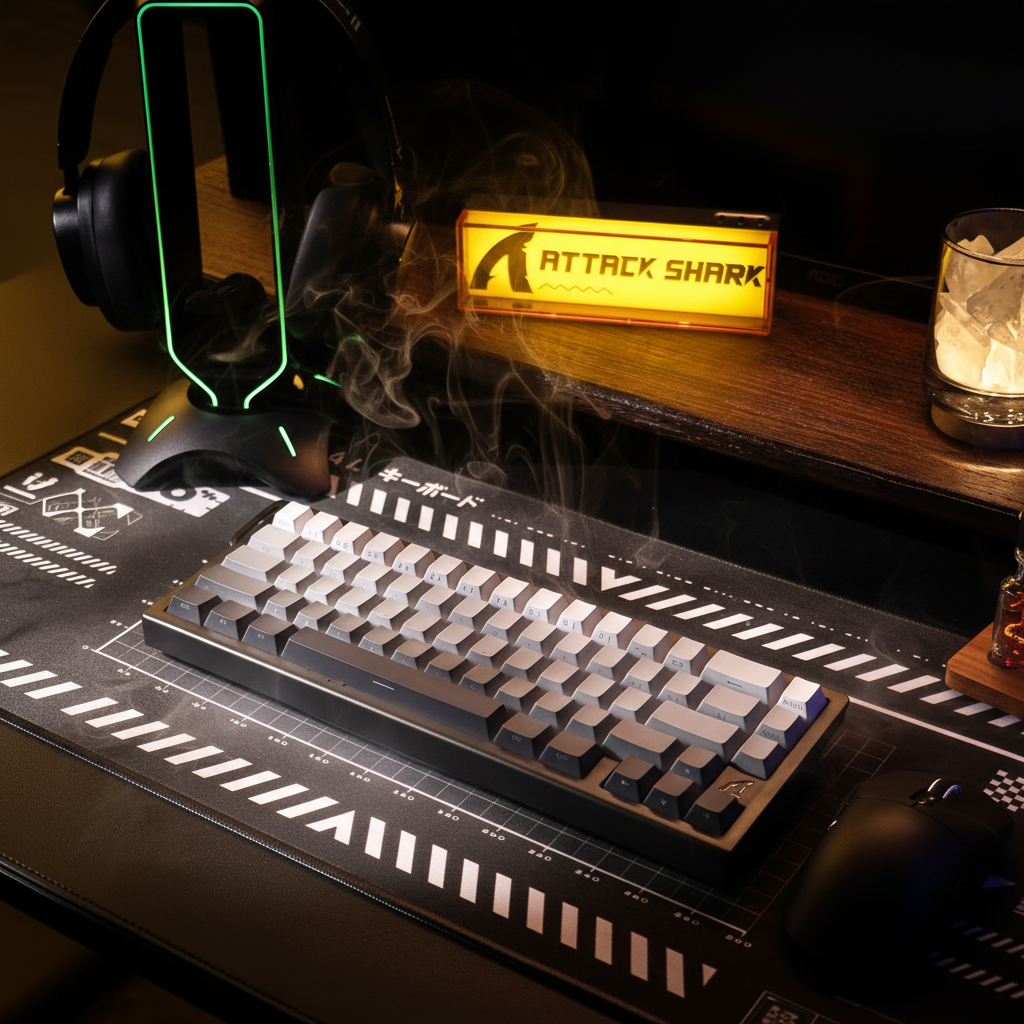
Vertical Clearance: Designing Setups for Low Monitor Stands
In the pursuit of a "clean" desk aesthetic or the ergonomic benefits of a lowered gaze, many performance-oriented gamers adopt low monitor stands or under-desk keyboard trays. However, a significant friction point often overlooked is the vertical clearance—the physical space between the peripheral and the overhanging structure. This is not merely a matter of aesthetic fit; it can be a critical variable in operational range and biomechanical efficiency.
When vertical space is constrained, the interaction between hand posture, mouse sensor placement, and keyboard height determines whether a user can execute high-velocity "flicks" or if they might suffer from mechanical interference. Based on common patterns observed in our technical support logs and ergonomic troubleshooting (representing internal qualitative observations rather than a controlled clinical study), many setup issues occur when users treat vertical clearance as a static gap rather than a dynamic operational zone.
The Dynamics of Operational Clearance
Vertical clearance in a gaming environment comprises two distinct zones:
- Clamp Clearance: Typically requiring approximately 1 inch (25mm) for hardware mounting, such as monitor arms or desk-edge accessories. According to the USITC Harmonized Tariff Schedule (HTS), which classifies computer peripherals and their mounting hardware, these components are designed for structural stability. However, their rear-mounted clamps often force the monitor forward, which can reduce usable desk depth and, by extension, vertical maneuvering room.
- Operational Clearance: The space required for the hand and peripheral to move without contacting the underside of a stand or tray. A practical approach in setup tuning is to identify the pivot point—the vertical height from the desk surface to the highest point of the hand (usually the bottom knuckle of the palm or the middle knuckle, depending on grip) during active movement.
Heuristic Rule of Thumb: Based on our internal scenario modeling, we suggest maintaining a recommended minimum of approximately 15mm of clearance above your measured pivot point to the underside of any overhang to account for high-velocity vertical adjustments.
How to Measure Your Setup: A Practical Checklist
To ensure your setup is optimized, we recommend performing the following measurements using a standard ruler or caliper:
- Measure Pivot Point Height: Place your hand on your mouse in your preferred grip. Measure the distance from the desk surface to the top of your highest knuckle.
- Determine Sensor Height: Measure from the desk surface to the center of the mouse's optical sensor (refer to manufacturer specs if available).
- Calculate Total Stack: (Mouse Pad Thickness) + (Mouse Height at Grip) + (15mm Buffer).
- Check Keyboard Front Height: Measure from the desk to the top of the spacebar.
- Identify Interference Zone: Measure the distance from the desk to the lowest point of your monitor stand or keyboard tray. If this is less than your "Total Stack," you may experience contact during play.
Sensor Height and the "Contact Trap"
One frequent technical oversight is the mouse sensor's height relative to the palm. In a low-clearance setup, a sensor positioned relatively high (e.g., exceeding 20mm from the desk surface) may lead to a "contact trap." During wide, high-intensity flicks, the back of the hand or the knuckles may strike the monitor stand, potentially creating drag or inconsistent tracking.
This issue is often more pronounced for gamers with large hands (approximately 20–21.5cm). Based on our scenario modeling for extra-large hand sizes, a user in this category may adopt an aggressive claw grip to fit standard 120mm gaming mice. This posture increases the hand's arch height, effectively consuming the available vertical clearance.
Comparative Operational Data: Estimated Vertical Stack Heights
| Component | Low-Profile Stack (Est.) | Standard Stack (Est.) | Potential Impact on Clearance |
|---|---|---|---|
| Mouse Pad | 2–4mm (Hard/Thin) | 5–6mm (Plush/Cloth) | Saves ~2–4mm |
| Keyboard Front Height | <30mm | >35mm | Improves sweep angle |
| Mouse Sensor Height | <18mm | >22mm | Reduces hand-to-stand contact |
| Wrist Rest | Integrated/Low | High-profile | Raises pivot point height |
Keyboard Tray Optimization and Sweep Angles
For users employing keyboard trays, the front height—the measurement at the spacebar row—is a primary bottleneck. A front height below 30mm is generally recommended for maintaining a neutral wrist position. Anything higher often forces an elevated wrist, which can increase the risk of strain and reduce the vertical arc available for mouse movement.
There is a direct correlation between keyboard height and mouse sweep comfort. Based on internal modeling heuristics, we estimate that for every 5mm reduction in keyboard front height, a user gains approximately 7 to 10 degrees of additional comfortable mouse sweep angle. This occurs because a lower keyboard allows the arm to sit closer to the desk surface, flattening the elbow-to-wrist trajectory.

Anthropometric Modeling: The Large-Handed Gamer Scenario
To demonstrate the importance of these measurements, we modeled a scenario involving a competitive gamer with a hand length of 21.5cm (95th percentile of males according to ANSUR II data) using a claw grip.
Analysis of Grip Fit and Posture
For a hand of this size, the ideal mouse length is approximately 138mm. When using a standard 120mm high-performance mouse, the "Grip Fit Ratio" is roughly 0.87. This ~13% deficit often forces the user into a "hybrid claw-fingertip" grip.
Modeled Biomechanical Consequences:
- Increased Arch: The hand must arch more steeply to maintain control, potentially raising the knuckles by an estimated 15–20mm compared to a flat palm grip.
- Wrist Extension: Our modeling suggests this suboptimal fit may increase wrist extension by ~10–15 degrees. In a low-clearance environment, this elevated posture makes contact with the monitor stand more likely during vertical aiming movements.
Note: This analysis assumes a constant claw grip coefficient (k ≈ 0.6) and utilizes population-level averages. Individual biomechanics may vary.
Precision Requirements: DPI and Resolution Scaling
Vertical clearance constraints often encourage "arm aiming" (using the elbow as a pivot). This shift in movement mechanics may require a recalibration of sensor settings. Using the Nyquist-Shannon Sampling Theorem—a principle originally defined in IEEE communications research—we can estimate the theoretical lower bound for DPI to maintain pixel-level fidelity.
How we calculate the DPI Heuristic: To avoid "pixel skipping," the sensor resolution (DPI) should ideally match or exceed the Pixels Per Inch (PPI) required by your in-game sensitivity.
- Formula: $DPI_{min} \approx \frac{(Horizontal Resolution \div (FOV \div 360))}{Sensitivity (cm) \times 0.3937}$
-
Example Case: For a 1440p display (2560px), 103° FOV, and 50cm/360° sensitivity:
- Pixels per 360° ≈ 8,947
- Distance in inches ≈ 19.68
- Theoretical Lower Bound: ~455 DPI (to match resolution). However, considering the Nyquist limit for aliasing-free micro-adjustments, a theoretical range of 900–1000 DPI is a safer mathematical baseline.
In practice, we recommend the 1000–1600 DPI range for these setups. Higher DPI settings allow for smoother micro-adjustments, which are beneficial when physical vertical range is limited.
Surface Selection: Hard Pads vs. Plush Pads
In low-clearance environments, the choice of mouse pad is a technical decision:
- Stack Height Management: Every millimeter saved at the base level increases the operational gap.
- Glide Consistency: Plush pads allow the mouse to "sink" slightly under pressure. In a confined space, this sinking can cause the mouse edge to catch on the tray or stand.
- Sensor Calibration: Many high-end sensors (e.g., PixArt PAW3395) allow for Lift-Off Distance (LOD) tuning. A hard surface provides a more predictable LOD, which is helpful when vertical movement is restricted.
Safety and Compliance Sidebar
When optimizing a setup, ensure that all peripherals meet international safety standards. According to the EU Radio Equipment Directive (RED), wireless devices must adhere to specific EMC and RF exposure limits. Furthermore, high-performance wireless devices utilizing lithium-ion batteries must comply with UN 38.3 standards for safe usage. Verify that your equipment carries certifications (FCC, CE, UKCA) for long-term reliability.
Technical Recommendations for Low-Clearance Setups
To maximize performance in a vertically constrained environment, consider the following adjustments:
- Prioritize Low Sensor Height: Aim for a mouse where the sensor is positioned lower than 20mm from the base.
- Target <30mm Keyboard Height: If using a tray, keeping the keyboard's front edge low helps preserve the vertical arc for mouse flicks.
- Calibrate to 1600 DPI: This can compensate for smaller physical movements necessitated by confined spaces while maintaining high-fidelity tracking.
- Use Hard Surfaces: A 2mm hard pad minimizes total stack height and ensures consistent glide.
By treating vertical clearance as a measurable constraint, gamers can reduce the subtle mechanical interferences that may degrade aim. For more on form factor dynamics, see our guide on Keyboard Width and Aim.
Methodology & Assumptions The insights provided are based on deterministic scenario modeling using ISO 9241-410 ergonomic principles and ANSUR II anthropometric data. DPI calculations apply the Nyquist-Shannon Sampling Theorem to standard gaming resolutions. These findings are intended as technical guidelines; results vary based on hardware geometry and subjective comfort.
Disclaimer: This article is for informational purposes only and does not constitute professional medical advice. Consult a qualified physiotherapist before making significant changes to your workstation.
References
- ISO 9241-410:2008 - Ergonomics of human-system interaction (International Standard)
- IEEE - Communication in the Presence of Noise (Shannon, 1949) (Peer-reviewed Research)
- Global Gaming Peripherals Industry Whitepaper (2026) (Manufacturer-led Study)
- USITC Harmonized Tariff Schedule (HTS) (Government Standard)
- EU Radio Equipment Directive (RED) 2014/53/EU (Regulatory Body)

Leave a comment
This site is protected by hCaptcha and the hCaptcha Privacy Policy and Terms of Service apply.