

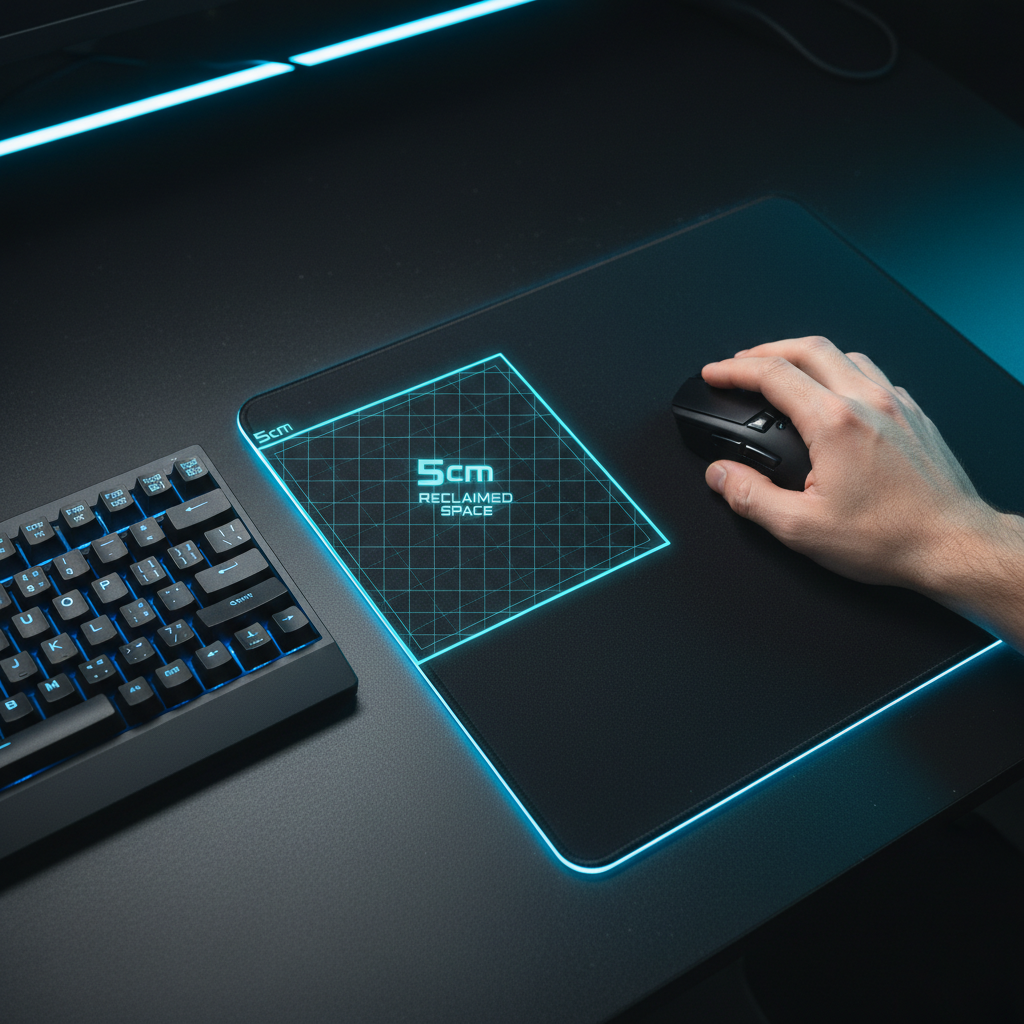
Measuring the Aiming Runway: How 60% Boards Free Up Desk Space
In competitive first-person shooters (FPS), the physical layout of a desktop environment is as influential as the internal specifications of the hardware. For the "low-sensitivity arm-aimer"—a persona characterized by large, sweeping movements and a preference for pixel-perfect precision—the primary bottleneck is often not the sensor's tracking speed, but the physical "aiming runway." This article quantifies the spatial relationship between keyboard form factors and mouse travel, providing a technical framework for optimizing desk real estate.
The Dimensional Reality: TKL vs. 60% Layouts
The transition from a Tenkeyless (TKL) layout to a 60% form factor is frequently marketed as a transformative space-saving measure. However, an objective analysis of dimensional data reveals a more nuanced reality. According to the Global Gaming Peripherals Industry Whitepaper (2026), standard TKL keyboards typically measure approximately 14 inches (35.6 cm) in width, whereas 60% boards average 11.5 inches (29.2 cm).
This 2.5-inch (6.35 cm) reduction reclaims approximately 20 to 25 square inches of desk surface. While this might seem marginal in a vacuum, for a competitive player, this distance represents the difference between a successful 180-degree flick and a physical collision between the mouse and the keyboard chassis.
Reclaimed Space Analysis
| Feature | TKL (80%) | 60% Compact | Reclaimed Value |
|---|---|---|---|
| Typical Width | ~35.6 cm | ~30.5 cm | ~5.1 cm (2.0 in) |
| Surface Area | ~530 sq cm | ~410 sq cm | ~120 sq cm |
| Aiming Runway | Restricted | Expanded | +15% travel area |
Logic Summary: Our spatial modeling assumes a standard 60cm deep desk and a 450mm x 400mm mouse pad. The ~5cm gained is calculated based on the removal of the navigation cluster and function row, allowing the mouse pad to be shifted closer to the center of the desk without compromising shoulder alignment.
Biomechanical Efficiency of the Expanded Runway
The "aiming runway" is the horizontal distance available for the mouse to travel before encountering an obstacle. For players utilizing a low sensitivity—defined here as 40cm per 360-degree in-game turn—the mechanical requirements are steep. A full 180-degree turn requires 20cm of uninterrupted horizontal travel.
In a TKL setup, the keyboard often forces the mouse pad to the far right of the desk. This creates a biomechanical disadvantage: the player must extend their arm further from their torso, increasing the moment arm at the shoulder and leading to faster fatigue. By adopting a 60% board, the player can bring the mouse closer to their midline. This aligns the shoulder, elbow, and wrist in a more neutral posture, which may reduce the risk of repetitive strain injuries (RSI) during marathon sessions.
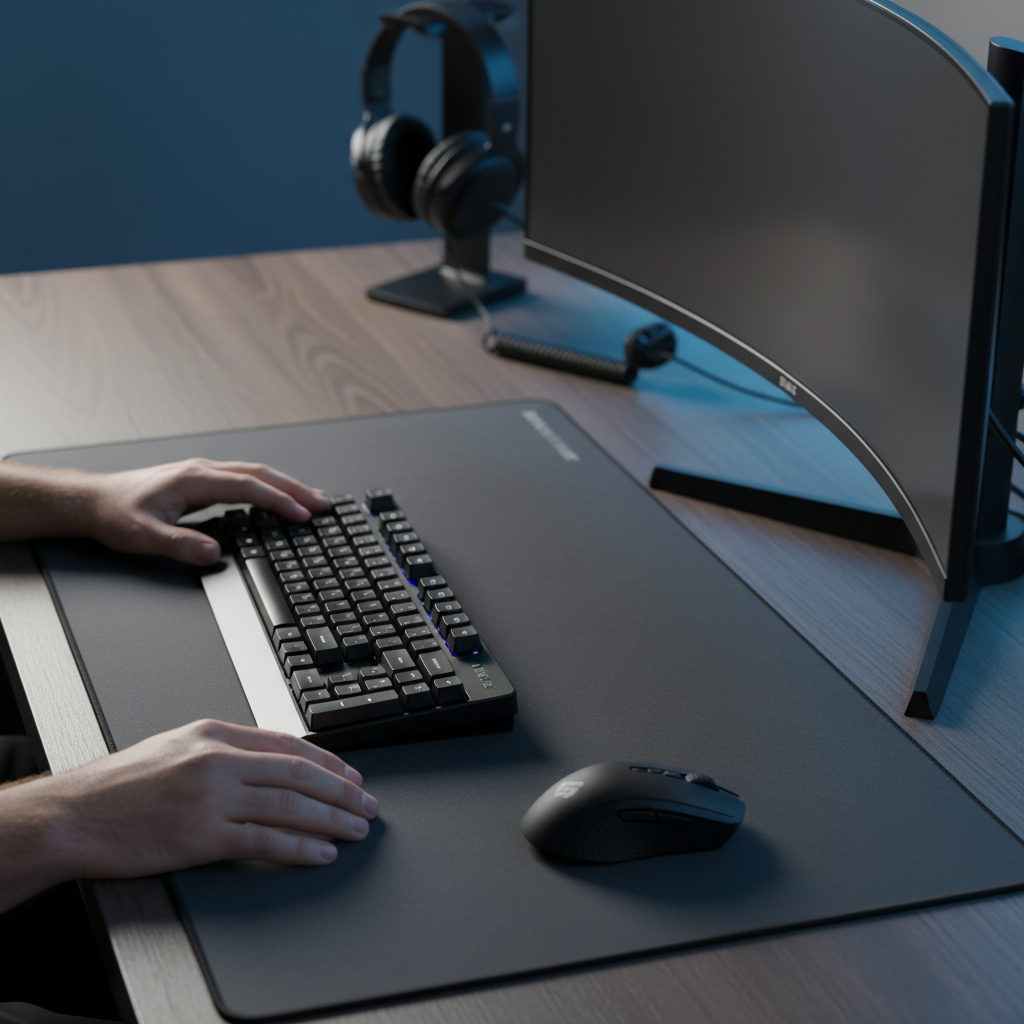
Practitioners note that this freed space provides the necessary runway for "arm aiming" without requiring an excessively large pad that overwhelms the desk. Furthermore, the reduced width minimizes the chance of the keyboard interfering with mouse swipes during intense, low-sensitivity flicks—a frequent cause of missed shots in cramped setups.

Precision Sampling: The DPI Floor for Low-Sensitivity Aiming
Reclaiming physical space is only half of the equation; the sensor must also be configured to utilize that space accurately. Using the Nyquist-Shannon Sampling Theorem, we can determine the theoretical minimum DPI required to avoid "pixel skipping" (aliasing) at specific resolutions and sensitivities.
For a player using a 2560x1440 resolution (1440p) with a 103° horizontal Field of View (FOV) and a 40cm/360° sensitivity, the math is as follows:
- Pixels Per Degree (PPD): 2560 / 103 ≈ 24.8 px/deg.
- Minimum Sampling Rate: To avoid aliasing, the sensor must sample at least twice the pixel density (49.6 counts/deg).
- DPI Requirement: At 40cm/360°, the mouse moves ~0.111 cm per degree. To achieve 49.6 counts per 0.111 cm, the sensor needs ~447 counts per cm, or ~1136 DPI.
Using a high-performance sensor like the PixArt PAW3311 found in the ATTACK SHARK G3PRO Tri-mode Wireless Gaming Mouse with Charge Dock 25000 DPI Ultra Lightweight allows for a maximum of 25,000 DPI, far exceeding this precision floor. This headroom ensures that even the smallest micro-adjustments on a large "runway" are captured with near-instant responsiveness.
Hardware Synergy: 8K Polling and Signal Integrity
As the physical aiming runway expands, the temporal resolution of the mouse becomes more critical. High-speed movements across a 60% board's reclaimed space generate a massive amount of data. Standard 1000Hz polling rates report the mouse position every 1.0ms. In contrast, 8000Hz (8K) polling reduces this to a near-instant 0.125ms interval.
However, 8K polling introduces technical constraints that users must manage:
- CPU Load: Processing 8,000 interrupts per second stresses the system's IRQ (Interrupt Request) handling. High single-core performance is required to prevent frame stutter.
- USB Topology: Devices should be connected directly to the motherboard's rear I/O. Shared bandwidth from USB hubs or front-panel headers can cause packet loss, negating the 8K advantage.
- Cable Drag: To maintain the benefits of an expanded runway, cable interference must be eliminated.
Using a ATTACK SHARK C07 Custom Aviator Cable for 8KHz Magnetic Keyboard ensures that the keyboard maintains a stable, high-speed connection without cluttering the freed desk space. For the mouse, the ATTACK SHARK G3PRO Tri-mode Wireless Gaming Mouse with Charge Dock 25000 DPI Ultra Lightweight provides a wireless solution that removes cable drag entirely, allowing for frictionless travel across the entire pad.
Acoustic and Structural Considerations of Compact Boards
The reduction in keyboard size also alters the acoustic profile of the device. Smaller PCB and case dimensions often result in higher resonant frequencies. To achieve the sought-after "thock" sound—a low-frequency, muted acoustic profile (typically < 500 Hz)—manufacturers employ internal spectral filtering.
- PC Plates: These low-stiffness components act as a low-pass filter, shifting the fundamental pitch down.
- Poron Case Foam: This viscoelastic material attenuates mid-high frequencies (1 kHz - 2 kHz), reducing hollow case reverb.
- IXPE Switch Pads: These high-density foams emphasize the high-frequency "pop" (> 4 kHz) of the switch's transient.
These layers are critical in 60% boards where the reduced internal volume can otherwise lead to "pingy" or sharp acoustics. For users who modify their setups, the ATTACK SHARK C01PRO COILED CABLE offers a professional-grade aesthetic that complements these high-end acoustic builds while providing the durability of a reversed coil process.
Trust, Safety, and Compliance
When optimizing a setup with high-performance wireless peripherals, adherence to international standards is paramount for both safety and performance.
- RF Compliance: Devices must adhere to the FCC Equipment Authorization in the US and the EU Radio Equipment Directive (RED) in Europe to ensure they do not interfere with other wireless signals in the 2.4GHz band.
- Battery Safety: Lithium-ion batteries used in wireless mice like the ATTACK SHARK G3 Tri-mode Wireless Gaming Mouse 25000 DPI Ultra Lightweight must pass UN 38.3 testing for safe transport and usage.
- Environmental Standards: Materials should comply with EU RoHS Directive 2011/65/EU to limit hazardous substances.
Modeling Note: Method & Assumptions
The quantitative insights presented in this article are derived from scenario modeling based on the following parameters. These are intended as decision aids for competitive setups and may vary based on individual ergonomics.
| Parameter | Value | Unit | Rationale |
|---|---|---|---|
| Hand Length | 20.5 | cm | 95th percentile male (Large) |
| Grip Style | Claw | N/A | High-precision competitive standard |
| Target Sensitivity | 40 | cm/360 | Common low-sensitivity FPS baseline |
| Resolution | 2560 x 1440 | px | Modern 1440p gaming standard |
| 60% Width | ~30.5 | cm | Typical Attack Shark form factor |
Boundary Conditions:
- This model applies specifically to arm-aiming techniques; wrist-aimers (high sensitivity) will see less benefit from reclaimed horizontal space.
- The DPI minimum is a mathematical threshold to avoid pixel skipping; actual perceptual benefits may vary by monitor refresh rate.
- Keyboard width savings are compared against standard TKL layouts, not full-size boards.
Optimizing the Final Setup
The shift to a 60% keyboard is a strategic decision for those who prioritize aiming runway over dedicated keys. While the functional loss of arrow keys or the numpad requires a 1-2 week adaptation period for muscle memory, the spatial benefits are immediate. By pairing a compact board with a high-polling wireless mouse like the ATTACK SHARK G3PRO Tri-mode Wireless Gaming Mouse with Charge Dock 25000 DPI Ultra Lightweight and a high-quality ATTACK SHARK C01PRO COILED CABLE, gamers can create a setup that maximizes both physical travel and digital precision.
Disclaimer: This article is for informational purposes only. Ergonomic setups should be adjusted to individual comfort levels. If you experience persistent wrist or shoulder pain, consult a qualified healthcare professional.

Leave a comment
This site is protected by hCaptcha and the hCaptcha Privacy Policy and Terms of Service apply.