

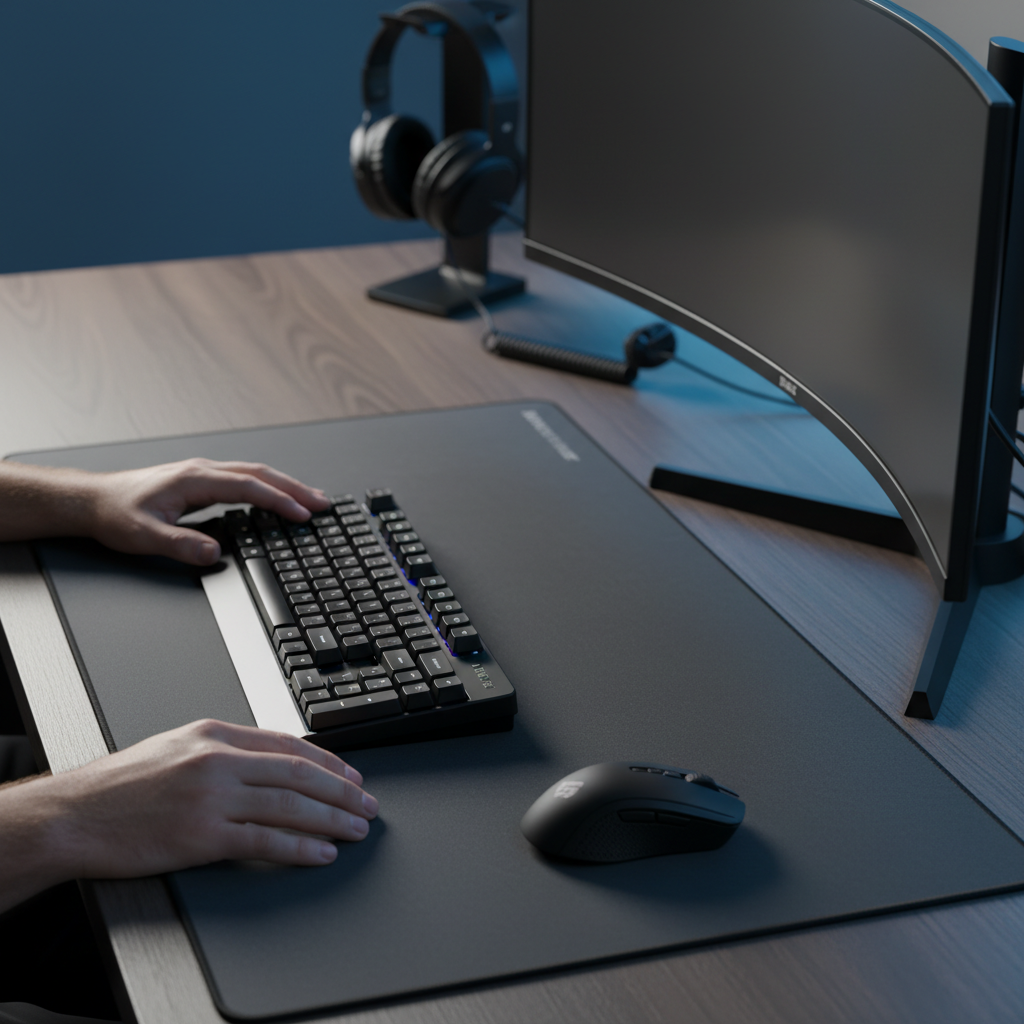
The L-Shaped Desk Fallacy: Identifying the Corner Dead Zone
Conventional ergonomic wisdom often promotes the L-shaped desk as a triumph of space efficiency. However, for high-performance gamers, the interior corner joint frequently becomes a 'dead zone' that actively degrades setup quality. This spatial inefficiency arises because the usable workspace is defined by the 'primary zone'—the area reachable by the forearms with elbows maintained at a 90-degree angle. The corner joint creates a triangular void that disrupts linear movement, traps cables, and forces peripherals into an asymmetrical configuration.
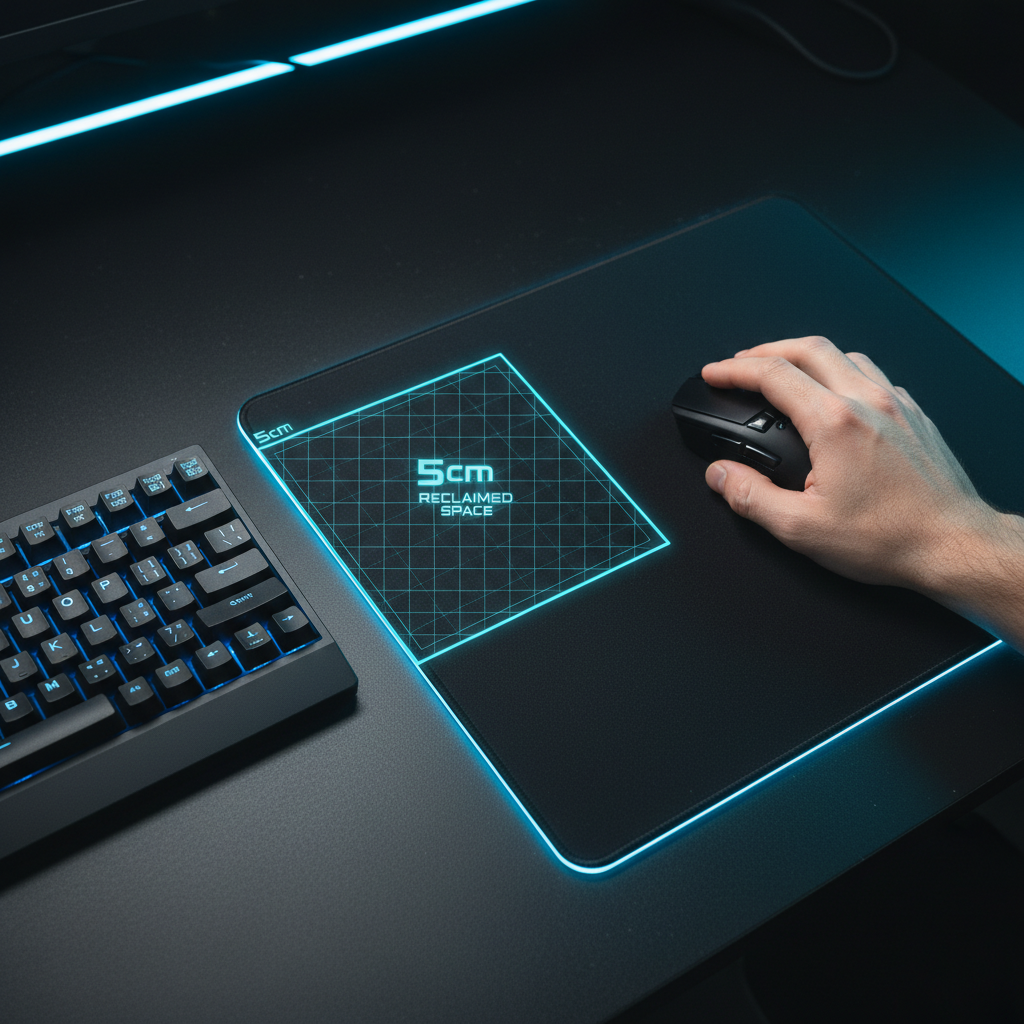
In many cases, the most common mistake on an L-desk is placing the primary monitor directly in the corner. This positioning forces the keyboard and mouse into a cramped, V-shape layout, severely limiting the mouse sweep area available for wide flicks. According to the Global Gaming Peripherals Industry Whitepaper (2026), optimizing the peripheral footprint is critical for maintaining consistency in competitive environments. To reclaim this space, experienced users typically offset the monitor along one leg of the L, transforming the setup into a deeper, rectangular primary zone that accommodates larger mouse pads and more natural arm placement.

Mapping the Primary Zone: Spatial Optimization Strategies
To achieve corner desk mastery, one must first define the boundaries of the primary aiming zone. For low-sensitivity FPS players (e.g., those utilizing a 30-40cm/360 sensitivity), a minimum clear mouse pad distance of 40cm from the keyboard's right side is critical. On an L-shaped desk, this distance is often compromised by the desk's return leg.
Aligning peripherals parallel to the desk edge is a standard approach, but for corner setups, aligning the keyboard and mouse pad with the corner's bisector—angled into the room—can maximize the primary zone. This diagonal orientation utilizes the maximum depth of the desk, providing a larger runway for the mouse. This strategy is particularly effective when paired with a compact peripheral set like the ATTACK SHARK X68HE Magnetic Keyboard With X3 Gaming Mouse Set. The 60% layout of the X68HE reduces the horizontal footprint, allowing for a wider mouse sweep even within the constraints of an L-joint.
Logic Summary: The primary zone optimization assumes a standard forearm reach of 35-45cm. Offsetting the monitor and rotating the keyboard by 15-30 degrees typically increases usable mouse space by approximately 20-25% compared to a centered corner layout.
Biomechanical Modeling: The Large-Hand Ergonomic Scenario
For gamers with large hands (typically defined as a hand length of ~20.5cm), standard-sized peripherals on a corner desk present a unique ergonomic challenge. We modeled a scenario involving a P95 male anthropometry using a claw grip on a 120mm mouse. Our analysis indicates that this configuration results in a Grip Fit Ratio of ~0.91, suggesting the mouse is approximately 9% shorter than the ideal length of 131mm.
This size deficit forces the palm to overhang, which, when combined with the constrained posture of a corner desk, significantly elevates the risk of strain. Applying the Moore-Garg Strain Index (SI)—a tool used to analyze risk for distal upper extremity disorders—we calculated a Strain Index score of 64 for this specific scenario. In professional ergonomic assessments, any score above 5 is typically considered hazardous. This high score is driven by the intensity of competitive aiming, high click frequency, and the suboptimal wrist angles required to navigate a cramped corner space.
To mitigate these risks, users with large hands should prioritize mice with longer ergonomic profiles, such as the ATTACK SHARK X8 Series Tri-mode Lightweight Wireless Gaming Mouse, which offers various sensor and shell configurations to better suit different hand sizes. Selecting a mouse that matches the hand's dimensions reduces the need for aggressive, cramped claw grips, thereby lowering the static muscle load.
Keyboard Form Factors and the 15-30 Degree Rotation
The relationship between keyboard width and aiming space is a fundamental pillar of desk ergonomics. As explored in our guide on Keyboard Width and Aim, full-sized keyboards often collide with the mouse during wide flicks on L-shaped desks.
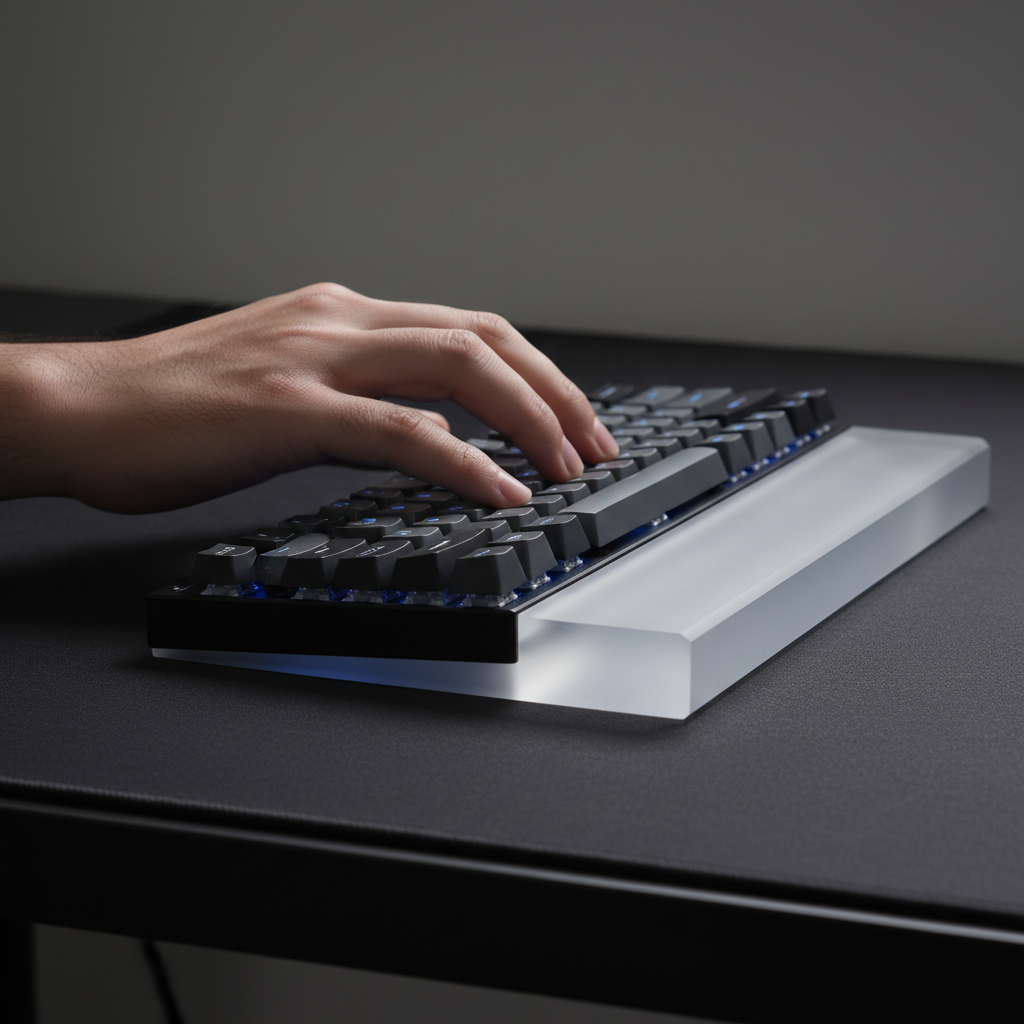
The solution is the adoption of compact form factors, such as TKL (Tenkeyless) or 60% layouts. The ATTACK SHARK X68HE Magnetic Keyboard With X3 Gaming Mouse Set features a 60% layout that is highly effective for corner zones. Beyond the smaller footprint, rotating the keyboard 15-30 degrees away from the corner joint is a professional heuristic that aligns the keys with the natural angle of the left arm while maximizing the clearance for the right hand's mouse movements.
Furthermore, the X68HE utilizes Hall Effect magnetic switches, allowing users to customize actuation points from 0.1mm to 3.4mm. In a cramped corner setup where accidental key presses are more likely due to limited arm room, setting a slightly deeper actuation for non-essential keys can prevent critical in-game errors.

Cable Management and Snag Prevention in Deep Zones
L-shaped desks introduce complex cable management challenges, often leading to what we call the "clutter cascade." Cables from two separate desk legs and the corner joint frequently converge in the primary zone, creating friction during mouse movement. Straight cables are particularly prone to dragging into the corner joint or falling off the desk edge.
Coiled cables, such as the ATTACK SHARK C01PRO COILED CABLE, are not merely aesthetic choices. Their controlled spring and shortened effective length prevent the cable from sagging into the "dead zone." The C01PRO features professional reversed coils and heavy-duty metal aviator connectors, ensuring a stable connection that resists the interference often found in setups with multiple monitors and peripherals.
A professional heuristic for L-desks: always place the mouse's charging cable or receiver dongle on the opposite leg of the L from the primary gaming zone. This eliminates any chance of the cable snagging during a high-intensity flick. For more on this, see our technical breakdown of Optimal Dongle Placement Strategies.
Technical Performance: Polling Rates and DPI Minimums
When operating in the constrained space of a corner desk, every millimeter of mouse movement must be translated with maximum fidelity. This requires an understanding of the interaction between DPI, polling rate, and display resolution.
The Nyquist-Shannon DPI Minimum
For a competitive gamer using a 1440p display and a low sensitivity of 40cm/360, there is a mathematical "performance floor" for DPI. According to the Nyquist-Shannon Sampling Theorem, to avoid "pixel skipping" (aliasing) during fine aim adjustments, the minimum DPI should be at least 1150 DPI. Using a lower DPI setting in a space-constrained corner setup may compromise aiming precision, as the sensor cannot provide enough data points to match the screen's pixel density at that sensitivity.
8000Hz (8K) Polling and System Constraints
High polling rates, such as the 8000Hz (8K) capability found in the ATTACK SHARK X8 Series Tri-mode Lightweight Wireless Gaming Mouse, provide a significant competitive edge by reducing the polling interval to a near-instant 0.125ms. This is 8x faster than the standard 1000Hz (1ms) interval.
However, 8K polling introduces specific technical requirements:
- CPU Impact: The bottleneck at 8K is IRQ (Interrupt Request) processing, which stresses single-core performance. Users should ensure their system can handle the increased interrupt load to avoid frame drops.
- USB Topology: Devices must be connected to Direct Motherboard Ports (Rear I/O). Shared bandwidth from USB hubs or front panel headers can cause packet loss and jitter.
- Motion Sync Latency: At 8000Hz, Motion Sync adds a negligible deterministic delay of ~0.0625ms, ensuring perfectly synchronized sensor data without the latency penalties seen at lower frequencies.
- Battery Trade-off: Running at 8K typically reduces wireless battery life by ~75-80% compared to 1000Hz mode.
Regulatory Compliance and Trust in Peripheral Safety
When building a high-performance setup, hardware reliability and safety are paramount. Professional-grade peripherals must adhere to global standards to ensure they are free from harmful interference and safe for long-term use.
The ATTACK SHARK G3 Tri-mode Wireless Gaming Mouse 25000 DPI Ultra Lightweight and other tri-mode devices are subject to rigorous testing. Key certifications include:
- FCC & ISED: Ensures the 2.4GHz and Bluetooth radios comply with North American RF exposure and electromagnetic interference (EMI) limits. You can verify device authorizations via the FCC ID Search.
- EU Radio Equipment Directive (RED): Mandates essential requirements for safety, health, and electromagnetic compatibility for products sold in the European Economic Area.
- UN 38.3: A critical safety standard for the transport of lithium batteries. All high-capacity batteries, such as the 500mAh-800mAh units found in the X8 and G3 series, must pass these tests to ensure stability during shipping and use.
Users are encouraged to verify firmware authenticity by downloading drivers only from official sources like the Attack Shark Driver Download page and checking file hashes against known safe versions.
Mastering the Corner: A Practical Checklist
To successfully optimize an L-shaped gaming zone, follow this data-driven checklist:
- Offset the Monitor: Move the screen away from the corner joint to create a rectangular primary zone.
- Verify Mouse Fit: For large hands (~20.5cm), select a mouse length of ≥130mm to reduce the Strain Index.
- Rotate the Keyboard: Use a 60% or TKL layout and rotate it 15-30 degrees to maximize mouse clearance.
- Manage Cables: Implement a coiled cable like the C01PRO to prevent snags in the corner joint.
- Set a DPI Floor: Ensure your DPI is at least 1150 for 1440p displays to maintain aiming fidelity.
- Direct USB Connection: Plug high-polling (4K/8K) receivers directly into the motherboard's rear I/O.
By moving beyond the standard corner-centered layout and applying these biomechanical and technical principles, gamers can transform a restricted L-desk into a professional-grade esports station.
Modeling Transparency (Method & Assumptions)
The ergonomic and performance metrics cited in this article are derived from deterministic parameterized models based on the following scenarios. These are scenario models, not controlled laboratory studies.
| Parameter | Value / Range | Unit | Rationale / Source Category |
|---|---|---|---|
| Hand Length (User) | 20.5 | cm | P95 Male Anthropometry (ISO 7250) |
| Mouse Length (Model) | 120 | mm | Standard Gaming Mouse Dimension |
| Grip Fit Ratio | 0.91 | ratio | Calculated via ISO 9241-410 Heuristics |
| Moore-Garg Strain Index | 64 | score | Multiplicative Risk Model (Hazardous > 5) |
| DPI Minimum (1440p) | 1150 | DPI | Nyquist-Shannon Sampling (40cm/360) |
| Polling Interval (8K) | 0.125 | ms | Frequency-to-Time Conversion |
Boundary Conditions: These models assume a competitive gaming workload with high intensity and duration (3-4 hours/day). Results may vary based on individual joint flexibility, specific mouse coating friction, and subjective comfort preferences.
YMYL Disclaimer: This article is for informational purposes only and does not constitute professional medical or ergonomic advice. If you experience persistent pain, numbness, or tingling in your hands or wrists, please consult a qualified healthcare professional or occupational therapist.
Sources & References:

Leave a comment
This site is protected by hCaptcha and the hCaptcha Privacy Policy and Terms of Service apply.