

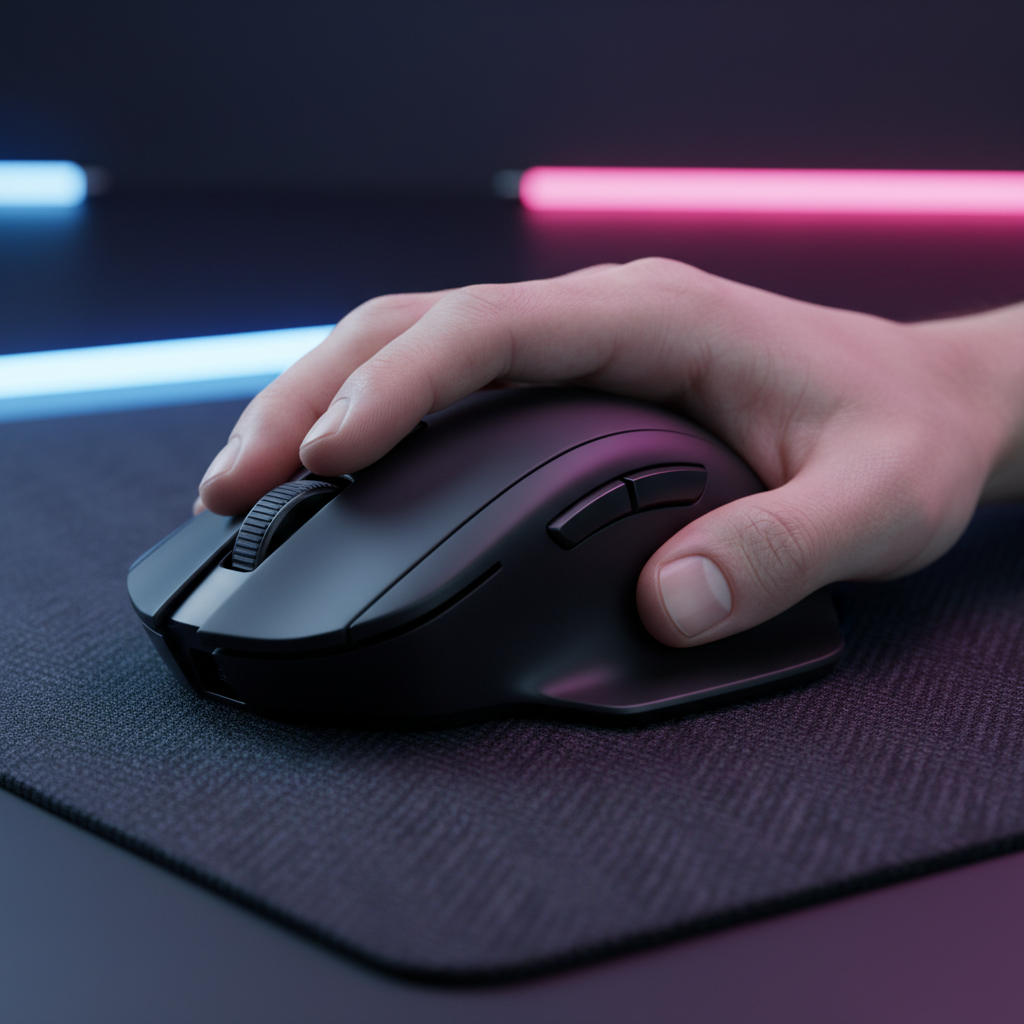
The Ergonomic Crisis for Large-Handed Gamers
In the contemporary gaming peripheral market, a significant trend toward "mini" and ultra-lightweight mice has left a substantial segment of the population underserved. For gamers with hands exceeding 19cm in length—approximately the 60th percentile for adult males according to ISO 7250 anthropometric data—the pursuit of a high-performance mouse often leads to a "Specification Credibility Gap." While a mouse may boast a flagship sensor and high polling rates, its physical dimensions often force large-handed users into compromised grip styles that induce fatigue and limit competitive potential.
This article provides a technical framework for evaluating mouse compatibility for large-hand pros. By moving beyond marketing superlatives and focusing on biomechanical modeling, grip fit ratios, and sensor saturation logic, one can identify hardware that supports both precision and long-term musculoskeletal health.
Biomechanical Foundations: The "Cramped Claw" Phenomenon
The most common failure point for large-handed gamers is the selection of a mouse that is too short for their hand length. In practice, players with hands over 19cm often find that mice shorter than 125mm force an aggressive, cramped claw grip. This posture increases the tension in the extrinsic flexor muscles of the forearm, leading to rapid onset fatigue.
The Contact Length Variable
A frequent misconception in mouse selection is focusing solely on the total length of the device. However, the critical measurement for stability is the "contact length"—the specific area where the palm meets the mouse shell. When a mouse lacks sufficient rear-hump height or length, a palm-support deficiency is created. For a 21cm hand, a standard 120mm mouse typically results in a ~14mm support gap. This gap forces the user to stabilize the mouse using only the fingertips and the base of the palm, which can reduce stopping precision during high-velocity flick shots in tactical shooters like Valorant or CS2.
Grip Width and Thumb Pinching
A secondary issue is the "pinching" sensation at the base of the thumb. This occurs when a mouse is tall but lacks sufficient grip width. According to research into mouse shell width and ring finger fatigue, a narrow grip forces the thumb and pinky into an unnatural adduction, which can lead to localized strain in the thenar eminence. For large hands, a grip width of at least 60-63mm is typically required to maintain a relaxed, neutral posture.

Quantitative Selection: The Grip Fit Ratio and Dimensional Analysis
To move from subjective feel to objective selection, one can utilize the Grip Fit Ratio, a heuristic developed from technical modeling to predict compatibility.
The 0.60 Heuristic
A common rule of thumb for professional selection is that the ideal mouse length should be approximately 60% to 64% of the user's hand length, depending on the grip style.
- Palm Grip: ~60% of hand length.
- Claw Grip: ~64% of hand length.
- Fingertip Grip: ~70% of hand length (as the hand sits further back).
Methodology Note: These ratios are heuristics derived from internal modeling and ISO 9241-410 ergonomic principles. They serve as a baseline for quick selection but do not account for individual joint mobility or specific shell curvatures.
| Hand Size Category | Hand Length (cm) | Ideal Mouse Length (mm) | Recommended Grip for 125mm Mouse |
|---|---|---|---|
| Medium | 17.0 - 19.0 | 108 - 121 | Relaxed Palm / Claw |
| Large | 19.0 - 21.0 | 121 - 134 | Aggressive Claw / Fingertip |
| Extra Large | > 21.0 | > 134 | Pure Fingertip |
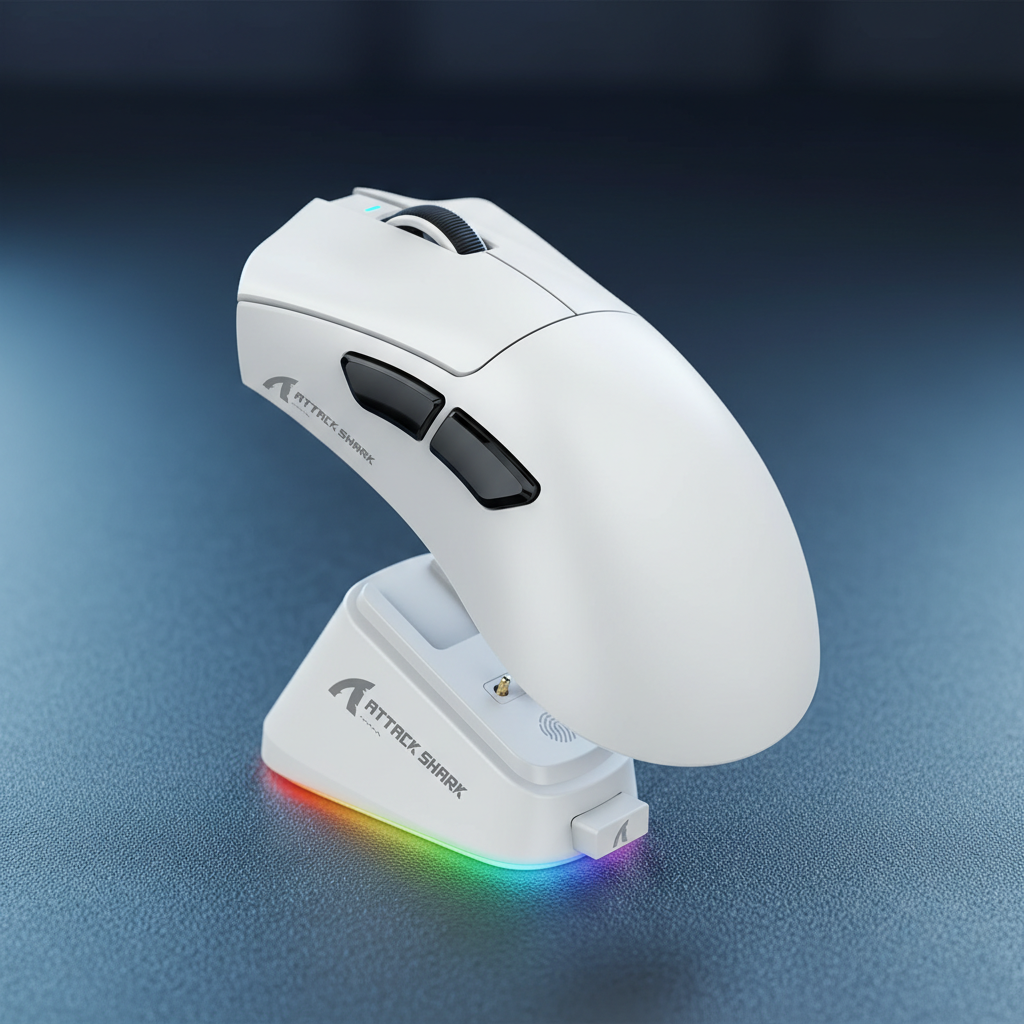
For users in the "Extra Large" category, the ATTACK SHARK X8 Series Tri-mode Lightweight Wireless Gaming Mouse, with its 125mm length and 63mm width, provides a ~93% fit ratio for a 19.5cm hand, making it one of the few high-performance shells that accommodates a relaxed claw grip without significant palm support deficiency.
Engineering for the 1%: 8K Polling and Sensor Saturation
For the performance-focused gamer, the physical fit is only half the equation. The internal hardware must handle the demands of professional-level play, particularly regarding polling rates and sensor accuracy.
The 8000Hz (8K) Reality
Modern flagship mice often feature 8000Hz polling rates, which translate to a near-instant 0.125ms polling interval. This is a significant reduction from the 1.0ms interval of standard 1000Hz mice. However, utilizing 8K polling requires an understanding of display synergy and system bottlenecks.
- Display Synergy: There is no "1/10th rule" requiring a 800Hz monitor for an 8K mouse. Instead, the benefit is in the reduction of micro-stutter. To visually perceive the smoother cursor path, a high-refresh monitor (240Hz or 360Hz+) is highly recommended.
- Sensor Saturation: To fully saturate an 8000Hz bandwidth, the sensor must generate enough data points. This is a function of movement speed (IPS) and DPI. At 800 DPI, a user must move the mouse at 10 IPS to saturate the link. Increasing to 1600 DPI reduces the required speed to 5 IPS, ensuring 8K stability even during slower micro-adjustments.
- CPU Load: 8K polling stresses the system's IRQ (Interrupt Request) processing. It is vital to connect the 8K receiver directly to a rear motherboard USB port. Using front-panel headers or USB hubs can lead to packet loss and increased system latency.
Sensor Precision
The use of high-end sensors like the PAW3395 or PAW3950MAX, as seen in the ATTACK SHARK V8 Ultra-Light Ergonomic Wireless Gaming Mouse, is essential for large-handed users. Larger hands often generate more torque and higher raw force during flick motions. A sensor with high acceleration (60G+) and tracking speed (650 IPS+) ensures that these aggressive movements are translated without spin-outs or jitter.

Practical Optimization: Pads, Tape, and the 30-Minute Rule
Even with the correct mouse, the peripheral ecosystem must be optimized to support a large-hand, low-sensitivity setup.
The Non-Negotiable Mousepad Width
Low-sensitivity players (typically 40-50cm/360°) require significant physical space for arm-aiming. For these users, a mousepad at least 450mm wide is non-negotiable. The ATTACK SHARK CM03 eSport Gaming Mouse Pad utilizes ultra-high-density fiber to provide a consistent glide surface, which is critical for the "stop-and-flick" motions common in tactical shooters.
Weight Distribution and Grip Tape
Ultra-light mice (sub-60g) can sometimes feel "unstable" for large hands because the mass is too small relative to the hand's leverage. If a mouse feels too flighty, adding high-quality grip tape can increase the effective grip width by 1-2mm and provide the necessary friction for better control. This is particularly useful for transitioning from a palm to a claw grip to improve micro-adjustment speed, as noted in professional grip transition guides.
The "30-Minute Rule"
When testing a new shape, the 30-minute rule is a vital diagnostic tool. If a user experiences "hot spots," cramping, or a dull ache in the wrist or thumb base within the first 30 minutes of continuous use, the shape is likely incompatible. For large-handed gamers, ignoring this discomfort can lead to cumulative strain disorders. According to the Global Gaming Peripherals Industry Whitepaper (2026), ergonomic fit is the primary predictor of long-term user retention in the high-performance segment.
Modeling Transparency: The XL Gaming Persona Analysis
To validate the recommendations provided, a scenario model was constructed focusing on an "XL Tactical Shooter Specialist."
Scenario Parameters
- Hand Size: 21cm (Length) / 10cm (Breadth).
- Grip Style: Claw.
- Resolution/Sensitivity: 1440p / 40cm/360°.
- Duration: 4-hour high-intensity session.
Quantitative Analysis Results
- Strain Index (Moore-Garg): Using a small 120mm mouse in this scenario resulted in a Strain Index (SI) score of ~64, classified as "Hazardous" due to extreme wrist extension and high APM (Actions Per Minute).
- DPI Minimum (Nyquist-Shannon): To avoid pixel skipping at 1440p with 40cm/360° sensitivity, the theoretical minimum DPI is ~1150. Operating at 800 DPI in this scenario represents a ~30% precision deficit.
- Fit Deficit: A 120mm mouse provides only an 89% fit ratio for a 21cm hand, leaving a 14mm support gap that destabilizes flick shots.
| Parameter | Value | Unit | Rationale |
|---|---|---|---|
| Intensity Multiplier | 2 | x | High APM / Competitive Play |
| Posture Multiplier | 2 | x | Wrist extension on small shell |
| Efforts per Minute | 4 | x | Tactical shooter flick/click density |
| Duration per Day | 2 | x | 4+ hours of continuous play |
| Total SI Score | 64 | Score | Hazardous Category (SI > 5) |
Logic Summary: This model assumes high-intensity competitive conditions. Moving to a properly sized mouse (>130mm) typically reduces the posture multiplier from 2.0 to 1.0, potentially lowering the SI score by 75%, thereby moving the user out of the high-risk category.
For those seeking a complete high-performance overhaul, the ATTACK SHARK X68HE Magnetic Keyboard With X3 Gaming Mouse Set offers a 60% layout to maximize desk space for large-arm movements, paired with a lightweight mouse capable of 8K polling.

Summary for the Performance Professional
Finding the right mouse for large hands is a matter of balancing biomechanical support with technical throughput. By prioritizing a shell length that meets the ~64% Grip Fit Ratio and ensuring the sensor can handle the torque of larger hand movements, one can achieve a setup that is both competitively viable and ergonomically sustainable. Always verify the "30-minute rule" and ensure your system's USB topology is optimized for high-frequency polling to maintain a true competitive edge.
Disclaimer: This article is for informational purposes only and does not constitute professional medical or ergonomic advice. If you experience persistent pain or symptoms of carpal tunnel syndrome, consult a qualified healthcare professional.

Leave a comment
This site is protected by hCaptcha and the hCaptcha Privacy Policy and Terms of Service apply.