

The Engineering Philosophy of Neutral Shell Contours
In the competitive gaming landscape, the "perfect" mouse shape is often considered a subjective pursuit. However, technical analysis of hand biomechanics and multi-genre gameplay requirements reveals that neutral shell contours—frequently termed "safe" shapes—provide a measurable advantage for variety gamers. Unlike aggressive ergonomic designs that force the hand into a singular, locked position, neutral contours utilize a symmetrical or semi-symmetrical geometry with minimal flares and subtle curves.
This engineering approach serves a specific purpose: reducing the friction of grip transitions. Whether a user is tracking a target in a high-stakes FPS or executing rapid-fire micro-adjustments in a MOBA, the neutral shell acts as an unobtrusive platform. By avoiding deep thumb grooves or sharp pinky rests, these designs allow the hand to shift dynamically based on the in-game situation. According to the Global Gaming Peripherals Industry Whitepaper (2026), the industry is shifting toward these versatile geometries to accommodate the rising "hybrid gamer" demographic.
Biomechanics of Grip Transitions
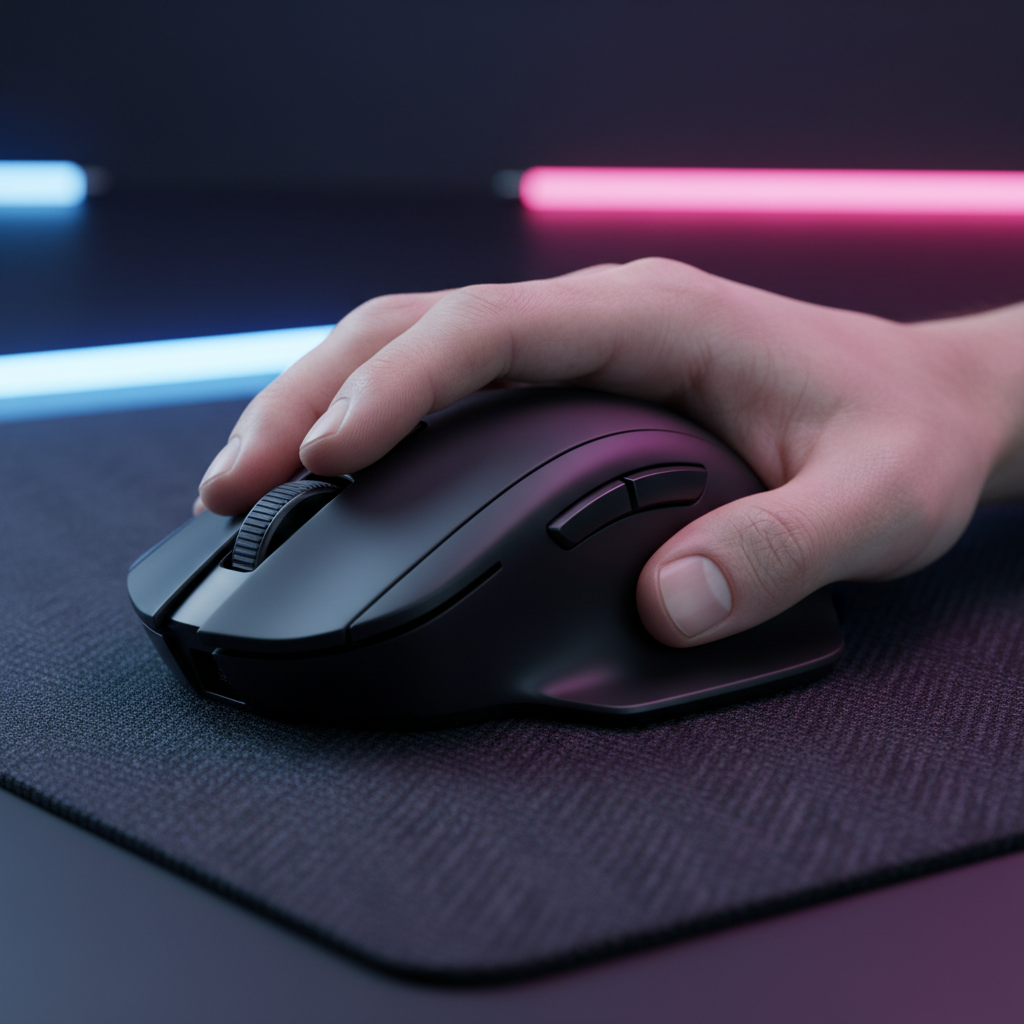
For gamers who switch between genres, the hand rarely stays in a static position. A primary advantage of a neutral shell is its ability to support "hybrid" grip styles.
The Knuckle Test and Curvature Impact
Experienced users often utilize the "knuckle test" to evaluate shell versatility. If the knuckles rise significantly off the mouse surface when switching from a tracking-heavy palm grip to a flick-heavy fingertip grip, the shell's curve may be too aggressive. A high, centered hump or a rear hump positioned toward the back provides necessary palm support for relaxed play but does not restrict the vertical micro-adjustments required for MOBA precision.
In our observations of common patterns from customer support and community feedback (not a controlled lab study), a common mistake is selecting a mouse that is too long for the user's hand. This forces a full palm grip, which restricts the fingers from making the micro-adjustments needed for high-APM (Actions Per Minute) gameplay. For true cross-genre performance, a weight between 60-80 grams is typically cited as the "sweet spot"—light enough for fast flicks but possessing enough mass for stable, controlled tracking.
Sensor Position and Twitchiness
The physical placement of the sensor within the neutral shell significantly alters the perceived performance.
- Forward Placement: Enhances the arc of movement during wrist flicks, making the mouse feel "faster" or "twitchier." This is often preferred in MOBA scenarios.
- Centered Placement: Provides a more natural 1:1 correlation between hand movement and on-screen tracking, which is the baseline for FPS consistency.
Technical Specifications: High Polling and Sensor Saturation
While shape dictates comfort, internal specifications dictate the ceiling of performance. Modern high-spec challengers now offer polling rates up to 8000Hz (8K). Understanding the math behind these specs is critical for performance-aware gamers.
The 8K Polling Reality
A 1000Hz polling rate communicates with the PC every 1.0ms. An 8000Hz rate reduces this interval to near-instant 0.125ms. This reduction significantly minimizes micro-stutter, but it introduces specific system requirements.
- Motion Sync Latency: In many high-end sensors, Motion Sync is used to align sensor data with USB polling. While this adds ~0.5ms of delay at 1000Hz, at 8000Hz, the deterministic delay is reduced to ~0.0625ms (based on the half-interval rule).
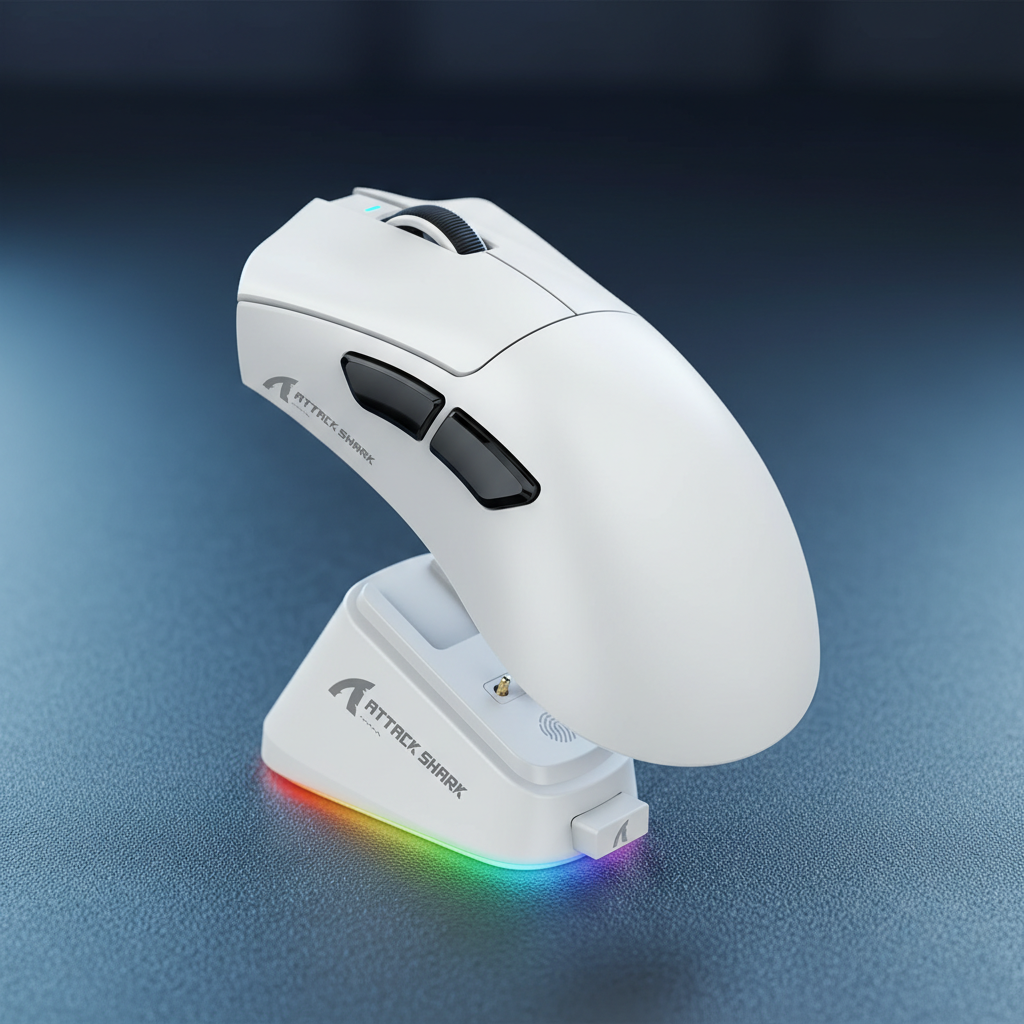
- CPU and IRQ Processing: The primary bottleneck for 8K polling is not raw CPU power but IRQ (Interrupt Request) processing. This stresses single-core performance. To ensure stability, devices like the ATTACK SHARK V3PRO Ultra-Light Tri-Mode Gaming Mouse with Charging Dock must be connected directly to rear motherboard I/O ports. Using USB hubs or front panel headers often results in packet loss due to shared bandwidth and poor shielding.
IPS and DPI Saturation
To actually saturate the 8000Hz bandwidth, the sensor must generate enough data points. This is a function of movement speed (IPS) and DPI.
- At 800 DPI, a user must move at at least 10 IPS to saturate the 8K link.
- At 1600 DPI, the requirement drops to 5 IPS. Using higher DPI settings (1600+) is a common heuristic for maintaining 8K stability during slow, precise micro-adjustments.

Performance Modeling: The Large Hand Paradox
To understand the limits of "universal" neutral shapes, we modeled a scenario involving a competitive gamer with large hands (~21.5cm). This represents the 99th percentile of the male population, where standard dimensions often fail.
Modeling Analysis: Fit and Strain
Our analysis used ISO 9241-410 coefficients and the Moore-Garg Strain Index to evaluate the ergonomic impact of a standard 125mm neutral mouse on a 21.5cm hand.
| Parameter | Value | Unit | Rationale / Source Category |
|---|---|---|---|
| Hand Length | 21.5 | cm | ISO 7250-1:2017 (P99 Male) |
| Mouse Length | 125 | mm | Typical 'Universal' Neutral Shell |
| Ideal Length (Claw) | ~138 | mm | 0.64 Grip Multiplier Heuristic |
| Fit Ratio | 0.91 | ratio | Calculated (Actual / Ideal) |
| Strain Index (SI) | 36 | score | Hazardous (Moore-Garg Methodology) |
Logic Summary: This scenario model (not a lab study) assumes high-intensity competitive gaming with 300+ APM. The hazardous SI score of 36 suggests that for users with extremely large hands, a "universal" 125mm shell may cause significant biomechanical stress during grip transitions.
For this user, the 13mm length shortage forces excessive finger extension during fingertip control, leading to the "knuckle rise" phenomenon. This reduces precision in MOBA games. For gamers in this size bracket, the ATTACK SHARK V8 Ultra-Light Ergonomic Wireless Gaming Mouse offers a more sculpted, supportive profile that may mitigate the strain found in purely neutral, shorter shells.
Surface Synergy: Glass vs. Fiber
The shell's interaction with the surface is the final component of multi-genre performance. The friction profile must match the genre's demands.
The Speed vs. Control Trade-off
Variety gamers often struggle to choose between the speed of glass and the control of cloth.
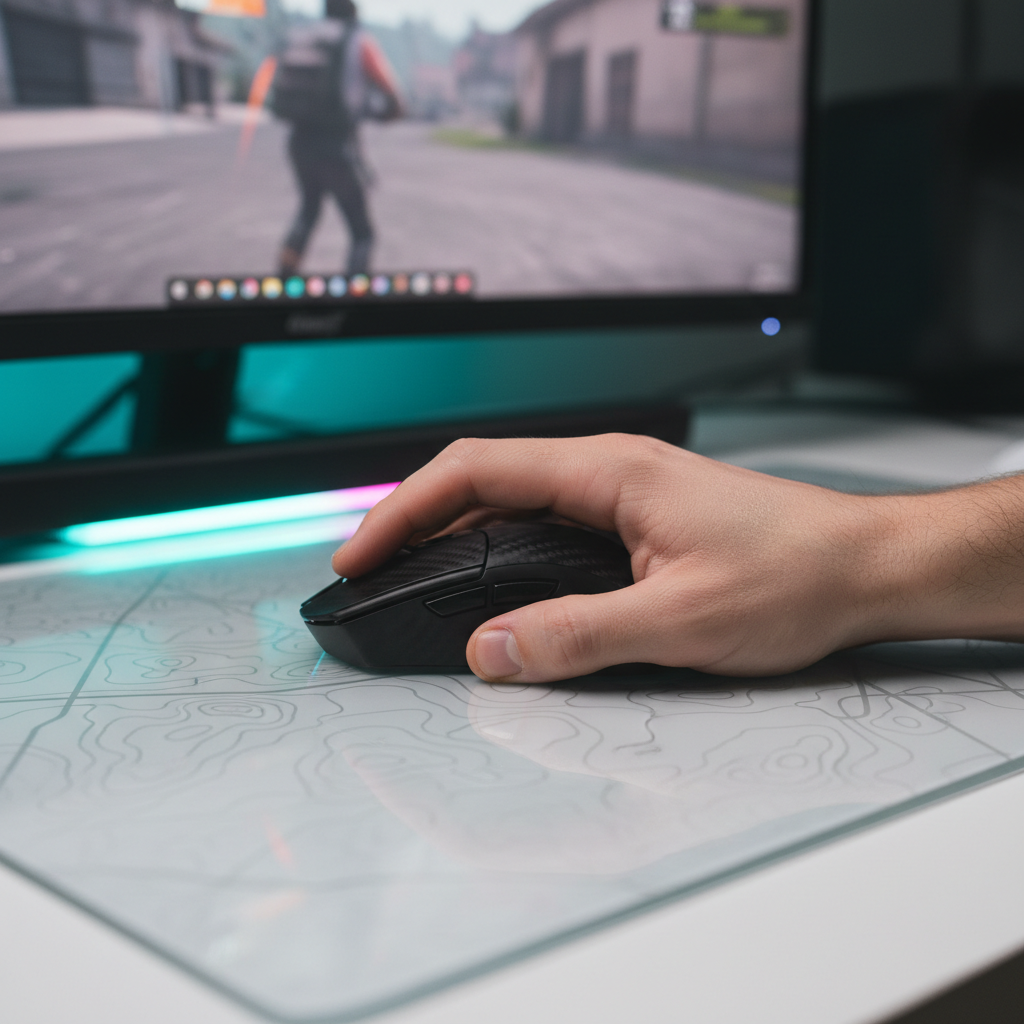
- High-Precision Tracking: For FPS games requiring pixel-perfect tracking, a tempered glass surface like the ATTACK SHARK CM05 Tempered Glass Gaming Mouse Pad offers extremely low friction. The nano-micro-etched texture is optimized for sensors like the PAW3395, providing a nearly drag-free experience.
- Tactile Feedback: For MOBAs or tactical shooters where "stopping power" is essential for clicking accuracy, a high-density fiber pad like the ATTACK SHARK CM02 eSport Gaming Mousepad is often preferred. Its 4mm elastic core provides cushioning that reduces wrist fatigue during long sessions.
Regulatory Compliance and Wireless Integrity
When selecting a multi-genre peripheral, technical reliability is non-negotiable. High-spec challengers ensure their hardware meets global standards for wireless interference and safety.
Devices must adhere to the FCC Equipment Authorization requirements for RF exposure and part 15 compliance. Similarly, for the Canadian market, the ISED Canada Radio Equipment List (REL) provides verification of a device's wireless legitimacy. For tri-mode mice (2.4GHz, Bluetooth, Wired), checking for a valid Bluetooth SIG Launch Studio Declaration ID ensures the Bluetooth implementation follows the official Core Specification (e.g., v5.3 or v5.4), which is critical for minimizing latency in non-gaming modes.
Optimizing Your Multi-Genre Setup
Neutral shell contours simplify performance by removing the physical barriers to grip switching. However, the hardware is only as effective as the system it is connected to.
To maximize the benefits of a neutral shell:
- Match DPI to Polling: Use at least 1600 DPI if running at 4000Hz or 8000Hz to ensure sensor saturation during micro-adjustments.
- Monitor Refresh Rate: While the "1/10th rule" (polling = 10x refresh) is a mathematical impossibility for 8K, a 240Hz+ monitor is recommended to visually resolve the smoother cursor path provided by high polling.
- Direct Connection: Always use a direct motherboard USB port to avoid the IRQ bottlenecks associated with hubs.
By combining the structural versatility of a neutral shell with high-end sensor specifications and a compatible surface, gamers can achieve a single-device solution that performs across all genres.
Disclaimer: This article is for informational purposes only. Ergonomic needs vary significantly by individual; users with pre-existing wrist or hand conditions should consult a qualified medical professional or ergonomic specialist before changing their peripheral setup. High polling rates (8K) significantly increase CPU load and reduce wireless battery life by ~75-80% compared to 1000Hz modes.

Leave a comment
This site is protected by hCaptcha and the hCaptcha Privacy Policy and Terms of Service apply.