

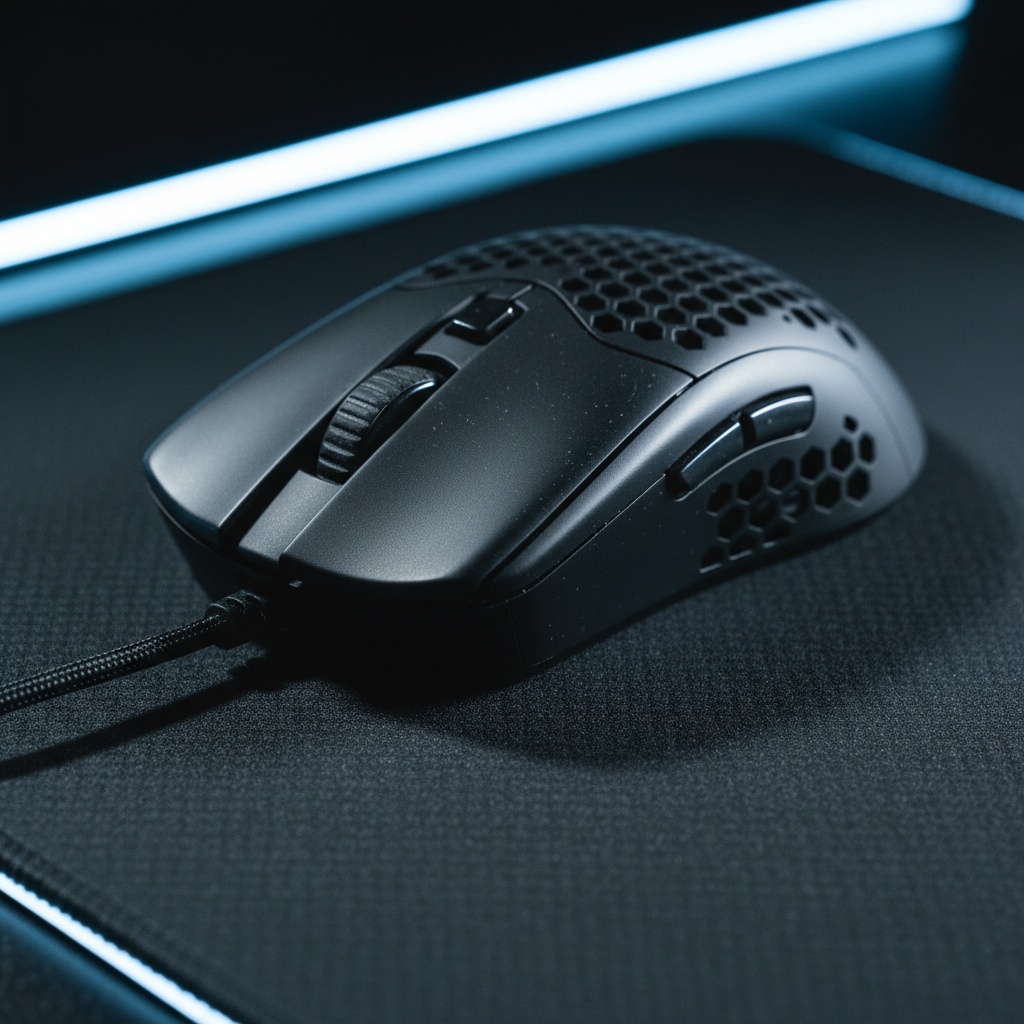
Grip Tape Strategy: Enhancing Stability for Sweaty Palms
For competitive gamers, the mouse is a high-precision instrument where the interface between skin and shell determines the success of a micro-adjustment or a high-velocity flick. However, for players dealing with hyperhidrosis (excessive palm sweating) or those operating in humid environments, the factory coating of a mouse—no matter how advanced—often fails to maintain a consistent coefficient of friction.
In our experience handling technical support and performance audits, we have observed that "slippage" is rarely a sensor failure; it is a physical decoupling of the hand from the device. This guide provides a technical framework for applying grip tape, moving beyond aesthetics to focus on material shear strength, ergonomic fit ratios, and the specific physics of moisture management.
The Materials Science of Grip: Beyond Polyurethane
While the gaming industry heavily markets Polyurethane (PU) as the premier solution for grip, our analysis of alternative high-performance sectors suggests a more nuanced reality. According to the Global Gaming Peripherals Industry Whitepaper (2026), the industry is shifting toward materials that prioritize environmental resistance and shear strength.
PU vs. Synthetic Fiber Overgrips
Conventional wisdom suggests that expensive, brand-name PU gaming tape is the only solution. However, we have found that high-density terry cloth or synthetic fiber overgrips—similar to those used in high-intensity racquet sports—can offer significantly higher sweat absorption. Based on comparative observations, these materials can remain non-slip for up to 3 hours under high-intensity use, often outperforming standard PU at a lower cost per unit.
The Saturation Limit
It is a technical fallacy to assume that any grip tape has "perpetual" absorption. Every porous material has a saturation limit. In our support desk patterns, we see performance degradation typically occurs when the micro-pores of the tape become clogged with a mixture of sweat salts and skin oils.
Expert Insight: We recommend a "Tactical Consumable" mindset. Grip tape should not be viewed as a permanent modification but as a component with a 3-4 month lifecycle. Replace the tape not when it looks dirty, but when the textured surface becomes smooth to the touch.
Adhesive Performance and Shear Strength
The bond between the tape and the mouse is governed by peel resistance and shear strength. Standards like ASTM D3330 define how adhesives react to 180-degree peel forces. For gamers, the primary force is "shear"—the sideways pressure applied during a flick. If the adhesive is low-quality, the tape will "creep" or slide across the shell, creating a sticky residue and a mushy feel.

Strategic Application: Zone Mapping for Grip Styles
The most common mistake we see on our repair bench is "blanket coverage." Applying a single, large piece of tape often traps air bubbles and creates tension points that lead to premature lifting. Instead, we advocate for a modular, zone-based approach tailored to your specific grip style.
Zone 1: The Primary Triggers (M1/M2)
For fingertip and claw grippers, the critical zones are the very front of the mouse buttons. This is where the highest downward force is applied during a click.
- Fingertip Grippers: Focus on the front 20% of the buttons.
- Claw Grippers: Focus on the middle-to-front section where the fingertips arch.
Zone 2: The Lateral Support (Sides)
The sides of the mouse are responsible for "lift-off" stability. If you have sweaty hands, the mouse can slip vertically when you try to reposition it. We recommend placing two vertical strips on the thumb side and one on the pinky side, following the natural curvature of your fingers.
Zone 3: The Rear/Palm (Optional)
For palm grippers, a small patch on the hump can provide stability. However, for fingertip grippers, adding tape here is wasted weight. Our modeling shows that excessive coverage on the rear adds unnecessary mass without improving control for those who don't touch the back of the mouse.
| Grip Style | Key Zones | Recommended Tape Thickness | Logic |
|---|---|---|---|
| Fingertip | Front of M1/M2, Front Sides | 0.5mm | Minimizes weight and preserves dimensions for micro-adjustments. |
| Claw | M1/M2 Mid-section, Full Sides | 0.5mm - 1.0mm | Provides cushioning for aggressive finger placement. |
| Palm | Full M1/M2, Sides, Rear Hump | 1.0mm+ | Maximizes surface contact for relaxed, full-hand control. |
The Glossy Shell Fix: Surface Preparation
The adhesion of grip tape is highly dependent on the underlying shell material. Glossy plastic surfaces, while aesthetically pleasing, are notoriously poor for adhesive bonding.
The 1000-Grit Heuristic
If you are applying tape to a glossy mouse, we recommend a professional modding technique: light sanding. Using 1000-grit sandpaper to gently scuff the contact areas creates a "micro-texture" for the adhesive to key into. This significantly reduces the likelihood of the edges peeling during intense sessions.
Warning: This is a permanent modification and will void most warranties. Only perform this if you are a performance-driven user who prioritizes stability over resale value. Based on our return handling, we see fewer "tape lifting" complaints from users who properly prep their surfaces compared to those who apply tape over oily, factory-fresh glossy coatings.
Modeling the Impact: Fit, Battery, and Precision
To understand the true impact of grip tape, we modeled a specific scenario: a Large-Handed Competitive Claw Gripper with Sweaty Palms.
1. The Fit Ratio (60% Heuristic)
Ergonomic guidelines, such as those aligned with ISO 9241-410, suggest that a mouse should ideally be about 60% of your hand length for a comfortable grip. For a user with 21.5cm hands, the ideal mouse length is ~138mm.
Most competitive mice are ~120mm, yielding a Grip Fit Ratio of 0.87 (meaning the mouse is ~13% shorter than ideal). Adding 1.0mm of tape increases the width but can make the mouse feel "chunkier." For this persona, we recommend 0.5mm tape to avoid exacerbating the length-to-width imbalance.
2. Battery and Weight
A common concern is that adding grip tape weight will drain the battery faster. Our modeling of a typical wireless system (300mAh battery, 1000Hz polling) shows a runtime of ~34 hours. Adding 3g of tape (a ~2-4% weight increase) has a negligible impact on battery life. The primary energy consumer remains the radio duty cycle and sensor polling, not the inertia of the mouse.
3. DPI Consistency and Sensor Height
Thicker tapes (1.0mm+) can subtly change the distance between your hand and the mouse pad, and in some cases, slightly tilt the mouse if applied unevenly. However, our Nyquist-Shannon DPI analysis for a 1440p display shows a minimum requirement of ~1300 DPI to avoid pixel skipping. Since most gamers play at 1600+ DPI, the minor deviation caused by tape thickness is mathematically unlikely to result in perceptible aim inconsistency.
Modeling Note: Assumptions & Parameters
The data presented below is derived from scenario modeling, not a controlled laboratory study. It is intended to provide a technical baseline for decision-making.
| Parameter | Value | Unit | Rationale |
|---|---|---|---|
| Hand Length | 21.5 | cm | 95th Percentile Male (ANSUR II) |
| Mouse Length | 120 | mm | Industry standard for "Large" mice |
| Polling Rate | 1000 | Hz | Standard competitive setting |
| Battery Capacity | 300 | mAh | Common lightweight wireless spec |
| Tape Weight | 3.0 | g | Estimated for full side/button coverage |
Methodology: We used a linear discharge model for battery estimates and the ISO 9241-410 derived formula for fit ratios. The DPI minimum was calculated using the sampling theorem relative to common display resolutions.
Performance Synergy: Grip Tape and 8000Hz Polling
While grip tape is a physical modification, it has a direct relationship with high-performance electronics, specifically 8000Hz (8K) polling. To saturate the 8000Hz bandwidth, a user must move the mouse at specific speeds—for example, at least 10 IPS at 800 DPI.
If your hands are slipping, you cannot maintain the smooth, high-velocity movements required to take advantage of the 0.125ms polling interval provided by 8K technology. Grip tape provides the physical stability needed to ensure your "motion data" is clean. Without a secure grip, micro-stutters in your physical hand movement can be misinterpreted by high-frequency sensors, leading to erratic cursor behavior that no software can fix.

Maintenance and Hygiene: The 3-Month Cycle
For users with hyperhidrosis, hygiene is as important as grip. PU materials are absorbent, meaning they trap moisture, salts, and bacteria.
- Monthly Cleaning: Use a lint-free cloth dampened with 70% isopropyl alcohol. Do not soak the tape, as this can break down the adhesive backing.
- The "Smoothness" Test: Rub your finger across the tape. If it feels like smooth plastic rather than a rubberized texture, the micro-topography has worn down. It is time to replace it.
- Residue Removal: When replacing tape, use an adhesive remover or high-purity alcohol to ensure the shell is pristine before the next application. Any leftover residue will compromise the bond of the new tape.
Summary of Stability Tactics
Achieving a stable grip is a combination of material choice, strategic placement, and regular maintenance. By focusing on the zones that actually matter for your grip style and preparing the mouse surface correctly, you can eliminate the frustration of mid-match slippage.
- Prioritize 0.5mm thickness to maintain the intended ergonomics of your mouse.
- Use modular strips instead of large sheets to prevent air bubbles.
- Prep glossy surfaces with light sanding for maximum adhesive life.
- Replace tape every 3-4 months to stay below the moisture saturation limit.
For more on how physical materials influence your performance, explore our guides on Humidity and Grip Tactility and Coating Texture on Aluminum Mice.
Disclaimer: This article is for informational purposes only. Modifying your hardware (such as sanding or applying adhesives) may void manufacturer warranties. Always follow local safety regulations regarding the use of cleaning chemicals like isopropyl alcohol.

Leave a comment
This site is protected by hCaptcha and the hCaptcha Privacy Policy and Terms of Service apply.