

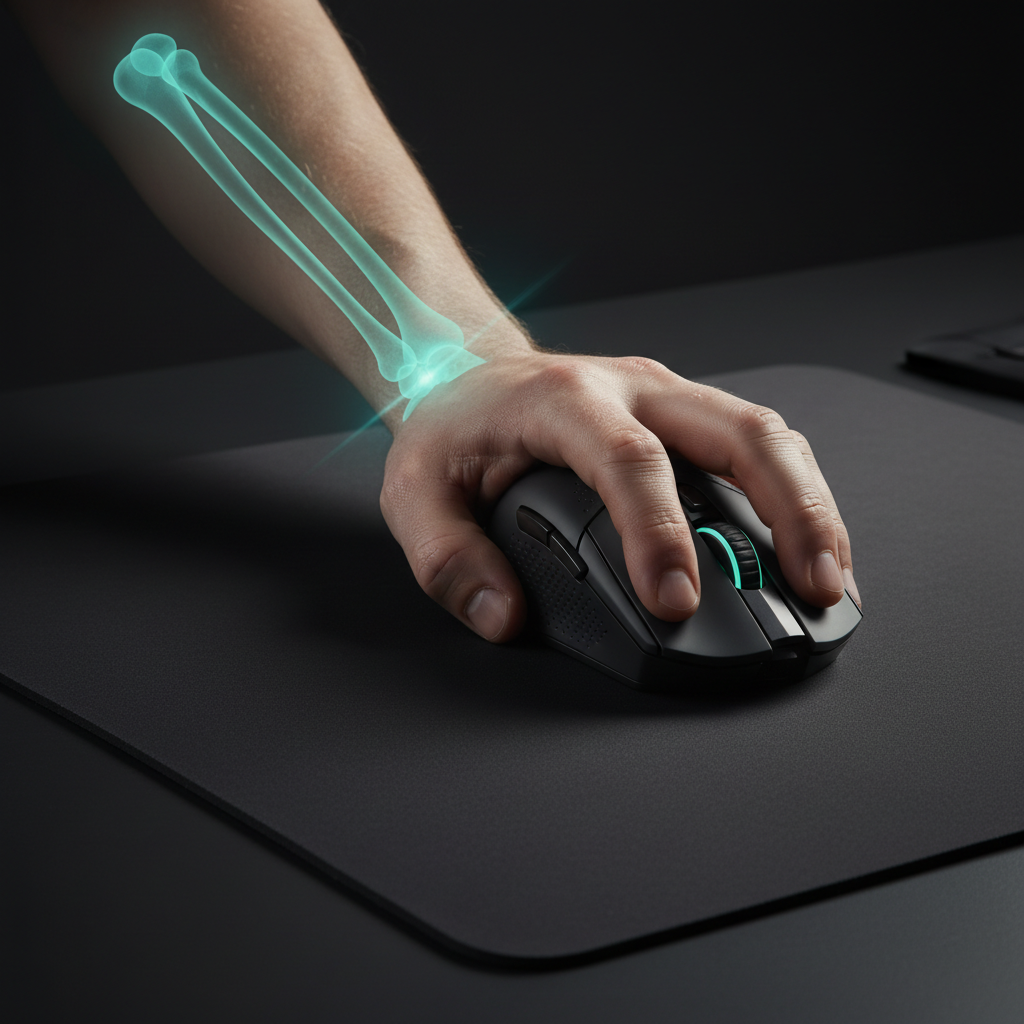
TL;DR: Choosing Your Aiming Style
Whether you should aim with your arm or your wrist depends on your grip style and sensitivity. Use this quick guide to optimize your setup:
| Aiming Style | Best Grip | Sensitivity (cm/360) | Hardware Recommendation |
|---|---|---|---|
| Arm Aiming | Palm / Claw | Low (30cm - 50cm+) | Large mousepad, ergonomic shape, stable weight (70g+) |
| Wrist Aiming | Fingertip / Claw | High (15cm - 25cm) | Lightweight mouse (<60g), high-speed PTFE skates |
| Hybrid | Claw | Medium (25cm - 35cm) | Balanced weight, "hump" support for palm |
Quick Tips:
- Hardware Fit: Aim for a mouse length that is 60–70% of your hand length for palm grips.
- DPI Setting: Use 1600 DPI or higher to ensure sensor saturation and avoid "pixel skipping" on high-resolution displays.
- Health: Ensure your desk height allows your elbow to rest at a 90-degree angle to prevent shoulder strain.
The Biomechanical Foundation of Competitive Aiming
In the pursuit of pixel-perfect precision, gamers often focus on sensor specifications. However, the most sophisticated component of any setup is the human kinetic chain—the joints and muscles from the shoulder to the fingertips. The choice between wrist and arm aiming is rarely just a preference; it is often influenced by mouse grip, sensitivity, and the physiological constraints of the upper limb.
Based on patterns we have observed in technical support and coaching, players often hit "aiming plateaus" due to a biomechanical mismatch. For example, a player using a fingertip grip with ultra-low sensitivity may find themselves in a physical deadlock, unable to perform wide-area tracking without excessive lifting. Understanding how your grip style interacts with your range of motion is a key step toward building a sustainable, high-performance habit.
The Kinematics of Wrist vs. Arm Aiming
Aiming involves two distinct movement types: macro-adjustments (large target acquisition) and micro-corrections (fine-tuning).
Arm Aiming: The Macro-Adjuster
Arm aiming utilizes the shoulder and elbow as primary pivot points. This style is typically associated with lower sensitivity and allows for consistent, large-area tracking. By engaging larger muscle groups, players can distribute the physical workload, which can reduce the risk of localized strain in the carpal tunnel region.
Wrist Aiming: The Precision Specialist
Wrist aiming relies on the radiocarpal joint for rapid, high-frequency movements. This is the domain of high-sensitivity players who prioritize flick speed. While the wrist offers exceptional control, its range of motion is anatomically limited. Forcing the wrist to handle large-scale rotations can lead to "bottoming out" the joint, potentially resulting in inconsistent tracking.
Practical Rule of Thumb: Our analysis of competitive motion patterns suggests that most top-tier performers utilize a hybrid "W-index" approach. This involves using the arm for 180-degree turns and the wrist for the final 5-10% of the aiming correction.
How Grip Style Dictates Motion
Your grip determines which joints are "unlocked" for movement. According to our brand's internal Global Gaming Peripherals Industry Whitepaper (2026), ergonomic fit and grip classification are primary variables influencing muscle memory.
Palm Grip: The Stability Anchor
The entire hand makes contact with the mouse shell. This maximizes stability but often "locks" the wrist, encouraging the player to use the elbow and shoulder.
- Motion Bias: Arm-dominant.
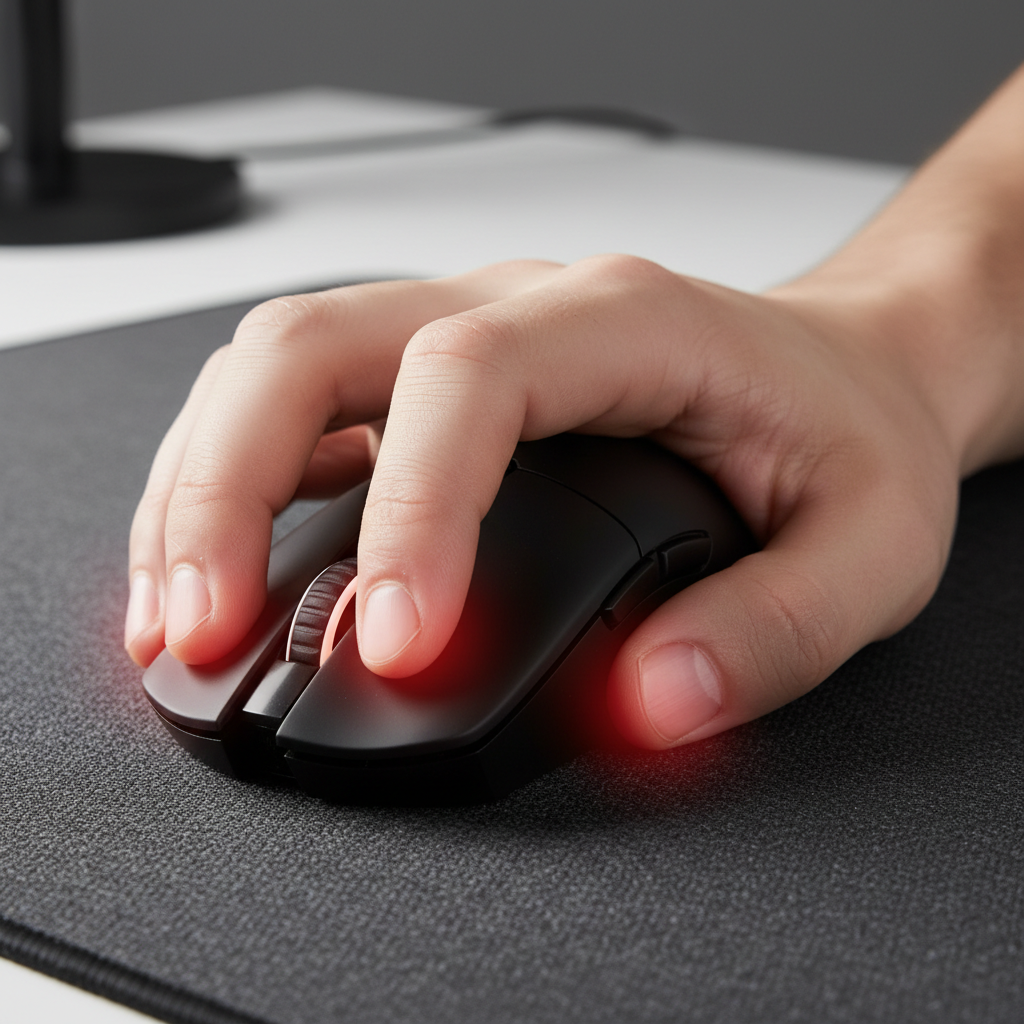
- Common Pitfall: Players with large hands may experience forearm fatigue if the mouse hump is too low, leading to a "hovering" wrist. How Mouse Hump Placement Affects Your Grip and Precision explores this interaction.
Fingertip Grip: The Agility Specialist
Only the fingertips touch the mouse, "unlocking" the fingers for vertical micro-adjustments and allowing the wrist to pivot freely.
- Motion Bias: Wrist and finger-dominant.
- Common Pitfall: A mouse that is too long (e.g., >125mm for medium hands) can cause inadvertent palm contact, restricting mobility.
Claw Grip: The Hybrid Bridge
The palm contacts the rear of the mouse while the fingers are arched. This provides stability with wrist mobility.
- Performance Characteristic: Balanced for tracking and flicking. The Pivot Point: Material Density and Claw Grip Flick Speed discusses center-of-gravity effects.

Scenario Modeling: The Large-Handed Competitive Player
To demonstrate the impact of equipment mismatch, we modeled a scenario for a large-handed player (95th percentile male) using a standard "medium" mouse for high-intensity flicking.
Modeling Analysis: Parameters & Estimates
Disclaimer: This is a deterministic scenario model for illustrative purposes, not a clinical study.
| Parameter | Value | Unit | Rationale/Formula |
|---|---|---|---|
| Hand Length | 21.5 | cm | ANSUR II 95th Percentile Male |
| Mouse Length | 120 | mm | Industry standard "medium" mouse |
| Fit Ratio | 0.83 | - | Formula: (Mouse Length / (Hand Length * 0.7)) |
| Strain Index (SI) | 72 | Score | Estimated via Moore-Garg Method (Job Intensity x Duration) |
| Min. Fidelity DPI | 1818 | DPI | Formula: (Pixels per 360° / (cm per 360 / 2.54)) |
Key Findings (Estimated):
- Grip Fit: A ratio of 0.83 indicates the mouse is ~17% shorter than the ideal palm-grip length for this hand size, which may force a cramped posture.
- Strain Index (SI): The model yielded an SI of 72. While specific to this high-intensity scenario, it significantly exceeds the Moore-Garg risk threshold (SI > 5 is generally considered a risk for distal upper extremity disorders in industrial tasks).
- DPI Requirement: Based on the Nyquist-Shannon Sampling Theorem, for a 1440p display at 25cm/360°, a minimum of 1818 DPI is suggested to avoid pixel skipping during rapid motion.
Technical Synergy: Sensitivity and Polling Rates
The 180-270 Degree Heuristic
For a baseline sensitivity, we recommend the Wrist Sweep Rule: Set your sensitivity so a comfortable, full wrist flexion from left to right rotates your character between 180 to 270 degrees. This ensures the wrist is effective for close-range corrections while the arm handles larger turns.
High Polling Rates (8000Hz)
8K polling reports data every 0.125ms. For a wrist aimer making high-frequency adjustments, this can result in a smoother cursor path.
- Sensor Saturation: To utilize 8000Hz, the sensor must generate sufficient data. At 800 DPI, you must move at ~10 IPS. At 1600 DPI, only ~5 IPS is required. We generally recommend 1600–3200 DPI for 8K users.
- USB Topology: Per the USB HID Class Definition, high-speed polling is best supported via a direct connection to the motherboard's rear I/O to minimize jitter.

Ergonomic Health: Managing the Physical Cost
Every style carries a physiological "price tag." While wrist aiming is often linked to carpal tunnel, arm aiming has its own risks.
Shoulder and Scapular Strain
Arm aiming requires the shoulder to act as a stabilizer. If desk height is incorrect, the trapezius must work isometrically, often causing a "burning" sensation. Research into Scapular Kinematics suggests elbow support is critical for mitigating this strain.
The "Hovering" Wrist Syndrome
Lifting the heel of the palm to reduce friction during high-sensitivity flicks can create sustained tension in forearm extensors. This is a common contributing factor to lateral epicondylitis (tennis elbow).
| Risk Factor | Wrist Aiming | Arm Aiming |
|---|---|---|
| Primary Joint | Radiocarpal (Wrist) | Glenohumeral (Shoulder) |
| Common Injury | Carpal Tunnel / Tendonitis | Rotator Cuff / Upper Back Strain |
| Mitigation | Lower Sensitivity, Stretching | Proper Desk Height, Elbow Support |

Optimizing for Performance per Dollar
When selecting a mouse, prioritize these technical markers based on your style:
- Weight vs. Inertia: For arm-aiming, a slightly heavier mouse (70g+) can provide stability through inertia. For wrist-flicking, a sub-60g mouse is often preferred to reduce the force required for rapid stops and starts.
- Sensor Implementation: High-performance sensors like the PixArt PAW3395 or PAW3950 offer the IPS (650+) and DPI (26,000+) range necessary for both low-sensitivity arm aiming and high-DPI 8K wrist aiming.
- Coating: A matte, high-friction coating is beneficial for fingertip and claw grips. How Coating Texture Influences Grip on Aluminum Alloy Mice explores material stability.
A Balanced Approach to Mastery
The most effective aiming style is rarely a pure extreme. We recommend a hardware self-audit:
- Measure your hand: Ensure mouse length is ~60-70% of hand length for palm grips.
- Check sensitivity: If you cannot perform a 180-degree turn in one sweep, your sensitivity may be too low for your physical space.
- Verify setup: Use a high-speed USB port and 1600+ DPI for modern high-resolution monitors.
By aligning equipment with your biomechanics, you can stop fighting your physiology and start building consistent muscle memory.
YMYL Disclaimer: This article is for informational purposes only and does not constitute professional medical advice. If you experience persistent pain, numbness, or tingling, please consult a qualified healthcare professional.
Sources
- Global Gaming Peripherals Industry Whitepaper (2026) (Brand Whitepaper)
- Moore, J. S., & Garg, A. (1995). The Strain Index. (Independent Peer-Reviewed Source)
- USB-IF HID Class Definition v1.11
- ISO 9241-410: Ergonomics of Human-System Interaction
- NVIDIA Reflex Analyzer Setup Guide

Leave a comment
This site is protected by hCaptcha and the hCaptcha Privacy Policy and Terms of Service apply.