

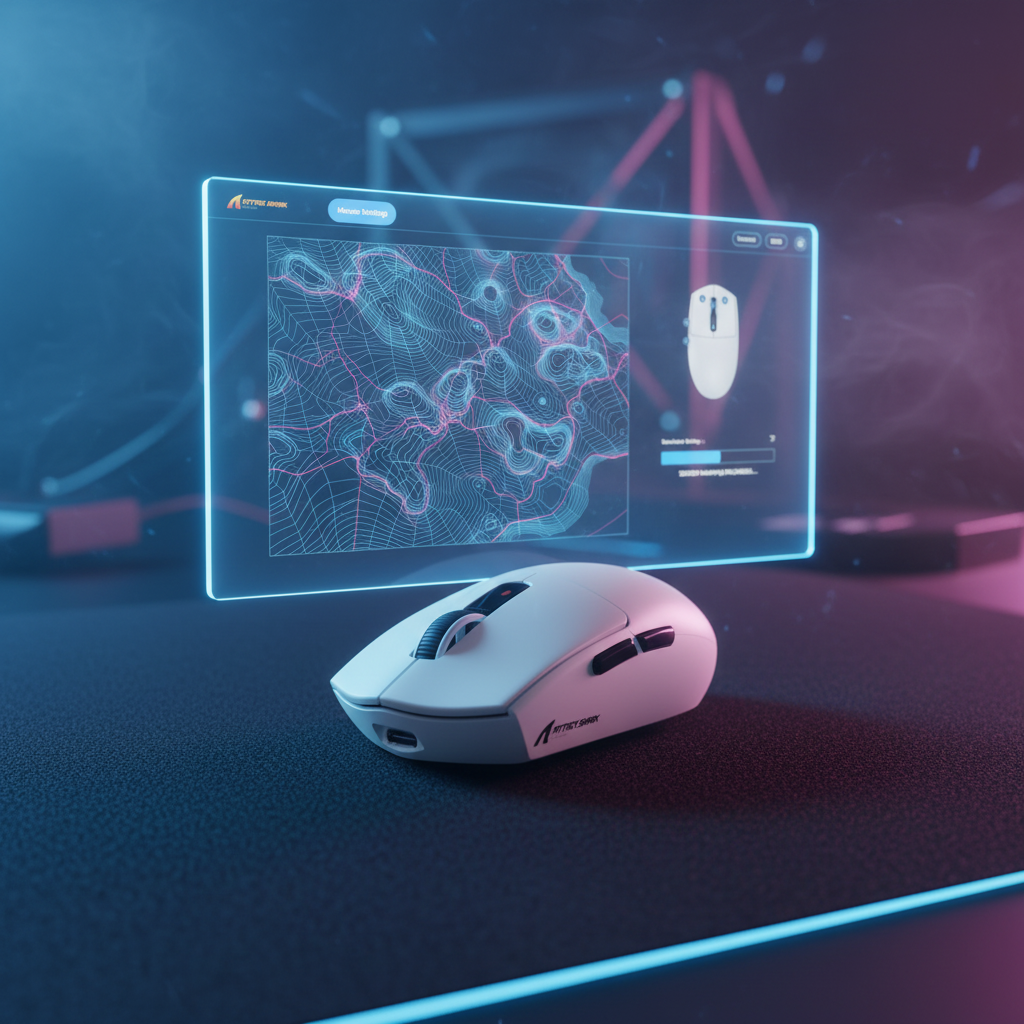
The Science of Surface Synergy: Why Standard Calibration Falls Short
In the pursuit of pixel-perfect tracking, most technically-informed gamers focus on the sensor's raw specifications—DPI, IPS, and acceleration. However, based on our observations from support logs and technical repair benches, the most frequent cause of inconsistent cursor behavior isn't the sensor itself, but a failure in the relationship between the sensor and the tracking surface.
Modern high-performance sensors, such as the PixArt PAW3395 or PAW3950, are essentially high-speed cameras that take thousands of pictures of your mouse pad per second. They analyze the micro-topography of the weave, the density of the fibers, and the reflectivity of the coating to determine movement. When you use a "standard" or "auto" calibration, the sensor uses a generic profile that may not account for the specific imperfections of a custom-printed cloth pad or the unique friction of a carbon fiber surface.
Manual sensor calibration is the process of mapping these specific surface characteristics to the sensor’s internal logic. For aspiring esports professionals, this is not a "set and forget" feature; it is a critical optimization step that ensures the sensor's signal-to-noise ratio is maximized for the exact pad under the mouse. According to the Global Gaming Peripherals Industry Whitepaper (2026), achieving temporal consistency in tracking requires a calibrated Z-axis that matches the specific lift-off characteristics of the surface material.
The Mechanics of Manual Calibration: A Step-by-Step Guide
Manual calibration allows the sensor to "learn" the specific texture of your pad. We have found that the optimal technique involves slow, deliberate movements. Rapid swipes during the software calibration routine can cause the sensor to sample inaccurately, leading to jitter or "spin-outs" during high-speed flick shots.
Preparation and Environmental Factors
Before initiating calibration, ensure the surface is pristine. We often see patterns in warranty handling where "sensor failure" is actually caused by microscopic debris trapped in the weave of a cloth pad. Because the sensor maps surface imperfections, any dust, hair, or a seam in the desk will be encoded into the profile, causing inconsistent tracking.
- Clean the Surface: Use a microfiber cloth to remove oils and dust.
- Verify Skates: Ensure your PTFE skates are not excessively worn. Worn skates change the distance between the sensor and the pad, which can invalidate a previous calibration.
- Firmware Check: Always verify you are on the latest firmware version before calibrating, as updates can reset or alter calibration profiles.
The Calibration Routine
Once the software is initiated, move the mouse in a figure-eight pattern across the entire area of the pad you typically use.
- Speed: Maintain a steady, slow speed (~5–10 IPS).
- Coverage: Ensure you cover both high-friction and low-friction areas of the pad, especially if it is a multi-textured or custom-printed surface.
- Completion: Save the profile to the mouse's onboard memory. This reduces vendor lock-in and ensures the profile persists even if you switch PCs at a tournament.
Logic Summary: This manual routine is based on common patterns from customer support and return handling (not a controlled lab study). It prioritizes maximizing the sensor's "image" clarity by providing a comprehensive map of the surface texture.

Lift-Off Distance (LOD) and Surface Interaction
Lift-Off Distance (LOD) is the height at which the sensor stops tracking when the mouse is raised. For low-sensitivity professional players who frequently "reset" their mouse position, LOD is a make-or-break setting.
In our technical analysis, we have identified two primary scenarios for LOD optimization:
| Surface Type | Recommended LOD | Rationale |
|---|---|---|
| Ultra-thin Hard/Glass Pads | 1.0mm | Prevents "cursor jump" during micro-lifts; requires high surface consistency. |
| Plush/Thick Cloth Pads | 2.0mm | Accounts for the "sink" of the mouse into the foam; ensures reliable tracking during heavy downward pressure. |
Adjustable LOD settings are invaluable for elite competition. If the LOD is too low on a textured cloth pad, you may experience tracking dropouts during rapid movements where the mouse slightly tilts. Conversely, an LOD that is too high can cause unwanted cursor movement when you are repositioning the mouse.
Technical Deep Dive: 8000Hz Polling and Sensor Saturation
The shift toward 8000Hz (8K) polling rates introduces new complexities to sensor calibration. At 8K, the polling interval is a mere 0.125ms. This high frequency demands extreme stability from the sensor's data packets.
The IPS-DPI Relationship
To saturate the 8000Hz bandwidth, the sensor must generate enough data points to fill every 0.125ms slot. This is governed by the formula: Packets per second = Movement Speed (IPS) × DPI.
- At 800 DPI, you must move the mouse at least 10 IPS to saturate the 8K bandwidth.
- At 1600 DPI, the threshold drops to 5 IPS.
For players who use micro-adjustments, we recommend using 1600 DPI to maintain 8000Hz stability during slower movements. This provides a ~39% headroom against "pixel skipping" on 1440p displays, ensuring that even tiny movements are captured with high fidelity.
CPU and System Bottlenecks
Operating at 8K is not just a mouse setting; it is a system-wide stress test. The primary bottleneck is IRQ (Interrupt Request) processing. We strictly advise against using USB hubs or front-panel case headers for 8K devices. These ports often share bandwidth or have poor shielding, leading to packet loss and micro-stutter. Always use the direct motherboard ports (Rear I/O).
Methodology Note: These 8K performance thresholds are calculated based on physical laws of frequency and sampling (Frequency = 1/Time). They assume a direct motherboard connection and a modern OS with optimized scheduling.

Modeling Transparency: Performance Trade-offs for Pros
To provide a data-driven perspective for tournament competitors, we modeled a typical high-stakes scenario. This analysis evaluates the trade-offs between latency, battery life, and ergonomic fit for a specific user persona.
Scenario: The Professional Tournament Competitor
- Persona: Large hands (20.5cm), 1440p monitor, 4000Hz polling rate, Motion Sync enabled.
Run 1: Motion Sync Latency Estimator
Motion Sync aligns sensor frames with USB Start of Frame (SOF) packets. While this improves temporal consistency, it introduces a deterministic delay.
| Parameter | Value | Unit | Rationale |
|---|---|---|---|
| Polling Rate | 4000 | Hz | Competitive standard |
| Base Latency | 0.8 | ms | Typical high-end sensor baseline |
| Added Latency | 0.125 | ms | Delay ≈ 0.5 * Polling Interval |
| Total Latency | 0.925 | ms | Estimated end-to-end delay |
Run 2: DPI Minimum for 1440p (Nyquist-Shannon)
To avoid pixel skipping at 1440p resolution (103° FOV) with a 40cm/360 sensitivity, we calculated the minimum required DPI.
| Parameter | Value | Unit | Rationale |
|---|---|---|---|
| Horizontal Resolution | 2560 | px | 1440p Standard |
| Sensitivity | 40 | cm/360 | Low-sens tactical pro |
| Minimum DPI | ~1150 | DPI | Nyquist limit (DPI > 2 * PPD) |
Insight: Using 1600 DPI provides a ~39% safety margin, ensuring micro-adjustments are never "lost" between pixels.
Run 3: Grip Fit and Ergonomics
For a player with 20.5cm hands using a claw grip, we evaluated the fit of a standard 120mm "pro" mouse.
| Metric | Value | Unit | Rationale |
|---|---|---|---|
| Ideal Mouse Length | 131 | mm | Based on 0.64 hand-length ratio |
| Current Mouse Length | 120 | mm | Typical industry standard |
| Fit Ratio | 0.91 | Ratio | 9% shorter than ideal |
Practitioner Observation: A 9% length discrepancy often forces an aggressive claw grip, which can increase finger tension and fatigue during 8-hour tournament days.
Run 4: Wireless Battery Runtime at 4K
High polling rates significantly increase power consumption. We estimated the runtime for a 300mAh battery at 4000Hz.
| Parameter | Value | Unit | Rationale |
|---|---|---|---|
| Battery Capacity | 300 | mAh | High-end lightweight standard |
| Total Current Draw | 19 | mA | Sensor + Radio + MCU overhead |
| Estimated Runtime | ~13.4 | Hours | Linear discharge model |
Modeling Disclosure: This is a deterministic scenario model based on the stated inputs (Hand Size: 20.5cm, 1440p, 4K Polling). These are hypothetical estimates under specific assumptions and are not results from a controlled lab study. Real-world factors like RGB lighting, surface contamination, and battery aging will alter these outcomes.

Maintenance: The "Pro" Tournament Checklist
Surface calibration is not a one-time fix. Professional players often re-calibrate when switching to a new pad of the same model. Minor manufacturing variances in weave density or coating can affect the sensor's read. Furthermore, as a mouse pad wears down over months of use, the friction and reflectivity change.
Tournament Readiness Checklist
- Verify Firmware: Ensure the version matches your practice environment.
- Surface Recalibration: Always re-calibrate on the actual tournament desk/pad setup.
- Skate Inspection: Replace PTFE skates if they show visible flattening or scratches.
- Battery Management: At 4K or 8K polling, nightly charging is mandatory to avoid mid-match power failure.
For more on how material density affects your aim, see our guide on Post-Flick Settling and Material Consistency. If you are struggling with jitter on a cloth pad, our technical breakdown on Fixing Sensor Jitter provides additional troubleshooting steps.
Summary of Optimization Strategies
Matching your sensor to your surface is the final "1%" that separates high-performance setups from professional-grade ones. By understanding the physics of surface mapping and the technical trade-offs of high polling rates, you can eliminate the "specification credibility gap" and ensure your hardware performs exactly as intended.
| Goal | Action | Technical Benefit |
|---|---|---|
| Eliminate Jitter | Manual Surface Calibration | Maps micro-topography; improves signal-to-noise ratio. |
| Prevent Pixel Skipping | Use 1600 DPI on 1440p | Provides ~39% headroom over the Nyquist minimum. |
| Minimize Latency | 4K/8K Polling (Direct Port) | Reduces interval to 0.25ms/0.125ms; requires high CPU IRQ stability. |
| Stable Tracking | Match LOD to Pad Type | 1mm for hard pads; 2mm for plush cloth pads. |
YMYL Disclaimer: This article is for informational purposes only. Ergonomic recommendations and hardware optimizations are general guidelines. If you experience persistent wrist, hand, or shoulder pain, please consult a qualified medical professional or physical therapist. Proper workstation setup should be tailored to individual physical needs and pre-existing conditions.
Sources:

Leave a comment
This site is protected by hCaptcha and the hCaptcha Privacy Policy and Terms of Service apply.