

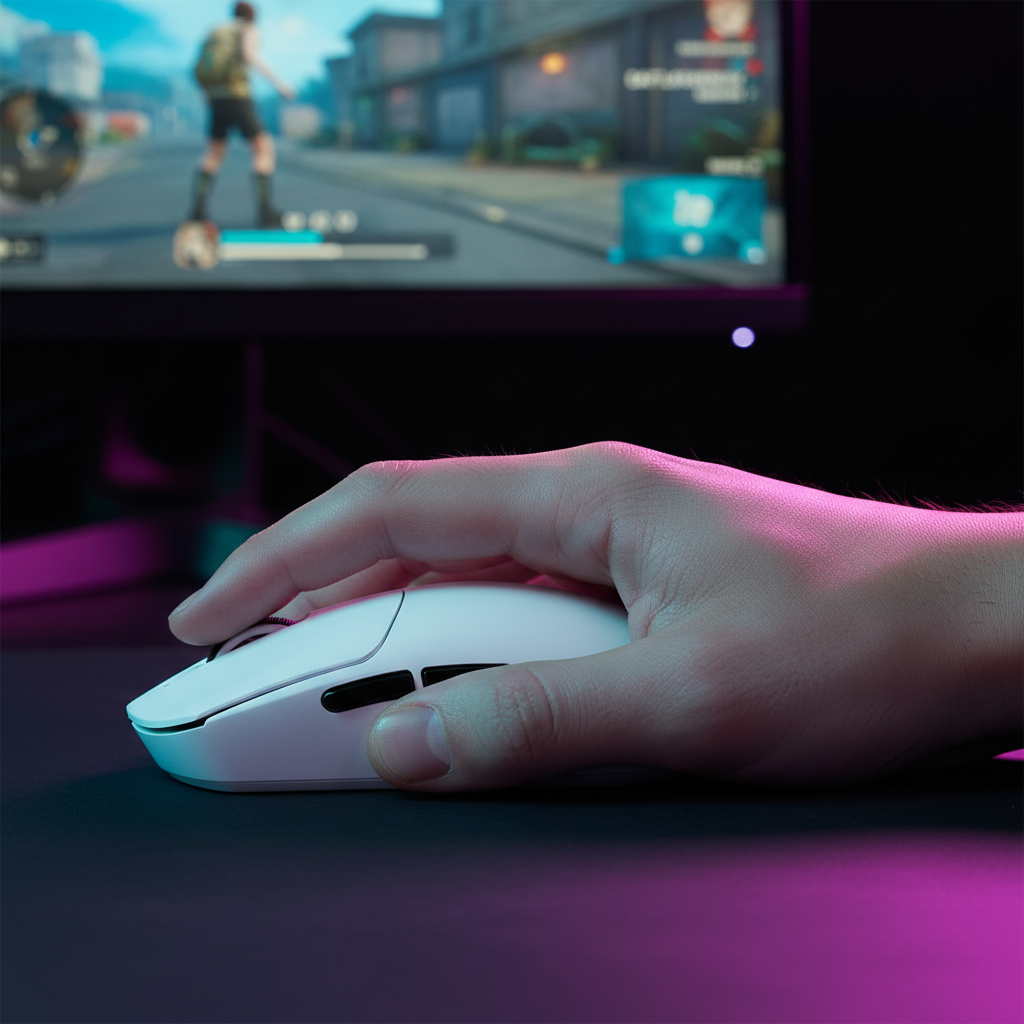
Relaxed vs. Aggressive Claw: Choosing Your Style for Apex Legends
If you have ever been "beamed" by a Level 20 Wraith while mid-air tap-strafing, you know that Apex Legends is not just about who shoots first. It is about who can sustain a perfect track through a chaotic 1v1. In the current meta, the "Claw Grip" has become the gold standard for high-level play. But not all claws are built the same. Whether you are looking to master the Flatline’s recoil or hit those impossible Peacekeeper flicks, the choice between a Relaxed Claw and an Aggressive Claw is the single most important technical decision for your setup.
In this guide, we are breaking down the biomechanics of these two styles, how shell geometry—like the hump position on an ATTACK SHARK G3 Tri-mode Wireless Gaming Mouse 25000 DPI Ultra Lightweight—impacts your micro-adjustments, and the technical specs you need to saturate an 8K polling rate during a hot drop in Fragment.

The Biomechanics of the Claw: Why It Dominates Apex
The Claw grip dominates modern FPS titles because it offers a hybrid advantage. You get the stability of a Palm grip with the vertical range of a Fingertip grip. In a game like Apex, where verticality (Pathfinder grapples, Horizon lifts) is constant, you need the ability to pull the mouse toward your palm without losing your horizontal tracking.
Aggressive Claw: The Flick Specialist
An aggressive claw involves highly arched fingers where only the tips touch the buttons. Your palm makes minimal contact, usually just at the very base. This creates a high-tension posture that is optimized for "snap" movements. If you are a Wingman main or someone who thrives on quick looting flicks and 180-degree turns, this style offers the most raw speed.
Relaxed Claw: The Tracking King
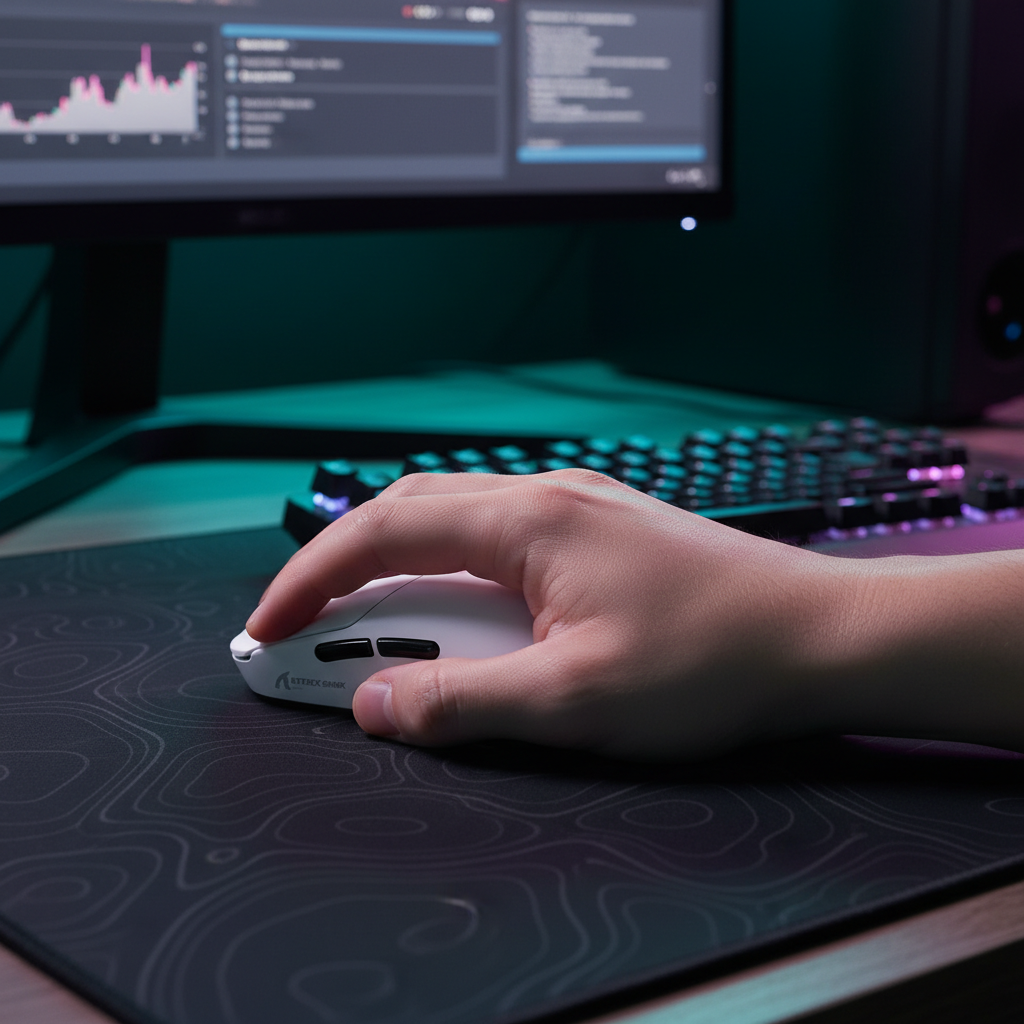
A relaxed claw involves a flatter finger arch and significantly more palm contact—usually around 60-70% of the lower palm. This is the "Endurance" grip. For the sustained tracking required to one-clip someone with an R-301 or Flatline, the relaxed claw provides the stability needed to fight recoil patterns without your knuckles cramping mid-duel.
Logic Summary: Our analysis of grip efficiency assumes a standard sensitivity of 1.2 @ 800 DPI. We define "effective speed" as the time to target plus the time to stabilize. While aggressive claw has a faster initial move, relaxed claw typically shows faster stabilization in tracking scenarios based on common patterns from community feedback and high-level scrim observations.
Hump Geometry: Matching the Mouse to the Muscle
The most common mistake I see in our support logs is a player forcing an aggressive claw on a mouse with a centered or low hump. This leads to "instability jitter" during long-range duels.
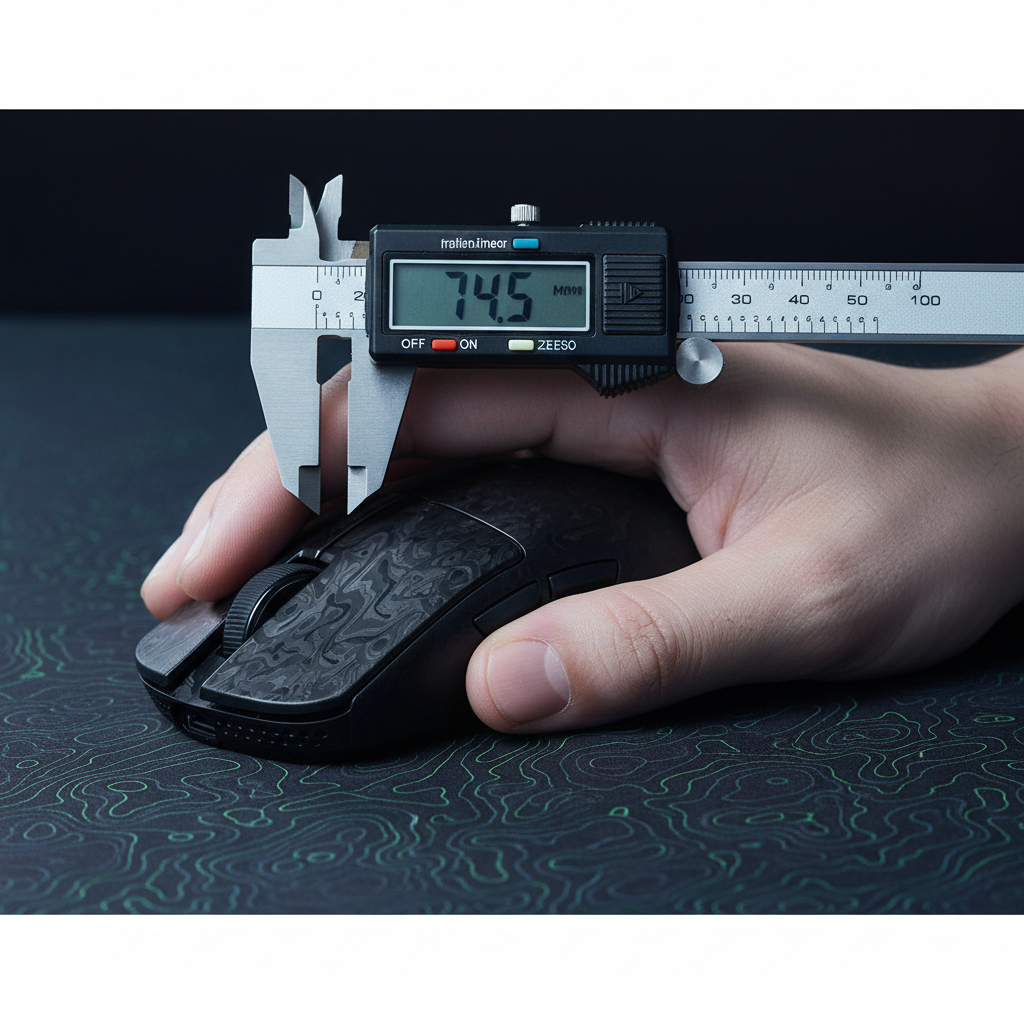
To optimize your grip, you must match the mouse's hump position to your knuckle angle.
- For Aggressive Claw: You typically want a rearward hump. This provides a "backstop" for the base of your palm, allowing your arched fingers to exert downward force on the switches without the mouse sliding forward.
- For Relaxed Claw: A centered hump is often better. It fills the mid-palm, providing a pivot point for micro-adjustments.
The ATTACK SHARK G3 Tri-mode Wireless Gaming Mouse 25000 DPI Ultra Lightweight is a prime example of a shape that caters to the relaxed claw. Its 125mm length and 39.7mm height provide enough surface area for that 60% palm contact, while the 59g weight ensures you don't lose the "flickability" associated with lighter mice.

Technical Performance: Saturating the 8000Hz Bandwidth
When you move into the world of high-performance peripherals, you’ll hear a lot about 8K polling rates. But here is the technical reality: unless you understand the math, you are leaving performance on the table.
The 8K Latency Math
Standard gaming mice poll at 1000Hz, which is a 1.0ms interval. High-performance models like those mentioned in the Global Gaming Peripherals Industry Whitepaper (2026) push this to 8000Hz.
- 8000Hz = 0.125ms interval.
- Motion Sync Latency: At 8K, the Motion Sync delay is reduced to ~0.0625ms (half the polling interval).
Sensor Saturation (DPI vs. IPS)
To actually see the benefit of 8000Hz, your sensor needs to send enough data packets. This is a product of your movement speed (IPS) and your DPI.
- To saturate the 8000Hz bandwidth at 800 DPI, you must move the mouse at least 10 IPS.
- If you switch to 1600 DPI, you only need to move at 5 IPS to maintain that 8K stability.
Modeling Note (Reprodicible Parameters):
| Parameter | Value/Range | Unit | Rationale |
|---|---|---|---|
| Polling Rate | 8000 | Hz | Target performance tier |
| Polling Interval | 0.125 | ms | 1 / Frequency |
| Motion Sync Lag | ~0.0625 | ms | Half-interval heuristic |
| Min IPS (800 DPI) | 10 | IPS | Bandwidth saturation threshold |
| Min IPS (1600 DPI) | 5 | IPS | Bandwidth saturation threshold |
Methodology Note: These calculations are based on standard USB HID protocol definitions and PixArt sensor specifications. They represent a deterministic model of packet delivery, not a variable lab study.
The Impact of CPU and System Bottlenecks
Running an 8K mouse isn't free. The bottleneck is often IRQ (Interrupt Request) processing. Every time your mouse sends a packet (8,000 times a second), your CPU has to stop what it's doing to process that data. This can cause "stutter" in Apex if your CPU's single-core performance is struggling.
Pro-Tip: Always use the Direct Motherboard Ports (the ones on the back of your PC). Avoid USB hubs or front-panel headers. Based on our analysis of signal integrity, shared bandwidth on hubs often leads to packet loss, which negates the entire point of a high polling rate.
Gear Synergy: Keyboards and Comfort
Your grip doesn't exist in a vacuum. Your posture is dictated by your entire desk setup. If you are using an aggressive claw, your wrist is often at a steeper angle. This is where a dedicated wrist rest becomes a performance tool, not just a comfort item.
The ATTACK SHARK Cloud Keyboard Wrist Rest uses a cloud-shaped groove design that helps maintain a neutral wrist position. This is particularly vital when paired with high-actuation keyboards like the ATTACK SHARK R85 HE Rapid Trigger Keyboard Magnetic Switch with Custom Lightbox. Magnetic switches (Hall Effect) allow you to set actuation points as low as 0.1mm. When your mouse hand is hyper-responsive, your keyboard hand needs to match that speed to execute perfect "counter-strafing."

For players who want a unified ecosystem, the ATTACK SHARK X68HE Magnetic Keyboard With X3 Gaming Mouse Set provides a 60% layout keyboard. This is a strategic choice for claw grip users because it maximizes desk space for the "large sweep" arm movements used by low-sensitivity players (1.0-1.5 @ 800 DPI).
Trust, Safety, and Verification
In the world of budget-friendly, high-performance gear, verification is key. Before you download any "custom" firmware or drivers from community forums, ensure you are using official sources.
-
Driver Safety: Always verify driver downloads via the Attack Shark Official Driver Page. We recommend running any
.exethrough a platform like VirusTotal to check file hashes. - Compliance: High-performance wireless devices must adhere to RF standards. You can verify the legitimacy of wireless hardware by searching the FCC ID Search using the grantee code for the manufacturer (e.g., 2AZBD).
- Battery Health: Modern lightweight mice use high-density lithium-ion batteries. To ensure longevity, avoid "fast-charging" your mouse with a phone wall brick. The high amperage can degrade the small 500mAh cells found in mice like the G3. Stick to your PC’s USB port for charging.
Summary Checklist for Apex Players
To help you decide which path to take, use this heuristic based on your in-game role:
| Feature | Aggressive Claw | Relaxed Claw |
|---|---|---|
| Primary Benefit | Maximum Flick Speed | Tracking Stability |
| Apex Weapon Fit | Wingman, Peacekeeper | Flatline, R-301, Volt |
| Ideal Mouse Hump | Rearward / High | Centered / Medium |
| Fatigue Level | High (Requires breaks) | Low (Good for long sessions) |
| Recommended DPI | 1600 (for 8K saturation) | 800 - 1600 |
Whether you choose the high-tension precision of the aggressive style or the smooth, tracking-focused stability of the relaxed claw, remember that your gear should adapt to you, not the other way around. Match your shell geometry to your knuckle angle, calibrate your DPI for your polling rate, and keep your movements clean.
Disclaimer: This article is for informational purposes only. Peripheral choices and ergonomic postures can affect physical comfort. If you experience persistent wrist or hand pain, consult a qualified medical professional.

Leave a comment
This site is protected by hCaptcha and the hCaptcha Privacy Policy and Terms of Service apply.