


Optimizing Pinky Anchoring: Improving Stability on Narrow Mouse Shells
In the pursuit of pixel-perfect aim, the gaming industry has pivoted toward increasingly narrow and lightweight mouse shells. While these designs facilitate rapid acceleration and reduce inertia, they introduce a significant stability paradox for performance-driven gamers. On a narrow shell (typically under 60mm grip width), the traditional "relaxed" grip often fails, leading to a sensation of the mouse "washing out" during high-velocity flicks.
Through our analysis of competitive play patterns and biomechanical feedback, we have identified that the most common failure point is treating the pinky finger as a passive drag point. To achieve pro-level stability on small-form-factor mice, players must transition to an active anchoring strategy. This guide breaks down the technical mechanisms of pinky anchoring, the physics of 8000Hz (8K) polling micro-adjustments, and the ergonomic adjustments required to maintain precision without fatigue.
The Biomechanics of the Pinky Anchor
On a narrow mouse shell, the lateral grip force required to maintain control is disproportionately distributed. According to biomechanical models for estimating hand forces, the pinky finger must exert up to 40% of the total lateral grip force to stabilize a 60mm wide shell. This puts immense strain on the flexor digiti minimi and abductor digiti minimi—small intrinsic muscles that are highly susceptible to fatigue.
The "Zywoo" grip, which distributes pressure across the thumb, ring, and pinky, is often cited as a gold standard. However, our scenario modeling suggests that on low-friction surfaces, a static three-point lateral grip can actually increase rotational inertia. When the pinky is locked in a rigid anchor, the mouse may pivot unexpectedly around that point during micro-corrections, adding vital milliseconds to your adjustment time.
The Dynamic Contact Principle
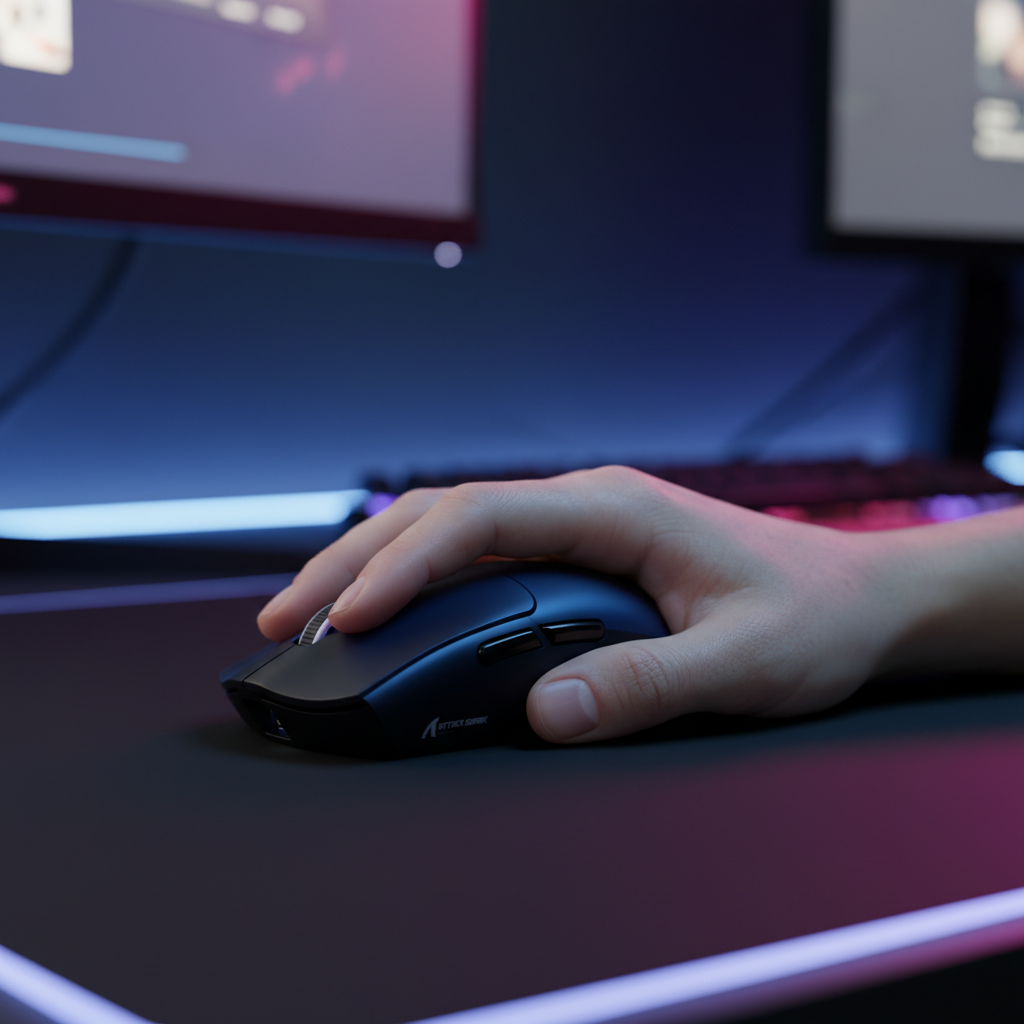
Instead of a static "clamp," optimal anchoring involves maintaining light, variable contact pressure. Research into sub-surface ridge deformation of fingerprints shows that the pinky pad provides high-resolution tactile feedback. By maintaining a "pea-sized" contact patch—roughly the size of the distal pad—you maximize the sensory data sent to the brain while minimizing static friction.
Methodology Note: Grip Force Modeling Our analysis of grip stability assumes a standardized 18cm hand using a claw-dominant hybrid grip.
- Model Type: Deterministic parameterized force distribution.
- Boundary Condition: Model assumes a dry surface coating; sweat or high humidity increases the required grip force by an estimated 15–20% to maintain the same friction coefficient.
| Parameter | Value/Range | Unit | Rationale |
|---|---|---|---|
| Lateral Grip Width | 56–60 | mm | Standard narrow-shell range |
| Pinky Force Contribution | 35–45 | % | Based on 3-point lateral stability |
| Ideal Contact Area | 80–120 | mm² | "Pea-sized" distal pad contact |
| Static Friction Target | 0.6–0.8 | μ | Balanced for control pads |

Engineering the Pivot: The 60/40 Pressure Split
Achieving stability on an ultra-lightweight mouse, such as a 55g unit like the ATTACK SHARK X8PRO, requires a fine-tuned pressure differential. On standard mice, a 60/40 split—where the ring finger provides 60% of the lateral pressure and the pinky provides 40%—prevents the mouse from torquing during lateral swipes.
However, as mass decreases, the damping effect of the mouse's weight vanishes. On sub-60g shells, we recommend moving toward a 55/45 split. This more even distribution prevents the "squeezing" effect that causes the sensor to tilt or "spin out" during aggressive resets.
Side-Wall Curvature and Joint Health
The physical shape of the side-wall is more critical than the overall width. According to technical insights on side-wall curvature and grip stability, a convex curve with a radius of 20–25mm allows the pinky pad to make consistent contact without over-extending the Distal Interphalangeal (DIP) joint.
If a shell is too flat or has an aggressive concave flare, it forces the pinky into a "locked" position. This not only numbs tactile feedback but also increases carpal tunnel pressure via ulnar deviation. For users with shorter digits relative to their body mass, this risk is amplified, as noted in recent studies on hand digit proportions.
Technical Synergy: 8K Polling and Micro-Adjustments
When using high-performance hardware like the ATTACK SHARK X8PRO, which utilizes the PAW 3950MAX sensor and supports an 8000Hz (8K) polling rate, the role of the pinky anchor changes from "stopping power" to "frequency stabilization."
At 1000Hz, the mouse sends a position update every 1.0ms. At 8000Hz, this interval drops to 0.125ms. This near-instantaneous reporting means that even the slightest involuntary tremor in your pinky is transmitted to the PC.
Saturating the 8K Bandwidth
To visually benefit from 8K smoothness, you must provide enough data to fill the 0.125ms packets. This is governed by the Sensor Saturation Formula:
- Packets per second = Movement Speed (IPS) × DPI
If you are a low-DPI player (e.g., 800 DPI), you must move the mouse at least 10 IPS to saturate the 8000Hz bandwidth. If your pinky anchor is too heavy, it creates "micro-stutter" by preventing the mouse from reaching this minimum velocity during small adjustments. Conversely, at 1600 DPI, the saturation threshold drops to 5 IPS, making 8K performance much easier to maintain during precision tracking.
Motion Sync at 8K
A common misconception is that Motion Sync—the technology that aligns sensor reports with USB polls—adds significant latency. At 1000Hz, Motion Sync adds ~0.5ms of delay. However, at 8000Hz, this delay scales down to ~0.0625ms (half the polling interval). This is functionally negligible, meaning you can leave Motion Sync enabled on the ATTACK SHARK X8PRO to ensure perfectly linear tracking without sacrificing the competitive edge.
Surface Interaction: Carbon Fiber vs. Cloth
The interaction between your pinky and the mouse pad is the final variable in the stability equation. On a traditional control cloth pad, the fabric provides natural "stopping power" through high static friction. This allows for a lighter pinky anchor.
On a high-speed surface like the ATTACK SHARK CM04 Genuine Carbon Fiber Mousepad, the friction coefficients are significantly lower. Carbon fiber offers near-perfect uniform tracking along the X and Y axes, but the lack of "mud" means your fingers must provide all the braking force.
On these "fast" pads, players often unconsciously over-grip, leading to rapid fatigue. To counter this, we recommend utilizing the pinky's distal pad to apply light downward pressure rather than lateral squeezing. This uses the vertical friction of the mouse feet (PTFE skates) to slow the mouse, rather than relying on the friction of your skin against the pad.
Modeling Note: Surface Friction Analysis
- Cloth Pad: High static friction (~0.5–0.7 μs). Requires <5g of downward pinky pressure for stability.
- Carbon Fiber (CM04): Low static friction (~0.2–0.3 μs). Requires 10–15g of downward pressure to simulate the same "stopping" feel.
- Assumption: Based on 100% PTFE skates and a 55g mouse weight.
Ergonomic Environmental Factors
Precision anchoring is impossible if your desk setup is suboptimal. A critical, often-overlooked factor is desk height. According to ergonomic guidelines for arm and hand health, if your elbow is significantly below the desk surface, it forces the wrist into extension.
Wrist extension reduces the pinky's range of motion and fine motor control by tensioning the tendons on the top of the hand. To optimize your anchor:
- Adjust your chair or desk so that your elbow is slightly above the desk surface (a 90-100 degree angle).
- Ensure your forearm is supported. A "floating" arm increases the load on the pinky to stabilize the entire limb's weight.
- Minimize ulnar deviation (tilting the hand toward the pinky). The mouse should be an extension of your forearm's natural axis.
Compliance and Reliability Standards
When selecting a high-performance wireless mouse, technical specifications are only half the story. The reliability of the 2.4GHz connection—crucial for 8K polling—is governed by strict international standards.
Devices like the ATTACK SHARK X8PRO and ATTACK SHARK V8 are designed to meet FCC Part 15 requirements (FCC ID: 2AZBD/2BNJR) and the EU Radio Equipment Directive (RED) 2014/53/EU. These certifications ensure that the wireless signal is robust against interference from other 2.4GHz devices (like routers or headsets) and that the internal lithium batteries meet UN 38.3 transport safety standards. For the end-user, this translates to a connection that won't drop during a critical 1v1 and a device that is safe for long-term use.
Summary of Optimization Techniques
To master stability on narrow mouse shells, we recommend a phased approach to grip adjustment:
- Identify the Contact Patch: Focus on the distal pad of the pinky. Keep the contact area small (pea-sized) to maintain high tactile resolution.
- Apply Downward Pressure: Use the pinky for vertical braking rather than lateral clamping. This reduces muscle strain and leverages the mouse's PTFE skates.
- Balance the Split: Aim for a 55/45 pressure split between the ring and pinky fingers on ultra-lightweight (sub-60g) mice.
- Optimize DPI for Polling: If using 8000Hz, consider bumping your DPI to 1600 to ensure the sensor stays saturated during micro-adjustments.
- Verify Setup Height: Ensure your elbow is not below the desk surface to prevent wrist extension from "locking" your pinky's motor skills.
By treating the pinky as an active, frequency-stabilizing tool rather than a passive anchor, you can unlock the full potential of small-form-factor mice. This technical approach, combined with high-spec hardware, provides the "Pro-Consumer" advantage: raw performance parity with the world's leading esports gear, optimized through practical biomechanical insight.
YMYL Disclaimer: This article is for informational purposes only and does not constitute professional medical or ergonomic advice. If you experience persistent pain, numbness, or tingling in your hands or wrists, consult a qualified healthcare professional or physiotherapist.
References:

Leave a comment
This site is protected by hCaptcha and the hCaptcha Privacy Policy and Terms of Service apply.