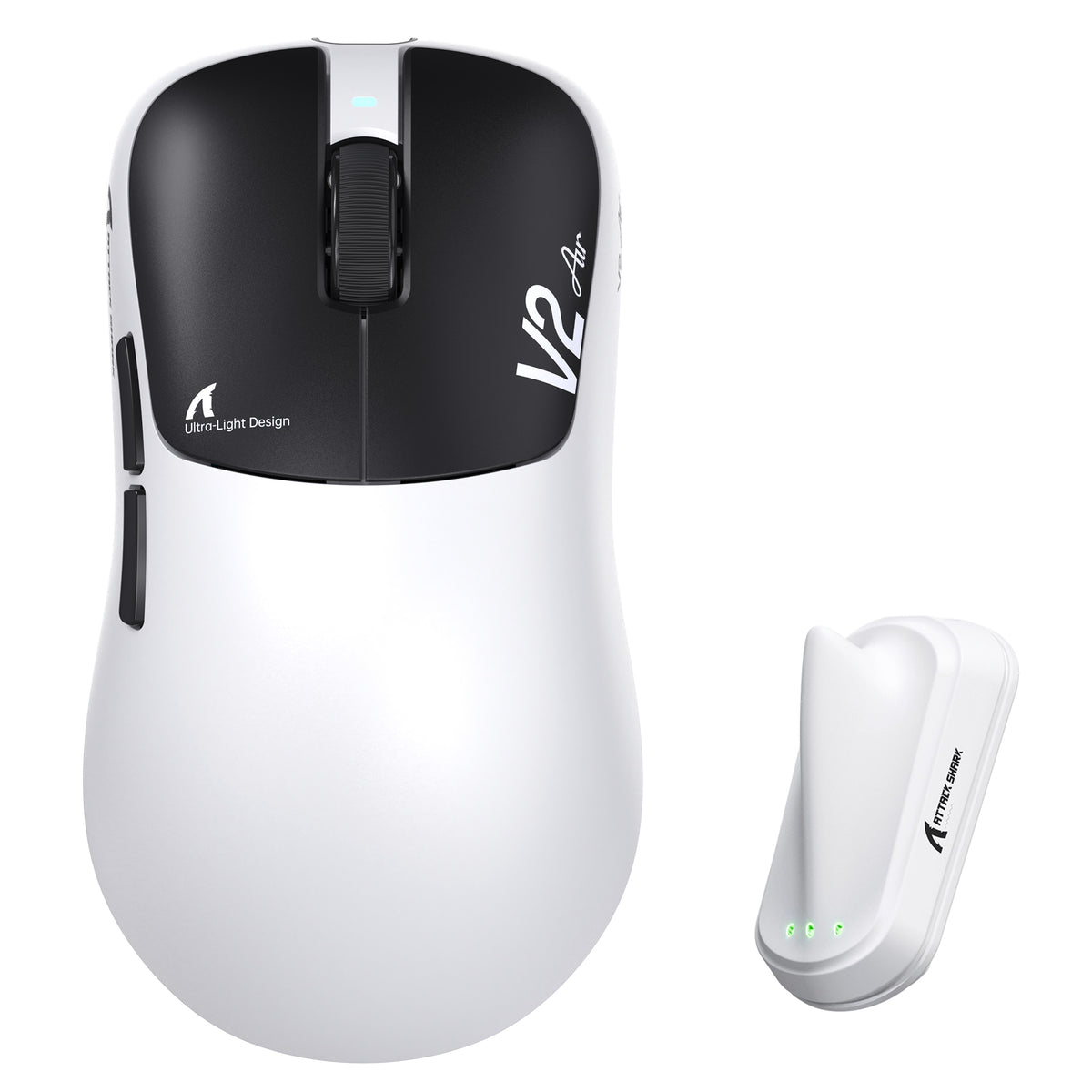
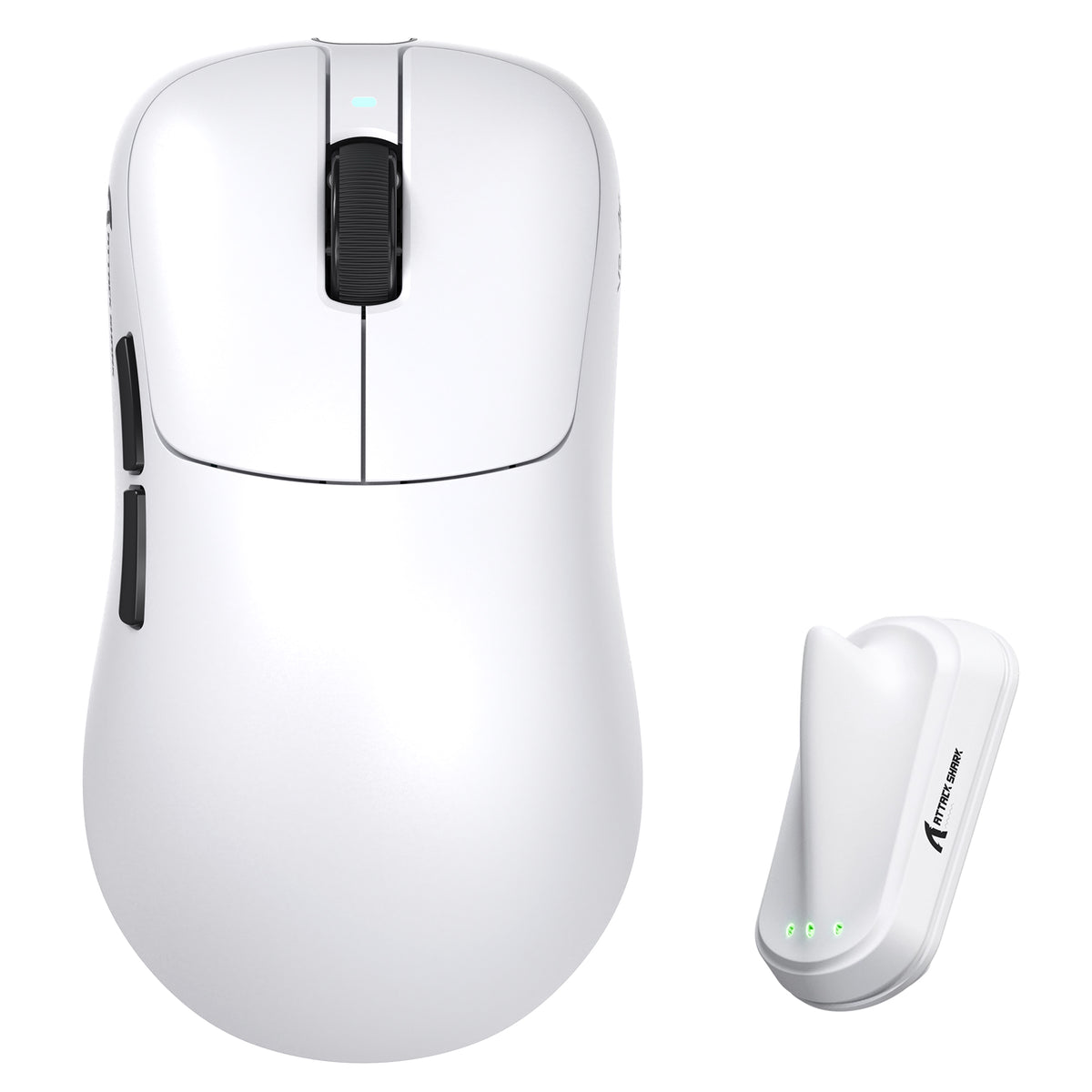
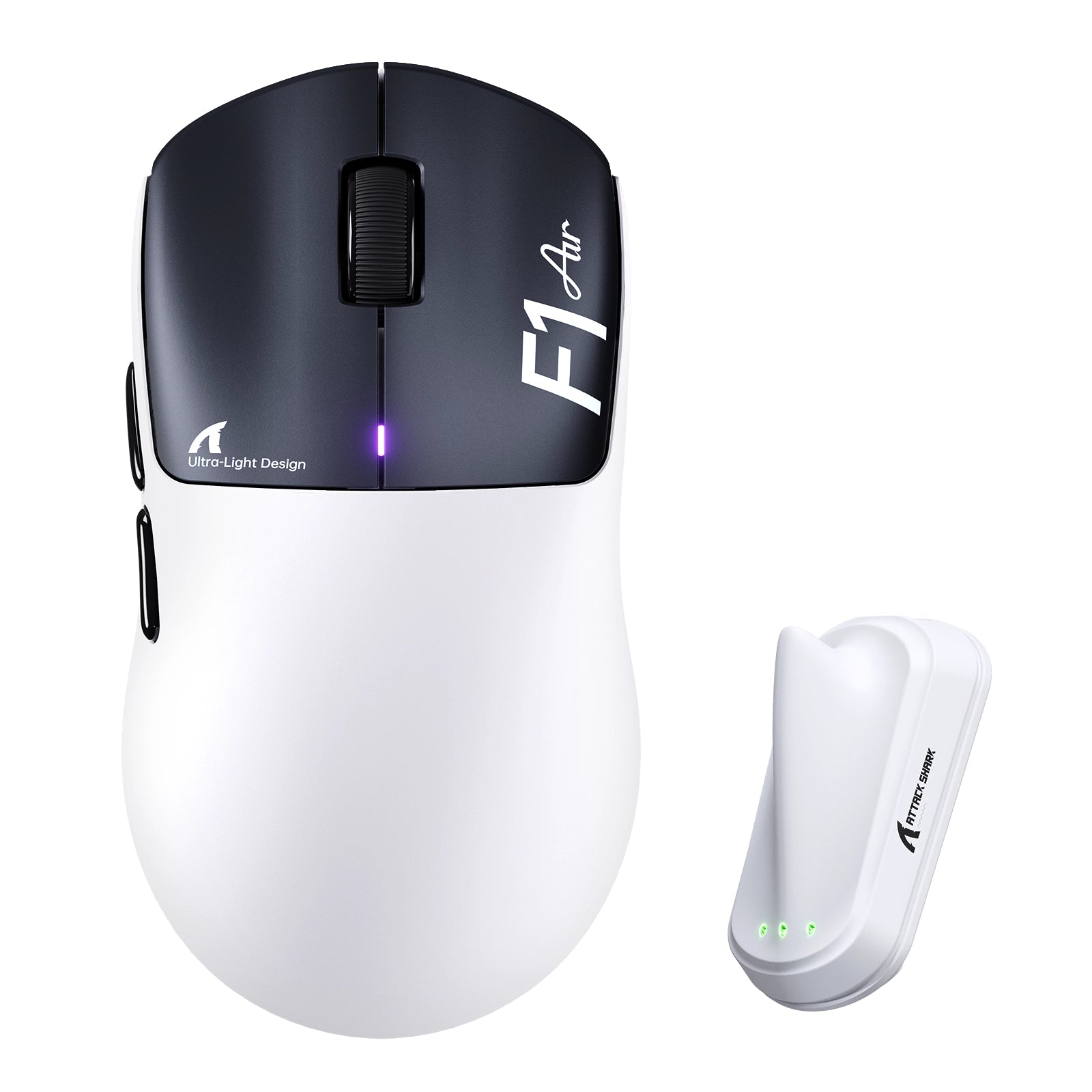
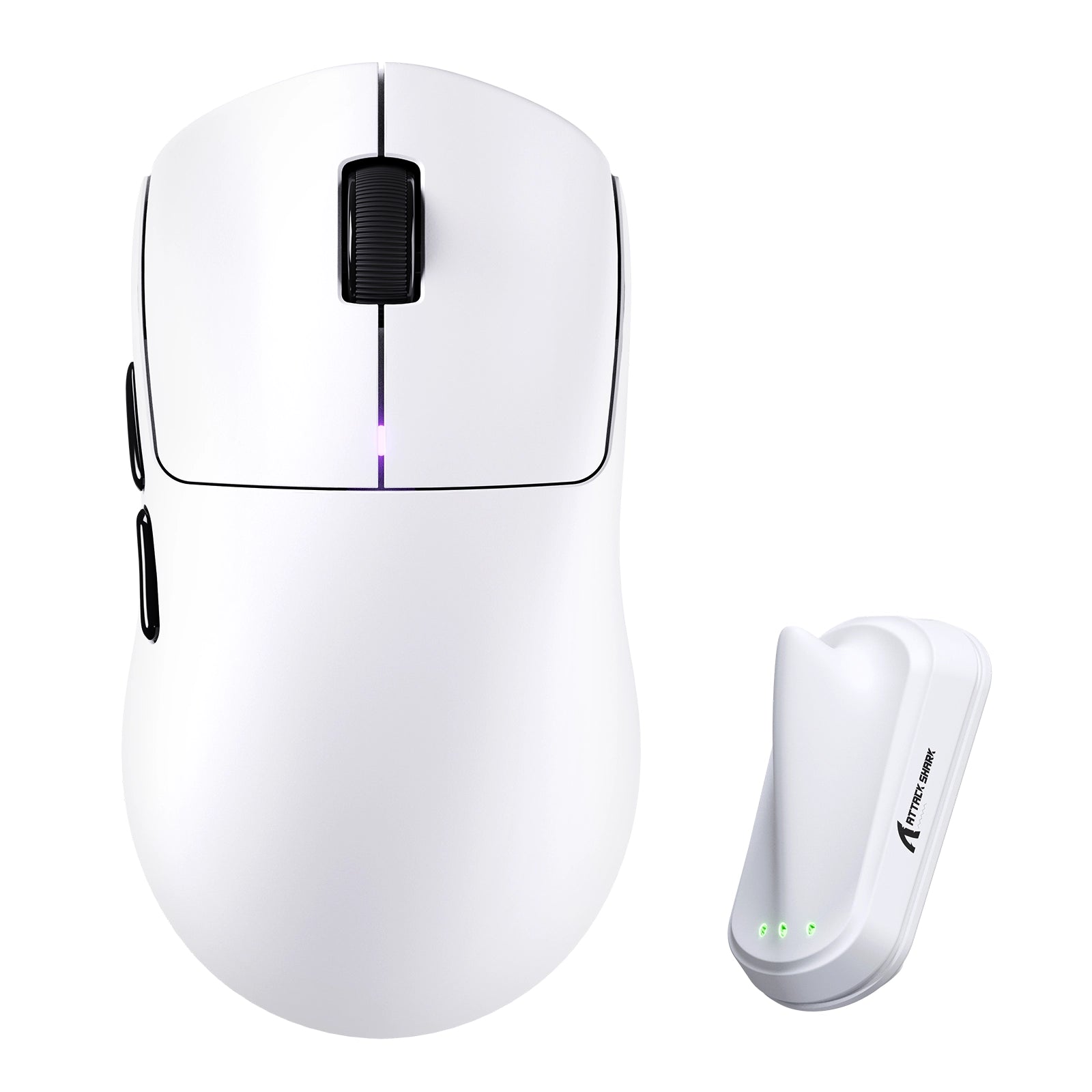
ATTACK SHARK mouse button test

Total Clicks
0
Session Accumulation
Latency / Interval
0 ms
Event Log
Waiting for input...
ATTACK SHARK
Sensor Check: Active
Left Click
0
Right Click
0
Middle Click
0
Side Button 4 (Back)
0
Side Button 5 (Fwd)
0
Scroll Up
0
Scroll Down
0
PRO TIP

Lower click latency (interval) indicates faster switch rebound performance. Mechanical switches typically range from 30-70ms rapid clicking.

Quick Start Guide

1
Click Testing Press Left, Middle, and Right mouse buttons to verify switch actuation and responsiveness.
2
Scroll Test Rotate wheel up/down. Blue arrows will appear to confirm encoder step registration.
3
Latency Check "Interval" shows ms delay between clicks. Lower is better (30-70ms is typical for rapid fire).
4
Reset Data Use the RESET button in the Event Log section to clear the current session history.

Frequently Asked Questions

What is the Attack Shark Mouse Tester used for?
This tool is designed to test the functionality of your gaming mouse, including left/right/middle buttons, scroll wheel encoder steps, and click latency consistency. It helps gamers identify double-clicking issues or switch failures.
How do I check for double-clicking issues?
Click the mouse button once firmly. If the "Total Clicks" counter increases by more than 1, or if you see multiple entries in the Event Log with extremely low intervals (e.g., < 20ms) for a single physical press, your switch may be faulty.
What is a good click latency interval?
For rapid clicking in gaming, intervals typically range from 40ms to 90ms. An interval lower than 10ms usually indicates a mechanical switch bounce error (double click), unless you are using specialized techniques like drag clicking.
Does this tool support 4KHz or 8KHz polling rate mice?
Yes, the tool captures browser-level events. However, browser limitations (typically locked to monitor refresh rate or OS interrupt handling) may smooth out extremely high polling rate data. It is perfect for checking functional integrity.
Can I test side buttons?
Yes! We have updated the tool to support Side Button 4 (Browser Back) and Side Button 5 (Browser Forward). This is essential for e-sports mice. The tool will prevent the browser from navigating away during the test.
Does browser performance affect the test results?
Yes. Since this is a web-based tool, high CPU usage from other tabs or extensions can impact the recorded latency intervals. For the most accurate consistency check, we recommend closing other active windows.

Blog posts

View all
Black gaming mouse with carbon fiber pattern texture, featuring side buttons and a ribbed scroll wheel, displayed on a dark sparkly surface

Paracording für Ihre Maus: Der ultimative Mod für ein kabelloses Gefühl

Kabelzug beeinträchtigt die Zielgenauigkeit. Paracording für Ihre Maus beseitigt den Widerstand, verbessert die Gaming-Leistung und kostet nur 15–25 US-Dollar – und das alles ohne Batteriesorgen.

Game MouseA person typing on a white mechanical keyboard with bright cyan backlighting illuminating a topographic line pattern on the keycaps

Gamepad vs. Tastatur & Maus: Was soll man wählen?

Sie entscheiden sich zwischen Gamepad oder Tastatur & Maus für PC-Gaming? Dieser Leitfaden vergleicht Komfort, Präzision und Genre-Performance. Treffen Sie die richtige Wahl für Ihren Spielstil.

Attack Shark branded gaming keyboard with vibrant RGB lighting displaying a circuit-like pattern on black keycaps. The keyboard features orange brand tags on both sides and is displayed against a dark background with glowing red lava-like elements

Hall-Effekt-Schalter vs. optische Schalter: Welches ist die Zukunft des Gamings?

Warum überholen Hall-Effekt-Magnetschalter die optische Technologie bei Gaming-Tastaturen? Unser Vergleich zeigt, welche Leistungsvorteile Gamer brauchen.