






Attack Shark
The test will run for 10 seconds.
* Ensure you press keys quickly. Holding a key down does not trigger polling detection.
How to Use
Click START TEST to initialize the 10-second timer and polling detector.
Immediately begin pressing two keys (e.g., A and S) as rapidly and alternatingly as possible.
Maintain the rhythm until the timer hits zero. Do not hold keys down, as this stops polling events.
Understanding the Results
- Max Rate: The highest report frequency detected. 1000Hz = 1ms delay.
- Stability: Indicates how consistent the data transmission is. "Good" is ideal for gaming.
- 125Hz vs 1000Hz: Standard office keyboards are locked at 125Hz. Gaming keyboards range from 1000Hz to 8000Hz.
- Browser Limits: Some browsers may cap rates. If you see consistent ~1000Hz, your device is performing well.
Frequently Asked Questions
Keyboard polling rate results are estimates
This web tool can only estimate polling rate from browser keyboard events. Browser limits, system scheduling, page focus, keyboard firmware, and input repeat behavior may affect the displayed result.
Use the result as a reference only.
Ausgewählte Kollektion

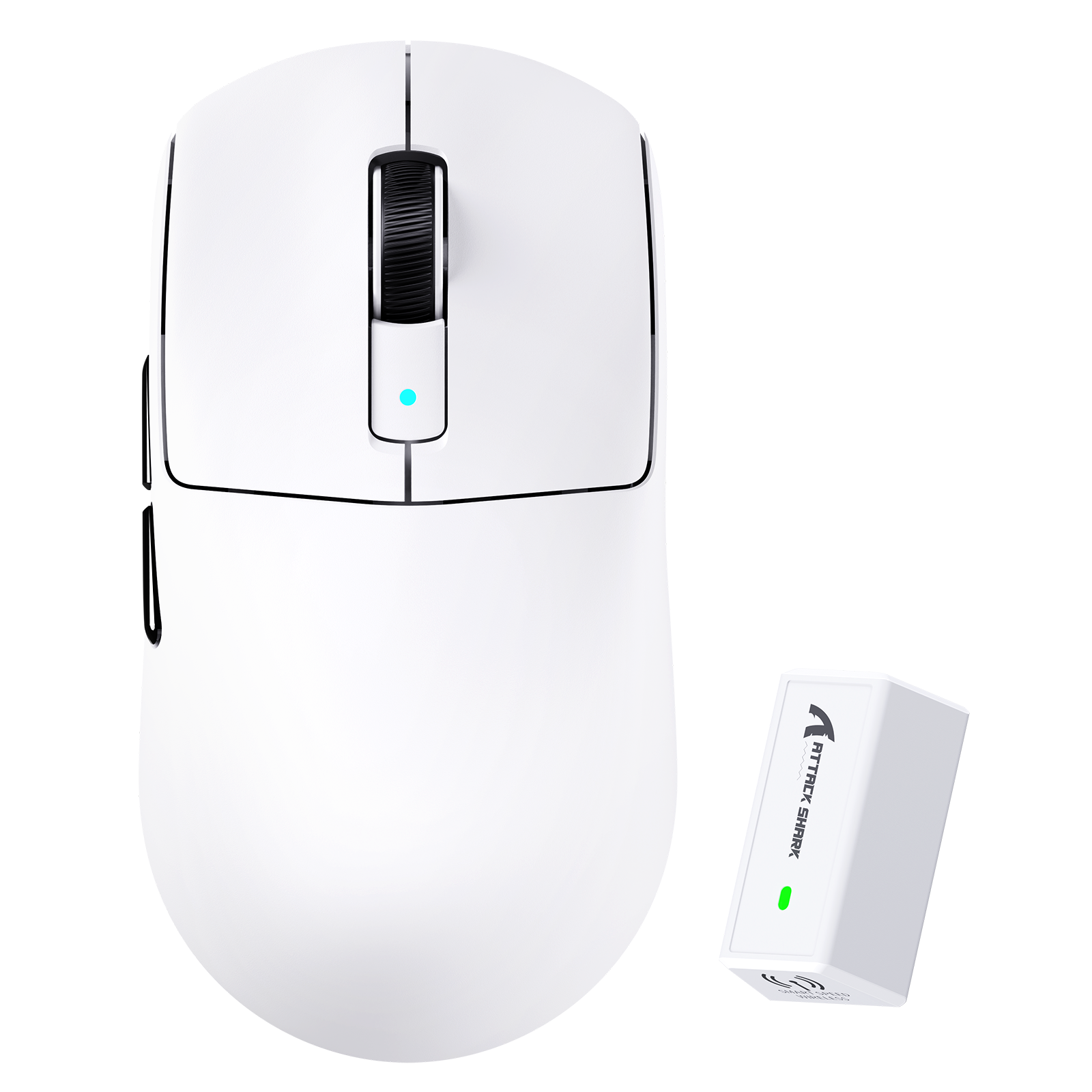
Blogbeiträge
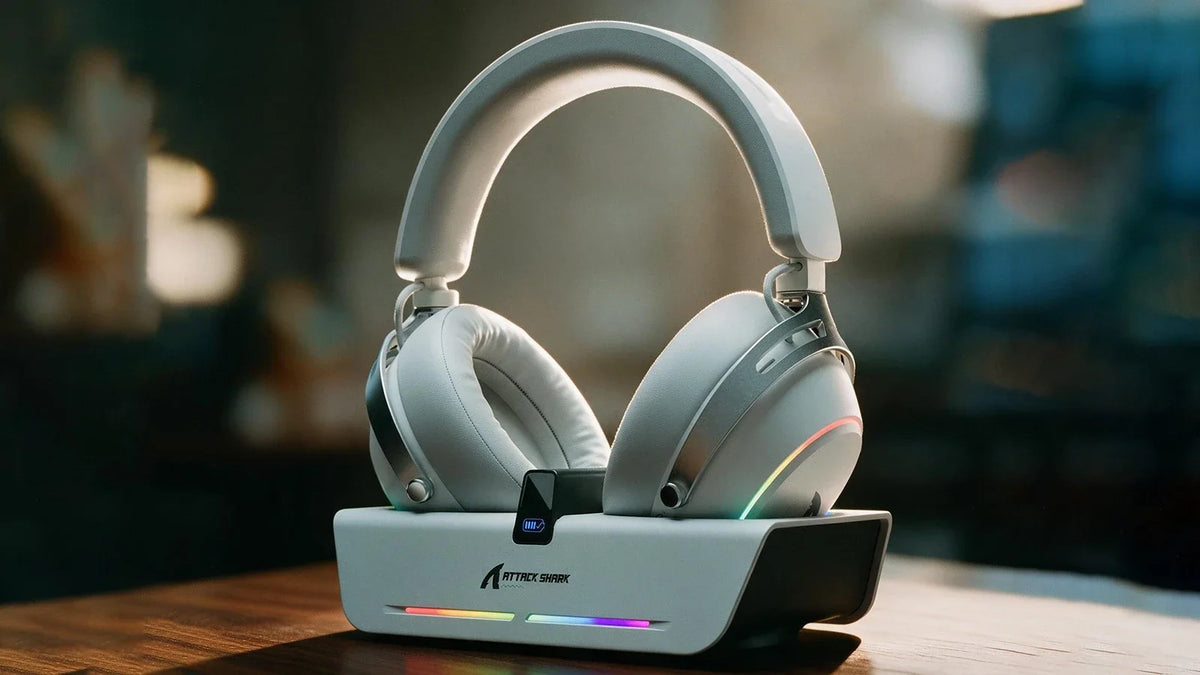
Kabelloses X60-Gaming-Headset: Aufladen an der Dockingstation und anpassbarer EQ
Lade das Headset auf einer magnetischen Dockingstation auf, die zugleich als USB-Hub dient. Passe anschließend die Neigung der Ohrmuscheln und gespeicherte EQ-Profile an und nutze das abnehmbare Bü...
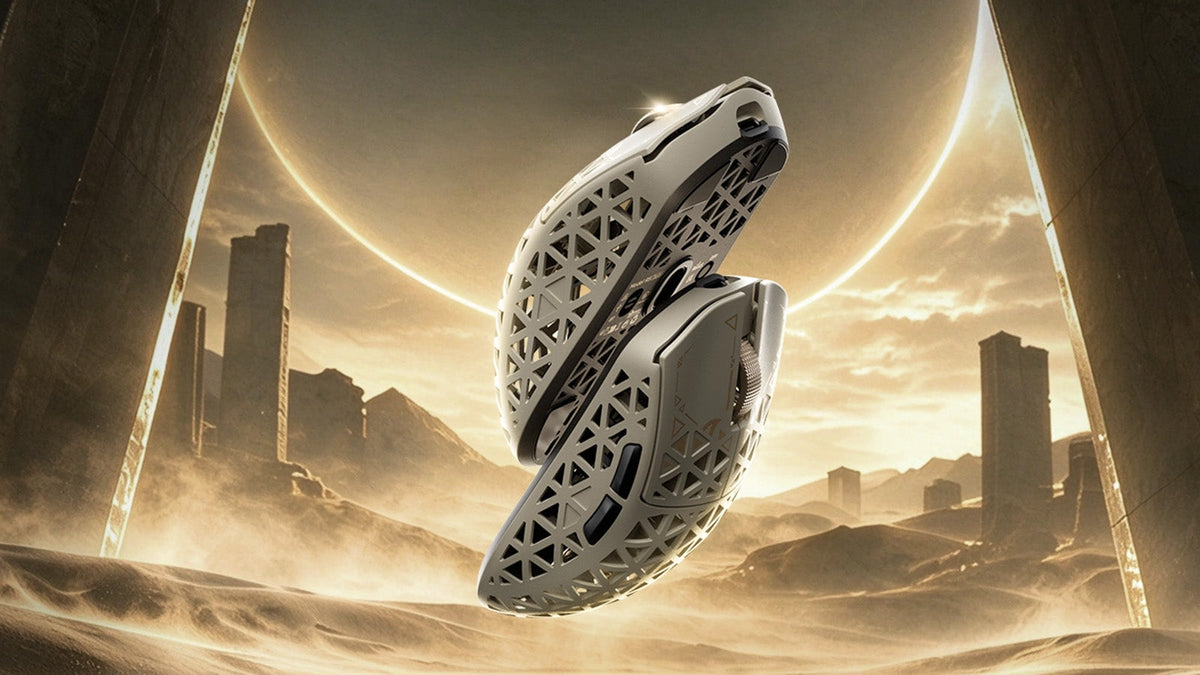
So wählen Sie eine Gaming-Maus für eine bessere FPS-Steuerung aus
Griffform- und Gewichtschecks, cm/360-Empfindlichkeitsanpassung, LOD-Voreinstellungen und Polling-Rate-Vergleiche sowie R5-TURBO-Spezifikationen und Details zur Vorbestellung.
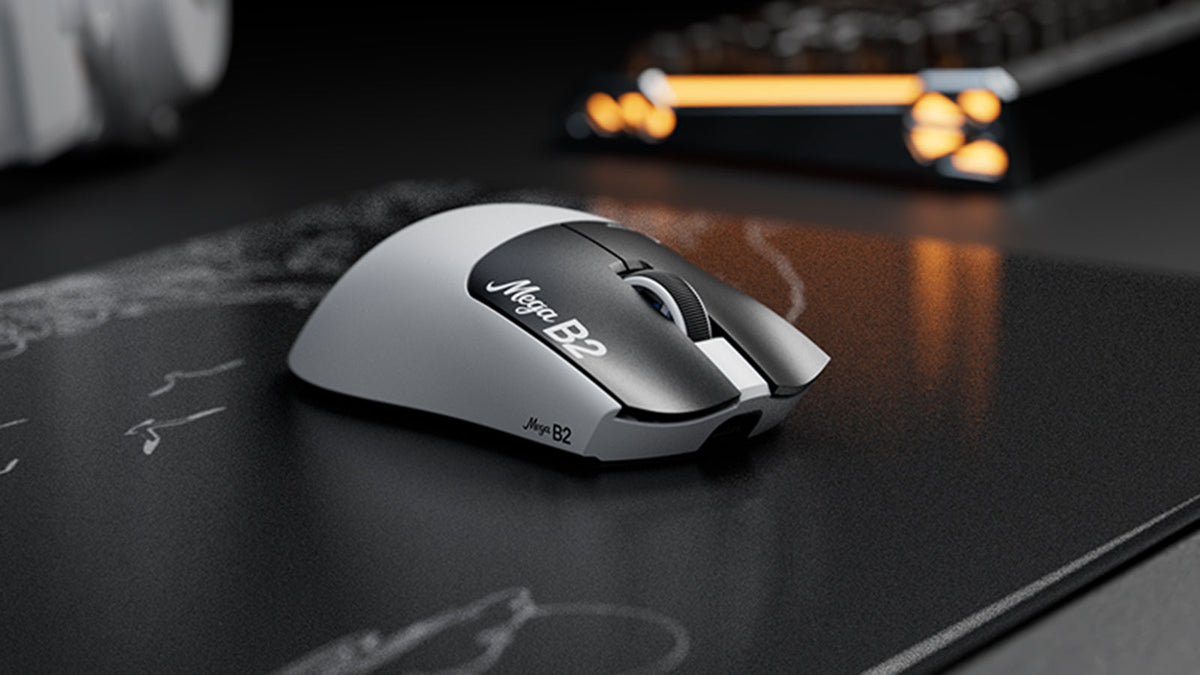
Was ist eine Maus mit Rapid Trigger? Wie die magnetische TMR-Erkennung Mausklicks verändert
Rapid Trigger setzt eine Maustaste nach minimalem Aufwärtsweg zurück, während die magnetische TMR-Erfassung eine einstellbare Auslösung ohne feste Kontakte ermöglicht.