






Mouse Click Speed Test
Test your finger speed and reaction time. Designed for gamers who demand precision.
Click Here to Start
Smash your mouse buttons
How to use the CPS Test?
Step 1: Select Time Mode
Click the buttons above to choose your challenge duration (1s burst, 5s standard, 10s endurance, etc.).
Different durations test different muscle burst and stamina.
Step 2: Start Clicking
Move your cursor into the dashed rectangular area in the center. Take a deep breath. The timer starts
immediately upon your first click.
Step 3: Check Your Rank
When the countdown ends, the system automatically stops recording and displays your results. You will see your
Clicks Per Second (CPS), total clicks, and your gaming rank.
Pro Clicking Tips
Jitter Clicking
Uses rapid vibration of arm muscles to generate extremely fast click speeds. Requires practice to aim steadily. Common in Minecraft PvP.
Butterfly Clicking
Uses index and middle fingers to click alternately on the left mouse button. If your mouse supports Double Click, you can easily reach 15-20 CPS.
Drag Clicking
Uses friction between your finger and the mouse button surface to generate multiple micro-clicks while dragging. Usually requires specific mouse textures (like matte) to work.
Frequently Asked Questions
Ausgewählte Kollektion


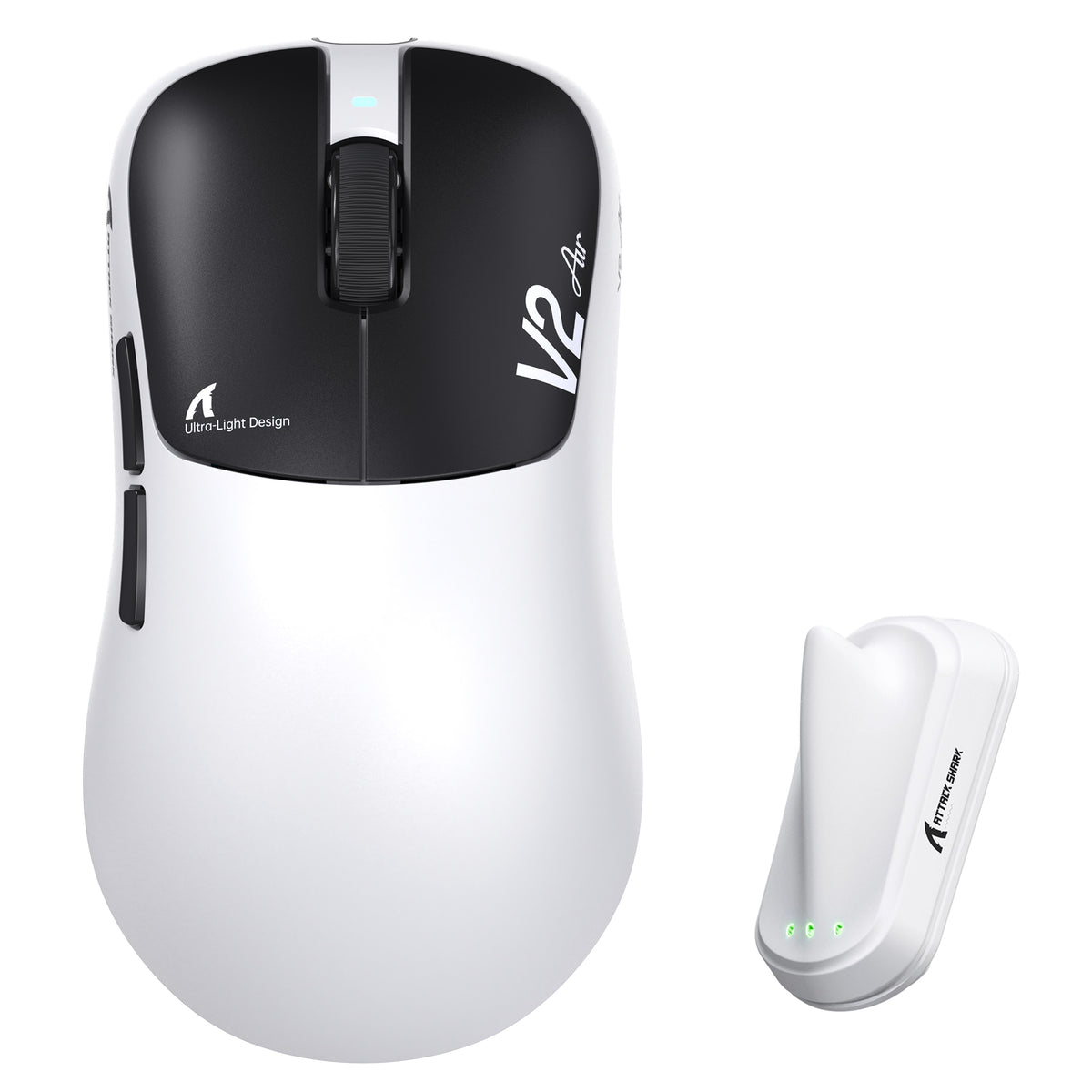
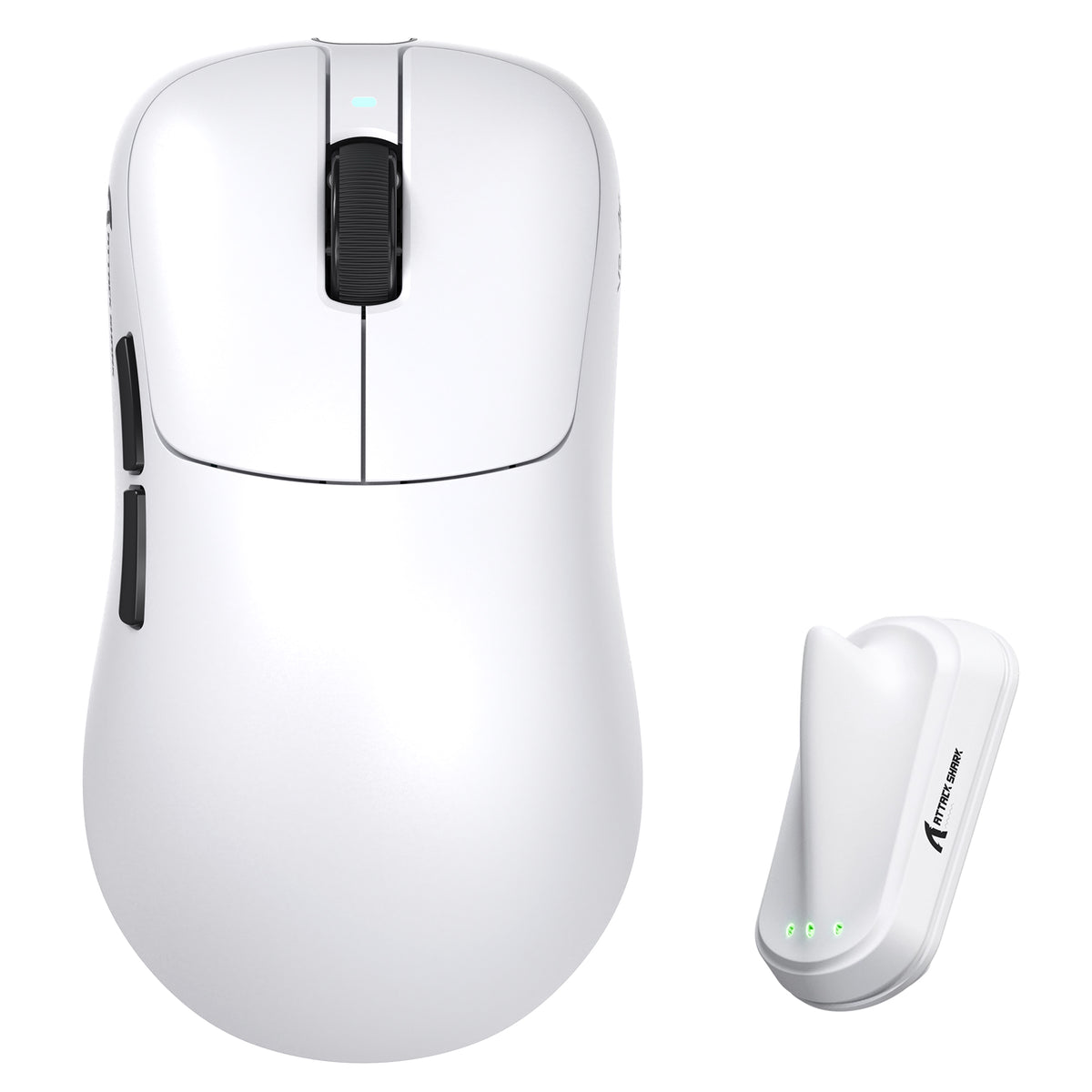
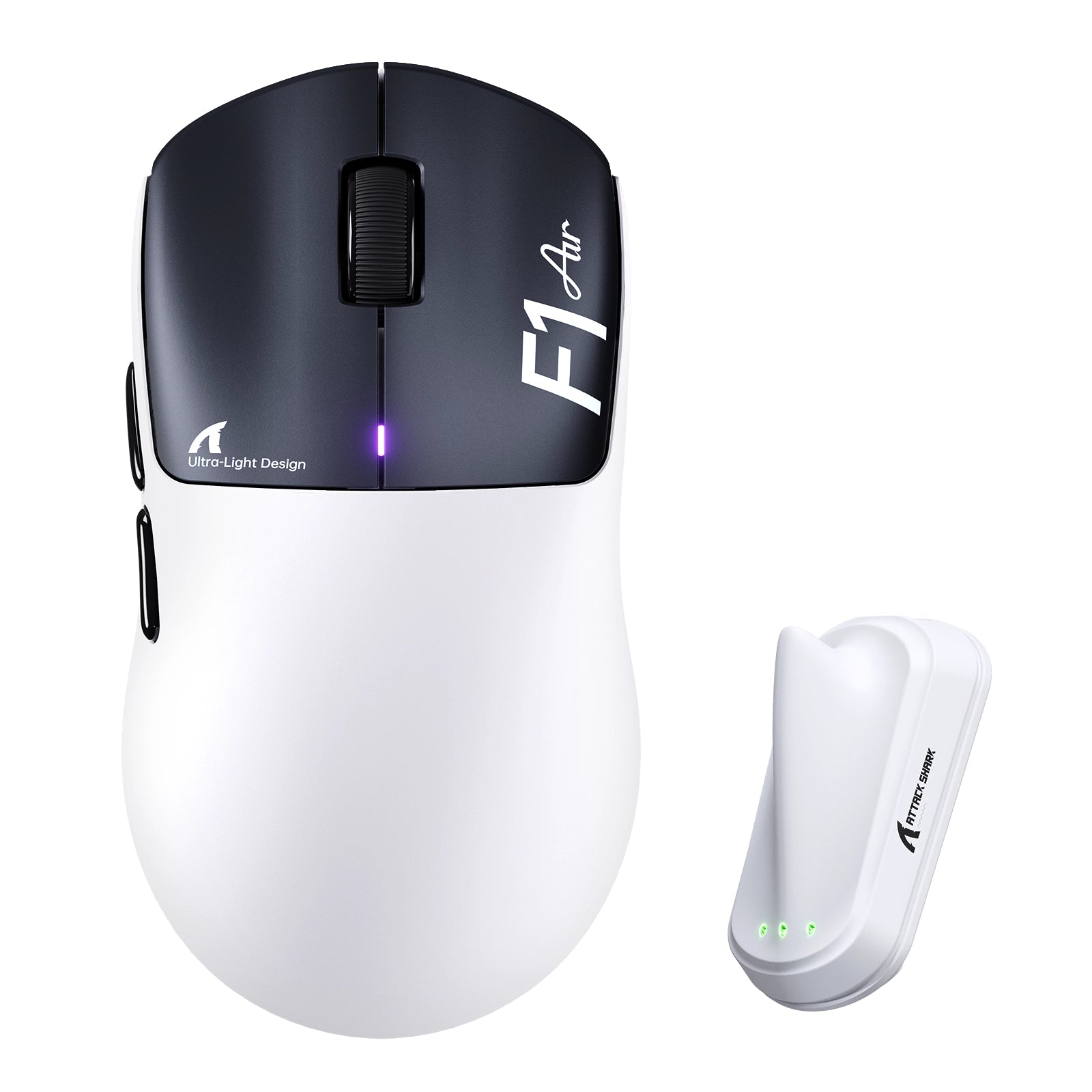
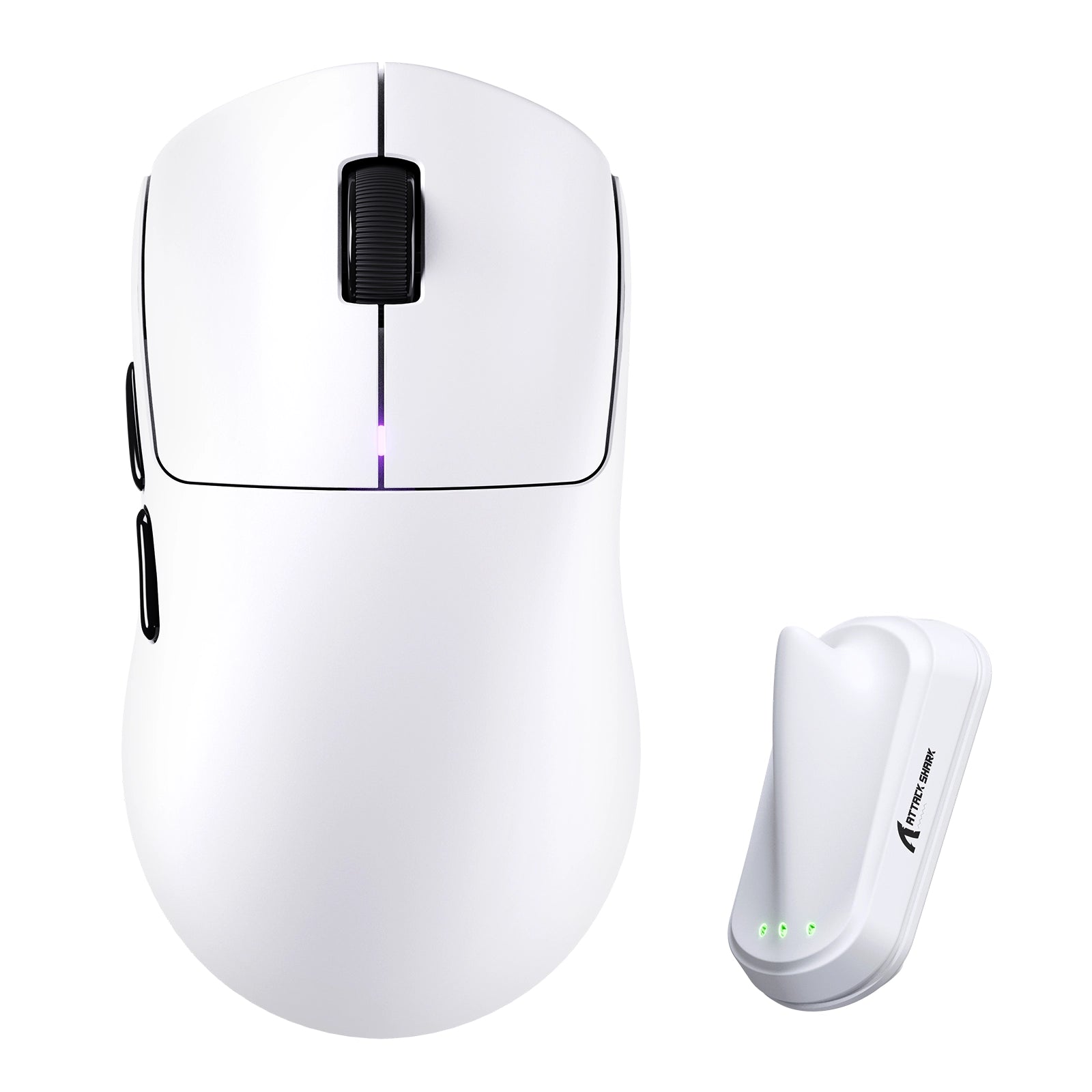
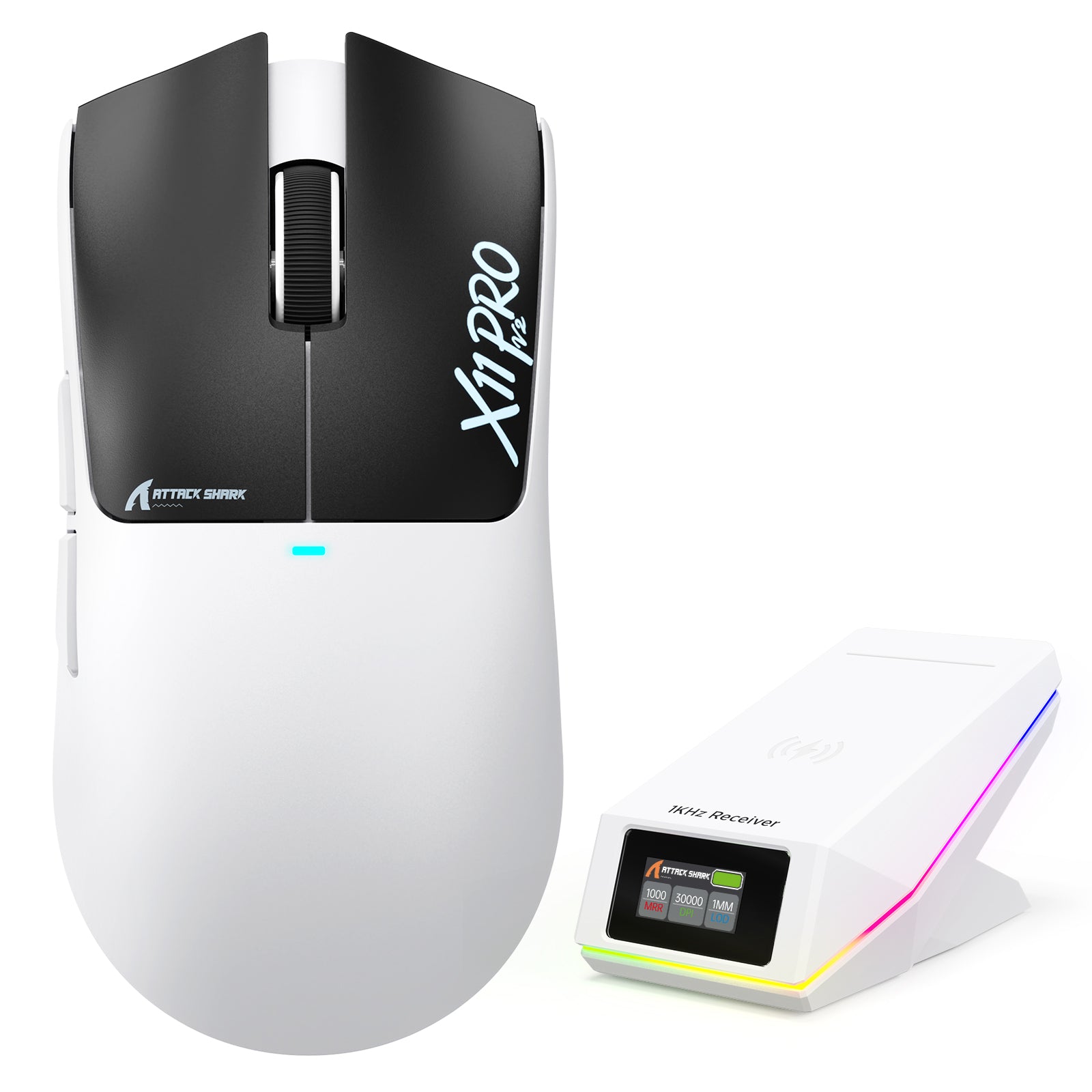

Blogbeiträge

Triff ATTACK SHARK auf der TOKYO TASTATUR EXPO 2026
ATTACK SHARK kommt am 23. September 2026 zum Tokyo Ryutsu Center, um an Stand B21-B23 Hall-Effect-Tastaturen und Gaming-Mäuse praktisch zu testen.
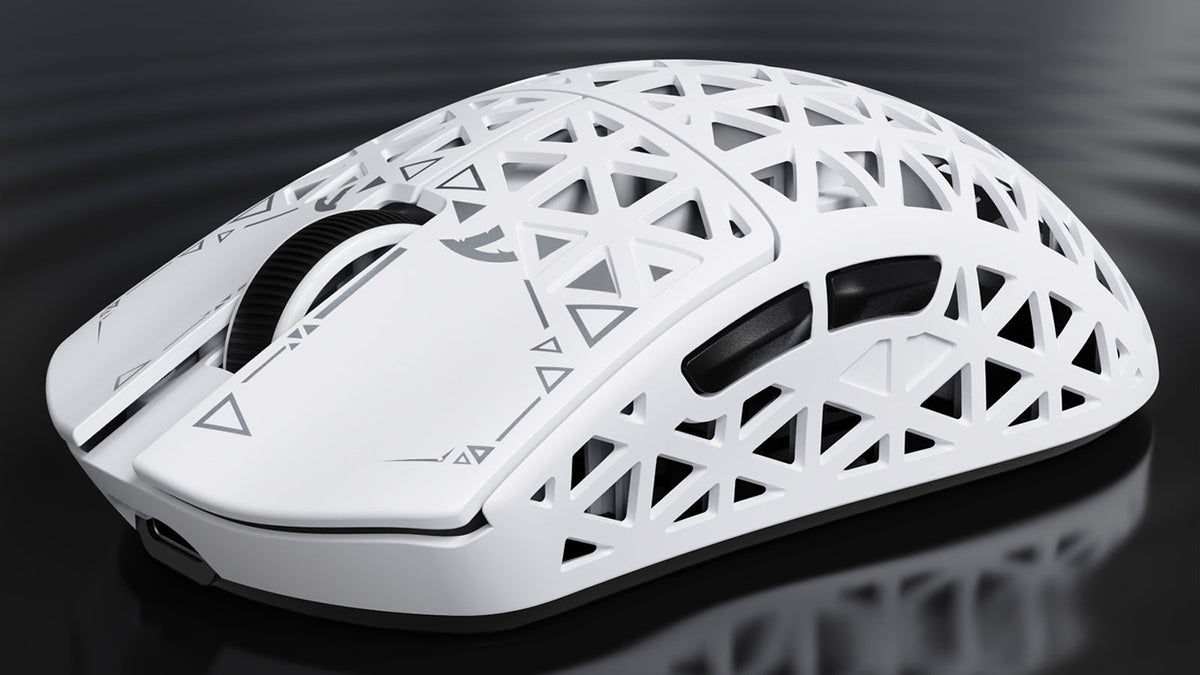
Attack Shark R5 Ultra im Test: Leicht, schnell, aber nicht makellos
Starre Karbonhülle, kabelloses 8K-Drei-Modus-System und ein wirklich leichtes Gehäuse – doch die glatte Beschichtung und die kleinen Aussparungen für die Gleitfüße machen diese ultraleichte Maus zu...
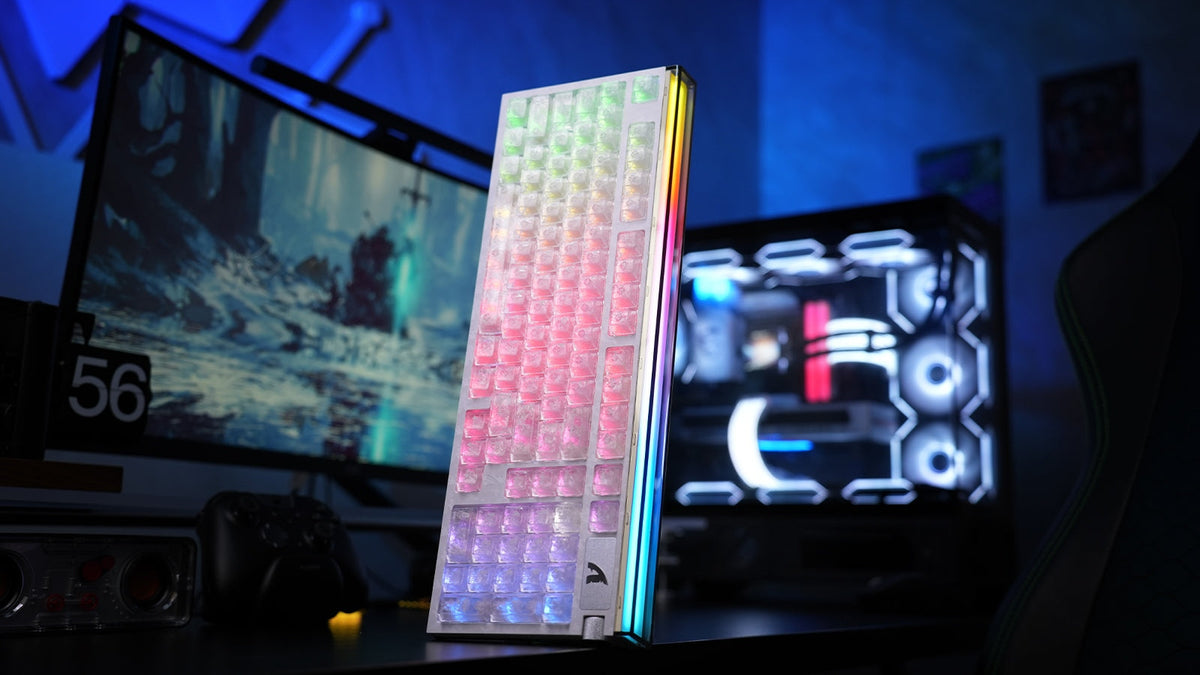
ATTACK SHARK R98 HE Testbericht: Ist Rapid Trigger zu schnell?
Rapid Trigger fühlt sich schnell an, aber die Einstellungen entscheiden, ob es wirklich hilft. Hier erfahren Sie, wie das 98-Tasten-Hall-Effect-Layout, das Drehdisplay und der Webtreiber des R98 HE...