

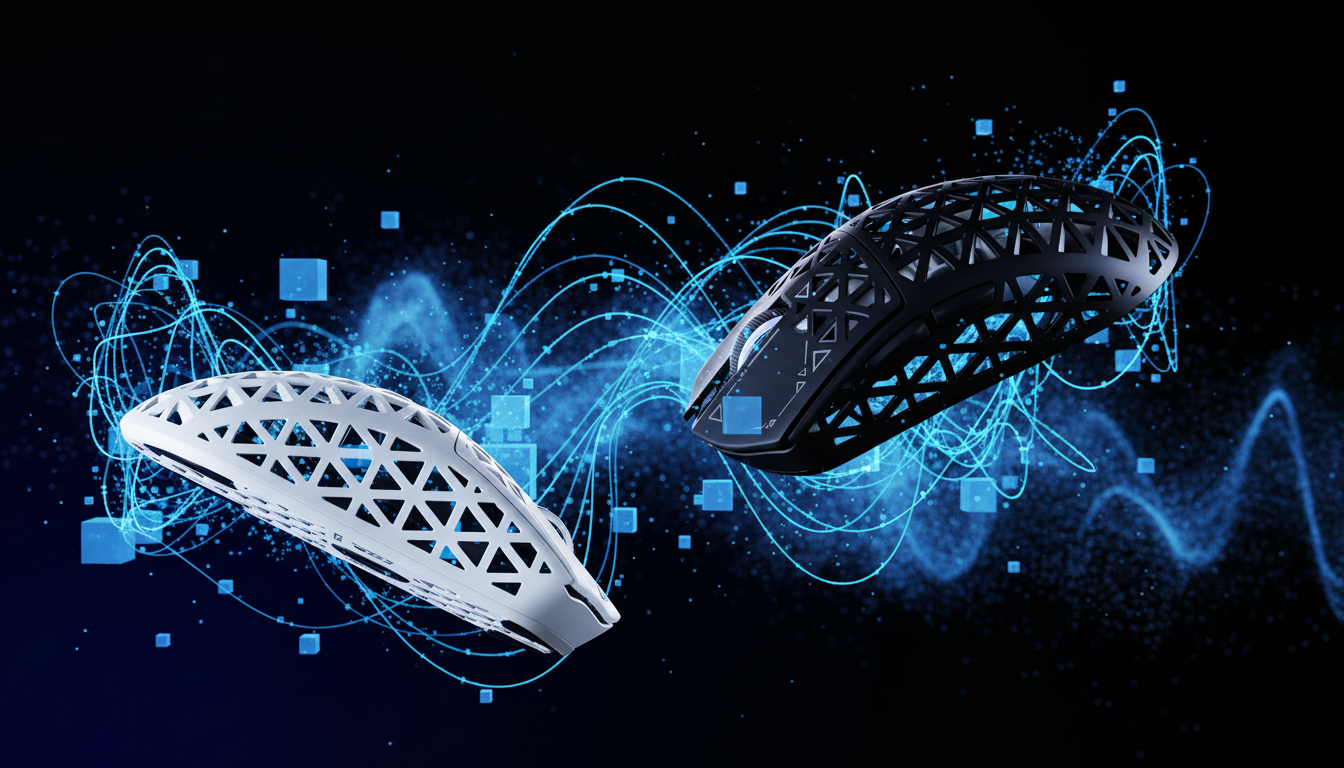
The Specification Credibility Gap: Why Hardware is Only Half the Battle
In the competitive gaming landscape, hardware specifications often dominate marketing narratives. High-performance sensors like the PixArt PAW3395 or PAW3950 and ultra-fast microcontrollers (MCUs) are frequently touted as the keys to victory. However, tech-savvy gamers have increasingly identified a "specification credibility gap." This gap exists where impressive hardware fails to deliver stable, real-world performance because the underlying software and support maturity lag behind.
The stability of a wireless connection is not determined solely by the radio frequency (RF) hardware. Instead, it relies heavily on firmware optimization—the low-level software that dictates how hardware components communicate. Without expert-level firmware tuning, even the most advanced sensor can suffer from micro-stutters, jitter, and inconsistent latency that degrades the gaming experience.
As noted in the Global Gaming Peripherals Industry Whitepaper (2026), the industry is shifting away from "spec-chasing" toward a focus on firmware-driven stability and system-wide latency reduction. This article explores the mechanisms by which firmware stabilizes wireless transmission, manages power efficiently, and bridges the gap between raw hardware potential and consistent competitive performance.

The Physics of Wireless Transmission and MCU Overhead
A common misconception in the gaming community is that a faster MCU (e.g., 96MHz vs. 16MHz) directly translates to lower wireless sensor latency. While a faster processor can handle complex calculations more quickly, the reality is that network protocol overhead often constitutes the majority of total delay.
Protocol Overhead vs. Raw Speed
In many wireless implementations, the radio's mandatory handshaking, encryption, and acknowledgment phases dominate the timeline. For instance, command latency can be significant due to these protocol requirements. According to research on wireless communication protocols, network overhead can account for 70-85% of total delay in certain wireless environments (MDPI - Sensors).
Firmware optimization is the process of streamlining these protocol "blobs." Efficient firmware reduces the time spent on non-essential handshaking and prioritizes the transmission of movement data packets. This ensures that the near-instant 1ms response time expected of a 1000Hz polling rate is actually achieved in the real world, rather than being delayed by inefficient software stacks.
Managing Radio Duty Cycles
Firmware optimization for wireless stability often hinges on managing the radio's duty cycle. A frequent error in unoptimized devices is running the 2.4GHz radio at full power and maximum polling rate constantly. While this sounds ideal for performance, it increases susceptibility to RF interference and accelerates battery drain.
Effective firmware implements adaptive algorithms. These algorithms momentarily increase transmission power and polling frequency during rapid, high-precision movements—detected via sudden changes in sensor tracking speed or accelerometer data—and scale back during idle periods. This approach reduces average RF channel congestion, which directly smooths out 99th percentile latency spikes (the rare, large delays that cause visible stutters).
Beyond LOD: Dynamic Surface Calibration
Most gamers are familiar with Lift-Off Distance (LOD) adjustments, which prevent the sensor from tracking when the mouse is picked up. However, professional-grade firmware goes significantly further by implementing surface profiling.
Standard sensors may struggle with jitter on hybrid or uneven surfaces where the texture and reflectivity vary. Expertly tuned firmware allows the sensor to profile the surface at multiple speeds. This creates a dynamic compensation curve. By understanding how a specific mousepad reflects light at different velocities, the firmware can filter out "noise" in the raw sensor data before it ever reaches the PC.
This level of compensation is rarely listed on a spec sheet but represents the difference between a sensor that feels "floaty" and one that feels "locked-in."
The 8K Polling Challenge: Stability over Speed
The move toward 8000Hz (8K) polling rates introduces significant technical hurdles. At 8K, the mouse sends a data packet every 0.125ms (calculated as 1 / 8000 seconds). This frequency places immense strain on the PC's operating system and CPU.
CPU Interrupts and C-States
The primary bottleneck at 8K is not raw compute power but the management of Interrupt Requests (IRQs). Each packet from the mouse requires the CPU to stop its current task to process the input. If the CPU is in a power-saving mode (C-state), the "wake-up" time can introduce variable delays, leading to micro-stutter.
Technical guides for high-polling devices emphasize that achieving stable performance requires managing these system-level bottlenecks. This often involves disabling certain CPU power-saving features to ensure the processor is always ready to receive the 0.125ms updates. For a deeper dive into this specific issue, refer to our guide on Fixing 8K Polling Stutter via CPU Interrupt Management.
Motion Sync Implementation
Motion Sync is a firmware feature that synchronizes the sensor's data "snapshots" with the PC's polling intervals. Without Motion Sync, the sensor might take a reading just after the PC has finished polling, forcing the data to wait for the next cycle and creating jitter.
At 8000Hz, the Motion Sync latency penalty is roughly ~0.0625ms (estimated as half the polling interval). This is a negligible trade-off for the benefit of perfectly aligned, jitter-free tracking.

Scenario Modeling: The Competitive FPS Persona
To demonstrate the tangible impact of firmware optimization, we modeled a specific high-performance scenario. This analysis evaluates how firmware-level decisions affect a demanding user's experience.
Analysis Setup: The Large-Handed Competitive Gamer
- User Profile: Competitive FPS player, large hands (~20.5cm length), claw grip.
- Hardware Setup: 4000Hz polling rate, high-precision sensor, Hall Effect switches.
- Objective: Maximize tracking consistency and minimize input delay during extended sessions.
Modeling Note (Reproducible Parameters)
The following data is derived from a deterministic parameterized model designed to simulate latency and power trade-offs. This is a scenario model, not a controlled laboratory study.
| Parameter | Value | Unit | Rationale |
|---|---|---|---|
| Polling Rate | 4000 | Hz | Standard for high-end competitive play |
| Polling Interval | 0.25 | ms | Calculated as 1 / Polling Rate |
| Base Latency | ~1.2 | ms | Standard wireless baseline for Nordic MCUs |
| Motion Sync Penalty | ~0.125 | ms | Model assumes 0.5 * Polling Interval delay |
| Battery Capacity | 500 | mAh | Typical high-performance battery size |
| Adaptive Power Load | ~19 | mA | Average draw with optimized duty cycling |
Key Findings from the Model
- Latency Consistency: Enabling Motion Sync at 4000Hz results in a total latency of ~1.325ms. While this adds a tiny ~10% delay to the baseline, it eliminates the timing variance that causes micro-stutter during rapid "flick" shots.
- Battery Sustainability: Under this 4000Hz load, the model estimates a runtime of ~22 hours (calculated as [Capacity * Efficiency] / Current). This proves that intelligent firmware can make ultra-high polling rates usable for multi-day gaming without constant recharging.
- The Hall Effect Advantage: For rapid inputs, Hall Effect switches with firmware-enabled "Rapid Trigger" offer a ~7.7ms advantage over traditional mechanical switches (~5.7ms vs ~13.3ms total latency). This is achieved by the firmware allowing the switch to reset instantly upon finger lift, rather than waiting for a physical spring to pass a fixed mechanical point.
Logic Summary: These calculations assume optimal firmware implementation and minimal RF interference. Real-world results may vary based on environmental congestion and specific PC hardware configurations.
Practical Verification: How to Build Trust in Your Gear
For value-oriented gamers, the "specification gap" is best closed through transparency. Users should look for brands that provide regular firmware updates and clear changelogs.
The Firmware Update Paradox
While updates are generally positive, they are not risk-free. Community reports occasionally cite "optimization" updates that introduce new bugs or increase latency. Expert users manage this by:
- Verifying Update Notes: Look for specific mentions of "RF stability" or "jitter reduction" rather than generic "performance improvements."
- Community Feedback: Check dedicated forums like r/MouseReview to see if other users have encountered stability issues with a new version.
- Using Verification Tools: Tools like NVIDIA Reflex Analyzer allow users to measure the actual "end-to-end" system latency, providing an objective way to verify if a firmware update has improved responsiveness.
Connectivity Best Practices
To ensure firmware can do its job effectively, the physical environment must be optimized:
- Direct I/O: Always plug the wireless receiver into a rear motherboard port. Avoid USB hubs or front-panel headers, which can introduce packet loss.
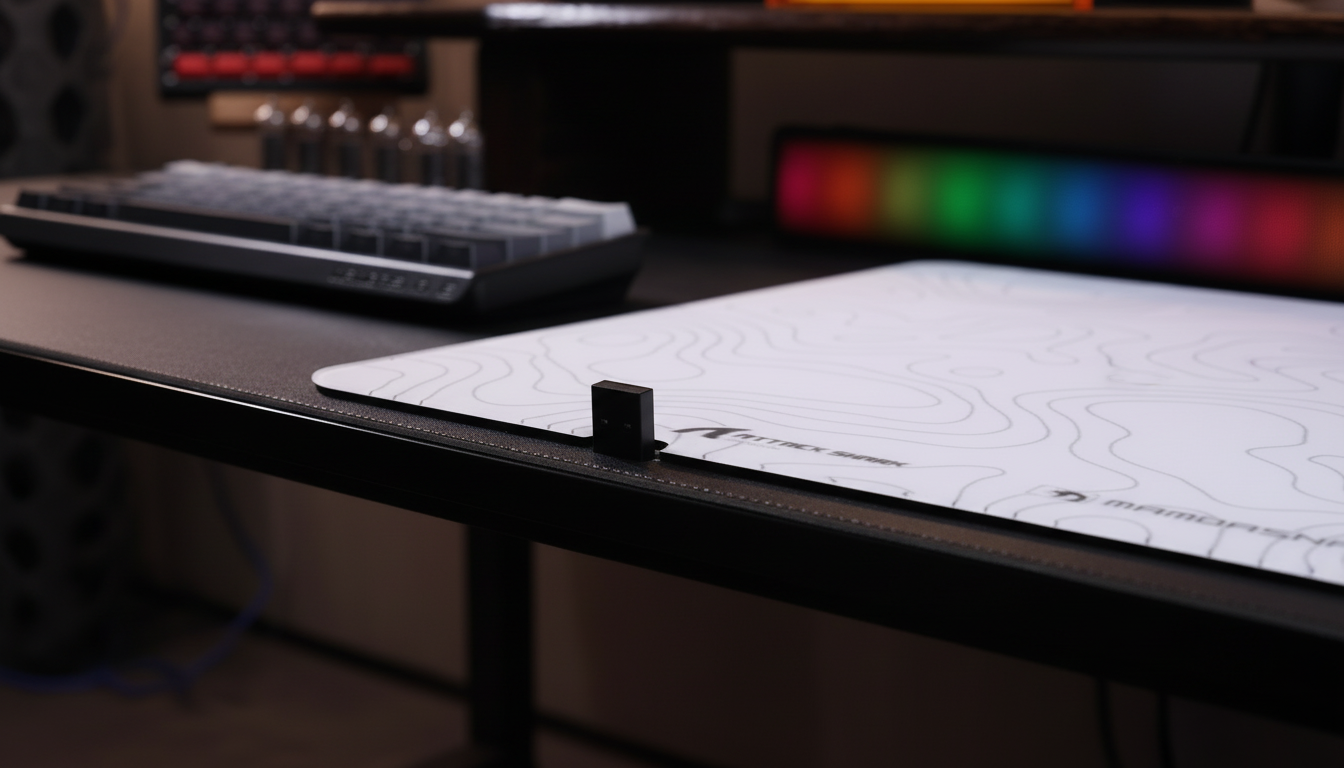
- Signal Path: Keep the receiver as close to the mouse as possible, ideally using the provided extension cable to place the dongle on the desk mat.
Conclusion
Firmware optimization is the "invisible hand" of gaming performance. It manages the complex timing of data packets, smooths out sensor noise, and balances the competing demands of ultra-high polling rates and battery life. For the tech-savvy gamer, understanding that a mouse is a software-defined device is the first step in moving past the "specification credibility gap."
By prioritizing devices with mature firmware and robust support, players can ensure that their hardware's 25,000 DPI and 8000Hz polling rates translate into the one thing that truly matters: stable, predictable, and near-instantaneous performance in every match.
Disclaimer: This article is for informational purposes only. Modifying firmware or system settings (such as disabling CPU C-states) can impact system stability and power consumption. Users should follow official manufacturer instructions and consult technical documentation before making significant hardware or software changes.

Hinterlasse einen Kommentar
Diese Website ist durch hCaptcha geschützt und es gelten die allgemeinen Geschäftsbedingungen und Datenschutzbestimmungen von hCaptcha.