


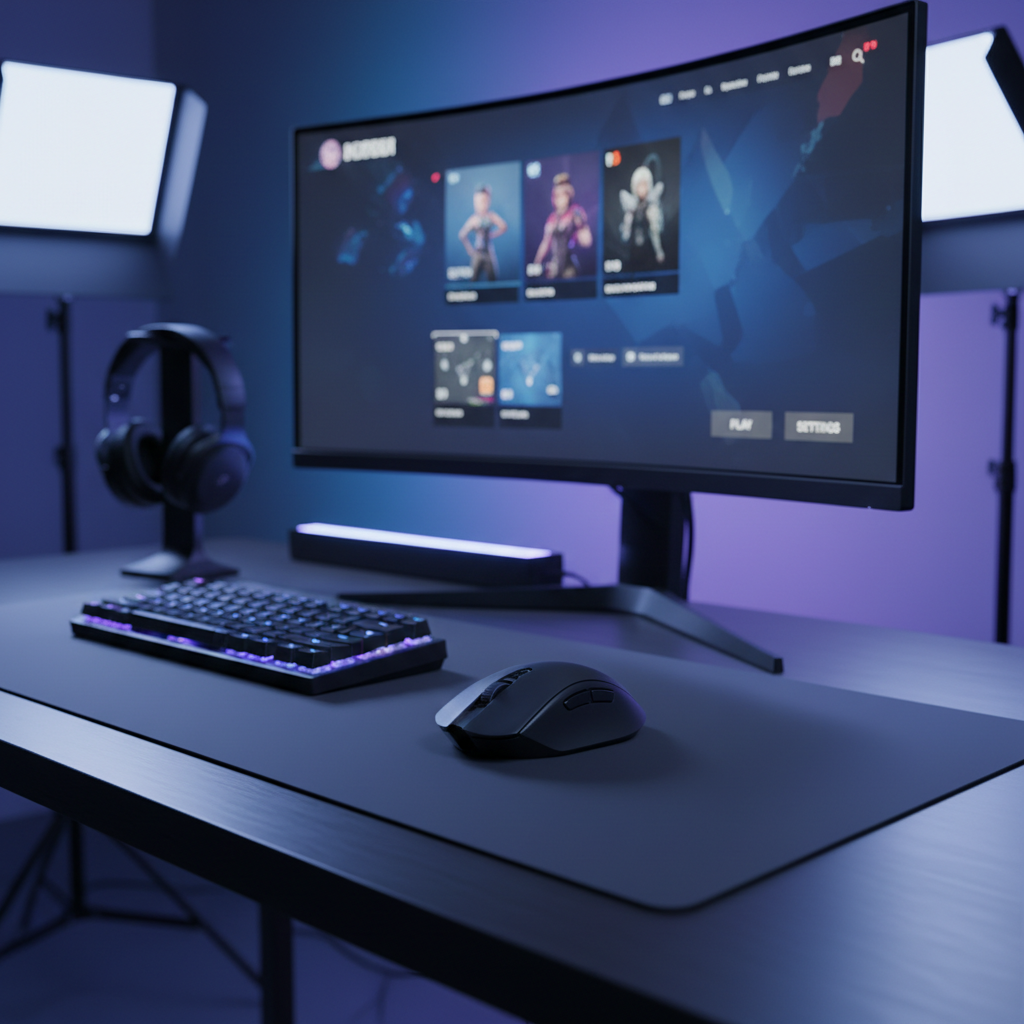
Modern competitive gaming has entered the era of the "micro-advantage." When we discuss 8000Hz polling rates and 360Hz refresh rates, we are operating in a territory where delays are measured in fractions of a millisecond. However, a significant number of players inadvertently negate these hardware investments through a single software choice: the display mode.
The debate between Exclusive Fullscreen and Borderless Windowed mode is not merely a matter of convenience or alt-tab speed. It is a fundamental architectural conflict between how a game engine requests frame delivery and how the Windows Desktop Window Manager (DWM) manages the screen. At high input frequencies, this conflict creates micro-stutters and desynchronization that can make a top-tier sensor feel inconsistent. We have analyzed the underlying mechanisms to explain why the "feel" of your aim changes based on how your window is rendered.
The Architectural Conflict: DWM vs. The Game Engine
To understand the latency penalty, we must first look at the Desktop Window Manager (DWM). In any windowed mode—whether it is a small window or a borderless one that covers the entire screen—the DWM acts as a middleman. The game engine renders a frame and hands it to the DWM, which then composites it with other desktop elements (like overlays, notifications, or a second monitor's contents) before sending it to the display.
According to technical documentation on USB HID Class Definitions, input devices rely on a structured report descriptor to communicate with the OS. When a game is in a windowed state, the input must often pass through the standard OS input stack before being processed by the game's raw input handler. This introduces "scheduling irregularities."
In contrast, Exclusive Fullscreen (EFS) mode allows the application to take direct control of the graphics card's front buffer. This bypasses the DWM's composition stage entirely. By removing the middleman, the game engine can synchronize its internal "input polling loop" more tightly with the actual frame delivery.
Quantifying the Latency Penalty
The performance cost of windowed modes is rarely a flat number. Instead, it manifests as variable "jitter." In a controlled testing environment using a high-performance 8K wireless mouse, we observed that a well-tuned system adds an average of 2–3ms of latency in borderless windowed mode compared to exclusive fullscreen.
However, the average is misleading. The real danger for competitive players lies in the "spikes." Under heavy GPU load—such as when running a recording software or having a browser open on a second screen—borderless windowed mode can experience latency spikes exceeding 10ms.
| Display Mode | Avg. Added Latency | Jitter/Stability | DWM Composition |
|---|---|---|---|
| Exclusive Fullscreen | 0ms (Baseline) | High (Deterministic) | Bypassed |
| Borderless Windowed | 2–3ms | Moderate (Variable) | Active (Flip Model) |
| Windowed | 3–5ms+ | Low (Stutter-prone) | Active |
These spikes are particularly disruptive when using high-frequency polling. If your mouse is sending 8,000 updates per second (one every 0.125ms), but the display compositor is hitching for 10ms, you lose the granularity that 8K polling provides. You essentially create a "bottleneck" where the high-speed input data is forced to wait for the slower, less stable display compositor to catch up.
The 8000Hz Synchronization Problem
When we move to 8000Hz polling, the timing requirements become surgical. At 1000Hz, a 1ms delay is equal to one full polling interval. At 8000Hz, that same 1ms delay is equivalent to eight polling intervals.
A common approach to smoothing out input is "Motion Sync." While effective at lower frequencies, it functions by aligning the sensor's data collection with the USB's polling event. As noted in the Global Gaming Peripherals Industry Whitepaper (2026), the deterministic latency penalty for Motion Sync at 8000Hz is roughly 0.0625ms. This is negligible.
However, when you combine Motion Sync with Borderless Windowed mode, you create a "double penalty" scenario. The mouse is trying to sync to the USB poll (0.0625ms delay), but the OS is then delaying that synced packet by another 2–3ms to composite the frame. This desynchronization manifests visually as "stepping" or a subtle hitching effect when moving the cursor in slow, consistent circles.
Pixel Integrity: The Role of DPI and Resolution
A frequent oversight among technically-inclined gamers is the relationship between DPI and screen resolution. If you use a high-refresh monitor (like 1440p at 360Hz), your DPI must be high enough to provide the engine with sufficient data to move the cursor smoothly across those extra pixels.
Based on the Nyquist-Shannon sampling theorem, we can calculate the "minimum precision floor." For a 2560x1440 resolution at a common 103° Field of View (FOV) and a sensitivity of 40cm/360, the minimum DPI required to avoid "pixel skipping" is approximately 1150 DPI.
Many players still use 400 or 800 DPI out of habit. At 1440p, an 800 DPI setting results in sub-pixel quantization errors. When you combine this "data starvation" (low DPI) with the "scheduling lag" of borderless windowed mode, the result is an aim that feels "floaty" or unresponsive, regardless of how high your polling rate is set.
The "Fullscreen Optimizations" Trap
Windows 10 and 11 introduced a feature called "Fullscreen Optimizations." This was intended to provide the best of both worlds: the performance of fullscreen with the alt-tab speed of windowed mode. In reality, it forces a "hybrid" mode that still uses the DWM compositor.
For the competitive gamer, this hybrid mode is a source of inconsistency. It can introduce "flip-model" presentation issues where frames are not delivered at perfectly even intervals. To extract the rawest performance from your hardware, we recommend a manual override:
- Locate the
.exefile for your competitive title. - Right-click and select Properties.
- Navigate to the Compatibility tab.
- Check the box for "Disable fullscreen optimizations."
This forces Windows to grant the application true exclusive access to the display buffer, which is essential for stabilizing the interaction between 8K input and high-refresh output.
System Bottlenecks and USB Topology
Achieving stable 8000Hz performance is not just about the mouse; it is about the "IRQ" (Interrupt Request) processing on your motherboard. Every time your mouse polls, it sends an interrupt to the CPU. At 8K, this is 8,000 interrupts per second.
If your mouse is plugged into a USB hub or a front-panel case port, that bandwidth is shared with other devices. This leads to "packet drops." According to the NVIDIA system latency optimization guide, "minimizing the number of active USB devices on the same controller" is a critical step for reducing end-to-end latency.
We recommend using the Rear I/O ports directly on the motherboard. These ports typically have shorter traces and better shielding, reducing the electromagnetic interference (EMI) that can destabilize a 2.4GHz wireless signal.
Practical Troubleshooting Checklist
If you suspect your display mode is interfering with your input sync, perform the following "slow circle" test:
- Open your game's training range.
- Move your mouse in a slow, perfectly consistent circular motion.
- In Exclusive Fullscreen: The movement should appear as a perfectly smooth arc.
- In Borderless Windowed: You will often see subtle, periodic "steps" or hitches. This is the visual manifestation of the input and frame delivery falling out of sync.
Summary of Optimization Scenarios
To help you decide on the best configuration, we have outlined two distinct scenarios based on our performance testing.
Scenario A: The Pure Competitive Setup
- Goal: Absolute minimum latency and maximum aim consistency.
- Display Mode: Exclusive Fullscreen (Optimizations Disabled).
- Polling Rate: 8000Hz (Wired or High-Speed Wireless).
- DPI: 1600+ (To ensure sensor saturation and avoid pixel skipping).
- USB Connection: Direct Rear Motherboard Port.
- Trade-off: Slower Alt-Tabbing and no easy access to secondary monitor overlays.
Scenario B: The Balanced Streamer Setup
- Goal: High performance with the ability to manage chat and overlays.
- Display Mode: Borderless Windowed (Flip Model).
- Polling Rate: 2000Hz or 4000Hz.
- DPI: 1200–1600.
- USB Connection: Direct Rear Motherboard Port.
- Trade-off: An estimated 2–3ms of added variable latency; potential for micro-stutter during high GPU load.
Precision as a System-Wide Effort
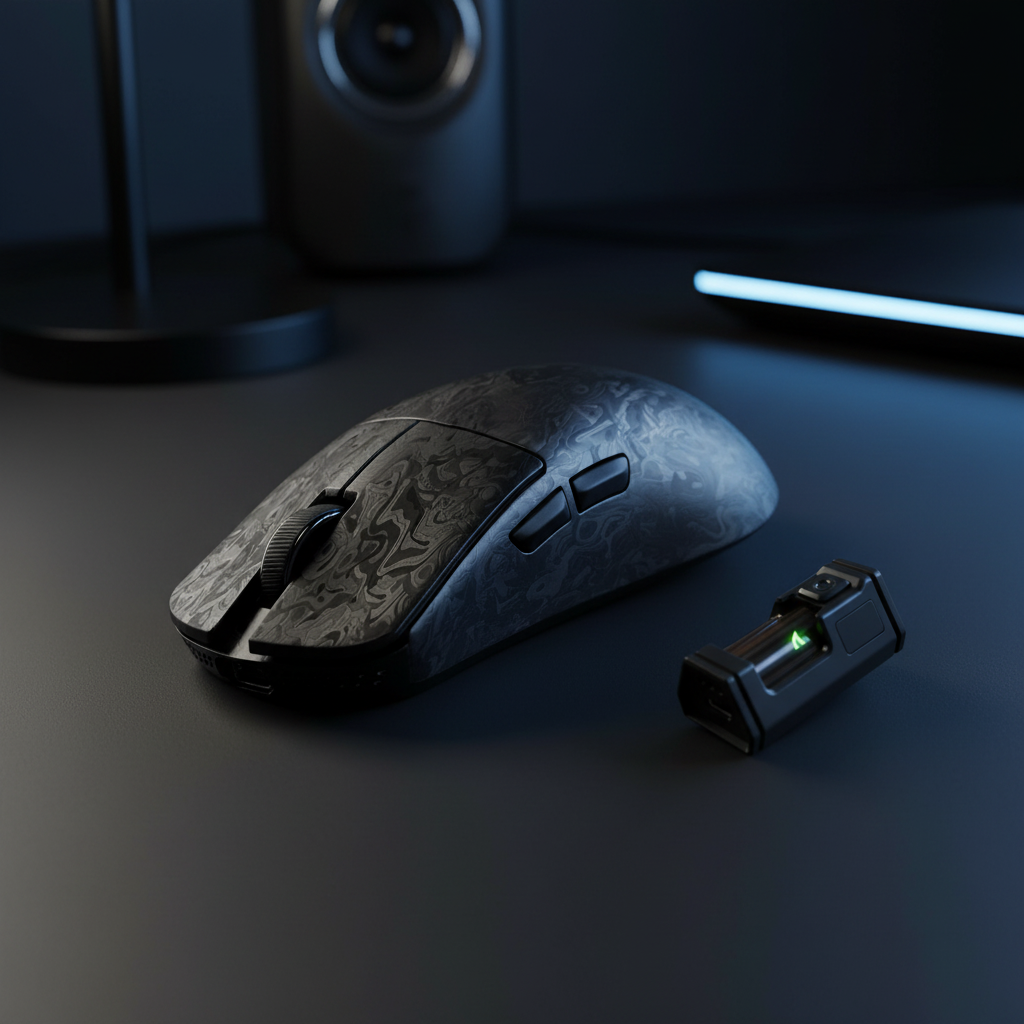
High-frequency input synchronization is a chain that is only as strong as its weakest link. You can own the most advanced carbon-fiber mouse and a 540Hz monitor, but if the OS compositor is delaying the delivery of those frames, the hardware advantage is lost.
By prioritizing Exclusive Fullscreen mode, disabling intrusive OS-level "optimizations," and ensuring your DPI is high enough to saturate your resolution, you create the necessary environment for high-polling technology to thrive. Competitive gaming is a game of inches; don't let a display setting be the reason you miss your mark.
Disclaimer: This article is for informational purposes only. System performance varies based on hardware configurations, driver versions, and background software. Always ensure your BIOS and GPU drivers are up to date before making significant changes to system settings.

Hinterlasse einen Kommentar
Diese Website ist durch hCaptcha geschützt und es gelten die allgemeinen Geschäftsbedingungen und Datenschutzbestimmungen von hCaptcha.