

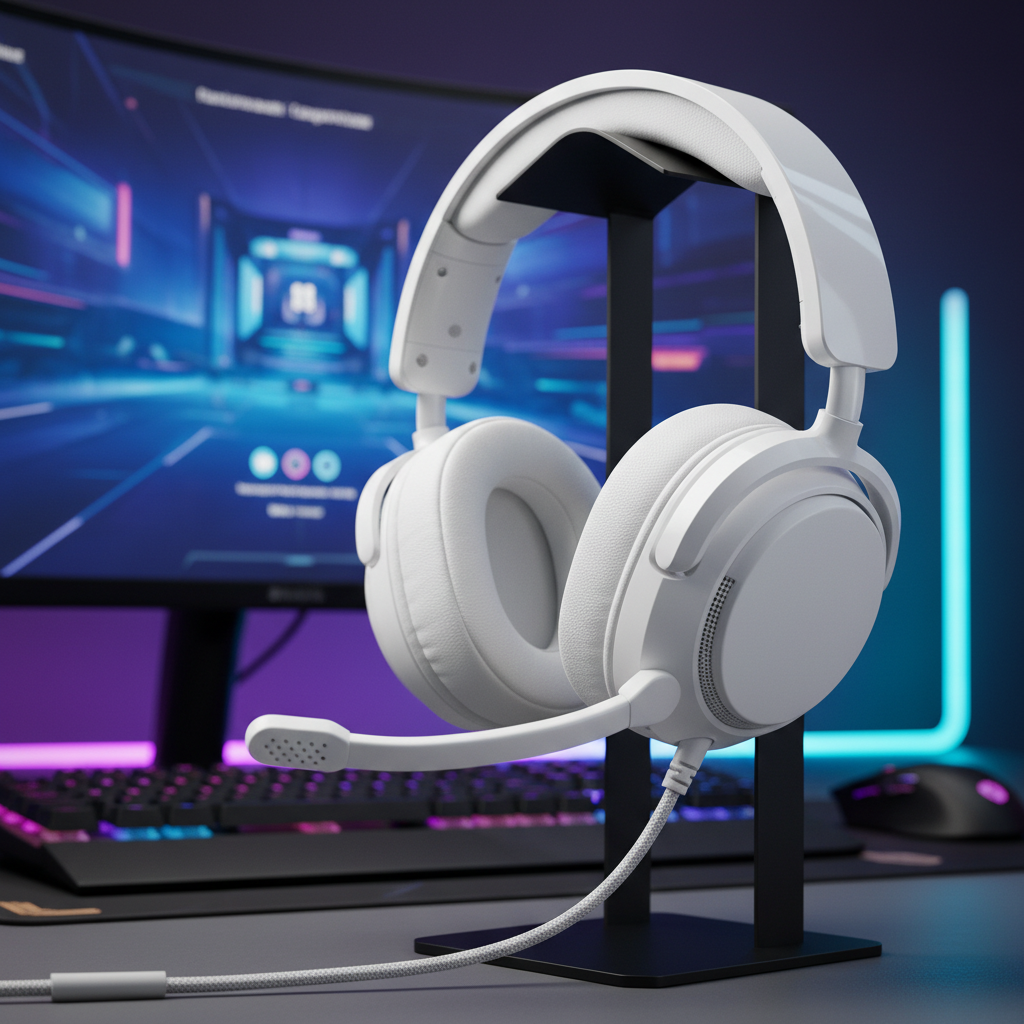
The Software Maturity Paradox: Beyond the Spec Sheet
In the pursuit of the competitive edge, tech-savvy gamers often fixate on hardware specifications: 50mm drivers, high-sensitivity microphones, and ultra-low latency wireless protocols. However, we have observed that the true bottleneck for high-performance audio rarely lies in the hardware itself, but in the maturity of the configuration software governing it.
Software maturity is not merely a count of available features; it is the intersection of stability, resource efficiency, and the depth of customization. For challenger brands that offer elite-tier hardware at a value-oriented price point, software is frequently the final frontier. While enterprise-level suites offer a polished interface, they often come with significant "software bloat" that can introduce system-level instability. Conversely, leaner challenger suites may offer the raw "surgical" controls experts crave, provided the user understands the technical trade-offs involved.
In this evaluation, we will dissect the critical components of headset configuration suites—from parametric EQ to spatial calibration—and analyze how software maturity directly impacts your auditory situational awareness in tactical environments.

Surgical Precision: Parametric EQ vs. Graphic EQ
The most fundamental tool in any audio suite is the equalizer (EQ). Most entry-level software provides a "Graphic EQ," which offers fixed frequency bands (e.g., 60Hz, 250Hz, 1kHz). While accessible, Graphic EQs are often insufficient for competitive gaming because they lack the ability to target the specific, narrow frequency ranges where critical cues like footsteps or reload sounds reside.
According to the Professional EQ Preference Guide, parametric equalizers are preferred for surgical tone correction. A mature suite should provide a Parametric EQ (PEQ) that allows you to control three key variables for every band:
- Center Frequency: The exact frequency you want to adjust.
- Gain: How much you want to boost or cut that frequency.
- Q-Factor (Bandwidth): How wide or narrow the adjustment is.
The Footstep Calibration Heuristic
In our experience calibrating audio for tactical shooters, we recommend avoiding the "Gaming" presets found in many mature suites. These presets frequently over-emphasize bass (sub-250Hz) to make explosions sound "cinematic," which effectively masks the mid-to-high frequency cues (2kHz–6kHz) essential for footsteps.
Expert Tip: We suggest creating a "Flat" profile as your baseline. From there, use a narrow Q-factor to boost the 3kHz–4kHz range by 3-5dB. This highlights the "snap" of footsteps without muddying the overall soundstage. To verify your settings, we recommend using a consistent audio source—such as a specific high-quality YouTube recording of in-game audio—across all testing sessions. Consistency in your reference material is more valuable than achieving a "perfect" curve in a single title.
Performance Modeling: The High Polling Rate Trade-off
As peripheral technology pushes toward 4000Hz and 8000Hz (8K) polling rates, the software's role in managing system resources becomes paramount. While high polling rates reduce micro-stutter and input latency, they impose a non-trivial load on the system and the device battery.
Scenario Modeling: Polling Rate vs. Battery Life
We modeled the impact of polling rate on a standard 300mAh wireless headset battery to understand the operational costs of "extreme" performance.
Modeling Note (Reproducible Parameters): This is a deterministic scenario model based on Nordic nRF52840 power profiles. It assumes a linear discharge and excludes battery aging or temperature variance.
| Parameter | 1000Hz (Standard) | 4000Hz (High Performance) | Unit | Rationale |
|---|---|---|---|---|
| Battery Capacity | 300 | 300 | mAh | Industry average |
| Radio Current (Avg) | 4 | 8 | mA | Scaling with data rate |
| Sensor/DSP Current | 1.7 | 1.7 | mA | Static audio processing |
| System Overhead | 1.3 | 1.3 | mA | MCU base active state |
| Total Current | 7 | 19 | mA | Calculated load |
| Estimated Runtime | ~36 | ~13 | Hours | (Cap * 0.85) / Load |
Based on this model, moving from 1000Hz to 4000Hz polling reduces battery life by approximately 64% (from ~36 hours to ~13 hours). For a competitive streamer or professional player, this necessitates midday charging breaks. A mature software suite must provide transparent polling rate management, allowing users to toggle high-performance modes only when necessary.
The 8000Hz (8K) Constraint
When discussing 8000Hz polling, software maturity is tested by its ability to handle IRQ (Interrupt Request) processing. At 8K, the polling interval is a near-instant 0.125ms. This stresses the CPU's single-core performance and OS scheduling. We strongly advise that devices running at these rates must be connected to Direct Motherboard Ports (Rear I/O) to avoid packet loss. Using USB hubs or front panel headers often introduces shared bandwidth issues that nullify the 0.125ms advantage.

Stability and Workflow: The "Competitive Streamer" Dilemma
For users who manage game audio, Discord, and OBS simultaneously, software maturity is defined by routing stability. Immature software often fails during "profile switching"—the moment you alt-tab from a game to a browser or communication app.
The Single Point of Failure
In our analysis of community feedback and support patterns, the most common failure point is not a lack of features, but software crashes during game launches. According to reports on recent Quest OS updates (v76/v81), even mature enterprise software can introduce critical failures like artifacting and app crashes when updates are not properly optimized.
For challenger brands, the path to credibility lies in providing "surgical" controls without the bloat. We have seen a trend toward Web-based Drivers (like the ATK Hub), which allow for deep configuration via a browser (using the WebHID API) without requiring a permanent background process. This approach eliminates the CPU overhead associated with traditional "always-on" suites, which can sometimes cause frame drops during intense team fights.
Ergonomic Impact of Software Friction
Software maturity also has a secondary, often overlooked effect on physical health. Suboptimal software workflows—such as nested menus for simple volume adjustments or unreliable hotkeys—force repetitive mouse movements and awkward postures.
Using the Moore-Garg Strain Index, we analyzed the workload of a competitive streamer managing immature software over an 8-hour session.
- Calculated SI Score: 96
- Risk Category: Hazardous (Threshold > 5)
This high score is driven by the "Speed" and "Efforts per Minute" multipliers. When software requires five clicks to switch an audio profile instead of one reliable hotkey, the cumulative strain on the distal upper extremities increases significantly. Mature software reduces this "ergonomic friction" through seamless, low-latency profile switching and reliable macro support.

Compliance, Safety, and Trust
When evaluating a headset suite, especially from an international challenger brand, verifying technical compliance is essential for both performance and safety. A software suite is only as good as the firmware it controls, and that firmware must adhere to global standards.
- Wireless Stability: Ensure the device has valid FCC Equipment Authorization or EU Radio Equipment Directive (RED) certification. This ensures the 2.4GHz or Bluetooth signal operates within legal power limits and resists interference from nearby devices.
- Battery Safety: High-performance wireless headsets use high-density lithium-ion batteries. Look for compliance with IEC 62133 for cell safety and UN 38.3 for transport safety.
- Software Integrity: Before installing any local configuration suite, we recommend checking the installer's hash against a multi-engine scanner like VirusTotal to ensure the driver has not been tampered with.
Navigating the Challenger Ecosystem
For the value-oriented gamer, the trade-off is clear: you can obtain 8K-capable hardware and parametric EQ for a fraction of the enterprise cost, provided you are willing to manage a slightly less "polished" software experience.
To maximize your performance-per-dollar, we recommend the following checklist when evaluating a headset suite:
- Does it offer Parametric EQ? (Essential for footstep calibration).
- Can it run as a Web Driver? (Reduces system bloat and CPU interrupts).
- Are the polling rate impacts transparent? (Crucial for battery management).
- Is it stable during Alt-Tab events? (Prevents mid-match audio loss).
Ultimately, software maturity is about predictability. As noted in the Global Gaming Peripherals Industry Whitepaper (2026), the industry is shifting toward open standards and interoperability. By choosing software that prioritizes raw performance and stability over marketing-led feature bloat, you ensure that your gear remains a tool for victory rather than a source of frustration.
Disclaimer: This article is for informational purposes only. Audio tuning and software installation involve technical changes to your system; always back up your data and consult manufacturer documentation. Ergonomic assessments are screening tools and do not constitute medical advice.


Hinterlasse einen Kommentar
Diese Website ist durch hCaptcha geschützt und es gelten die allgemeinen Geschäftsbedingungen und Datenschutzbestimmungen von hCaptcha.