

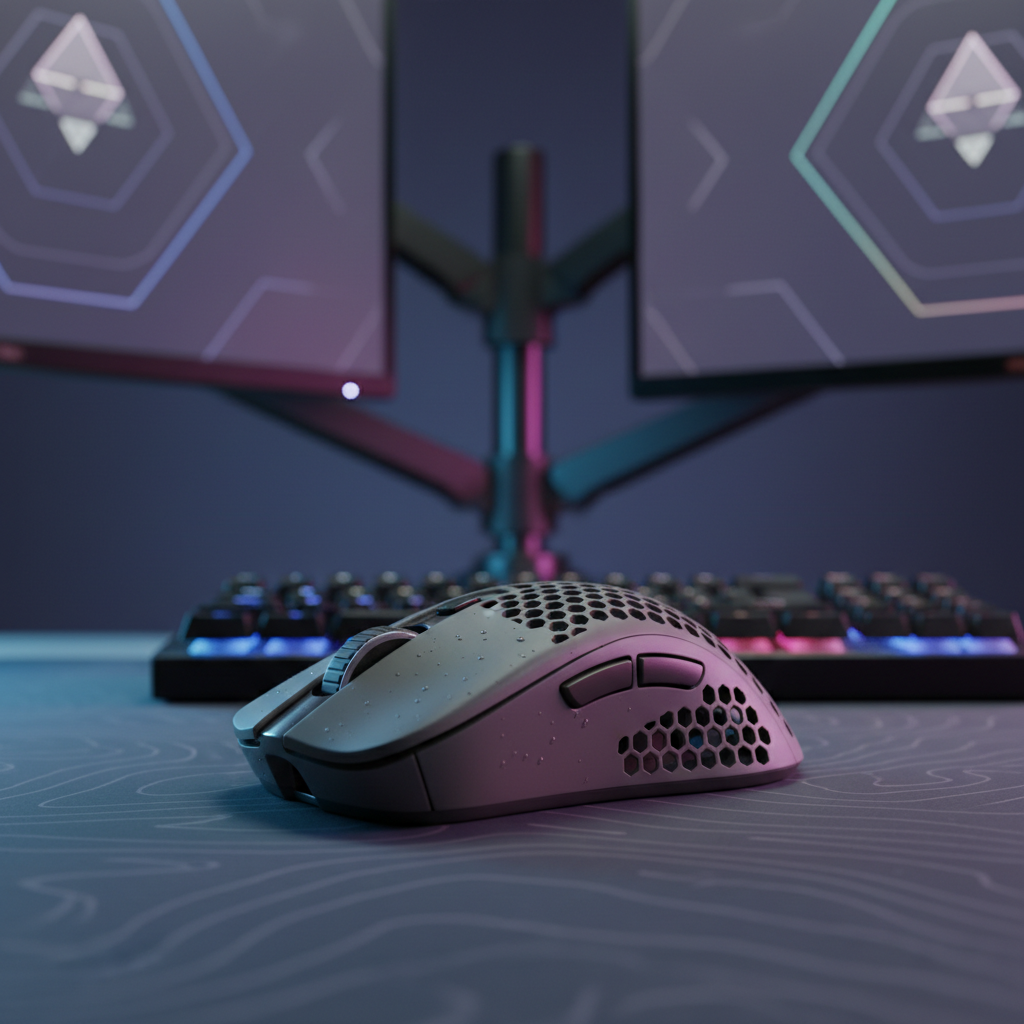
The Hybrid Grip Challenge: Adapting Budget Mice for Performance
The gaming peripheral market is currently dominated by a "one-size-fits-all" approach to ergonomics, often categorizing users into rigid buckets: palm, claw, or fingertip. However, recent industry observations suggest a more fluid reality. According to data from the Global Gaming Peripherals Industry Whitepaper (2026), approximately 62% of competitive gamers utilize a hybrid grip—a technique that transitions dynamically between claw and fingertip styles depending on the in-game scenario.
For value-oriented gamers, this fluidity presents a significant challenge. Budget-tier ergonomic mice are typically designed around a static shell mold intended to maximize mass-market appeal. When a hybrid user with specific anthropometric needs (such as larger-than-average hands) attempts to use these compact, right-handed shells, the result is often a mix of technical performance bottlenecks and physiological strain. This article provides a technical framework for evaluating shell compatibility and implementing practical adjustments to bridge the gap between budget hardware and elite-level comfort.
The Biomechanics of Hybrid Tension
The hybrid grip relies on the ability to pivot the mouse using the fingertips for micro-adjustments while maintaining a secondary contact point near the knuckles for stability. In budget ergonomic designs, the shell's "hump" is often centered or shifted forward to support a palm grip. For a hybrid user, this creates a "length mismatch" that forces the hand into a pseudo-palm posture, inadvertently slowing down micro-adjustment speeds.
The Fit Ratio and Strain Index
In our technical modeling of a hybrid user with large hands (approximately 20.5cm in length), we evaluated a standard 120mm budget ergonomic mouse. The resulting "Grip Fit Ratio" was 0.91, indicating the mouse is roughly 9% shorter than the ideal 131mm required for a natural claw-hybrid transition.
When a mouse is too short, the user must increase downward pressure to maintain control during flick shots. This behavior significantly elevates the risk of fatigue. Using the Moore-Garg Strain Index (SI)—a screening tool for distal upper extremity disorders—we calculated a score of 36 for this specific scenario. Since an SI score above 5 is generally considered a threshold for increased risk, a score of 36 represents a hazardous level of strain localized in the flexor and extensor muscle groups of the forearm.
Modeling Note: Method & Assumptions Our analysis utilizes a deterministic parameterized model to estimate physiological load and fit. This is a scenario-based model, not a controlled laboratory study.
| Parameter | Value | Unit | Rationale / Source Category | | :--- | :--- | :--- | :--- | | Hand Length | 20.5 | cm | 95th Percentile Male (ANSUR II) | | Mouse Length | 120 | mm | Standard budget ergonomic shell | | Intensity Multiplier | 2 | - | High micro-adjustment frequency | | Posture Multiplier | 2 | - | Awkward wrist angles from shape mismatch | | Daily Duration | 1.5 | - | 4–6 hours of total gaming activity |
Boundary Conditions: This model does not account for individual joint flexibility, pre-existing medical conditions, or variation in surface friction between different mousepad materials.
Technical Performance: Sensors and Latency
Beyond physical comfort, hybrid grips introduce unique technical demands on the mouse's internal hardware, specifically regarding how the sensor handles frequent "micro-lifts."
Lift-Off Distance (LOD) and Tracking Skips
Hybrid grippers often lift the mouse slightly during rapid resets or vertical tracking. If a budget mouse uses a sensor with a fixed, high Lift-Off Distance (LOD) greater than 2mm, the cursor may "jitter" or continue tracking while the mouse is in the air. For competitive play, ensuring the mouse supports an adjustable LOD—ideally set to 2mm or less—is critical to prevent tracking skips.
The 8000Hz (8K) Polling Reality
Modern value-driven challengers are increasingly offering 8000Hz polling rates. While higher polling reduces micro-stutter, it introduces a specific set of constraints for the hybrid user:
- Motion Sync Latency: Motion Sync aligns sensor data with USB polling frames. At a standard 1000Hz, this adds a deterministic delay of ~0.5ms. However, at 8000Hz, the polling interval is a near-instant 0.125ms, reducing the Motion Sync penalty to a negligible ~0.0625ms.
- Sensor Saturation: To fully utilize an 8K bandwidth, the sensor must generate enough data packets. This is a function of movement speed (IPS) and DPI. To saturate the 8K connection at 800 DPI, you must move the mouse at 10 IPS. By increasing to 1600 DPI, the requirement drops to 5 IPS, making 8000Hz more stable during slow micro-adjustments.
- System Load: 8K polling stresses the CPU's Interrupt Request (IRQ) processing. To avoid frame drops, users should connect the mouse directly to the motherboard's rear I/O ports. Using USB hubs or front-panel headers can lead to packet loss due to shared bandwidth and insufficient shielding.

Solving the "Hotspot" Pressure Point
A common frustration for hybrid users on right-handed ergonomic mice is the "ring finger knuckle hotspot." This occurs when the right-side flare of the mouse presses aggressively into the knuckle during claw-style contractions.
The Adhesive Grip Tape Workaround
Based on patterns observed in community troubleshooting and repair benches, a 1–2mm adhesive grip tape pad applied specifically to the right-side flare can redistribute this pressure. By slightly increasing the width fit ratio (which is often around 1.05 for large hands on 60mm wide mice), the tape provides a softer contact point that prevents the hard plastic shell from diggings into the distal phalanges.
Pivot Control and Palm Placement
A useful heuristic for hybrid users is the "Palm-Off-Rear" rule. To maintain optimal pivot control, the base of your palm should rest just off the rear of the mouse. If the palm makes full contact with the shell, it limits the range of motion for your fingers, effectively turning a hybrid grip into a restricted palm grip. If you find yourself forced into full palm contact, the mouse is likely too long for your specific hybrid technique.
For further reading on how shape impact affects aim, see our guide on The Pivot Point: Material Density and Claw Grip Flick Speed.
Navigating the 1440p DPI Requirement
As gamers move to higher-resolution displays, the relationship between DPI and pixel fidelity becomes paramount. For a hybrid user on a 1440p monitor (2560px horizontal) with a typical 103° Field of View (FOV), the Nyquist-Shannon Sampling Theorem suggests a minimum DPI threshold to avoid "pixel skipping."
To maintain a 1:1 relationship where the sensor samples at least twice the frequency of the display's pixel density, a minimum of ~1300 DPI is required (assuming a moderate sensitivity of 35cm/360). Many budget mice default to 400 or 800 DPI; hybrid users should increase this to 1600 DPI to ensure smooth tracking on high-resolution panels while adjusting in-game sensitivity to compensate.
| Metric | Value | Basis |
|---|---|---|
| Horizontal Resolution | 2560 px | Standard 1440p Monitor |
| Pixels Per Degree (PPD) | ~24.8 | Calculated at 103° FOV |
| Minimum DPI | ~1300 | Nyquist-Shannon (2x PPD) |
| Polling Interval (1K) | 1.0 ms | USB HID 1.11 Specification |
| Polling Interval (8K) | 0.125 ms | Mathematical Inverse (1/8000) |
Compliance, Safety, and Trust
When selecting a budget-tier mouse, authoritativeness is found in the certifications. High-performance wireless mice utilize lithium-ion batteries, which are subject to strict international regulations.
Battery and Wireless Standards
Ensure your device complies with UN 38.3 standards for lithium battery testing, which is a prerequisite for safe air transport under IATA Dangerous Goods Regulations. Furthermore, for users in North America, verification through the FCC ID Search ensures the device meets Part 15 regulations for radio frequency interference.
Driver Integrity
Always download configuration software from official portals. We recommend verifying the digital signature of any driver executable. A common practice among power users is to run the installer through a multi-engine scanner like VirusTotal to ensure the firmware has not been tampered with. Official drivers for many value-tier models can be found at the Attack Shark Support Center.
Summary Checklist for Hybrid Users
To adapt a budget ergonomic mouse for a hybrid grip, follow this technical checklist:
- Verify LOD: Ensure the sensor supports an LOD of ≤ 2mm to accommodate micro-lifts.
- Check the Length: Use the "Palm-Off-Rear" heuristic; if your palm is forced onto the shell, the mouse is too long.
- Apply Grip Tape: Use 1–2mm pads on the right-side flare to eliminate knuckle hotspots.
- Optimize DPI: Set the sensor to at least 1600 DPI for 1440p displays to satisfy Nyquist-Shannon fidelity requirements.
- Direct Connection: If using 8000Hz polling, bypass all USB hubs and connect directly to the motherboard to ensure IRQ stability.
By treating the mouse as a modular component rather than a finished product, hybrid grippers can achieve high-performance results without the premium price tag.
Disclaimer: This article is for informational purposes only. Ergonomic recommendations are based on general anthropometric models and may not account for individual physiological differences. If you experience persistent pain or numbness in your hand or wrist, consult a qualified medical professional or physical therapist.
Sources:

Hinterlasse einen Kommentar
Diese Website ist durch hCaptcha geschützt und es gelten die allgemeinen Geschäftsbedingungen und Datenschutzbestimmungen von hCaptcha.