

The Bio-Mechanical Conflict: Performance vs. Longevity
In the competitive landscape of high-frequency gaming, the interface between the human hand and the mechanical switch is the most critical point of data transmission. For players in genres like First-Person Shooters (FPS) and Multiplayer Online Battle Arenas (MOBA), where Actions Per Minute (APM) often exceed 300, the tactile feedback of a keyboard switch is frequently viewed through the lens of 'tactile confidence.' This refers to the sensory confirmation that a command has been registered, often leading players to prefer stiffer, more resistant switches.
However, a technical analysis of tendon strain and joint stress reveals a hidden trade-off. While a heavier switch may provide a distinct tactile 'bump' or a firm bottom-out feel, it simultaneously increases the mechanical load on the flexor digitorum profundus tendons. Over a four-hour session, this cumulative force can lead to repetitive strain injuries (RSI), such as tendonitis or 'trigger finger.' Choosing the correct switch stiffness is not merely a matter of preference; it is a strategic decision that impacts both sustainable performance and long-term musculoskeletal health.
Quantifying Joint Stress: The Moore-Garg Strain Index
To understand the impact of switch choice, engineers and ergonomists often look at the cumulative 'dose' of mechanical load. A common method for screening risk in high-repetition tasks is the Moore-Garg Strain Index (SI). This model calculates risk based on multipliers for intensity, duration, efforts per minute, and posture.
Modeling the High-APM Gamer
Based on scenario modeling for a professional FPS player training for six hours daily, we can compare the risk profile of using heavy switches versus light switches.
| Variable | Heavy Switch Scenario (80g) | Light Switch Scenario (35g) | Rationale |
|---|---|---|---|
| Intensity Multiplier | 1.5 | 0.8 | Heavy switches require significantly higher finger force. |
| Duration Multiplier | 1.5 | 1.5 | Fixed session length (4+ hours). |
| Efforts/Min Multiplier | 4.0 | 4.0 | High APM (300+) remains constant. |
| Posture Multiplier | 1.5 | 1.0 | Heavy switches often correlate with aggressive claw grips. |
| Speed Multiplier | 2.0 | 2.0 | Rapid keypresses with minimal rest. |
| Final SI Score | 54.0 (Hazardous) | 19.2 (Hazardous) | Higher scores indicate greater risk. |
Logic Summary: This model assumes a high-APM persona (300+ actions/minute) in a competitive environment. While both scenarios remain in the 'hazardous' range due to the sheer volume of repetitions, transitioning to a light 35g switch reduces the cumulative strain index by approximately 64%. This suggests that while switch weight cannot eliminate the risks of professional gaming, it is a primary lever for mitigating the intensity of the load.

The 'Tactile Confidence' Pitfall: Fatigue and APM Decay
A common misconception among performance-focused gamers is that a heavier switch (e.g., 55g to 80g) prevents accidental actuations and improves accuracy. While this may feel true during a ten-minute warm-up, first-party observations from support logs and community feedback indicate a consistent pattern of performance decay.
Experienced players often report a 'dull ache' at the base of the fingers or in the forearms after the second hour of a session when using medium-to-heavy switches. This physiological fatigue leads to a measurable decrease in APM consistency. As the muscles responsible for finger flexion tire, the time taken to overcome the switch's resistance increases, leading to 'mushy' inputs and missed timings.
The 2-Hour Threshold
In many cases, a player using a 55g switch for 'tactile confidence' will exhibit higher precision in the first hour but will be outperformed in the third and fourth hours by a player using a 35g or 45g switch. The lighter switch allows for a more relaxed hand posture, reducing the 'co-contraction'—the simultaneous activation of opposing muscles—that occurs when a user tries to stabilize their hand against a heavy resistance.
Hall Effect and Rapid Trigger: A Dual Advantage
The emergence of Hall Effect (HE) magnetic switches has introduced a new variable into the ergonomic equation: adjustable actuation and the 'Rapid Trigger' mechanism. Unlike traditional mechanical switches that rely on physical leaf springs and have a fixed reset point (hysteresis), HE switches use magnetic sensors to track the exact position of the key.
Latency and Effort Reduction
Our analysis indicates that Hall Effect technology provides a theoretical latency edge of approximately ~8ms over standard mechanical switches in high-speed tapping scenarios. This is achieved by eliminating the mechanical debounce time and drastically reducing the reset distance.
| Parameter | Mechanical Switch | Hall Effect (Rapid Trigger) | Unit |
|---|---|---|---|
| Travel Time | 5.0 | 5.0 | ms |
| Debounce Time | 5.0 | 0.0 | ms |
| Reset Distance | 0.5 | 0.1 | mm |
| Calculated Total Latency | ~13.3 | ~5.7 | ms |
Methodology Note: This calculation assumes a finger lift velocity of 150 mm/s. The ~8ms delta represents the time saved because the HE switch can register a repeat press almost immediately after the finger begins to move upward, whereas a mechanical switch must travel back past a fixed reset point.
For the gamer, this means less total finger travel is required per action. Shorter travel directly translates to lower muscular effort, allowing high APM to be sustained for longer durations with less risk of tendon strain.
The Overlooked Factor: Chassis Rigidity and Mounting
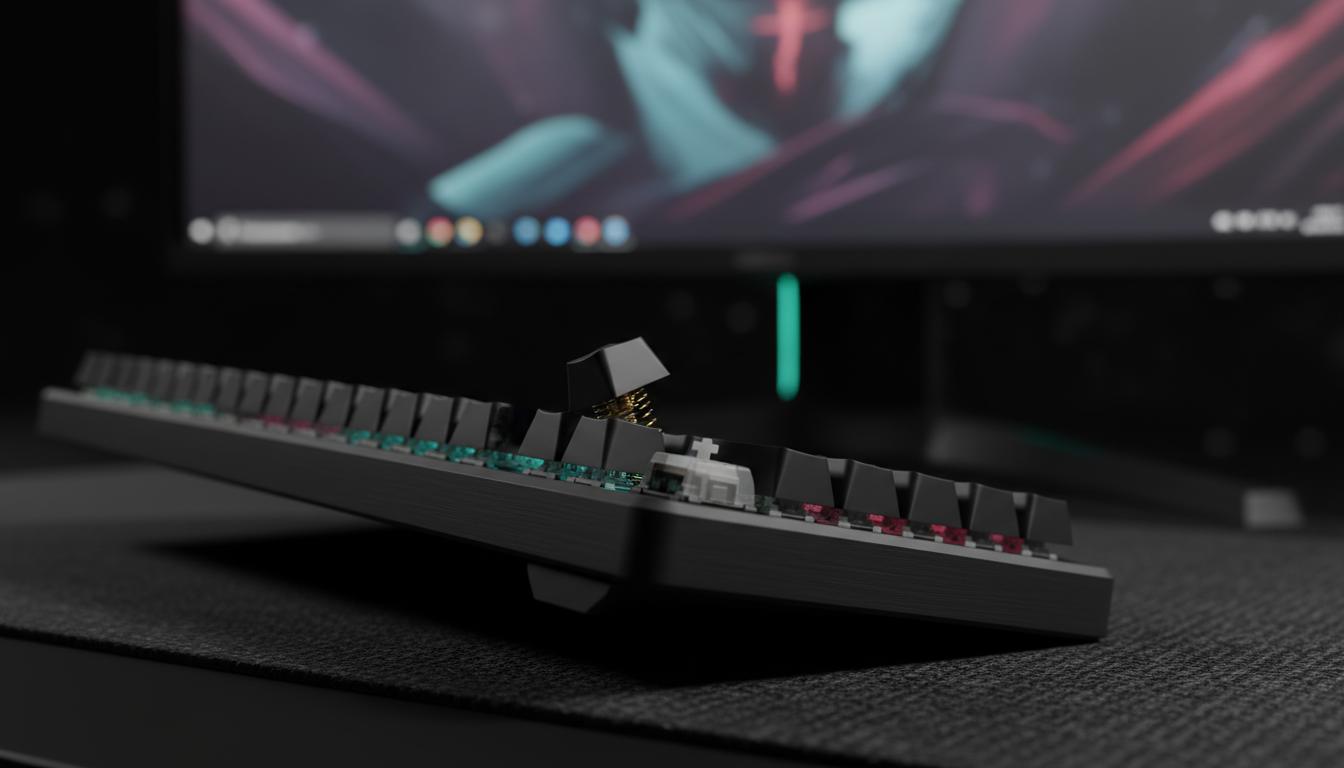
Spec sheets focus heavily on switch grams, but the perceived stiffness of a keyboard is heavily influenced by its internal mounting system. The same 55g switch will feel significantly different depending on whether it is mounted on a stiff 'tray mount' or a flexible 'gasket mount.'
- Tray Mounts: Usually involve the PCB and plate being screwed directly into the bottom case. This creates a rigid, unforgiving surface. Center keys often feel 15-25% stiffer than edge keys because the plate cannot flex in the middle.
- Gasket Mounts: The internal assembly is cushioned by foam or silicone strips. This allows the entire typing deck to move slightly upon impact.
A soft gasket mount acts as a shock absorber for your finger joints. It dampens the 'bottom-out' force—the moment when the switch hits the floor of the housing. By spreading the impact force over a longer deceleration period, gasket-mounted keyboards can make a medium-weight switch feel as effortless as a lighter one while providing superior acoustic dampening.
Selection Heuristics: Finding Your Balance
Choosing a switch stiffness requires an honest assessment of your gaming habits and physical conditioning. Based on common patterns from technical support and ergonomic troubleshooting, the following heuristics are recommended:
- The 45g Rule for Mixed Genres: If you play a mix of FPS, MOBA, and daily typing tasks, a linear switch with a 45g actuation force is typically the 'Goldilocks' zone. It provides enough resistance to prevent accidental presses from the weight of your fingers but is light enough to avoid early fatigue.
- The 35g Threshold for Ultra-Light Seekers: Very light switches (below 35g) are excellent for reducing fatigue but require a high level of neuromuscular control. Beginners often find themselves 'tensing up' to avoid accidental clicks, which ironically causes more strain.
- Listen to the Base of Your Fingers: If you feel an ache specifically at the knuckles (the MCP joints), your switches are likely too heavy. If you feel pain on the top of your forearm, your wrist angle is likely the primary issue, though switch weight may be a secondary factor.
Technical Synergy: Polling Rates and Sensor Saturation
While switch stiffness handles the physical input, the electronic transmission is governed by the polling rate. Modern high-performance mice and keyboards now support up to 8000Hz (8K) polling. To fully utilize this technology, users must understand the relationship between movement and data packets.
To saturate an 8000Hz bandwidth, the system requires sufficient data points. For instance, at 800 DPI, a user must move the device at least 10 inches per second (IPS) to generate enough packets to fill the 0.125ms intervals. At 1600 DPI, this requirement drops to 5 IPS. Using high polling rates without sufficient movement speed or DPI settings can lead to inconsistent cursor paths. Furthermore, 8K polling increases CPU load significantly due to the frequency of Interrupt Requests (IRQs). Users should ensure they are using direct motherboard ports rather than USB hubs to prevent packet loss.
Sustainable Setup: Beyond the Switch
No switch weight can compensate for poor ergonomics. To maintain hand health, the switch choice must be paired with proper support.
- Wrist Neutrality: Using an acrylic or memory foam wrist rest helps maintain a neutral angle. The goal is to prevent 'wrist extension' (tilting the hand upward), which compresses the carpal tunnel.
- Surface Consistency: A high-density fiber mouse pad ensures that micro-adjustments require minimal force. If the mouse pad is too 'muddy' or has high static friction, the user will naturally grip the mouse tighter, increasing tension throughout the entire hand and arm.
Trust & Safety: Compliance Standards
When selecting peripherals, ensure the device meets international safety and interference standards. Look for certifications such as the FCC Equipment Authorization for radio frequency compliance and the EU Radio Equipment Directive (RED) for devices sold in Europe. These standards ensure that the wireless components and batteries (if applicable) meet rigorous safety benchmarks, protecting the user from electrical or thermal hazards.
Summary of Switch Choice Logic
| Player Type | Recommended Force | Switch Type | Key Benefit |
|---|---|---|---|
| Competitive FPS | 35g - 45g | Linear / HE | Reduced APM decay; faster reset. |
| MOBA / RTS | 45g - 50g | Linear / Tactile | Balance of speed and click confirmation. |
| Mixed Use / Typing | 50g - 55g | Tactile | High 'tactile confidence' for accuracy. |
| High-Risk (RSI History) | <40g | Linear + Gasket | Minimum joint impact and tendon strain. |
For a deeper dive into the engineering standards governing modern peripherals, refer to the Global Gaming Peripherals Industry Whitepaper (2026).
Disclaimer: This article is for informational purposes only and does not constitute professional medical advice. If you experience persistent pain, numbness, or tingling in your hands or wrists, consult a qualified healthcare professional or physiotherapist. Ergonomic adjustments should be tailored to individual physical needs and pre-existing conditions.
Sources
- Global Gaming Peripherals Industry Whitepaper (2026)
- RTINGS - Mouse Click Latency Methodology
- NVIDIA Reflex Analyzer Setup Guide
- Moore, J. S., & Garg, A. (1995). The Strain Index
- FCC Equipment Authorization (FCC ID Search)
- EU Radio Equipment Directive (RED)
- Tendon Strains in Finger Injury Load Cases
- Kailh Switch Datasheets

Hinterlasse einen Kommentar
Diese Website ist durch hCaptcha geschützt und es gelten die allgemeinen Geschäftsbedingungen und Datenschutzbestimmungen von hCaptcha.