

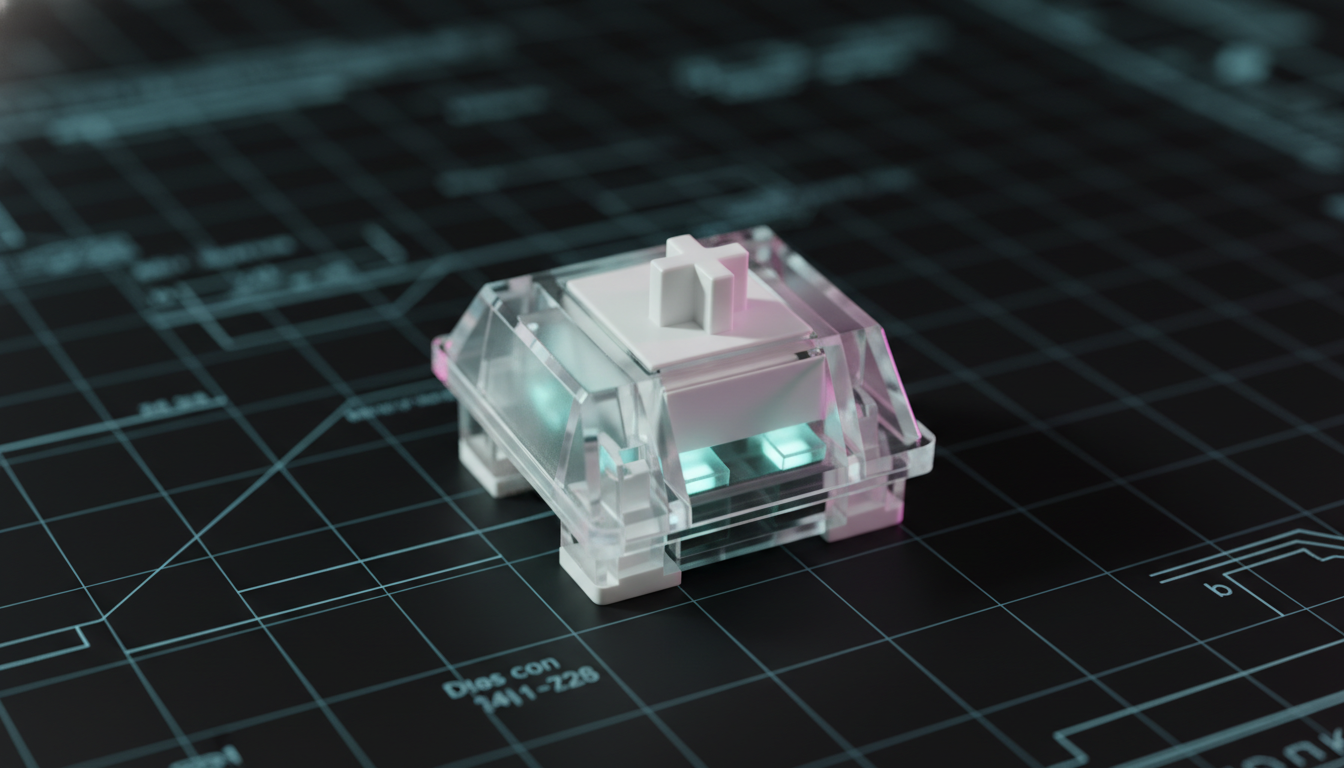
The Mechanics of Lateral Actuation in Magnetic Keyboards
The transition from traditional mechanical contacts to Hall Effect (HE) magnetic sensors has redefined the competitive gaming landscape. By eliminating physical debounce delays and introducing Rapid Trigger (RT) technology, HE keyboards offer a near-instant response time for a competitive edge. However, as actuation thresholds drop below 0.3mm, a previously negligible physical imperfection has emerged as a primary failure point: lateral stem wobble.
In a standard mechanical switch, lateral movement might cause a slight change in acoustic profile or "scratchiness." In a high-sensitivity magnetic switch, this same movement can trigger "ghost inputs"—keystrokes registered by the system without a vertical press. This phenomenon, known as lateral actuation, occurs when the horizontal displacement of the magnet within the switch stem alters the magnetic flux density perceived by the Hall Effect sensor on the Printed Circuit Board (PCB).
The Physics of the Hall Effect Sensor
To understand why wobble triggers false inputs, one must examine the underlying mechanism of the Hall Effect. According to the USB HID Class Definition (HID 1.11), keyboards operate as Human Interface Devices, reporting state changes based on defined usage tables. In HE keyboards, the "state" is determined by an analog voltage change.
As the switch stem moves, a permanent magnet attached to its base approaches a Hall Effect sensor. The sensor measures the magnetic field strength (flux density). When this strength reaches a predefined threshold, the firmware registers an actuation. When Rapid Trigger is enabled, the firmware monitors for any upward movement (a decrease in flux density) to reset the key instantly.
The critical vulnerability lies in the sensor’s inability to distinguish between vertical proximity and lateral shift. If a switch stem has excessive "play" within its housing, a diagonal force—common during rapid strafing in FPS titles—can tilt the magnet closer to the sensor or shift its center of mass. This shift can fluctuate the magnetic field strength across the 0.08mm or 0.1mm Rapid Trigger threshold, leading to premature actuation or unintended resets.
Modeling the Latency Advantage and Performance Thresholds
To quantify the impact of these technologies and the risks associated with hardware instability, we have modeled three critical performance scenarios. These models demonstrate the theoretical benefits of Hall Effect technology while highlighting the narrow margins of error involved in competitive play.
Modeling Disclosure: The following data represents deterministic parameterized scenario modeling based on industry-standard heuristics and specified hardware parameters. These are scenario models, not controlled laboratory studies.
Scenario 1: Hall Effect Rapid Trigger Latency Advantage
This model calculates the total input latency for a competitive FPS player executing aggressive strafing patterns, comparing a standard mechanical switch to a Hall Effect switch with Rapid Trigger.
| Parameter | Value | Unit | Rationale |
|---|---|---|---|
| Mechanical Debounce | 8 | ms | Standard conservative setting to prevent chatter |
| HE Processing Overhead | 0.2 | ms | Estimated sensor-to-MCU processing delay |
| Finger Lift Velocity | 150 | mm/s | High-velocity movement during intense strafing |
| Mechanical Reset Distance | 0.6 | mm | Typical fixed hysteresis for mechanical switches |
| HE RT Reset Distance | 0.08 | mm | Aggressive Rapid Trigger setting |
Model Results:
- Mechanical Total Latency: ~16.5 ms
- Hall Effect Total Latency: ~5.2 ms
- Latency Advantage: ~11.3 ms
This ~11ms advantage translates to nearly two additional frames of data at a 144Hz refresh rate, providing a statistically significant edge in "peek" battles. However, this advantage is only valid if the switch remains physically stable.
Scenario 2: Nyquist-Shannon DPI Minimum for Pixel Fidelity
To ensure micro-adjustments are accurately captured alongside high-speed keyboard inputs, the mouse sensor must meet a minimum DPI threshold to avoid "pixel skipping."
| Parameter | Value | Unit | Rationale |
|---|---|---|---|
| Horizontal Resolution | 2560 | px | Common 1440p competitive gaming resolution |
| Horizontal FOV | 103 | deg | Standard FOV for titles like CS2 or Valorant |
| Sensitivity | 25 | cm/360 | High-sensitivity competitive player setting |
Model Results:
- Pixels Per Degree (PPD): ~24.9 px/deg
- Minimum Required DPI: ~1850 DPI
Maintaining a setting above 1850 DPI ensures that the sensor's sampling rate exceeds the display's spatial frequency, preventing aliasing in the cursor path.
Identifying Problematic Switch Wobble
Competitive FPS players have discovered through extensive testing that even 0.5mm of lateral stem wobble can trigger ghost inputs when using Rapid Trigger settings below 0.3mm. The most problematic scenario occurs during rapid strafing movements where players apply diagonal pressure to WASD keys. This lateral force causes the stem to tilt, shifting the magnet and triggering the sensor prematurely.
The "Paper Test" Diagnostic
Experienced modders and professional keyboard builders recommend a simple heuristic to identify unstable housings:
- Insert a small, thin strip of paper between the switch housing and the stem.
- Attempt to wiggle the keycap laterally.
- If the paper moves freely or falls out, the tolerance gap likely exceeds the 0.3mm critical threshold.
Manufacturing tolerances can vary by up to 0.2mm even within the same switch model or batch. For players utilizing ultra-low actuation points, checking switches from different batches is essential. Beyond 0.3mm of play, ghost inputs become statistically significant, occurring at a rate of approximately 1-2 false inputs per minute during intense sessions.

System-Level Integration: 8000Hz Polling and CPU Bottlenecks
While physical stability is the foundation, the digital pipeline must also be optimized. High-performance gaming peripherals increasingly utilize 8000Hz (8K) polling rates to further reduce latency.
The Math of 8K Polling:
- 1000Hz: 1.0ms interval.
- 8000Hz: 0.125ms interval.
At 8000Hz, the Motion Sync latency—a feature used to align sensor data with USB polls—is reduced to approximately 0.0625ms (half the polling interval). This is a negligible delay compared to the 0.5ms delay found in 1000Hz devices.
However, 8K polling introduces a significant "CPU tax." The primary bottleneck is not raw compute power, but Interrupt Request (IRQ) processing. The operating system must handle 8,000 interrupts every second, which can stress single-core performance and cause frame drops in CPU-bound games. Furthermore, users must connect these devices to Direct Motherboard Ports (Rear I/O). According to the FCC Equipment Authorization guidelines for high-frequency digital devices, shared bandwidth from USB hubs or front-panel headers can lead to packet loss and increased signal noise, negating the benefits of high polling rates.
Battery Runtime and Power Management
For wireless high-performance peripherals, power consumption scales aggressively with polling rates. We modeled the battery runtime for a high-capacity wireless device under tournament conditions.
Scenario 3: Wireless Battery Runtime Estimator
| Parameter | Value | Unit | Rationale |
|---|---|---|---|
| Battery Capacity | 450 | mAh | Typical high-performance lightweight battery |
| Polling Rate | 4000 | Hz | High-performance wireless standard |
| Total Current Draw | 19 | mA | Combined sensor, radio, and MCU load |
| Discharge Efficiency | 0.8 | ratio | Accounting for voltage conversion losses |
Model Results:
- Estimated Runtime: ~19 hours
Switching from 1000Hz to 4000Hz or 8000Hz typically reduces battery life by 75-80%. Players should reserve 8K polling for wired connections or critical tournament matches where every 0.125ms counts.
Regulatory Compliance and Signal Integrity
To ensure that high-sensitivity magnetic sensors are not affected by external electromagnetic interference (EMI), devices must adhere to strict standards. The ISED Canada Radio Equipment List (REL) and the EU Radio Equipment Directive (RED) mandate rigorous testing for wireless stability and EMI shielding.
Poorly shielded keyboards may experience "signal jitter," where external RF noise mimics the magnetic flux changes of a keypress. When combined with lateral stem wobble, this noise can lower the system's margin of error, leading to rampant ghost inputs. Ensuring a device carries valid FCC and CE certifications is a baseline requirement for competitive integrity.
Practical Solutions for Players
If a player identifies problematic wobble or ghost inputs, several "expert-level" tweaks can improve stability:
- Switch Filming: While traditionally used for mechanical switches, thin films can tighten the tolerance between the upper and lower housing of some magnetic switches, reducing overall play.
- Lubrication: Applying a high-viscosity lubricant to the stem rails can dampen lateral movement, though players must ensure the lubricant is non-conductive and does not interfere with the magnetic sensor.
- Keycap Selection: Heavy or tall keycaps (e.g., SA profile) increase the leverage arm of the stem, exacerbating wobble. Switching to lower-profile OEM or Cherry profile keycaps can reduce the lateral force applied during strafing.
- Firmware Calibration: Utilizing web-based configurators to set a "deadzone" at the top of the travel can prevent minor wobble from crossing the actuation threshold.

Conclusion: The Future of Hall Effect Stability
As the industry moves toward 0.005mm actuation precision, the physical housing of the switch becomes as important as the sensor itself. The Global Gaming Peripherals Industry Whitepaper (2026) notes that "structural rigidity and sub-millimeter tolerances are the new frontiers of input fidelity."
For the competitive gamer, understanding that ghost inputs are often a physical rather than a purely electronic issue is the first step toward optimization. By identifying wobble early and ensuring system-level settings like polling rate and DPI are correctly calibrated, players can fully leverage the ~11ms advantage of Hall Effect technology without the risk of unintended inputs.
Disclaimer: This article is for informational purposes only. Modifying keyboard hardware or firmware may void warranties. Always consult the manufacturer's documentation before performing physical modifications.
References:

Hinterlasse einen Kommentar
Diese Website ist durch hCaptcha geschützt und es gelten die allgemeinen Geschäftsbedingungen und Datenschutzbestimmungen von hCaptcha.