

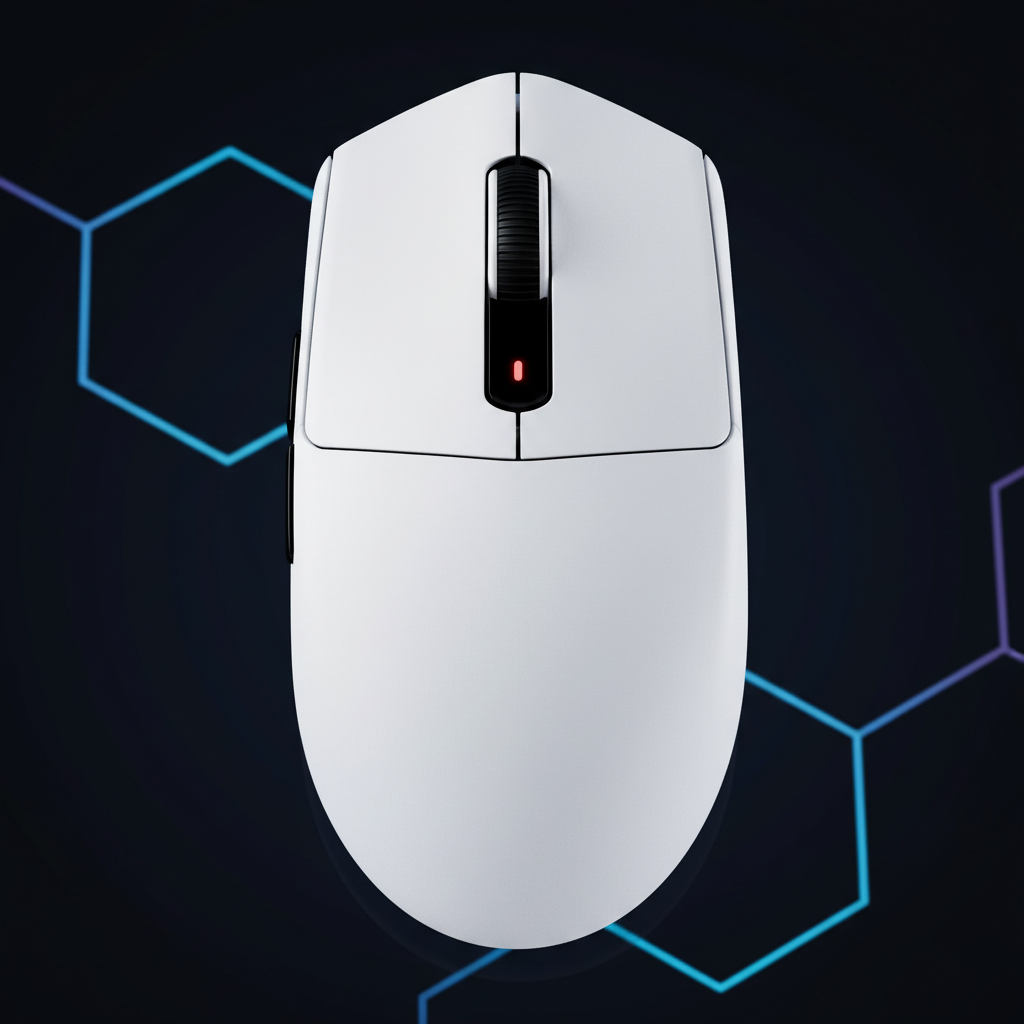
The Mechanics of Fingertip Precision: Why Mid-Point Weighting Wins for Pros
In the high-stakes environment of competitive first-person shooters (FPS), the fingertip grip is often regarded as the most demanding yet rewarding style. By making contact with the mouse only at the digits, players unlock a range of motion and speed that palm or claw grips cannot replicate. However, this mechanical advantage comes with a significant engineering prerequisite: the mouse must exhibit a neutral center of gravity (COG), often referred to in professional circles as "mid-point weighting."
While the industry has historically focused on reducing total mass, recent technical analyses suggest that weight distribution is a more critical factor for tracking consistency and micro-adjustment accuracy. A mouse that is ultra-light but front-heavy can introduce unintended torque, leading to overshoot and increased muscular fatigue. Understanding the physics of mid-point weighting is essential for performance-focused gamers seeking a technical edge.
The Physics of Neutral Torque and the Pendulum Effect
The primary challenge of the fingertip grip is managing the mouse’s moment of inertia. Because there is no palm contact to stabilize the chassis, every movement is governed by the relationship between the finger contact points and the center of gravity. According to technical insights from Joltfly, a poorly balanced light mouse can be more difficult to control than a heavier, well-balanced one. This is due to the "pendulum effect."
When a mouse is front-heavy—often the result of placing large batteries or heavy scroll wheel assemblies near the nose—it creates a lever arm between the COG and the fingers. During a rapid "stop-and-flick" maneuver, the forward mass generates momentum that the fingers must actively counteract. This requires constant minor counter-pressure, which often results in inconsistent cursor behavior or "drift." Professional practitioners frequently use a "coin test" or "finger balance test" to verify that the COG resides within the lateral and longitudinal center of the device.
Logic Summary: The pendulum effect is a manifestation of rotational inertia. If the COG is not aligned with the pivot point of the fingers, any acceleration produces a torque that forces the digits to work harder to maintain a linear path.
Engineering the Mid-Point: Internal Component Layout
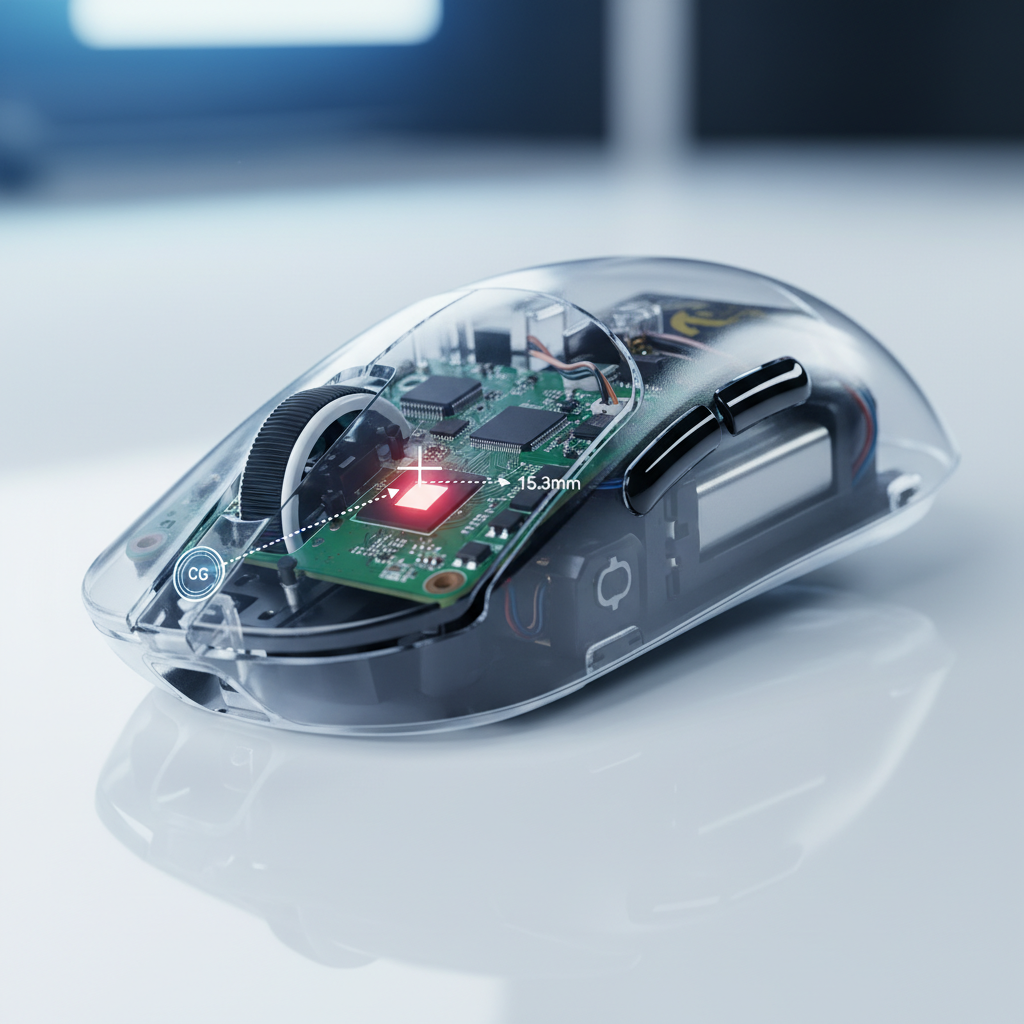
Achieving a neutral balance point is an exercise in internal spatial optimization. Manufacturers typically prioritize the placement of the three heaviest components: the battery, the printed circuit board (PCB), and the sensor.
As noted in the Global Gaming Peripherals Industry Whitepaper (2026), high-performance engineering now leverages strategic component shifting to achieve "center-balanced" profiles. For instance, moving a 500mAh battery from the front to the geometric center can shift the COG by several millimeters, aligning it more closely with the sensor’s focal point.
| Component | Weight Impact | Engineering Strategy for Neutral Balance |
|---|---|---|
| Battery | High (5g - 15g) | Centrally located or slightly rear-biased to counteract scroll wheel weight. |
| PCB | Medium (10g - 20g) | Skeletonized designs or split-PCB layouts to distribute mass evenly. |
| Scroll Wheel | Low-Medium (3g - 7g) | Use of lightweight alloys or hollowed plastics to reduce front-end bias. |
| Sensor | Low (<2g) | Must be positioned within 5mm of the lateral and longitudinal balance point. |
A common heuristic among peripheral modders is that for perceived 1:1 tracking, the sensor must be positioned directly under the natural pivot point of the fingers. If the sensor is too far forward or rearward of the COG, the arc of movement will feel "unnatural," as the physical rotation of the mouse does not match the expected cursor translation on the display.

Modeling Ergonomic Strain in Fingertip Scenarios
To quantify the impact of weight distribution and sizing on user health, we modeled a scenario involving a small-handed competitive player. This persona represents a segment where standard "pro" dimensions often lead to biomechanical inefficiencies.
Modeling Transparency (Method & Assumptions)
The following metrics are derived from a deterministic parameterized model designed to screen for ergonomic risk factors in high-intensity gaming.
- Model Type: Moore-Garg Strain Index (SI) & ISO 9241-410 Fit Analysis.
- Context: Scenario model, not a controlled clinical study.
| Parameter | Value | Rationale |
|---|---|---|
| Hand Length | 16.5 cm | 5th percentile female hand length (ISO 7250). |
| Mouse Length | 120 mm | Standard "Pro" mouse length. |
| Grip Style | Fingertip | High-dexterity, low-stability grip. |
| Session Duration | 4-6 Hours | Typical competitive practice block. |
| Movement Intensity | High | Rapid micro-adjustments and flick-shots. |
Analysis Results:
- Grip Fit Ratio: 1.21. An ideal fingertip mouse for this hand size would be ~99mm. The 21% excess length forces the fingers into an over-extended position, reducing leverage.
- Computed Strain Index (SI): 30. This score is significantly above the hazardous threshold (SI > 5).
- Risk Interpretation: For this persona, the biomechanical load on the digital flexors is 6 times higher than the baseline. A front-heavy balance point exacerbates this by requiring more "braking force" from the fingers to stop the mouse's momentum.
Logic Summary: The hazardous SI score of 30 suggests that for small-handed users, total weight reduction is less vital than correcting the COG. A neutrally balanced 80g mouse may actually feel "lighter" and cause less strain than a 70g mouse with a forward-leaning balance point.
The Synergy of 8K Polling and Mid-Point Weighting
When discussing high-performance mice, weight distribution cannot be separated from sensor performance, particularly with the advent of 8000Hz (8K) polling rates. To fully utilize an 8K sensor, the physical movement of the mouse must be as fluid and predictable as the data it generates.
According to standard USB and HID protocols, an 8000Hz polling rate results in a near-instant 0.125ms report interval (1ms / 8000). At this frequency, "Motion Sync" technology—which aligns sensor data with the USB poll—adds a deterministic delay of only ~0.0625ms (half the interval). This is a negligible fraction of the 0.5ms delay found in traditional 1000Hz mice.
However, to saturate this 8K bandwidth, physical movement must meet specific thresholds:
- Sensor Saturation: At 800 DPI, a user must move the mouse at at least 10 IPS (Inches Per Second) to provide enough data packets for the 8000Hz rate. Increasing the DPI to 1600 lowers this threshold to 5 IPS, making high-polling stability easier to maintain during slow micro-adjustments.
- System Bottlenecks: 8K polling places immense stress on the CPU’s IRQ (Interrupt Request) processing. To avoid packet loss, the device must be connected to a Direct Motherboard Port (Rear I/O). Using USB hubs or front-panel headers can introduce shared bandwidth issues and electromagnetic interference (EMI).
For a fingertip player, the 8K polling rate provides the "data resolution" needed for micro-corrections, but only a mid-point weighted chassis provides the "mechanical resolution" to execute them without the interference of unintended torque.
Trust and Safety: Compliance in High-Performance Peripherals
As performance mice push the boundaries of battery density and wireless power, regulatory compliance becomes a pillar of trustworthiness. High-capacity lithium batteries (e.g., 500mAh to 800mAh) used in these devices must adhere to rigorous safety standards to ensure stability during rapid charging and discharge cycles.
- UN 38.3 & IATA: According to the International Air Transport Association (IATA) Lithium Battery Guidance, batteries must pass pressure, thermal, and vibration tests to be certified for global transport.
- Electromagnetic Compatibility (EMC): Wireless mice operating in the 2.4GHz spectrum must comply with FCC Part 15 and EU Radio Equipment Directive (RED) to ensure they do not interfere with other household or medical electronics.
Users should verify that their equipment carries the appropriate RCM (Australia), KC (Korea), or CE (Europe) marks, indicating that the manufacturer has met these safety and environmental obligations.
Practical Application: Achieving the "Pro" Setup
For gamers looking to optimize their fingertip precision, the following checklist provides a technical framework for evaluating and tuning a mouse:
- The Balance Self-Check: Place your mouse on a single finger at the exact center of the side grips. If the nose dips, the mouse is front-heavy. This will likely cause overshoot in high-speed flicks.
- DPI Scaling for 8K: If using an 8000Hz sensor, consider moving from 400 or 800 DPI to 1600 DPI. This ensures the sensor saturates the polling rate even during subtle micro-tracking movements.
- Cable Management: If using a wired connection or charging while playing, use a high-quality Custom Aviator Cable or a Coiled Mouse Cable. These designs reduce cable drag, which can otherwise pull the mouse and shift the perceived center of gravity.
- Surface Synergy: Match the mouse's balance with a consistent tracking surface. A neutrally weighted mouse performs best on a pad with uniform X/Y friction to maintain the 1:1 tracking feel.
By focusing on the engineering principles of mid-point weighting and neutral torque, fingertip grip players can move beyond the "lighter is better" marketing and find equipment that truly complements their biological dexterity.
Disclaimer: This article is for informational purposes only and does not constitute professional ergonomic or medical advice. The modeling results presented are based on specific scenario parameters and may vary based on individual anatomy and usage patterns. Consult an ergonomic specialist for personalized recommendations.


Hinterlasse einen Kommentar
Diese Website ist durch hCaptcha geschützt und es gelten die allgemeinen Geschäftsbedingungen und Datenschutzbestimmungen von hCaptcha.