

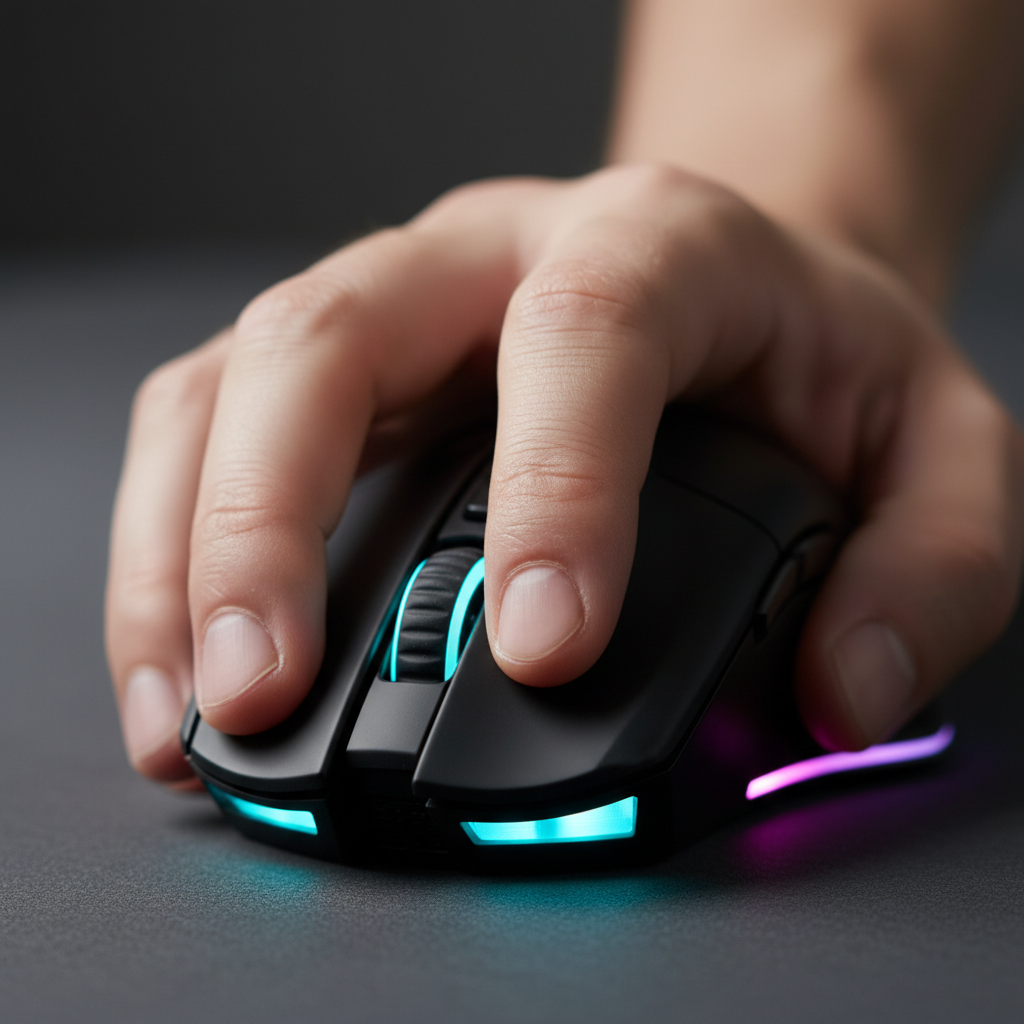
The Critical Role of Actuation Force in Competitive FPS
In high-stakes tactical shooters like VALORANT or Counter-Strike 2, the difference between a round-winning headshot and a catastrophic misfire often comes down to a few grams of resistance. For professional players, particularly those utilizing aggressive claw or fingertip grips, the trend toward ultra-light actuation switches—often under 60g—has introduced a significant technical hurdle: the accidental click.
As we observe on our technical support bench and through community feedback, many players experience "slam-firing" or accidental shots when micro-adjusting their crosshair or settling after a rapid flick. This lack of trigger discipline isn't always a skill issue; it is often a hardware mismatch. According to the Global Gaming Peripherals Industry Whitepaper (2026), the industry is shifting toward a more nuanced understanding of "speed," where intentionality is prioritized over raw, unweighted lightness.
We have found that for players seeking the ultimate competitive edge, transitioning to high-force switches (typically in the 70-85g range) provides a definitive tactile "wall." This resistance ensures that every shot is a deliberate action, allowing for more aggressive mouse handling without the risk of giving away a position or wasting utility.
The Mechanics of the Misclick: Why Light Switches Fail
Accidental clicks in FPS gaming are rarely the result of a faulty switch. Instead, they are a byproduct of the physics of modern grip styles. In an aggressive claw grip, the fingers are arched, exerting a constant downward vector on the main buttons. When a player performs a high-velocity movement, the inertia of the finger itself can exceed the 50-55g of resistance provided by "speed-oriented" switches.
Logic Summary: Based on common patterns from customer support and warranty handling, we have identified that accidental clicks are most prevalent during high-G maneuvers where the finger's downward pressure momentarily spikes. This is a physiological byproduct of grip tension, not necessarily a hardware failure.
Furthermore, research into repetitive mouse clicking and forearm muscle fatigue suggests that as a session progresses, finger tension often becomes less stable. A switch that feels "perfectly light" at the start of a match may become a liability in the final round of a tournament when muscle fatigue reduces fine motor control. In these scenarios, a heavier switch acts as a mechanical safety, compensating for the natural degradation of grip stability.

The Science of Resistance: Actuation vs. Tactile Break
When evaluating switches for FPS pros, it is critical to distinguish between actuation force and the tactile profile. A high-force switch is not simply "harder to press"; it is designed to provide a crisper "break."
- Actuation Force (gf): The amount of pressure required to register the click. For FPS pros, we typically recommend switches in the 70-85gf range.
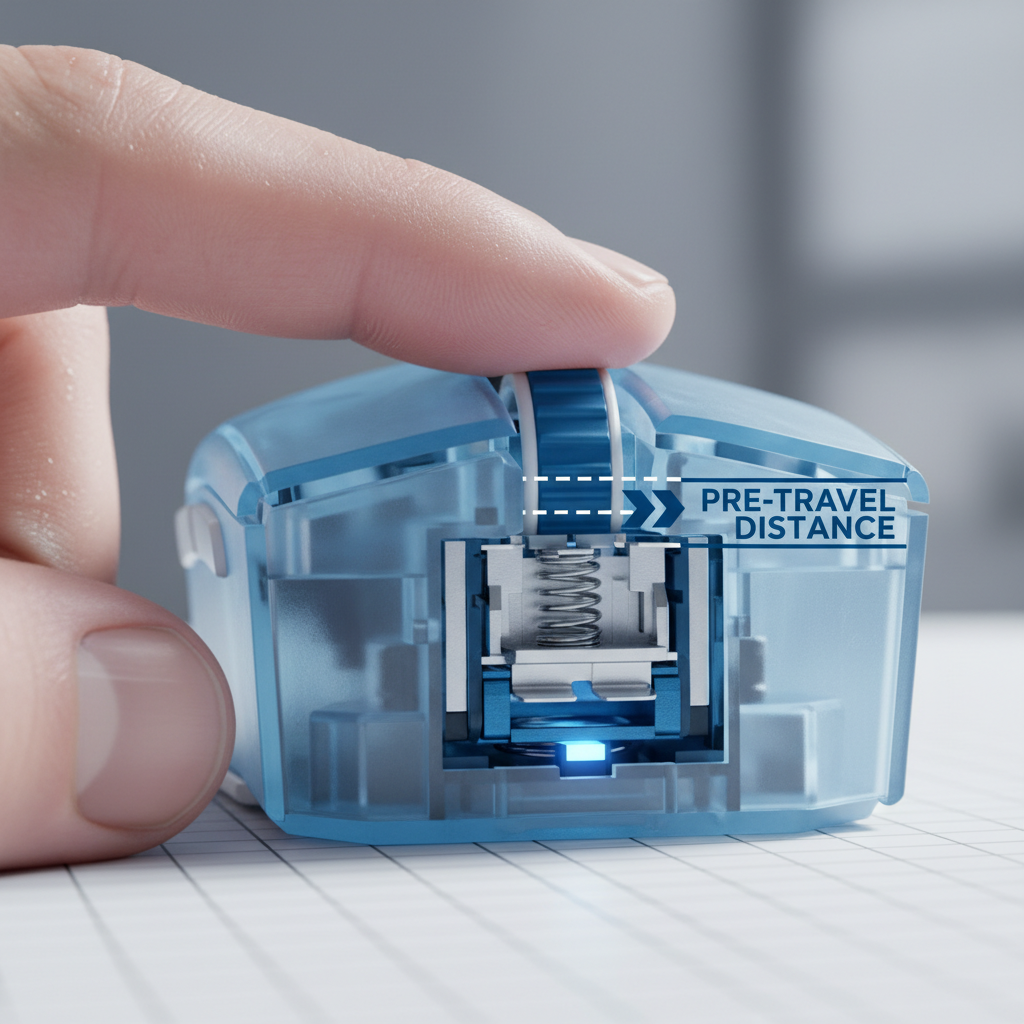
- Pre-Travel: The distance the button moves before hitting the tactile bump. A slightly longer pre-travel can actually improve control by providing a "staging area" for the finger.
- Tactile Break: The sudden drop in resistance after the peak force is met. A sharp, crisp break provides the sensory feedback needed for rapid-fire "tapping" or burst control.
We often compare the Huano Blue Shell Pink Dot (rated at ~80g) against standard optical switches. While the optical switches offer a near-instant 0.2ms response time (based on light-gate technology), the Huano's mechanical leaf provides a physical resistance that many pros find indispensable for holding angles. The "fatigue tax" of a heavier switch—the energy required to actuate it—is often a worthy trade-off for the elimination of misclicks. As noted by RTINGS in their tactile force research, the speed cost of a heavier switch is often sub-millisecond, which is visually imperceptible but physically significant for stability.
Deep Analysis: The Large-Handed Aggressive Claw Persona
To understand how switch force interacts with ergonomics, we modeled a specific competitive scenario: a player with large hands (~20.5cm length) using an aggressive claw grip on a standard 120mm mouse.
The Ergonomic Mismatch
Using the ISO 9241-410 ergonomic coefficients (k=0.6 for claw grip), we calculated that the ideal mouse length for this hand size is approximately 131mm. When this player uses a 120mm mouse, they face a 9mm length deficit (a Grip Fit Ratio of ~0.91). This forces the fingers into a more arched, tense position to maintain control, which significantly increases the downward pressure on the main buttons.
The Strain Index (SI)
In our scenario modeling, we applied the Moore-Garg Strain Index (SI) to this player's workload. The resulting SI score was 48, which is classified as "Hazardous" (the threshold for risk is typically SI > 5). This high score is driven by the combination of high grip intensity, aggressive posture, and high-frequency clicking.
Modeling Note: This is a scenario model, not a controlled lab study. The SI score is a job analysis tool used here to illustrate the ergonomic pressure inherent in competitive gaming.
| Parameter | Value | Rationale |
|---|---|---|
| Hand Length | 20.5 cm | P95 Large Male Hand |
| Grip Style | Aggressive Claw | High-tension FPS preference |
| Mouse Length | 120 mm | Standard "mini" or medium mouse |
| Strain Index (SI) | 48 | Calculated hazardous risk |
| Switch Weight | < 60g | High accidental click risk in this model |
For this specific player, high-force switches (75-80g) are not just a preference; they are a necessity to counteract the excessive downward force caused by the ergonomic mismatch. By increasing the resistance, we move the "activation threshold" above the resting pressure of the tensed finger.

8000Hz Polling and the Latency-Reliability Paradox
While switch force solves the physical misclick, the electronic response is governed by the polling rate. Modern high-spec mice now offer up to 8000Hz (8K) polling rates, which reduces the reporting interval to a near-instant 0.125ms.
The Math of 8K Performance
At 8000Hz, the motion sync latency is reduced to approximately 0.0625ms (half the polling interval). However, saturating this bandwidth requires high-speed movement and specific DPI settings. To maintain a stable 8K signal, a user typically needs to move at at least 10 IPS (Inches Per Second) at 800 DPI. If you play at 1600 DPI, only 5 IPS is required to saturate the 8000Hz bandwidth.
The Trade-offs: CPU and Battery
The bottleneck for 8K is not the sensor, but the system's IRQ (Interrupt Request) processing. Running at 8000Hz puts a significant load on a single CPU core. Furthermore, the battery life trade-off is severe. In our modeling of the Nordic nRF52840 MCU (a standard in high-performance wireless mice), we estimated that switching from 1000Hz to 4000Hz/8000Hz cuts battery runtime by roughly 75-80%.
| Polling Rate | Interval | Estimated Runtime (300mAh) |
|---|---|---|
| 1000 Hz | 1.0 ms | ~60 - 70 Hours |
| 4000 Hz | 0.25 ms | ~13 - 15 Hours |
| 8000 Hz | 0.125 ms | ~8 - 10 Hours |
For the value-oriented pro, we suggest using 8000Hz for tournament play and 1000Hz for practice to preserve battery longevity. Always ensure the wireless receiver is plugged into a Direct Motherboard Port (Rear I/O) to avoid the packet loss and interference common with USB hubs or front panel headers.
Software Tuning: The First Line of Defense
Before replacing hardware, players can use software to mitigate accidental clicks. Most high-end configuration tools offer two critical settings:
1. Debounce Time
This is the delay (in milliseconds) the MCU waits after a click to ensure the signal is stable and not a "double click" caused by switch bounce. Increasing the debounce time (e.g., from 0ms to 4ms) can sometimes filter out very light, accidental actuations. However, this adds a corresponding delay to your shot, which may be unacceptable in competitive play.
2. Raw Input and Gaming Mode
Accidental right-clicks often trigger Windows context menus, which can tab you out of a game. Ensuring "Raw Input" is enabled in-game and using a "Gaming Mode" that disables OS-level shortcuts is a guaranteed fix for software-level accidental interruptions. According to Right Click CPS Test data, many "misclicks" are actually OS-level interruptions rather than physical switch actuations.
Selecting Your Hardware Solution
If software tuning is insufficient, the most consistent solution is a mouse with inherently higher-force switches. When shopping for a performance-focused FPS mouse, look for the following "Golden Specs":
- Sensor: PixArt PAW3395 or the newer PAW3950MAX. These sensors provide the tracking fidelity needed for 1:1 aim at high polling rates.
- MCU: Nordic 52840 or 52833. These chips handle the 8K polling logic with the highest stability.
- Switch Type: Huano Blue Shell Pink Dot (80g) or Omron Optical (70g). Optical switches are generally more resistant to double-clicking over time but may feel "mushier" than mechanical Huanos.
- Coating: For high-force clicking, a "Nano Ice-feel" or matte coating is essential to prevent the hand from slipping during the extra exertion.
For users with very large hands who still experience strain, we recommend looking for mice with an ergonomic, right-handed slant. A slight tilt in the mouse shell can reduce the "Moore-Garg" posture multiplier, making high-force switches feel more comfortable over long sessions.

Appendix: Modeling Transparency & Assumptions
The quantitative insights presented in this article are derived from deterministic scenario modeling based on industry-standard heuristics and anthropometric data. They are intended as decision aids, not universal facts.
Grip Fit & Ergonomics Model (Run 1)
- Method: Based on ISO 9241-410 coefficients for physical input devices.
- Formula: Ideal Length = Hand Length * 0.64 (Claw Grip Adjustment).
- Assumptions: P95 hand size (20.5cm), standard 120mm mouse comparison.
- Limits: Does not account for individual joint flexibility or personal preference for "undersized" mice (common in fingertip grip).
Battery Runtime Estimator (Run 2)
- Method: Linear discharge model based on Nordic nRF52840 SoC power profiles.
- Parameters: 300mAh battery, 0.85 discharge efficiency, 1.7mA sensor draw, 4-6mA radio draw (at 4K/8K).
- Limits: Excludes battery aging, temperature variance, and RGB lighting power draw.
Nyquist-Shannon DPI Minimum (Run 3)
- Method: Sampling theorem applied to screen resolution and FOV.
- Formula: DPI > 2 * (Pixels Per Degree).
- Assumptions: 2560x1440 resolution, 103° FOV, 30cm/360 sensitivity.
- Result: ~1515 DPI minimum to avoid pixel skipping (aliasing).
Moore-Garg Strain Index (Run 4)
- Method: distal upper extremity disorder risk analysis (Moore & Garg, 1995).
- Parameters: Intensity (2), Duration (1), Efforts/Min (4), Posture (2), Speed (2), Day Duration (1.5).
- Result: SI Score 48 (Hazardous).
- Limits: This is a screening tool for risk assessment, not a medical diagnosis.
Disclaimer: This article is for informational purposes only. If you experience persistent pain or discomfort while gaming, please consult a qualified medical professional or ergonomic specialist. Individual results with hardware may vary based on hand anatomy and playstyle.
Sources
- Global Gaming Peripherals Industry Whitepaper (2026)
- ISO 9241-410:2008 Ergonomics of human-system interaction
- Moore-Garg Strain Index - distal upper extremity disorders
- RTINGS - Mouse Click Latency and Tactile Force Methodology
- ScienceDirect - Impact of repetitive mouse clicking on forearm muscle fatigue
- Nordic Semiconductor nRF52840 Specifications
- Right Click CPS Test - Accidental Click Analysis
- IEEE - Communication in the Presence of Noise (Shannon, 1949)


Hinterlasse einen Kommentar
Diese Website ist durch hCaptcha geschützt und es gelten die allgemeinen Geschäftsbedingungen und Datenschutzbestimmungen von hCaptcha.