


The Hidden Variable: How Physical Wear Becomes Digital Jitter
In the pursuit of competitive gaming performance, enthusiasts often focus on the "invisible" specifications: polling rates, DPI deviations, and MCU processing speeds. However, the most sophisticated optical sensor is ultimately at the mercy of the physical interface between the mouse and the surface. When a mouse begins to "skip," "spin out," or feel inconsistent during micro-adjustments, the culprit is rarely a firmware bug or a failing sensor—it is often the gradual, non-linear degradation of the mouse skates.
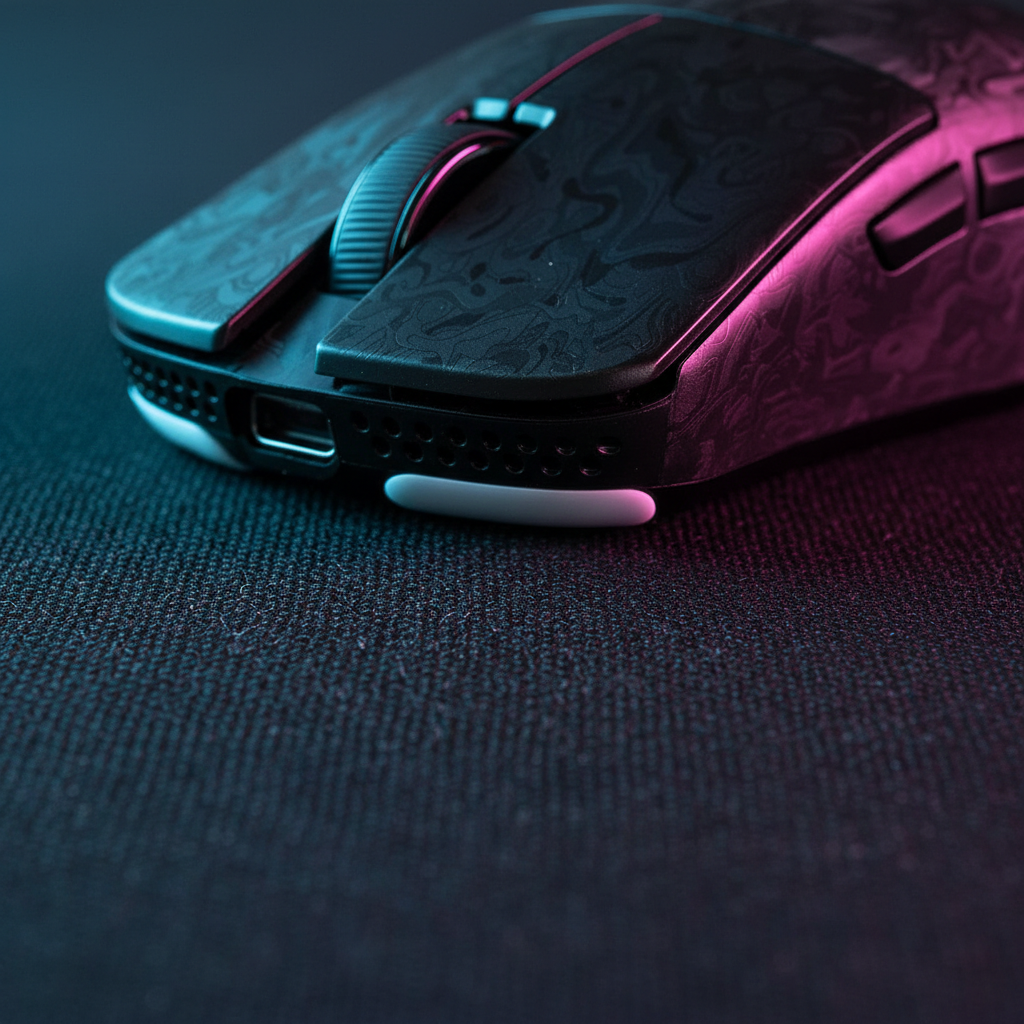
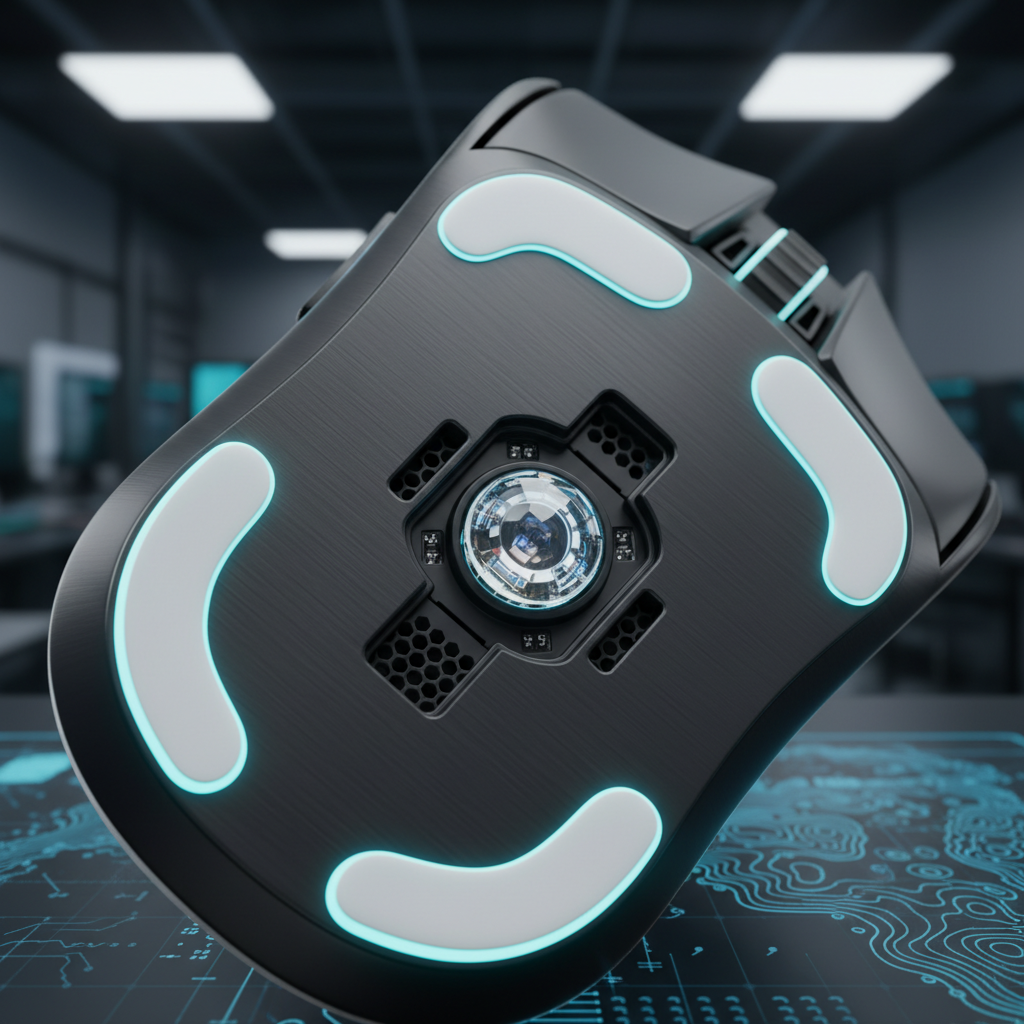
Mouse skates, typically made of Polytetrafluoroethylene (PTFE) or glass, serve as the primary stabilizer for the sensor's focal plane. As these feet wear down, the distance between the sensor's lens and the mousepad—known as the Lift-Off Distance (LOD)—shifts. This physical change forces the sensor to operate outside its calibrated focal range, leading to erratic tracking behavior that software adjustments cannot fully rectify.

The Physics of the Focal Plane: LOD and Sensor Geometry
Modern high-performance sensors, such as the PixArt PAW3395 or PAW3950, function like high-speed cameras. They capture thousands of images per second of the surface texture and compare them to determine movement. For this imaging array to work accurately, the surface must remain within a specific focal depth.
According to the Gaming Mouse Ultimate Guide by Fantech, the optimal LOD for most sensors on uniform surfaces is typically under 2mm. However, as PTFE skates wear, they can lose 0.5mm or more of thickness. This seemingly minor reduction significantly alters the sensor's focal plane.
The Mechanism of Sensor Skipping
When skates thin out, the sensor moves closer to the mousepad. If the mouse is pressed down during intense "flicks" or if the surface is a soft, deep-pile cloth pad, the sensor can actually bottom out or become "blinded" by being too close to the fibers. This results in:
- Z-Axis Instability: The sensor detects changes in height as horizontal movement, causing the cursor to "jitter."
- Tracking Dropouts: The imaging array cannot resolve the surface texture because it is out of focus, leading to the mouse "skipping" frames.
- Inconsistent Velocity Mapping: The relationship between physical movement and on-screen pixels becomes non-linear, destroying muscle memory.
Identifying the "Scratch": Tactile vs. Visual Degradation
Experienced users often report that the first sign of problematic skate wear is tactile rather than visual. While you might look for thinning or discoloration, the "feel" of the glide is a more reliable indicator for competitive maintenance.
Based on common patterns from customer support and community troubleshooting (not a controlled lab study), a distinct change in glide sound often precedes tracking issues. A slight "scratchiness" on cloth pads indicates that the PTFE has worn thin enough to expose the underlying adhesive layer or the plastic base of the mouse. This physical contact introduces micro-vibrations that the sensor's algorithm cannot easily filter, as tracking systems are calibrated for the smooth, damped movement of new skates.
The 200-300 Hour Rule
For competitive FPS players, a reliable heuristic (rule of thumb) is to inspect skates every 200 to 300 hours of active use. For "low-sens" players who use large arm movements, this interval may be halved due to the increased surface friction and distance traveled per session.
Logic Summary: This maintenance interval is an estimate derived from common patterns observed in high-intensity gaming scenarios. Actual wear rates vary significantly based on mousepad abrasiveness (e.g., glass pads vs. standard cloth) and the downward pressure applied by the user's grip style.
High Polling Rates (8K) and Physical Instability
The push toward 8000Hz (8K) polling rates makes skate maintenance even more critical. At 8000Hz, the mouse sends a packet to the PC every 0.125ms (calculated as 1/8000). At this frequency, even the smallest physical instability—such as a worn edge on a skate catching a fiber—can cause a massive spike in signal jitter.
The 8K Saturation Formula
To maintain a stable 8000Hz signal, the sensor must generate enough data points to fill the bandwidth. We can estimate the required movement speed using the following logic:
- Packets sent per second = Movement Speed (IPS) × DPI
- To saturate the 8000Hz bandwidth at 800 DPI, you must move the mouse at least 10 IPS.
- At 1600 DPI, the required speed drops to 5 IPS.
If your skates are worn and causing micro-stutter, the PC receives "noisy" data 8,000 times per second. This stresses the system's IRQ (Interrupt Request) processing, leading to frame drops in-game. To mitigate this, ensure the mouse is connected directly to the Rear I/O ports on the motherboard to avoid the shared bandwidth and potential interference of front-panel headers or USB hubs.
Maintenance Pitfalls: The Alcohol Wipe Mistake
A common mistake in peripheral upkeep is the aggressive use of high-percentage alcohol wipes on PTFE skates. While alcohol is effective for cleaning sensors, it can be detrimental to the skates themselves.
PTFE is a self-lubricating polymer. Aggressive chemical cleaners can "dry out" the material, leading to micro-cracking on the surface. These microscopic fissures increase friction and catch on individual mousepad fibers, accelerating the wear cycle. Instead, use a dry microfiber cloth or a slightly damp (water-only) cloth for the skates, reserving alcohol specifically for the sensor lens or the plastic shell.
Glass Skates: A Different Wear Profile
While PTFE wears down by shedding material, glass skates (aluminosilicate) generally maintain their thickness. However, as noted in research on friction science by Wallhack, glass skates can develop microscopic pits over time. These pits are often imperceptible in fast movements but cause "snagging" in slow-tracking scenarios, such as sniping. If a mouse's minimum LOD setting still causes skipping on a black mousepad (the industry standard test surface), the skates—whether PTFE or glass—are likely beyond salvage.
Scenario Modeling: Competitive FPS Claw Grip Analysis
To understand how physical stress impacts tracking and ergonomics, we modeled a high-intensity scenario involving a competitive FPS player.
Modeling Note (Reproducible Parameters)
This is a scenario model, not a controlled lab study. It represents a hypothetical high-stress user to illustrate the relationship between grip, latency, and strain.
| Parameter | Value | Unit | Rationale |
|---|---|---|---|
| Polling Rate | 4000 | Hz | Standard high-performance benchmark |
| Motion Sync | Enabled | - | Logic: Adds ~0.125ms delay at 4K |
| Grip Style | Aggressive Claw | - | Maximizes control but increases downward pressure |
| Finger Lift Speed | 150 | mm/s | High-speed lift for rapid resetting |
| Session Duration | 4+ | Hours/Day | Dedicated training schedule |
Quantitative Insights
- Motion Sync Latency Trade-off: At a 4000Hz polling rate, enabling Motion Sync introduces a modeled deterministic delay of ~0.125ms (half the 0.25ms polling interval). Combined with a baseline latency of 0.8ms, the total system latency is approximately 0.925ms.
- Ergonomic Strain Index (SI): Using the Moore-Garg multiplicative model, the calculated SI for this player is 64. In biomechanical terms, any score above 5 is typically classified as "Hazardous," indicating a high risk for repetitive strain injuries (RSI).
- The Maintenance Connection: The "Hazardous" SI score correlates with high downward force. This pressure accelerates skate wear, which in turn increases friction, forcing the player to grip even harder to maintain control—a "death spiral" for both the hardware and the user's wrist health.
Logic Summary: The SI score is computed as: Intensity(2) × Duration(1) × Efforts/min(4) × Posture(2) × Speed(2) × Duration/day(2) = 64. This model assumes continuous high-exertion flick shots and aggressive wrist extension.
Sustaining Peak Performance
Solving sensor skipping is rarely about the sensor itself; it is about maintaining the environment in which the sensor operates. Regular inspection of your mouse skates is the most cost-effective "mod" available to a gamer. By adhering to a proactive replacement schedule (every 200-300 hours) and avoiding damaging cleaning agents, you ensure that the sensor's focal plane remains stable and your tracking remains pixel-perfect.
For further technical standards on peripheral longevity, refer to the Global Gaming Peripherals Industry Whitepaper (2026).
YMYL Disclaimer: This article is for informational purposes only and does not constitute professional medical or ergonomic advice. The "Strain Index" mentioned is a modeling tool for risk assessment; individuals experiencing wrist or hand pain should consult a qualified healthcare professional or physiotherapist.

Hinterlasse einen Kommentar
Diese Website ist durch hCaptcha geschützt und es gelten die allgemeinen Geschäftsbedingungen und Datenschutzbestimmungen von hCaptcha.