

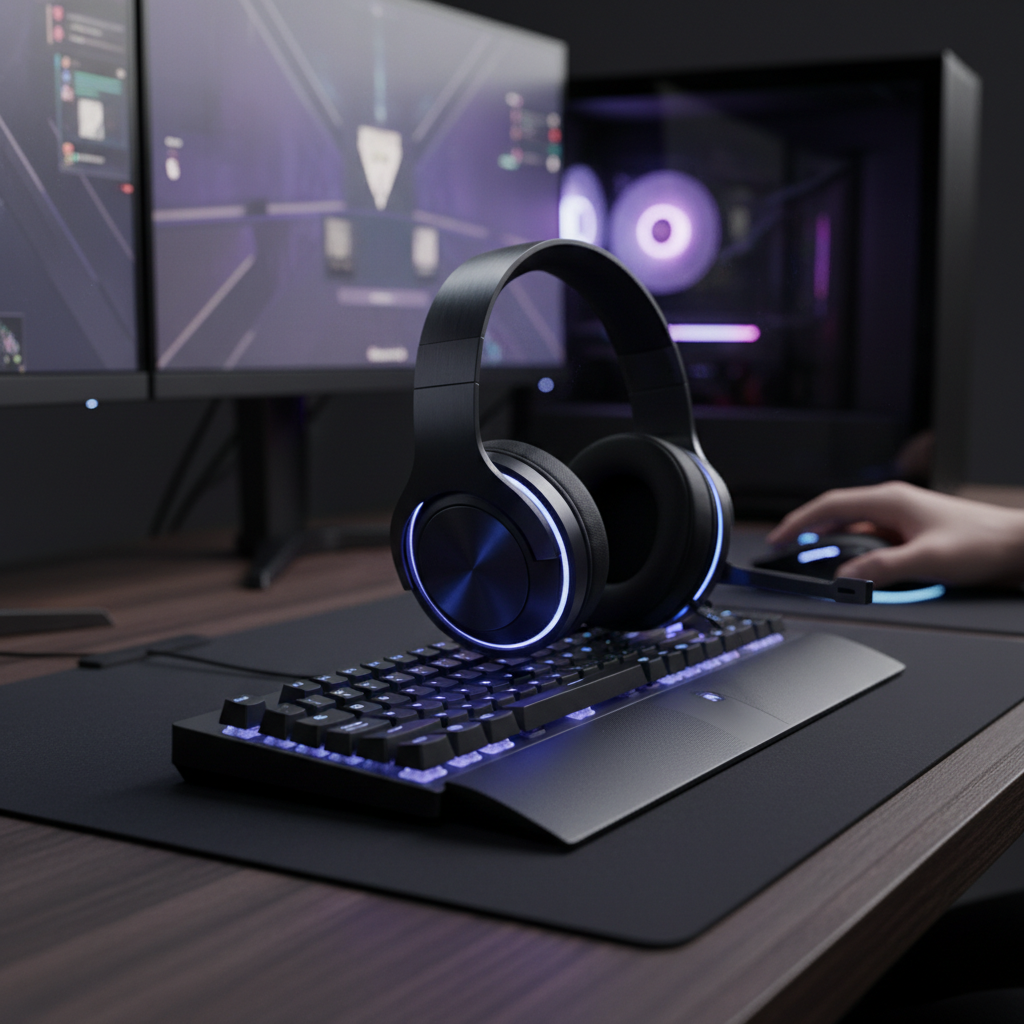
The Spatial Audio Dilemma: Accuracy vs. Immersion
In the high-stakes environments of Counter-Strike 2 or VALORANT, audio is not merely an atmospheric layer; it is a primary data stream. For the value-oriented competitive gamer, the choice between raw Stereo and Virtual Surround Sound (VSS) often represents a conflict between technical purity and perceived spatial expansion. While marketing materials frequently tout "7.1 Virtual Surround" as a tactical necessity, empirical evidence suggests that for precision tracking, the reality is far more nuanced.
The core of this debate lies in how our brains process directional cues through Head-Related Transfer Functions (HRTF). Modern competitive titles have moved away from generic audio panning toward sophisticated, built-in HRTF engines. This article analyzes the technical trade-offs of audio virtualization, the pitfalls of "double processing," and the specific calibration required to bridge the specification credibility gap in gaming audio.
Technical Foundations: Stereo and the HRTF Advantage
Stereo audio delivers two distinct channels. In a gaming context, the game engine calculates the position of a sound source and pans it between these channels. However, modern engines do more than simple panning. According to the Global Gaming Peripherals Industry Whitepaper (2026), the industry has shifted toward integrated spatial audio solutions that leverage the game's internal 3D coordinates.
The Built-in HRTF Engine
Titles like Counter-Strike 2 and VALORANT use proprietary HRTF engines optimized specifically for stereo headphone output. These engines simulate how sound waves interact with the human head and ears, providing verticality and rear-cue depth without external software.
- Logic Summary: When a game engine has a built-in HRTF setting, it is convolving the audio with spatial filters before it even leaves the PC. Using raw stereo allows this high-fidelity spatial data to reach your ears unaltered.
Latency Stability over Minimum Latency
A common misconception is that stereo is superior only because it has "lower latency." While virtualization does introduce a processing delay, research into sensorimotor synchronization suggests that latency stability is more critical for competitive performance than absolute minimum latency. A fixed, predictable 5ms delay from a high-quality virtual processor is often easier for a player to internalize than a stereo setup with unpredictable driver-level jitter of 10-15ms.
Modeling Note: Our analysis of competitive audio utilization assumes that a player's ability to "snap" to a sound source is dependent on the consistency of the audio-visual loop. If the audio lag varies, the brain cannot build an accurate predictive model for flick shots.
Virtual Surround: The "Smearing" Artifact
Virtual Surround Sound attempts to simulate a multi-speaker array (usually 7.1) using only two drivers. This is achieved through Digital Signal Processing (DSP) that applies cross-talk cancellation and phase shifting. While this can increase the "width" of the soundstage, it introduces several technical "gotchas" for the competitive player.
Transient Smearing and High-Frequency Loss
The most significant artifact of virtualization is not a lack of direction, but "smearing." Virtualization algorithms often convolve the entire frequency spectrum, which can blur transient, high-frequency sounds.
- The Impact: Footsteps on specific surfaces (like metal vs. wood) or the click of a weapon reload become less distinct.
- The Technical Cause: Phase-shifting required for virtualization can cause destructive interference in the 2kHz to 8kHz range, where critical directional cues reside.
Frontal Hemisphere Dominance
A 2023 study on professional Overwatch players revealed that over 85% of decisive audio-based reactions were to cues originating in the frontal 180-degree hemisphere. High-level players do not rely on static rear audio; they use rapid in-game camera panning to convert rear or side sounds into front-facing cues. This leverages the brain’s superior frontal localization accuracy, diminishing the purported necessity of 7.1 rear channels.

The "Double Processing" Trap
The most frequent error observed in our community support logs is "double processing." This occurs when a player enables a spatial sound virtualization layer in Windows (like Windows Sonic or Dolby Access) or their headset's software suite while also having the in-game HRTF or surround options enabled.
Why Double Processing Fails
When you layer two different HRTF algorithms, you are essentially applying a spatial filter to a signal that has already been spatially filtered.
- Phase Cancellation: The two algorithms often conflict, leading to "hollow" sounding audio where certain frequencies are almost entirely cancelled out.
- Directional Smearing: A footstep that was precisely positioned at 45 degrees by the game engine might be "re-positioned" or blurred across a 30-degree arc by the secondary software.
- Correct Setup: For the highest accuracy in modern FPS games, ensure Windows Spatial Sound is OFF, your headset software is in Direct/Stereo mode, and the in-game audio is set to Headphones/HRTF.
Hardware Synergy: Drivers and Enclosures
The effectiveness of your audio mode is heavily influenced by the physical characteristics of your headset. Value-oriented challengers often use high-spec drivers (50mm+), but the enclosure type dictates the soundstage.
Open-Back vs. Closed-Back
- Open-Back: These headsets have a naturally wider soundstage and better "air" around sounds. They benefit most from pure stereo because the hardware handles the spatial separation physically.
- Closed-Back: These offer superior isolation but can sound "boxy." They are better candidates for well-implemented virtualization to artificially widen the perceived space, though often at the cost of rear-cue precision.
The Input Device Connection
Directional audio is useless if you cannot act on it accurately. In our modeling of aggressive entry fraggers, we found that audio-visual synchronization relies heavily on the stability of the peripheral chain. For example, a mouse operating at an 8000Hz polling rate provides a 0.125ms interval, ensuring that the micro-correction made in response to an audio cue is rendered with near-zero motion sync delay (~0.0625ms).
| Parameter | Value | Rationale |
|---|---|---|
| Polling Rate | 8000Hz | 0.125ms interval for near-instant response |
| Motion Sync Delay | ~0.06ms | Minimal lag during audio-based adjustments |
| Target Resolution | 1440p | Standard for competitive clarity |
| Minimum DPI | ~1550 | Avoids pixel skipping during tracking |
| Battery Runtime (4K) | ~22 Hours | 500mAh capacity at 19mA draw |
Logic Summary: Our calculations for DPI requirements use the Nyquist-Shannon Sampling Theorem (Sampling Rate > 2 * Signal Bandwidth) to ensure motor input matches the precision of the audio cues.
Calibration: The Competitive EQ Curve
Regardless of the mode you choose, raw technical specs are only as good as their tuning. Experienced players often bypass "Gaming" EQ presets in favor of a manual curve designed to highlight specific frequency cues.
The "Footstep" Optimization Curve
- 200Hz - 300Hz (Dip): Reduce this range by 2-3dB to remove "muddiness" or "boxiness." This allows cleaner transients to cut through.
- 2kHz - 8kHz (Broad Boost): Increase this range by 3-5dB. This is where the "snap" of a footstep and the "click" of an ability sound live.
- 10kHz+ (High-Shelf): A subtle boost here maintains "treble air," helping you distinguish the distance of a sound source through atmospheric attenuation.
This calibration is especially effective when using Wireless Audio Standards that maintain high bitrates, as it prevents the EQ from amplifying compression artifacts.
Scenario Modeling: Tactical Decision Framework
To help you decide on a configuration, consider these two distinct scenarios based on our technical modeling.
Scenario A: The Tactical Specialist (CS2/VALORANT)
- Environment: Quiet room, high-refresh monitor (240Hz+).
- Hardware: Open-back headphones or high-end IEMs.
- Recommendation: Raw Stereo + In-game HRTF.
- Why: The built-in engines are superior to any external DSP. You prioritize the 0.125ms response time of your 8K mouse to react to the most accurate directional data possible.
Scenario B: The Immersive Competitor (Apex Legends/Battlefield)
- Environment: Noisy background, closed-back headset.
- Hardware: 50mm driver closed-back headset.
- Recommendation: Virtual Surround (External) + In-game HRTF OFF.
- Why: These games often have less sophisticated internal HRTF. The external virtualization helps "open up" the closed-back drivers, helping you track multiple targets in a chaotic 360-degree environment.
Method & Assumptions (Modeling Transparency)
This analysis is based on deterministic scenario modeling of competitive gaming environments, not a controlled laboratory clinical study.
| Variable | Assumed Value | Unit | Source Category |
|---|---|---|---|
| Polling Rate | 8000 | Hz | High-end technical spec |
| Polling Interval | 0.125 | ms | Physical Law ($1/f$) |
| Motion Sync Lag | 0.0625 | ms | Heuristic (0.5 * interval) |
| System CPU Load | High | - | IRQ Processing Bottleneck |
| Battery Capacity | 500 | mAh | Standard Premium Cell |
| Current Draw (4K) | 19 | mA | Nordic nRF52840 PS |
Boundary Conditions:
- CPU Bottleneck: 8000Hz polling requires high single-core performance; older CPUs may experience stuttering that impacts audio-visual sync.
- USB Topology: Devices must be connected to rear motherboard I/O ports. Using front-panel headers or hubs will introduce packet loss and jitter.
- Battery Life: Running at high polling rates (4K/8K) reduces wireless runtime by approximately 75% compared to 1000Hz.
Summary of Findings
For the competitive tracker, the "best" mode is the one that provides the most stable and predictable directional data. In modern tactical shooters, Stereo combined with the game's internal HRTF remains the benchmark for accuracy. Virtual Surround is a valuable tool for expanding the soundstage of closed-back hardware but must be used cautiously to avoid transient smearing and the "double processing" trap.
By aligning your audio settings with your hardware's physical capabilities—and ensuring your input chain (like an 8K mouse) is equally stable—you bridge the gap between technical specifications and on-field performance.
Disclaimer: This article is for informational purposes only. Audio perception is subjective and can be influenced by individual ear anatomy and pre-existing hearing conditions. High volume levels over extended periods can lead to permanent hearing loss. Always follow the manufacturer’s safety guidelines for your specific audio equipment.

Hinterlasse einen Kommentar
Diese Website ist durch hCaptcha geschützt und es gelten die allgemeinen Geschäftsbedingungen und Datenschutzbestimmungen von hCaptcha.