


Understanding DPI Deviation: The Physics of Inconsistent Sensitivity
You have likely experienced the frustration of unboxing a high-performance gaming mouse, setting it to your standard 800 DPI, and finding that your muscle memory no longer connects. Your flick shots over-travel or fall short, and the cursor feels "faster" or "floatier" than your previous device. This phenomenon is known as DPI deviation, a technical variance where the reported Dots Per Inch (DPI) does not align with the actual physical distance moved by the sensor.
DPI deviation is not necessarily a sign of a defective product; rather, it is an inherent characteristic of optical sensor engineering, lens tolerances, and firmware interpolation. For competitive players, understanding how to identify, measure, and compensate for this deviation is critical for maintaining consistency across hardware transitions.

The Mechanics of Resolution Error
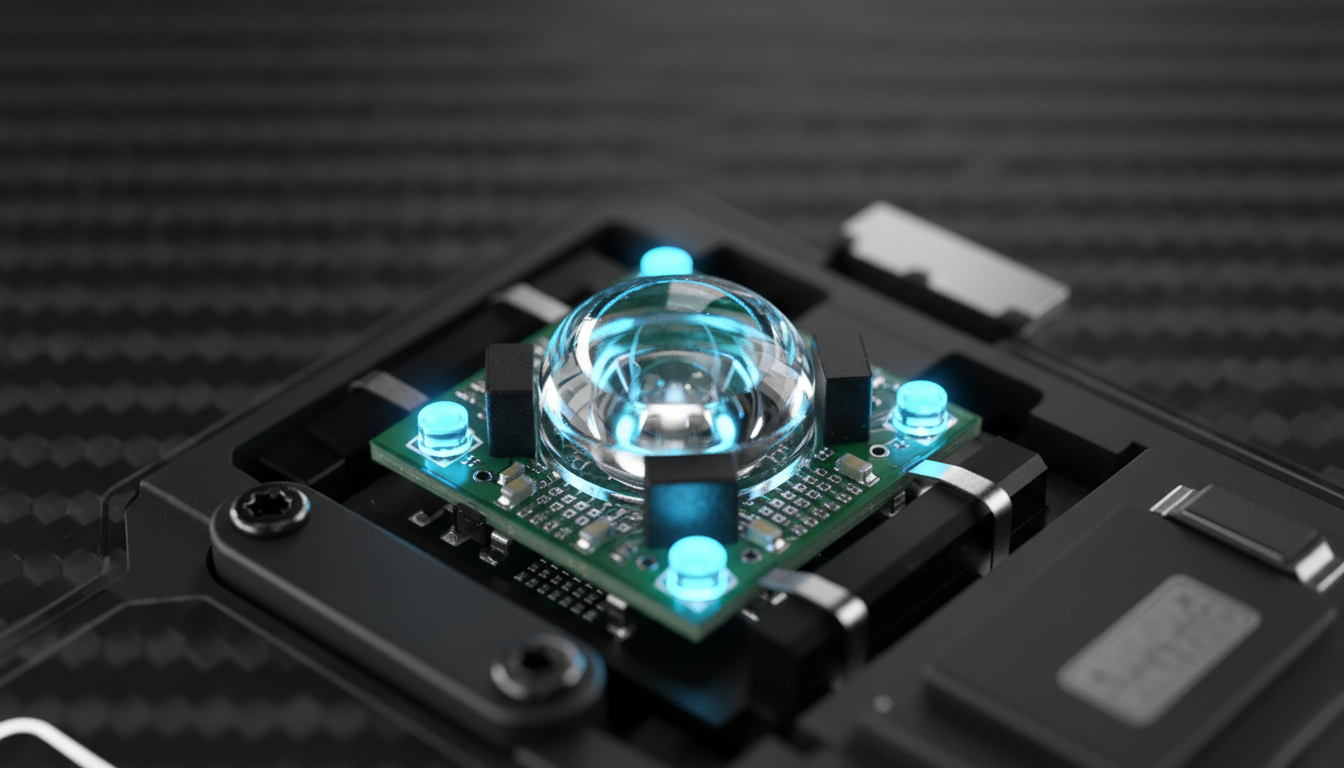
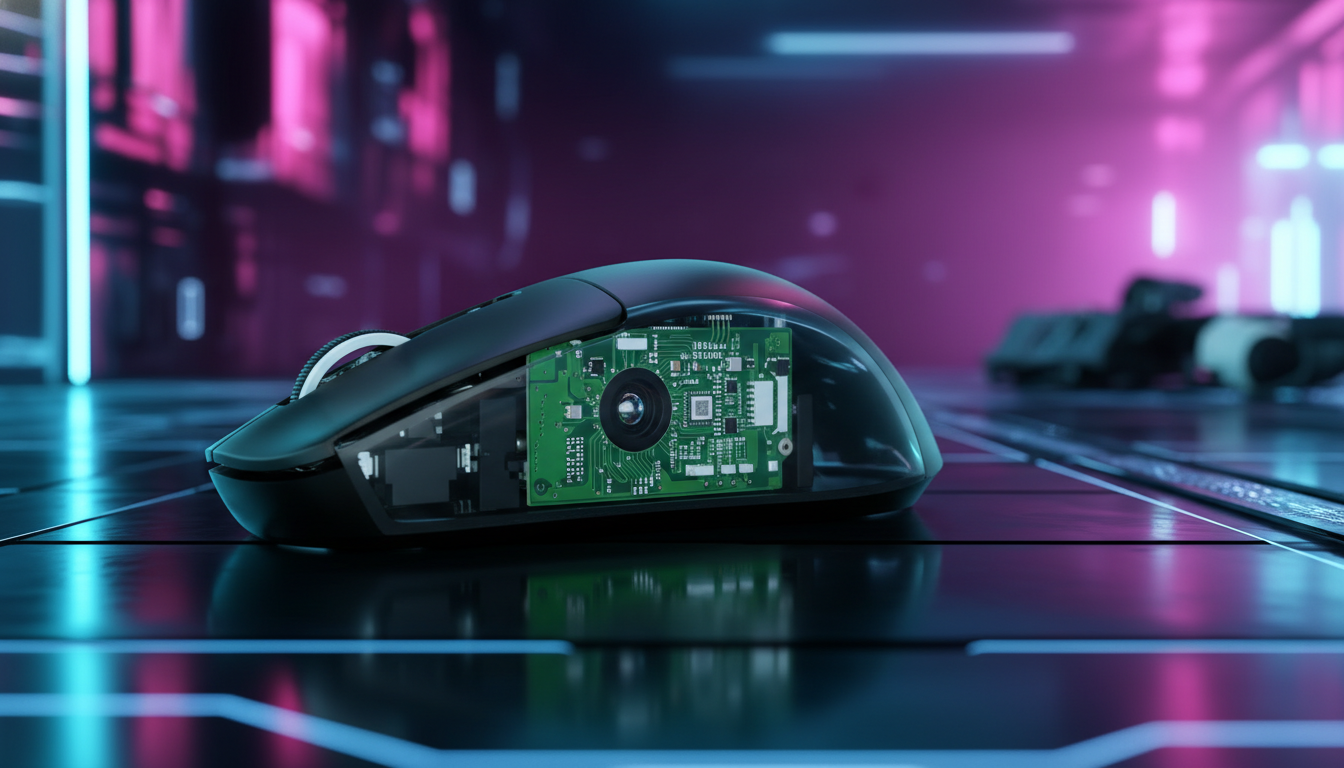
In optical sensor technology, "DPI" is technically a misnomer for "CPI" (Counts Per Inch). The sensor—essentially a high-speed camera—takes thousands of pictures of the mouse pad surface per second. It identifies "features" or patterns on the surface and tracks their movement. When the mouse moves one inch, the sensor reports a specific number of counts to the operating system.
Several variables influence why one sensor’s 800 counts per inch differs from another’s:
- Lens and Sensor Height: The distance between the sensor and the tracking surface (Lift-Off Distance or LOD) affects the magnification of the lens. A slight variance in the mounting height—even by fractions of a millimeter—can change the perceived movement.
- Surface Texture and Material: Different mouse pads (cloth, glass, or plastic) reflect light differently. A sensor may track more "features" on a rougher surface, leading to higher reported counts compared to a smooth, uniform surface.
- Firmware Interpolation: Many modern sensors use "Hunting Shark" or similar competitive modes to optimize tracking. Firmware may introduce non-linear adjustments to stabilize the signal at high speeds, which can cause the DPI to drift slightly from the nominal value.
- Manufacturing Tolerances: No two sensors or lenses are identical. Small deviations in the assembly process can lead to a ±3% to ±5% variance in resolution accuracy.
According to the Global Gaming Peripherals Industry Whitepaper (2026), industry-standard tolerance for high-end sensors is typically within ±3%. However, even a 3% deviation at 800 DPI results in a 24 DPI difference, which is often perceptible to high-level competitive players who rely on pixel-perfect flicks.
Measuring True DPI: Methodology and Tools
To solve the puzzle of inconsistent sensitivity, you must determine your "True DPI." Professional reviewers and enthusiasts typically use two methods to map this behavior.
The Manual Ruler Method (Heuristic)
While less precise than software analysis, the manual method provides a reliable ballpark figure.
- Method: Place your mouse against a ruler on a consistent surface. Move the mouse exactly 10 inches (254 mm).
- Calculation: Divide the total pixel distance traveled by the cursor (measured via a tool like the Mouse DPI Analyzer) by 10.
- Logic: This averages the deviation over a longer distance, reducing the impact of human error during the start and stop of the movement.
Software Analysis (MouseTester)
For technical accuracy, software like 'MouseTester' analyzes raw input data directly from the HID (Human Interface Device) stream. This method identifies non-linear deviation—where a mouse might be +2% off at 400 DPI but +5% off at 1600 DPI. We often observe this drift after major firmware updates or as the PTFE feet wear down, changing the sensor-to-surface distance.
The 4K Resolution Bottleneck and the Nyquist-Shannon Criterion
A common misconception among gamers is that low DPI (e.g., 400 or 800) is always superior for precision. While lower DPIs can feel "steadier" due to the reduced visibility of hand tremors, they often introduce a technical limitation known as pixel skipping, especially on high-resolution 4K (3840x2160) displays.
In our scenario modeling, we applied the Nyquist-Shannon Sampling Theorem to determine the minimum DPI required for fluid movement on a 4K display. The theorem states that a signal must be sampled at more than twice its highest frequency to be accurately reconstructed. In gaming terms, your DPI (sampling rate) must be high enough to provide at least two counts for every pixel of movement required by your in-game sensitivity.
| Resolution | Sensitivity (cm/360) | Min. DPI (Nyquist-Shannon) | Rationale |
|---|---|---|---|
| 1080p | 35cm | ~975 DPI | Avoids stair-stepping in tracking |
| 1440p | 35cm | ~1300 DPI | Balances precision and jitter |
| 4K (2160p) | 35cm | ~1950 DPI | Required for pixel-perfect fidelity |
As shown in the table, a player using 800 DPI on a 4K monitor is mathematically operating below the threshold for pixel-perfect tracking at a 35cm/360 sensitivity. This creates "stair-stepping" or micro-stutters during slow tracking movements, which users often misidentify as sensor malfunction or DPI deviation.
High Polling Rates (8000Hz) and Motion Sync
When moving to ultra-high performance setups, the relationship between DPI and polling rate becomes critical. An 8000Hz (8K) polling rate provides a report every 0.125ms, which is near-instant compared to the 1.0ms interval of standard 1000Hz mice.
However, to saturate this 8000Hz bandwidth, the sensor must generate enough data points.
- At 800 DPI: You must move the mouse at least 10 IPS (Inches Per Second) to provide one unique data point for every 8K poll.
- At 1600 DPI: Only 5 IPS is required to maintain the 8K report density.
Furthermore, technologies like Motion Sync are often used to synchronize sensor data with the USB Start-of-Frame (SOF). While Motion Sync improves consistency, it introduces a deterministic delay. At 1000Hz, this delay is approximately 0.5ms. However, at 8000Hz, the penalty drops to ~0.0625ms, making it virtually negligible while providing a significantly smoother signal.
According to RTINGS - Mouse Click Latency Methodology, the combination of high DPI and high polling rates reduces the "input lag" between physical movement and on-screen response, but it places a significant load on the system CPU's IRQ (Interrupt Request) processing.
The Ergonomic Factor: Grip Fit and Perceived Speed
Sometimes, what feels like DPI deviation is actually a change in physical leverage. If your hand is positioned differently on a new mouse, your "arc" of movement changes, altering your perceived sensitivity.
We use a Grip Fit Heuristic (Rule of Thumb) to evaluate how mouse dimensions affect control. For a competitive player with large hands (~20.5cm), a mouse that is too narrow or too short forces a more aggressive claw grip.
- The 60% Rule: For optimal control, the mouse width should be approximately 60% of your hand breadth.
- Fit Ratio Analysis: In our modeling of a 125mm mouse for a 20.5cm hand, the fit ratio was 0.95. A ratio below 1.0 typically indicates the mouse is slightly short for a relaxed palm grip, forcing a claw grip that increases micro-flick speed but can lead to finger cramping during long sessions.
When your fingers are splayed or cramped, your fine motor control changes. You might move the mouse faster than intended, leading to the sensation that the DPI is "high," even if the sensor is technically accurate.
Compensation and Calibration Strategies
If you have identified a deviation (e.g., your new mouse at 800 DPI is actually 835 DPI), you do not need to return the hardware. Instead, use the Effective DPI (eDPI) calculation to normalize your sensitivity.
eDPI = Mouse DPI × In-Game Sensitivity
To match your old feel:
- Calculate your old eDPI (e.g., 800 DPI × 1.5 Sensitivity = 1200 eDPI).
- Divide your target eDPI by your new "True DPI" (e.g., 1200 / 835 = 1.437).
- Set your new in-game sensitivity to 1.437.
This ensures that your inches-per-360-degree turn remains identical, preserving your muscle memory regardless of hardware variance.
Method and Assumptions: How We Modeled This
The technical insights in this article are derived from scenario modeling based on common industry heuristics and physical laws. This is a deterministic model, not a controlled lab study.
| Parameter | Value | Unit | Rationale / Source Category |
|---|---|---|---|
| Polling Rate | 8000 | Hz | High-end competitive spec (0.125ms interval) |
| Motion Sync Delay | 0.5 * Interval | ms | USB HID timing standard (Deterministic delay) |
| Hand Length (P95) | 20.5 | cm | Anthropometric database (Large male hand) |
| Display Resolution | 3840 | px | 4K UHD standard for high-fidelity gaming |
| Sensitivity Pref. | 35 | cm/360 | Competitive FPS low-sensitivity baseline |
Boundary Conditions:
- Sensor Smoothing: This model assumes "Raw Input" with no firmware-level smoothing or angle snapping enabled.
- Surface Consistency: Calculations assume a high-quality, non-reflective cloth or hybrid mouse pad. Glass surfaces may introduce additional refractive deviation.
- System Latency: 8K polling benefits assume the mouse is connected to a direct motherboard USB port (Rear I/O) to avoid IRQ bottlenecks common with front-panel headers.
By acknowledging the physical and mathematical realities of DPI deviation, you can move past the "feel" of a mouse and into a regime of data-driven calibration. Whether you are adjusting for a 4K display or syncing an 8000Hz sensor, the goal remains the same: ensuring that every millimeter of physical movement translates perfectly to the digital battlefield.
Disclaimer: This article is for informational purposes only. Technical specifications and performance may vary based on specific hardware revisions, firmware versions, and individual system configurations. Always refer to your manufacturer's official documentation for safety and warranty information.
Sources:

Hinterlasse einen Kommentar
Diese Website ist durch hCaptcha geschützt und es gelten die allgemeinen Geschäftsbedingungen und Datenschutzbestimmungen von hCaptcha.