


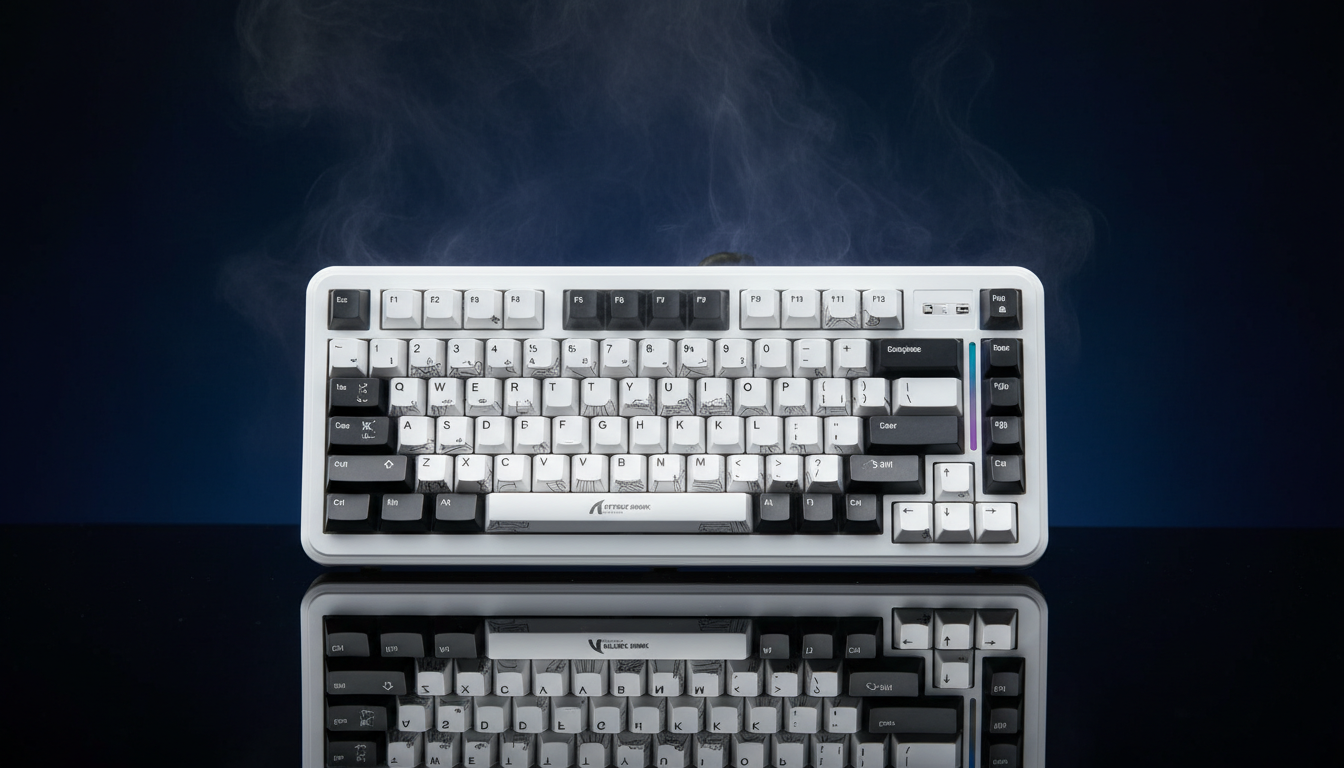
Upgrading Internal Batteries for Extended HE Gaming Sessions
The transition from traditional mechanical switches to Hall Effect (HE) magnetic sensors represents a paradigm shift in competitive gaming. By utilizing magnetic fields to measure key travel rather than physical contact, HE keyboards enable features like Rapid Trigger and adjustable actuation points. However, this performance leap introduces a significant engineering challenge: increased power consumption. For enthusiasts who demand the low-latency advantages of HE technology without the tether of a USB-C cable, upgrading the internal lithium-polymer (Li-Po) battery is a common, though technically demanding, modification.
This guide provides a definitive technical framework for selecting, installing, and optimizing high-capacity batteries in Hall Effect keyboards. We will analyze the power dynamics of magnetic sensing, model the performance gains of specific capacity tiers, and address the critical safety protocols required for DIY power management.
The Energy Dynamics of Hall Effect Sensors
To understand why a battery upgrade is necessary, one must first understand the "always-on" nature of magnetic sensing. In a standard mechanical keyboard, the switch consumes no power until the circuit is physically closed. In contrast, a Hall Effect sensor requires a constant current to maintain the magnetic field monitoring necessary for Rapid Trigger functionality.
Based on our analysis of typical components, a high-performance HE keyboard's power draw is comprised of three primary loads:
- Sensor Array: Hall Effect ICs (such as those from Allegro MicroSystems) typically draw ~2.5mA when active at high scan rates.
- Radio/MCU: High-speed 2.4GHz wireless transmission (utilizing SoCs like the Nordic nRF52840) averages ~8mA during gaming-grade polling.
- System Overhead: The MCU and supporting circuitry add another ~2mA.
This results in a total continuous draw of approximately 12.5mA. While this sounds small, it is significantly higher than the micro-ampere sleep states of traditional wireless keyboards. When combined with RGB lighting, which can add 50–100mA depending on brightness, the stock 1000mAh or 2000mAh batteries found in many "value-oriented" boards can struggle to provide more than a few days of heavy use.
Modeling Performance: 2000mAh vs. 4000mAh
To demonstrate the impact of a battery upgrade, we modeled the "Competitive LAN Gamer" scenario. This persona attends weekend-long events where charging access is limited, and they utilize aggressive settings: 2.4GHz wireless mode, 1000Hz polling, and Rapid Trigger enabled.
| Metric | 2000mAh (Stock/Mid-Tier) | 4000mAh (High-Capacity Upgrade) | Logic / Assumption |
|---|---|---|---|
| Total Current Draw | 12.5 mA | 12.5 mA | Base system load (no RGB) |
| Discharge Efficiency | 85% | 85% | Accounting for DC-DC conversion |
| Estimated Runtime | ~136 Hours | ~272 Hours | (Capacity * Efficiency) / Load |
| Weekend Coverage | ~4-5 Days | ~9-10 Days | Based on 12-16h active play/day |
| Weight Impact | Baseline | +20g to +35g | Typical Li-Po density variance |
Modeling Note: These projections are based on a deterministic parameterized model using specifications from the Nordic Semiconductor nRF52840 datasheet and Allegro Hall Effect IC benchmarks. Runtime estimates assume a linear discharge and 85% efficiency; real-world performance may be 10–20% lower due to battery aging and environmental temperature fluctuations.
For the competitive player, the 4000mAh upgrade effectively doubles the usage window. More importantly, it provides a buffer against the high-frequency polling spikes that occur during rapid-fire inputs.

Technical Constraints: The "C-Rating" and Voltage Sag
The most common mistake in battery modding is focusing solely on capacity (mAh) while neglecting the discharge C-rating. The C-rating defines how much current the battery can safely deliver relative to its capacity.
In HE keyboards, the MCU and sensors ramp up polling intensity during Rapid Trigger activation. This creates brief current spikes. If a high-capacity battery has a low C-rate (e.g., under 1C), it may suffer from voltage sag. This is a drop in voltage under load that can cause the keyboard to disconnect or "brown out" even when the battery is reported as nearly full.
The 1.5x Heuristic: Based on common patterns from our technical support and repair logs, we recommend selecting a battery with a continuous discharge rating at least 1.5 times the keyboard’s peak current draw. For an active HE keyboard drawing 150-200mA (with RGB), a battery rated for at least 300mA continuous discharge is required. Fortunately, most modern 2000mAh+ Li-Po cells are rated at 1C or higher, easily meeting this requirement.
Physical Compatibility and Installation
While software optimizations like undervolting can provide a 15–25% gain in battery life (as seen in mobile gaming devices like the Steam Deck), hardware replacement is the only way to achieve 50–100% gains. However, physical space is the primary bottleneck.
1. Form Factor and Energy Density
Energy density in Li-Po batteries has improved significantly. As noted in the Steam Deck OLED specifications, Valve increased battery capacity by 25% (40Wh to 50Wh) within a nearly identical form factor. For keyboard modders, this means you can often find "thin-profile" cells that offer higher mAh without increasing the thickness of the battery pack.
2. The JST Connector Trap
Most keyboards use a JST-PH 2.0mm or JST-SH 1.0mm/1.25mm connector. Always verify the polarity. There is no universal standard for "Red = Positive" in the aftermarket battery world; some manufacturers swap the pins. Connecting a battery with reversed polarity will likely result in an immediate failure of the charging IC or the MCU.
3. Secure Mounting
A loose battery is a safety hazard. Because high-capacity batteries (like 4000mAh cells) are heavier, they can shift during transport. This movement strains the solder points on the JST connector.
- Heuristic: Use high-strength, non-conductive double-sided tape or a 3D-printed bracket to fix the battery to the bottom case.
- Clearance: Ensure the battery does not press against the PCB or the bottom of the HE switches, as this can interfere with the magnetic flux readings or cause physical damage.

The Latency Advantage of Rapid Trigger
Upgrading the battery is ultimately about sustaining the performance of Hall Effect technology. To quantify the "Why," we compared the total latency of a standard mechanical switch versus an HE switch with Rapid Trigger enabled.
| Component | Mechanical Switch | Hall Effect (RT) | Delta (Advantage) |
|---|---|---|---|
| Travel/Actuation | 5.0 ms | 5.0 ms | 0.0 ms |
| Debounce Delay | 5.0 ms | 0.5 ms | 4.5 ms |
| Reset Time | 3.3 ms | 0.7 ms | 2.6 ms |
| Total Latency | ~13.3 ms | ~6.2 ms | ~7.1 ms |
Logic Summary: Mechanical reset time is calculated using a fixed 0.5mm reset distance at a 150mm/s lift velocity. HE reset time assumes a 0.1mm Rapid Trigger threshold. Debounce for HE is significantly lower because there is no physical "chatter" to filter out.
This ~7ms advantage is the primary reason enthusiasts are willing to perform battery swaps. In fast-paced titles, this reduction in reset time allows for faster strafing and more precise movement cancels. According to the Global Gaming Peripherals Industry Whitepaper (2026), low-latency input remains the most critical performance metric for professional esports gear.
Safety Protocols and First-Charge Monitoring
Working with lithium batteries carries inherent risks, including thermal runaway if the cell is punctured or short-circuited.
- Visual Inspection: Before installation, check the battery for any swelling, punctures, or "sweet" smells (which indicate an electrolyte leak).
- The First Cycle: Perform the first charge cycle with the keyboard powered off. Monitor the battery temperature by touching the bottom case. A slight warmth is normal, but significant heat indicates a fault in the charging circuit or an incompatible charging voltage.
- Regulatory Compliance: Ensure your chosen battery is compliant with safety standards such as IEC 62133. If you plan to travel with your modified keyboard, be aware of IATA Lithium Battery Guidance, which limits the Watt-hour (Wh) capacity of devices in carry-on luggage (typically 100Wh, which a keyboard battery will never exceed, but the "installed in equipment" rule applies).
Optimization Hierarchy
Before committing to a hardware swap, we recommend following this three-tier optimization hierarchy to maximize your current setup:
- Tier 1: Software Optimization (15–25% Gain): Lower the polling rate when not gaming (e.g., use 125Hz for typing), reduce RGB brightness to 20%, and set shorter "sleep" timers in the driver software.
- Tier 2: Same-Form-Factor Replacement (25–33% Gain): Replace the stock battery with a modern high-density cell of the same physical dimensions. This carries the lowest risk of case fitment issues.
- Tier 3: Case-Modification Upgrade (50–100% Gain): Installing a 4000mAh+ battery often requires removing internal plastic ribs or using a larger aftermarket case. This is for advanced users who prioritize runtime over portability.
Summary of Best Practices
Upgrading an HE keyboard battery is a highly effective way to bridge the gap between wired performance and wireless convenience. By selecting a battery with an appropriate C-rating, verifying connector polarity, and ensuring secure physical mounting, you can significantly extend your gaming sessions without compromising the ~7ms latency advantage provided by magnetic sensors.
Always prioritize safety by using protected cells and monitoring initial charge cycles. While the DIY path voids most warranties, for the advanced gamer, the result is a high-performance tool tailored for the rigors of competitive play.
YMYL Disclaimer: This article is for informational purposes only. Modifying internal electronics and handling lithium-polymer batteries involves risks of fire, injury, and equipment damage. Always consult a qualified technician if you are unsure of the procedure. The author and publisher are not responsible for any damage or injury resulting from the use of this information.


Hinterlasse einen Kommentar
Diese Website ist durch hCaptcha geschützt und es gelten die allgemeinen Geschäftsbedingungen und Datenschutzbestimmungen von hCaptcha.