

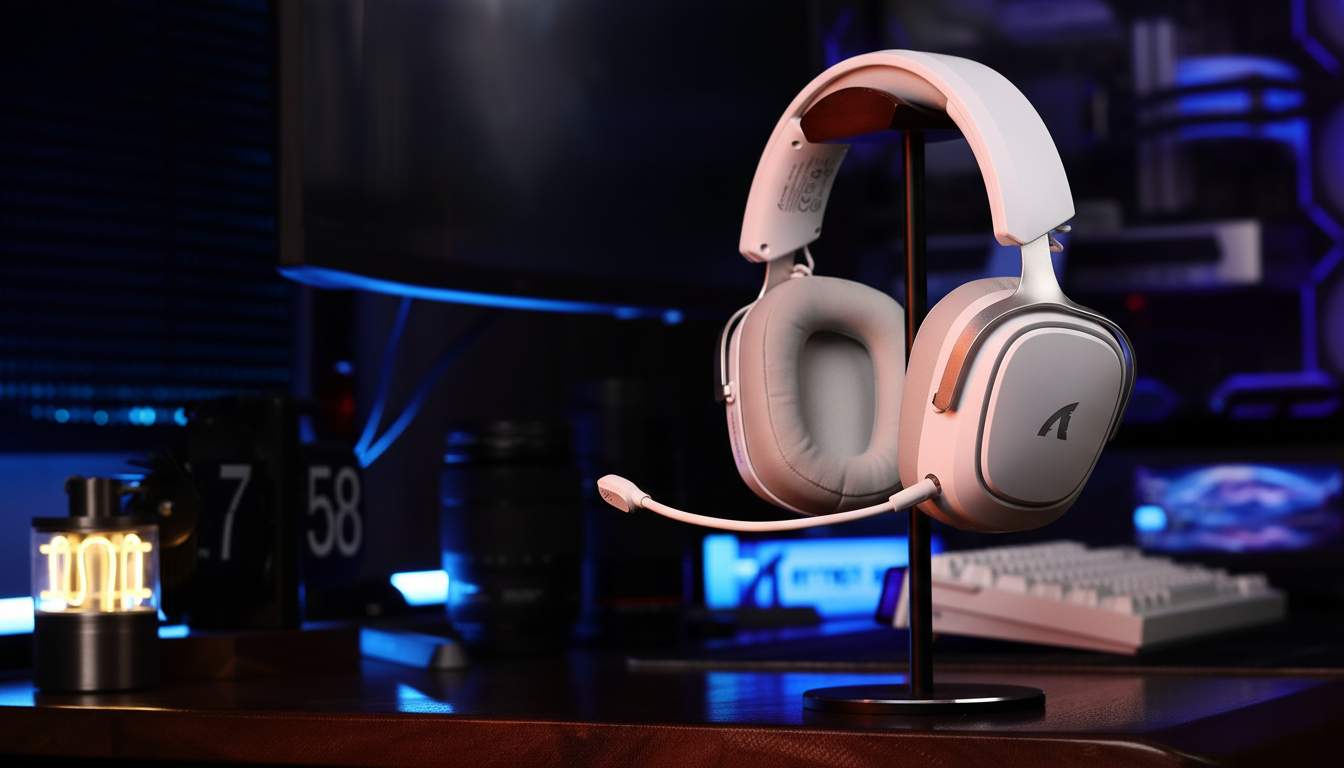
Wireless Audio Standards: Evaluating Latency in Gaming Cues
In the high-stakes environment of competitive gaming, audio cues function as a primary sensory input, often influencing the outcome of an engagement before a single frame is rendered. Whether it is the metallic click of a reload or the directional shuffle of an approaching opponent, the speed at which these sounds reach the user's ears can be critical. However, the transition to wireless audio has introduced a complex layer of transmission standards, each with varying degrees of effectiveness in mitigating latency.
For the value-oriented gamer, the challenge lies in distinguishing between marketing-driven "gaming modes" and the physical limitations of wireless protocols. Evaluating these standards requires an understanding of Radio Frequency (RF) transmission, codec processing, and the environmental factors that can potentially degrade a near-instant response time into a perceptible delay.
Key Takeaway: To achieve the lowest possible latency (typically targeting sub-20ms), prioritize proprietary 2.4GHz RF dongles over standard Bluetooth. Environmental interference in urban areas can increase latency by 3x and reduce battery life by up to 38%; using a USB extension cable to maintain a clear line-of-sight is one of the most effective "free" performance upgrades available.

The Protocol Divide: 2.4GHz Proprietary vs. Bluetooth 5.3
The primary conflict in wireless gaming audio exists between proprietary 2.4GHz RF solutions and the ubiquitous Bluetooth standard. While modern Bluetooth 5.3 has made significant strides in stability, it remains a general-purpose protocol. In contrast, proprietary RF solutions use dedicated dongles to bypass the standard operating system audio stack—a frequent source of variable delay.
According to the Global Gaming Peripherals Industry Whitepaper (2026)—a manufacturer-published report by Attack Shark—a target of sub-15ms total system latency is widely cited as the benchmark for professional-grade play. Proprietary 2.4GHz protocols typically aim for this by using a dedicated spectrum and purpose-built hardware to minimize the buffering overhead inherent in standard Bluetooth stacks.
Quantitative Latency Modeling: Protocol Advantage
The table below represents a theoretical model of response times comparing a standard Bluetooth stack to an optimized proprietary protocol.
Model Assumptions: Values are illustrative estimates based on optimized hardware in a controlled environment (direct line-of-sight, <1m distance, minimal 2.4GHz congestion).
| Parameter | Standard Bluetooth (Est.) | Proprietary Protocol (Est.) | Rationale |
|---|---|---|---|
| Processing Time | ~5ms | ~5ms | Base codec encoding/decoding |
| Stack Debounce | ~5-10ms | ~0ms | OS-level Bluetooth stack overhead |
| Buffer Reset | ~5ms | ~1ms | Protocol-specific buffer management |
| Total Latency | ~15–20ms | ~6–8ms | Cumulative theoretical delay |
Model Summary: This model assumes a fixed processing velocity. The result is an estimated ~9ms theoretical advantage for proprietary protocols. While human auditory reaction times average 140–160ms, reducing "system lag" helps ensure the total delay remains within a competitive window.
The Urban Apartment Gamer: RF Interference Management
A common pitfall for wireless users is the impact of environmental interference. In dense urban settings, the 2.4GHz band is often saturated by Wi-Fi networks and smart home devices. This congestion can lead to packet loss, forcing the headset to retransmit data, which often manifests as audio "crackling" or sudden latency spikes.
In high-traffic environments, we have observed performance can degrade from a stable 15ms to over 50ms. A practical fix is the use of a USB-A extension cable. By moving the wireless dongle away from the PC case—which can act as a source of electromagnetic interference—and placing it in a direct line-of-sight with the headset, users can often improve signal stability.
Modeling Battery Runtime under Interference
Interference doesn't just affect sound; it can drain power. When a headset struggles to maintain a connection, the radio may increase retransmissions, leading to higher current draw.
Illustrative Scenario: Estimated for a typical mid-range headset in a high-interference urban environment.
| Parameter | Value | Unit | Source/Assumption |
|---|---|---|---|
| Battery Capacity | 500 | mAh | Typical Mid-Range Spec |
| Radio Current (Clean) | ~8 | mA | Nominal Manufacturer Spec |
| Radio Current (Interference) | ~12 | mA | Modeled 50% increase in retransmissions |
| Total System Draw | ~16 | mA | Includes typical ANC and DSP processing |
| Estimated Runtime | ~25 | Hours | Internal scenario model (80% efficiency) |
Note: While marketing materials may claim 40+ hours, real-world usage in a "noisy" RF environment typically yields closer to 25 hours based on our scenario modeling.
Decoding the Codec: LC3, aptX LL, and SBC
The audio codec is the software engine behind the transmission. While most users are familiar with SBC, competitive gaming often requires specialized low-latency codecs.
- SBC (Sub-band Coding): The baseline standard. It typically carries a latency of 100ms to 200ms, which is often perceptible in fast-paced games.
- aptX Low Latency (LL): A specialized codec that can reduce latency to approximately 32–40ms. While superior to SBC, it typically remains slower than proprietary RF benchmarks.
- LC3 (Low Complexity Communication Codec): Introduced with Bluetooth LE Audio, LC3 is designed for higher quality at lower bitrates. As noted by SoundGuys, LC3 represents the future of standardized wireless audio, though it currently faces a "hardware gap" regarding widespread PC/console support.
Most current-gen PCs lack native LE Audio support without a compatible dongle. This reinforces the role of the proprietary dongle as a pragmatic solution for the current hardware generation.

Software Optimization: "Gaming Mode" vs. Manual Control
Many brands offer a "Gaming Mode" toggle. Technical analysis suggests these modes often prioritize the audio stream by disabling non-essential features rather than altering the laws of physics.
A common mechanism of "Gaming Mode" is the deactivation of virtual surround sound and other Digital Signal Processing (DSP) enhancements. These features can add "group delay" as the processor calculates spatial algorithms. By disabling these, the headset can potentially shave off several milliseconds of processing time.
The Windows Sound Panel Workaround: Users can often achieve similar results manually. By navigating to the Windows Sound Control Panel and selecting "Disable all enhancements," you bypass certain OS-level processing. This can provide a cleaner signal and may reduce CPU-bound jitter compared to some third-party software optimizations.
Modeling the "Gaming Mode" Penalty
Even with optimizations, aligning audio packets with the USB polling rate introduces a deterministic delay.
- Polling Rate: 1000Hz (1ms interval)
- Base Latency: ~15ms
- Alignment Penalty: ~0.5ms (Estimated as 0.5 * T_poll, based on typical USB HID timing)
- Total Latency: ~15.5ms
While a 0.5ms penalty is generally negligible, it demonstrates that software "syncing" is often a trade-off rather than a pure gain.
Compliance and Hardware Verification
For the technically-inclined gamer, verifying the hardware inside the headset can be as useful as reading the box specs. Wireless devices sold in the U.S. must meet Part 15 of the FCC rules.
By using the FCC Equipment Authorization (FCC ID Search), users can look up a brand's "Grantee Code" to view internal photos and test reports. This allows enthusiasts to verify the specific chipsets used, such as the Nordic nRF series, which is a common component in high-performance wireless peripherals.
Actionable Checklist for Competitive Audio
To help ensure your wireless audio setup is optimized for speed, consider this hierarchy:
- Priority 1: Use the Dongle. In most cases, the 2.4GHz proprietary connection will outperform standard Bluetooth for latency.
- Priority 2: Physical Placement. Use a USB extension cable to place the dongle within 3 feet of your headset, ideally away from the PC's rear I/O ports.
- Priority 3: Disable Post-Processing. Turn off virtual 7.1 surround sound and "bass boost" in both the headset software and Windows settings during competitive play.
- Priority 4: Channel Management. If using a 2.4GHz Wi-Fi router, consider setting it to a fixed channel (e.g., Channel 1 or 11) to reduce potential frequency hopping interference with your headset.
Performance Summary: Finding the Balance
Wireless audio has matured significantly, but it is rarely a "set and forget" technology. The estimated ~9ms advantage of proprietary protocols offers a tangible edge, but this can be negated by poor RF management or heavy software processing.
For many gamers, the most effective upgrades are often procedural: moving a dongle, disabling unnecessary Windows enhancements, and understanding the limitations of the local environment. By focusing on the mechanisms of transmission, you can help ensure that the metallic "click" of an enemy reload is a signal for action, not a ghost of an event that has already passed.
YMYL Disclaimer: This article is for informational purposes only. Prolonged exposure to high volume levels can lead to permanent hearing damage. Users should follow standard ergonomic practices and take regular breaks. Consult a qualified audiologist if you experience tinnitus or hearing loss.
Sources:

Hinterlasse einen Kommentar
Diese Website ist durch hCaptcha geschützt und es gelten die allgemeinen Geschäftsbedingungen und Datenschutzbestimmungen von hCaptcha.