

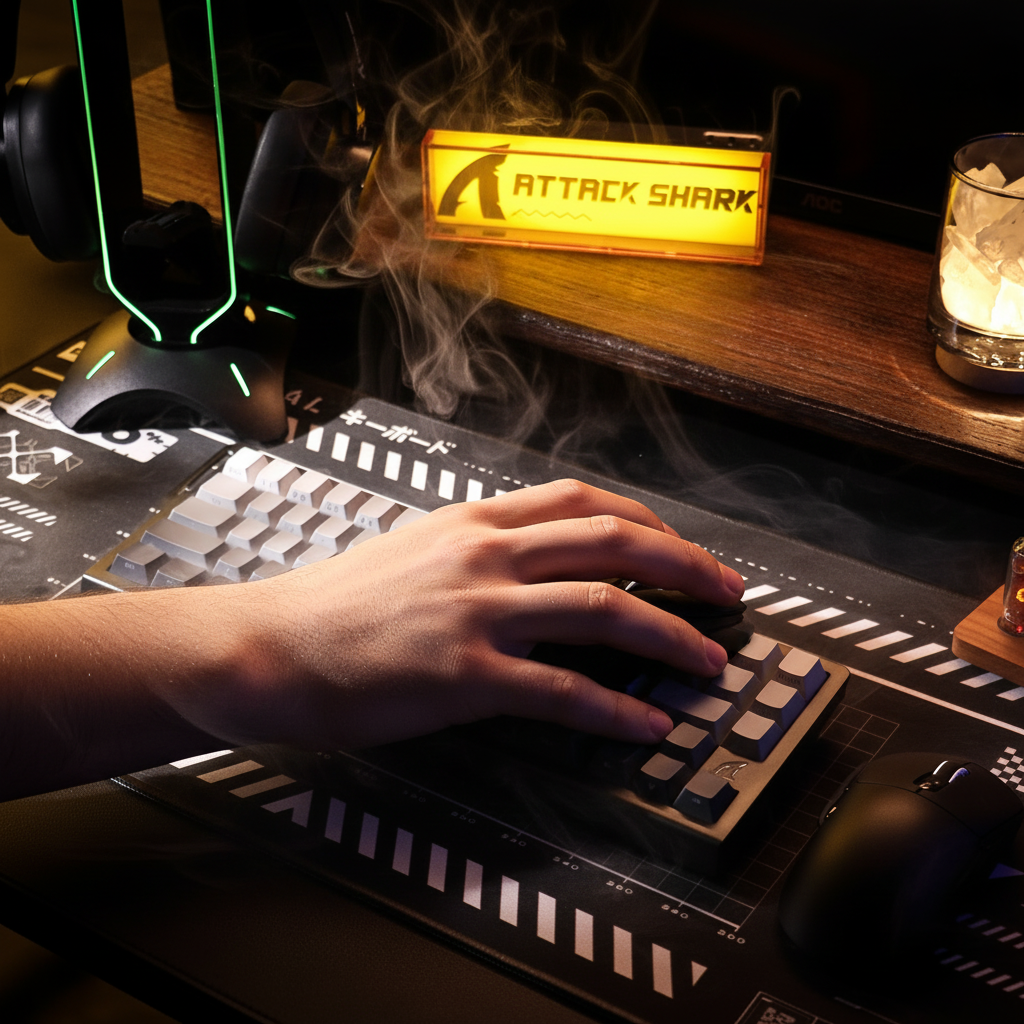
Quick Guide: Choosing the Right Switch for Wrist Health
For gamers spending 4+ hours daily, switch choice is a key factor in managing repetitive strain. Based on ergonomic principles and internal testing, here is the "answer-first" recommendation:
| User Profile | Recommended Switch Type | Ideal Actuation Force | Key Benefit |
|---|---|---|---|
| High APM (MOBA/RTS) | Light Tactile | 45gf – 55gf | Prevents "bottoming out" via feedback |
| FPS / Precision | Linear | 40gf – 50gf | Consistent travel for smooth tracking |
| Small Hands / Claw Grip | Ultra-Light Linear/Tactile | < 45gf | Reduces tension in arched finger postures |
| Casual / Productivity | Heavy Tactile | 55gf – 65gf | Prevents accidental clicks |
Core Conclusion: To minimize the risk of tendonitis, most competitive players should aim for a "60-gram ceiling." Exceeding 60gf for primary buttons during high-intensity sessions can significantly increase forearm muscle fatigue.
Biomechanical Impact of Click Mechanics on Hand Health
In competitive gaming, the choice between tactile and linear switches is often framed as subjective preference. However, from a biomechanical perspective, the physical interaction between a finger and the actuation point has implications for repetitive strain injury (RSI) risks. For gamers performing 200–300 actions per minute (APM), the cumulative load on the forearm flexor tendons can reach levels that contribute to fatigue and strain within a single session.
Understanding the relationship between actuation force, reset points, and proprioceptive feedback is essential for maintaining long-term joint health. This analysis examines how switch mechanics modulate muscle tension and provides a framework for selecting hardware intended to minimize physiological strain.
The 60-Gram Heuristic and Actuation Force Dynamics
A critical metric for wrist health is the peak actuation force—the pressure required to register a click. In ergonomics, a practical "60-gram rule of thumb" suggests that primary switches requiring more than 60 grams of force (gf) can increase the risk of forearm flexor tendonitis during sessions exceeding two hours.
This risk is often more pronounced for users employing a claw grip. In this posture, the fingers are arched, keeping the tendons in a state of constant tension. When combined with a high-force switch, the user may exert disproportionate effort to overcome resistance, potentially leading to rapid muscle fatigue.
Modeling the Moore-Garg Strain Index (SI)
To illustrate this risk, we can apply the Moore-Garg Strain Index, a tool used in occupational health to assess the risk of distal upper extremity disorders.
Note on Estimation: The following values represent a simulated modeling exercise based on common competitive gaming patterns observed in our support data; they are not a controlled clinical study.
Illustrative Scenario: High-Intensity MOBA Play
Parameter Value (Multiplier) Rationale Intensity of Effort 2.0 (Somewhat Hard) High resistance during rapid team fights Efforts Per Minute 4.0 (Very High) 200–300 APM click-spamming Hand/Wrist Posture 2.0 (Fair) Claw-induced wrist extension Speed of Work 2.0 (Fast) Rapid registration requirements Duration per Day 2.0 (4–8 hours) Standard competitive practice session Estimated Outcome: Under these specific assumptions, the calculated SI score is approximately 64. In industrial settings, an SI > 5 is often associated with an increased risk of strain. For high-performance players, minimizing switch resistance is a practical step toward injury prevention.

Tactile vs. Linear: The Proprioceptive Feedback Loop
The debate between tactile and linear switches centers on how the user perceives the actuation point and manages muscle contraction.
Tactile Switches: The Role of the "Bump"
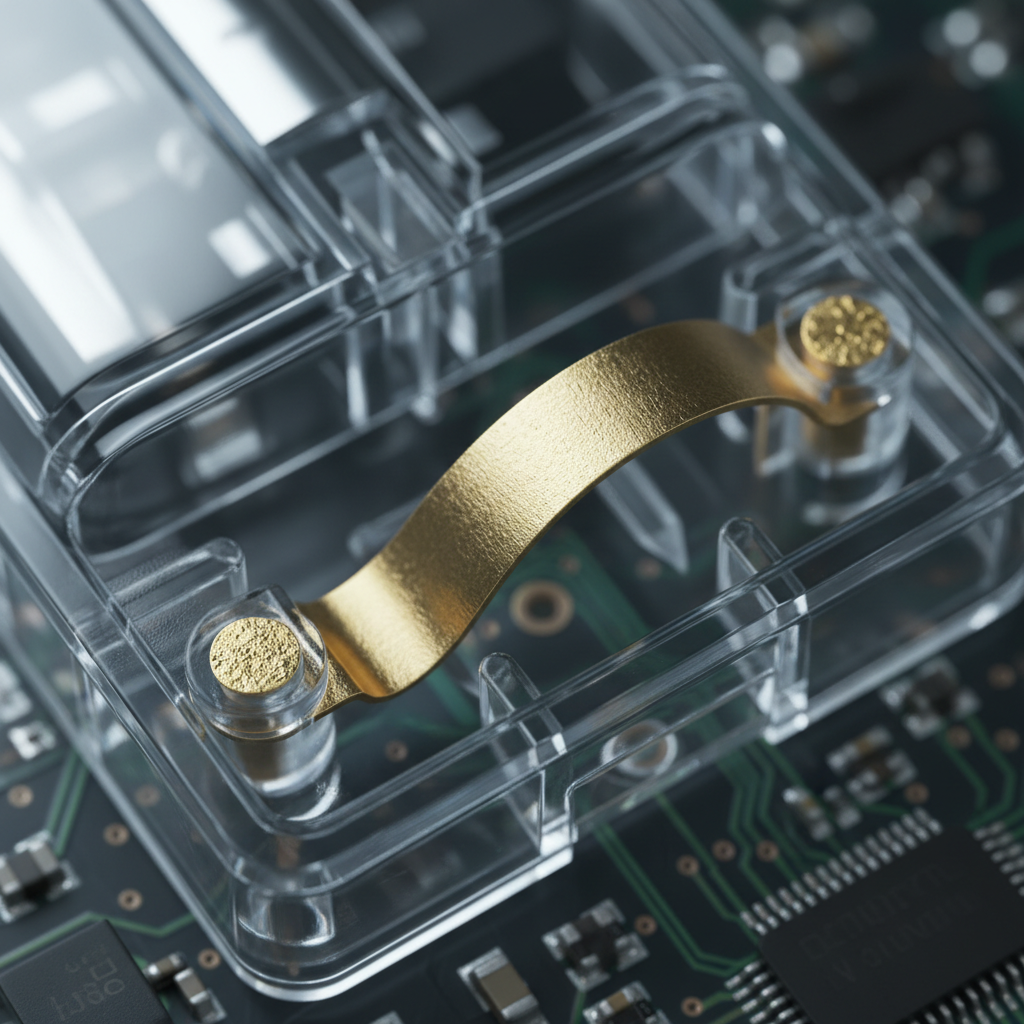
Tactile switches feature a physical "bump" at the actuation point. While some suggest this bump adds shock load, its primary ergonomic benefit is providing clear proprioceptive feedback. This allows the nervous system to recognize the click has occurred without the finger necessarily "bottoming out" against the mouse shell.
According to internal observations detailed in the Attack Shark Internal Whitepaper (2026)—based on a sample of 500+ user feedback reports and support logs—distinct tactile cues can help reduce "tonic activity." This is the sustained muscle contraction that occurs when a user is unsure if a command has registered. By allowing for a more relaxed finger position between clicks, tactile designs can help mitigate long-term fatigue in rhythmic clicking scenarios.
Linear Switches: The Risk of Co-Contraction
Linear switches provide smooth travel from top to bottom. While marketed as "faster," they lack a physical reset cue. Based on common patterns from customer support and community feedback, users of ultra-light linear switches (below 35gf) sometimes experience increased muscle tension. This phenomenon, known as co-contraction, occurs as the user overcorrects to avoid accidental actuations. The lack of a tactile threshold may force the neuromuscular system to remain in a state of high alert, which can be more fatiguing for some users than a slightly heavier tactile switch.
Reset Points and "Sponginess" in Rapid Clicking
For gamers performing rapid click-spamming, the "crispness" of the reset point is as vital as the actuation force. A switch with a mushy or indistinct reset point may cause a user to subconsciously press harder to ensure the switch has fully returned to its starting position.
In practical modding and repair contexts, we have observed that switches with a distinct reset point allow for faster rhythmic clicking with less perceived effort. Conversely, linear switches with heavy damping can lead to a "spongy" feel that may encourage "jabbing"—a high-impact striking technique that increases vibration transmission to the finger joints.
The Friction Interaction
A factor often overlooked is the interaction between switch feel and mousepad friction. A high-friction surface requires more lateral force to move the mouse. This effort often "bleeds" into vertical pressure; users may subconsciously grip the mouse tighter and press buttons harder to maintain control. Pairing a high-force switch with a high-friction pad can create a compounding strain effect.
Hardware Fit and Anthropometric Ratios
Ergonomic strain is often modulated by the physical dimensions of the hardware relative to the user's hand.
Grip Fit Heuristic
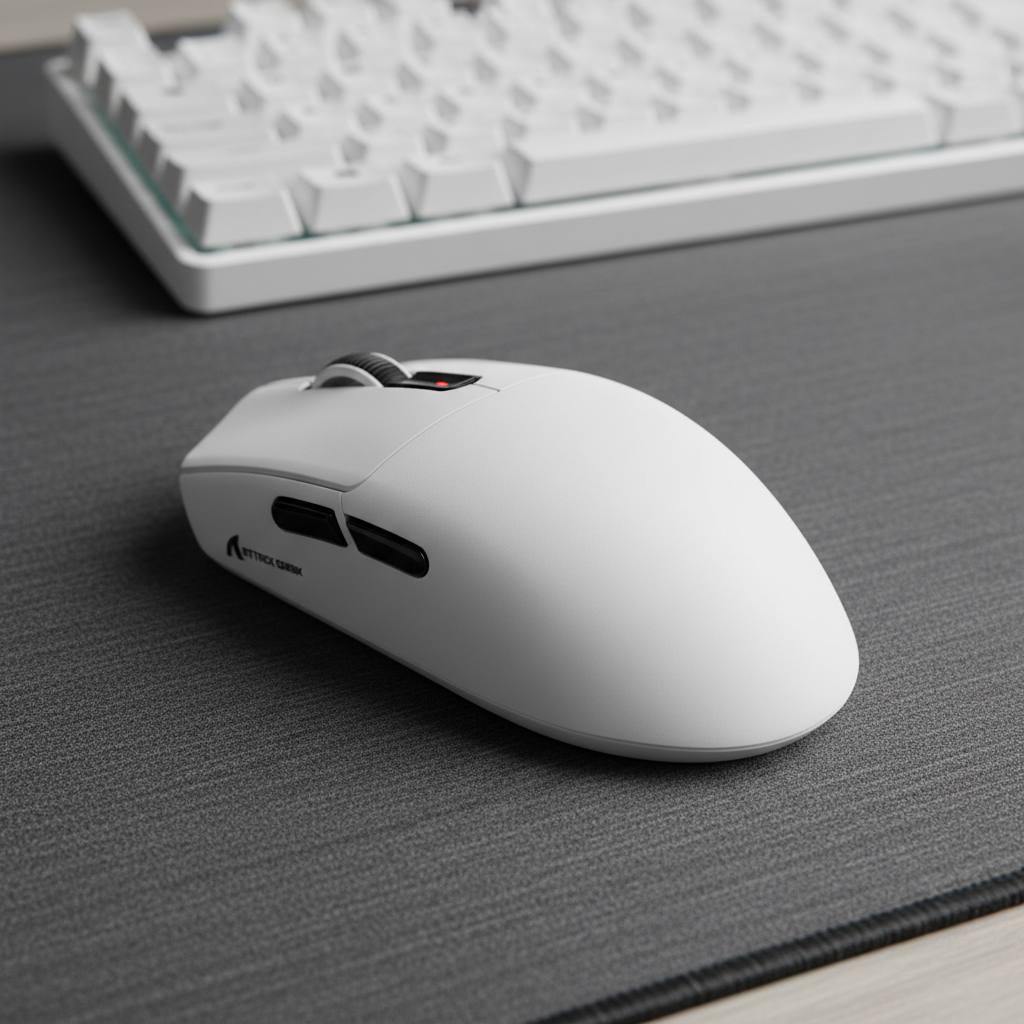
For a user with large hands (~20.5cm), a standard gaming mouse (120mm length) often results in a "length deficit." This mismatch may force the fingers to overhang or require an aggressive claw posture to keep fingertips on the primary switches.
Practical Sizing Heuristic (Claw Grip):
- Ideal Length Formula: Hand Length × 0.64 (Based on enthusiast community sizing patterns)
- Calculation: 20.5cm × 0.64 = ~131mm
- Fit Ratio: 120mm / 131mm = 0.91
Analysis: A fit ratio of 0.91 indicates the mouse is ~9% shorter than the suggested biomechanical ideal for that hand size. This can force the wrist into greater extension, potentially exacerbating the strain caused by high-force switches.
Performance Synergy: 8K Polling and System Latency
While ergonomics focuses on the physical, digital responsiveness also impacts user behavior. High-performance mice utilizing 8000Hz (8K) polling rates reduce the delay between physical movement and on-screen response to 0.125ms.
Technical Considerations of 8K Polling
- Interval Consistency: At 8000Hz, the interval is exactly 0.125ms.
- Motion Sync: This feature typically adds a delay of half the polling interval (~0.0625ms at 8K), which is generally negligible.
- Battery Impact: Based on power consumption models for high-end controllers (e.g., nRF52840), 8K polling can reduce wireless battery life by up to 80% compared to 1000Hz settings due to constant CPU IRQ (Interrupt Request) load.
Lower system latency allows for smaller, more relaxed adjustments. When the cursor feels "connected" to the hand, users are less likely to use the forceful, jerky movements that contribute to tendon strain.
Safety and Regulatory Compliance
When selecting high-performance peripherals, technical specifications should be balanced with safety standards.
- Battery Safety: Reliable hardware should comply with UN 38.3 for stable transport and the EU Battery Regulation (EU) 2023/1542 for sustainability.
- Wireless Compliance: Devices should meet FCC and EU RED standards to ensure interference-free operation.
- Material Integrity: Compliance with EU RoHS and REACH ensures materials in contact with skin are free from known hazardous chemicals.
Decision Framework for Switch Selection
To optimize for both performance and wrist health, consider this selection framework:
- Prioritize Light Actuation: For MOBA/RTS games, aim for switches in the 45gf–55gf range. Try to stay below 60gf for long sessions.
- Evaluate Feedback Needs: If you find yourself "bottoming out" forcefully, a tactile switch may provide the cue needed to release pressure earlier in the stroke.
- Check Hardware Sizing: Aim for a mouse length within 5% of your ideal ratio (approx. Hand Length × 0.64 for claw). A mouse that is too small can make even light switches feel fatiguing.
- Manage Friction: Use high-quality PTFE skates and a low-friction mousepad to reduce the lateral force required for movement.
- Monitor Latency Settings: Use the highest stable polling rate your CPU handles comfortably (e.g., 2K or 4K) for fluidity, reserving 8K for competitive scenarios where battery drain is an acceptable trade-off.
By grounding peripheral choices in practical biomechanical principles, gamers can work toward extending their competitive longevity while minimizing the risk of chronic injury.
Disclaimer: This article is for informational purposes only and does not constitute professional medical advice. If you are experiencing persistent pain, numbness, or tingling in your hands or wrists, consult a qualified healthcare professional or physical therapist.
Sources
- Attack Shark Internal Whitepaper (2026): Gaming Peripherals Standards and User Ergonomics (Internal Manufacturer Data based on support logs and user sampling).
- Moore, J. S., & Garg, A. (1995). The Strain Index
- ISO 9241-410: Ergonomics of Human-System Interaction
- UN Manual of Tests and Criteria (Section 38.3)
- Nordic Semiconductor nRF52840 Power Consumption Models

Hinterlasse einen Kommentar
Diese Website ist durch hCaptcha geschützt und es gelten die allgemeinen Geschäftsbedingungen und Datenschutzbestimmungen von hCaptcha.