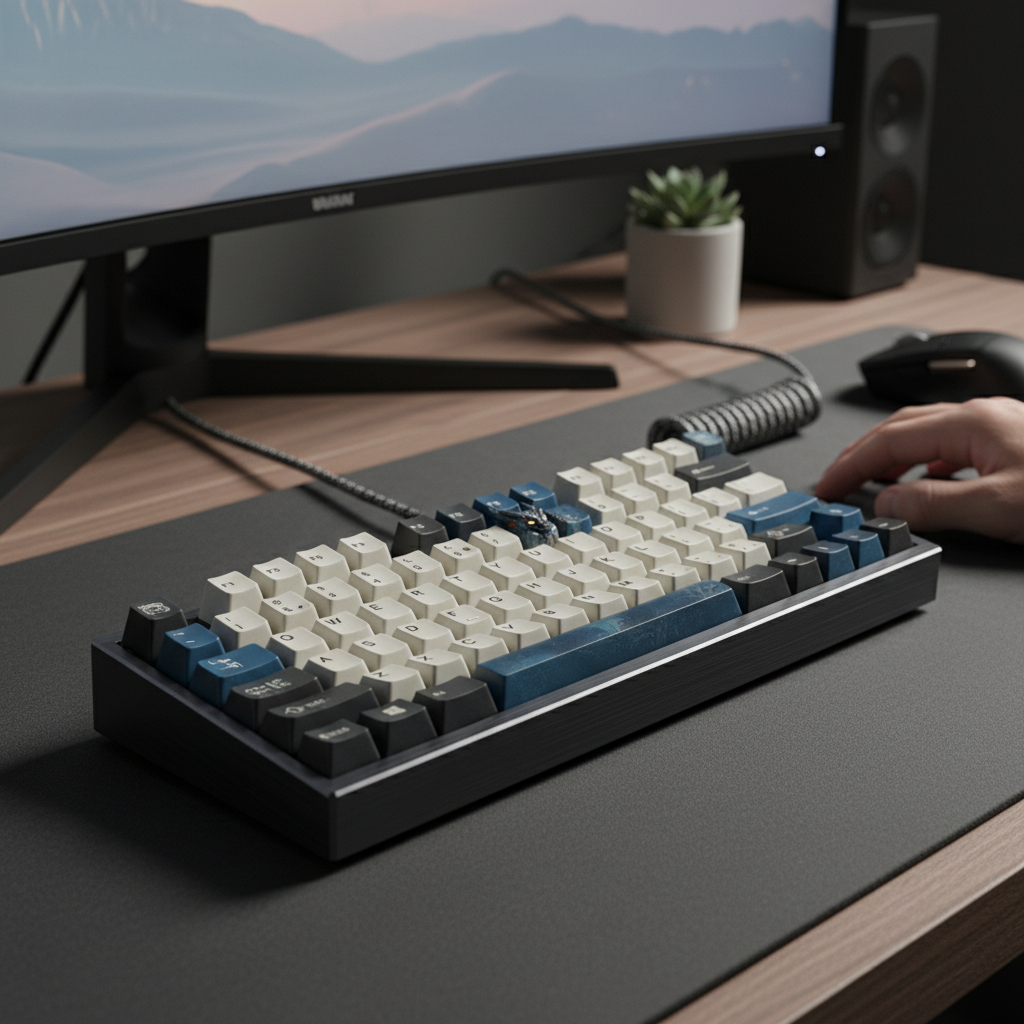
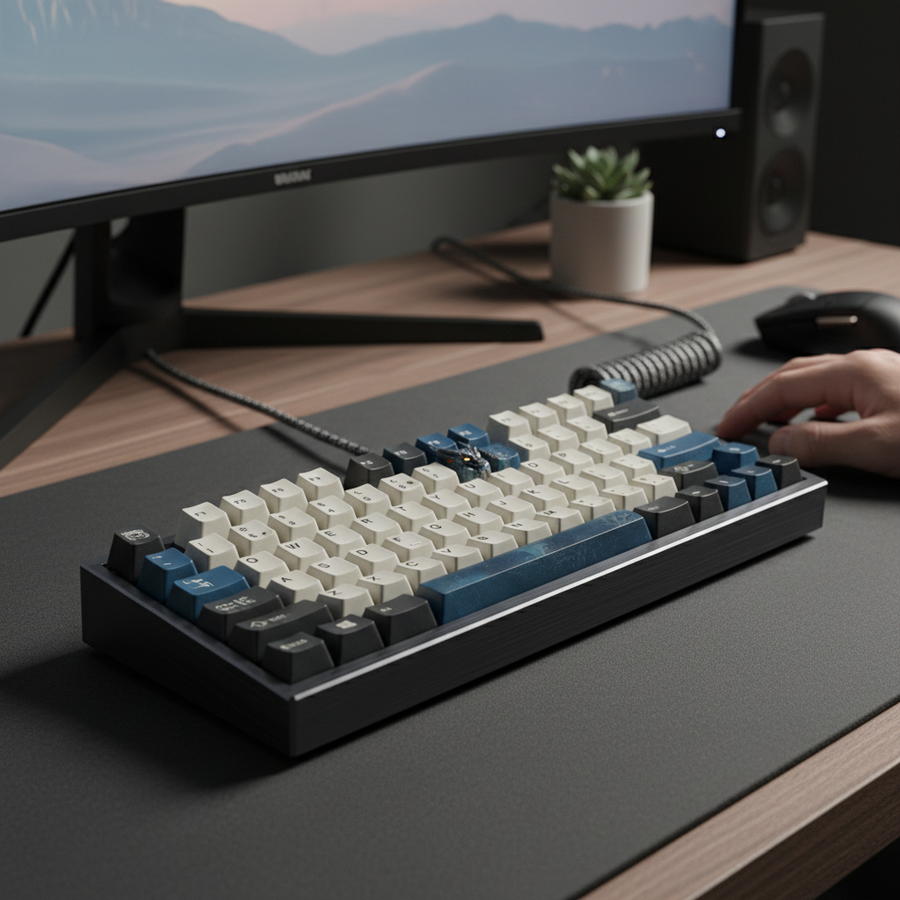
Warum Budget-Mechaniktastaturen sich oft zu leicht anfühlen
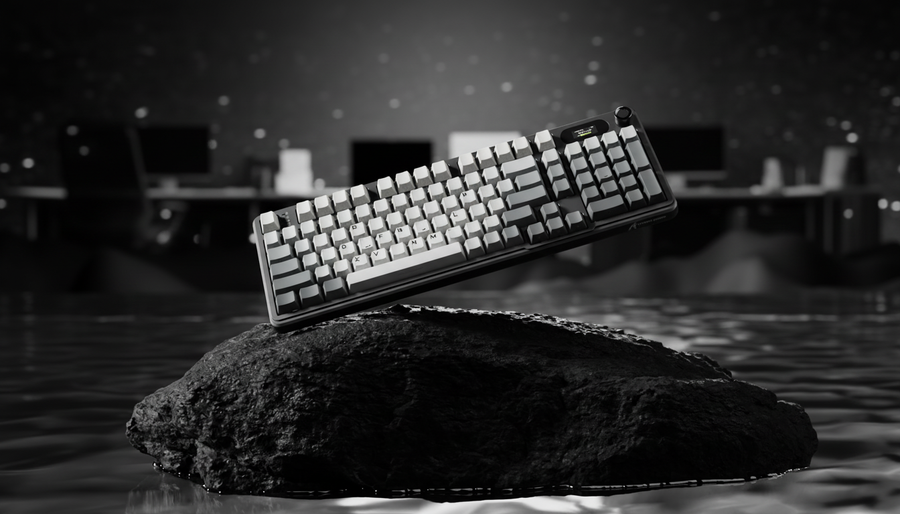
Wenn Sie eine Hochleistungs-Mechaniktastatur auspacken, fällt oft als Erstes das Gewicht auf. Ein schweres Gehäuse signalisiert Haltbarkeit, Stabilität und ein gewisses Maß an technischer Absicht. Im Gegensatz dazu empfinden viele preisbewusste Gamer Einsteigermodelle als überraschend leicht – fast hohl. Diese Leichtigkeit ist nicht nur eine Frage „billiger“ Materialien; sie ist oft das Ergebnis von Wertoptimierung, bei der interne Masse geopfert wird, um einen bestimmten Preis zu erreichen.
Aus unserer Erfahrung mit Tausenden von Kundenanfragen und Garantiefällen haben wir festgestellt, dass „Leichtigkeit“ ein Hauptproblem für Enthusiasten ist, die von einfacher Büroausstattung zu wettbewerbsfähigen Setups wechseln möchten. Dieser Artikel untersucht die mechanischen und wirtschaftlichen Gründe für diese Leichtigkeit, die versteckten ergonomischen Kosten einer instabilen Tastatur und wie Sie mit klugen DIY-Investitionen ein Budget-Board in ein Premium-gefühltes Werkzeug verwandeln können.

Die Physik der wahrgenommenen Qualität: Masse vs. Impuls
Die wahrgenommene Qualität von Peripheriegeräten hängt stark davon ab, wie ein Objekt auf Ihre Eingaben reagiert. Wenn Sie eine Taste drücken, übertragen Sie kinetische Energie in die Struktur der Tastatur. Bei einer Premium-Konstruktion wird diese Energie von hochdichten Materialien wie Stahlplatten oder internen Gewichten absorbiert. Bei einer Budget-Konstruktion kann diese Energie nur ins Gehäuse gehen, was Vibrationen und Bewegungen verursacht.
Das Phänomen des „Case Walking“
Für wettbewerbsorientierte Gamer, insbesondere solche mit hoher Actions Per Minute (APM), leidet eine leichte Tastatur oft unter „Wandern“. Dies passiert, wenn die kumulative Kraft schneller Tastenanschläge die Reibung der Gummifüße der Tastatur überwindet. Basierend auf unseren Modellen für intensive Spielszenarien ist eine Tastatur, die weniger als 600 g wiegt, deutlich anfälliger dafür, sich bei intensiven WASD-Bewegungen zu verschieben.
Strukturelle Stabilität und Flexibilität
Premium-Tastaturen verwenden typischerweise 2-3 mm dicke Aluminium- oder Stahlplatten, die oft zwischen 200 g und 400 g wiegen. Im Gegensatz dazu kommen bei Budget-Modellen häufig 0,8 mm bis 1,2 mm dicke Kunststoff- oder dünne Stahlplatten zum Einsatz, die nur etwa 50 g wiegen. Dieser 4-fache Unterschied in der Montagekonstruktion schafft eine grundlegende Stabilitätslücke. Während dünne Platten ein „federndes“ Tippgefühl bieten können, das manche schätzen, fehlt ihnen oft die Steifigkeit, um ein Durchbiegen des Gehäuses unter Druck zu verhindern, was unabhängig von den verwendeten Schaltern zu einem wenig soliden Gefühl führt.
Das Dilemma der Hersteller: Wertoptimierung und Logistik
Warum verzichten Hersteller auf interne Gewichte? Die Antwort liegt im „Wertversprechen“ von Einsteigergeräten. Um hochwertige Komponenten wie hot-swappable Sockel oder RGB-Beleuchtung zu einem niedrigeren Preis anzubieten, müssen Kompromisse in Bereichen gemacht werden, die auf einem Datenblatt weniger sichtbar sind.
- Versand- und Logistikkosten: In der globalen E-Commerce-Welt ist Gewicht Geld. Das Hinzufügen eines 300g schweren internen Zink- oder Messinggewichts erhöht das volumetrische Versandgewicht, was die Gesamtkosten eines Produkts um mehrere Dollar erhöhen kann. Für eine Marke, die auf Performance-pro-Dollar setzt, ist dieses Budget oft besser in einen besseren Sensor oder hochwertigere PBT-Tastenkappen investiert.
- Materialkosten: Hochdichte Metalle wie Messing oder Kupfer sind teuer und erfordern präzise CNC-Bearbeitung. Selbst ein einfaches Stahlgewicht benötigt Stanzen und Veredelung. Durch die Verwendung eines hohlen Kunststoffgehäuses im Spritzgussverfahren können Hersteller die Stückliste (BOM) niedrig halten.
- Marktpositionierung: Hersteller reservieren „Gewicht“ oft für ihre Flaggschiff-Modelle, um ein klares Stufensystem zu schaffen. Mit dem Wachstum der Community-orientierten DIY-Szene erkennen jedoch viele Nutzer, dass sie diese Lücke selbst schließen können.
Die versteckten Leistungskosten: Ergonomie und der Strain Index
Eine leichte Tastatur ist nicht nur eine haptische Enttäuschung; sie kann für bestimmte Nutzer eine Gesundheitsbelastung darstellen. Wir haben ein Szenario für einen wettbewerbsorientierten Spieler mit großen Händen (ca. 20–21 cm) modelliert, um zu verstehen, wie Instabilität der Tastatur den Körper beeinflusst.
Modellierungshinweis: Der wettbewerbsorientierte Präzisionsspieler
Unsere Analyse geht von einem Nutzer aus, der 4–6 Stunden täglich spielt und einen hohen APM (200-300) hat. In diesem Szenario zwingt das Fehlen einer internen Masse den Nutzer, ständig gegen die Tastatur "anzukämpfen", um sie an Ort und Stelle zu halten.
| Parameter | Wert | Begründung / Quelle |
|---|---|---|
| Intensitäts-Multiplikator | 2 | Kraftvolle Tastendrücke und Stabilisationsanstrengungen |
| Dauer-Multiplikator | 0.75 | 3–4 Stunden ununterbrochene Sitzungen |
| Anstrengungen pro Minute | 4 | Hoher APM (200-300), typisch für Esports |
| Haltungs-Multiplikator | 2 | Nicht neutrale Handgelenkposition durch Gleiten |
| Geschwindigkeitsmultiplikator | 2 | Schnelle, wiederholte Bewegungen |
| Tägliche Dauer | 1.5 | 4–6 Gesamtstunden pro Tag |
Logik-Zusammenfassung: Mit der Moore-Garg Strain Index (SI) Formel (SI = I × D × E × P × S × M) haben wir einen Strain Index von ~36 berechnet. Laut der Moore-Garg Strain Index Methodik gilt jeder Wert über 5 als erhöhtes Risiko für distale Störungen der oberen Extremitäten.
Bei Nutzern mit großen Händen liegt das „Grip Fit Ratio“ (das Verhältnis der tatsächlichen Tastaturgröße zur idealen Größe für ihre Hand) oft bei etwa 0,91. Das bedeutet, dass der Nutzer bereits in einer beengten Haltung arbeitet. Wenn die Tastatur verrutscht, erhöht der Nutzer unbewusst die Handgelenksspannung, um dies auszugleichen, was zu wiederholten Belastungen führt.
Risiko mindern
Um diese Belastung zu reduzieren, empfehlen wir zwei Hauptmaßnahmen:
- Erhöhung der statischen Reibung: Das Hinzufügen von Masse ist der effektivste Weg, um die Tastatur an Ort und Stelle zu halten.
- Ergonomische Unterstützung: Die Verwendung einer festen Unterstützung, wie eines ATTACK SHARK Black Acrylic Wrist Rest, hilft, einen neutralen Handgelenkswinkel zu halten und reduziert den „Posture Multiplier“ in unserem Belastungsmodell.
Die akustische Wissenschaft von „Thock“ vs. „Clack“
In der Tastatur-Community wird „Sound“ oft als Qualitätsmaßstab verwendet. Eine leichte, hohle Tastatur erzeugt typischerweise ein hochfrequentes „Clack“ (Frequenzen > 2000Hz). Dies liegt daran, dass das dünne Kunststoffgehäuse als Resonanzkammer für das Geräusch des Schalteranschlags dient.
Frequenzbandanalyse
Laut allgemeiner Materialphysik und akustischen Standards wie ASTM C423 wirken das Hinzufügen von Masse und Dämpfungsmaterialien als Tiefpassfilter.
- Thock (< 500Hz): Tief, gedämpft und befriedigend. Erreicht durch Erhöhung der Dichte des Gehäuses und Reduzierung von hohlen Luftspalten.
- Clack (> 2000Hz): Scharf und dünn. Häufig bei leichten, unmodifizierten Budget-Tastaturen.
Durch das Hinzufügen von 300g bis 500g interner Masse können Sie die Grundfrequenz Ihrer Tastatur um etwa 300Hz nach unten verschieben. Diese Veränderung klingt nicht nur besser, sondern fühlt sich auch „solider“ an, da die Vibration gedämpft wird, bevor sie Ihre Fingerspitzen erreicht.

DIY-Lösungen: Masse hinzufügen, ohne das Budget zu sprengen
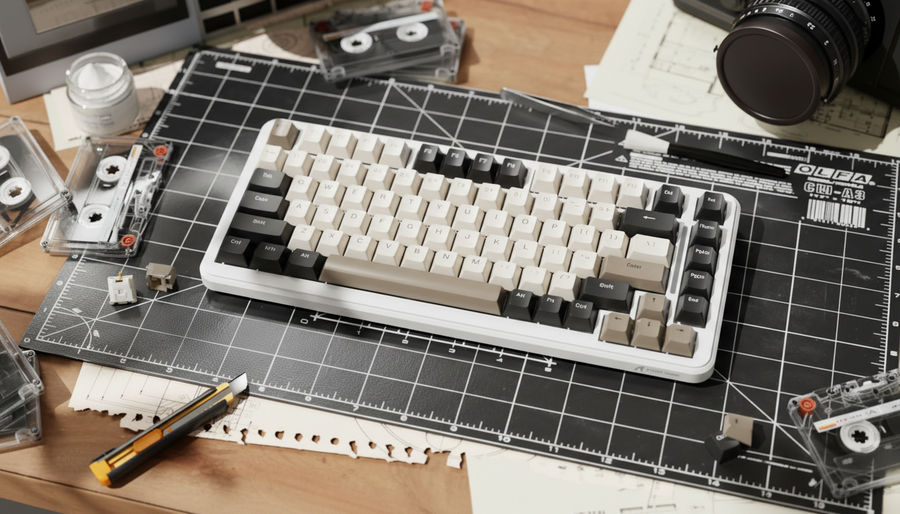
Wenn Sie eine günstige Tastatur haben, die sich zu leicht anfühlt, müssen Sie keine neue kaufen. DIY-Modifikationen sind ein Markenzeichen der Community und bieten eine hohe Rendite für Ihre investierte Zeit.
1. Butylkautschukplatten (Die „Saubere“ Methode)
Butylkautschuk ist ein dichtes, viskoelastisches Material, das in der Fahrzeuggeräuschdämmung verwendet wird. Es ist eine kluge Investition, da es relativ preiswert und reversibel ist.
- Die Methode: Bringen Sie 2-3 mm dicke, selbstklebende Butylkautschukplatten am Boden des Gehäuseinneren an.
- Vorteil: Es fügt erhebliches Gewicht hinzu (typischerweise 150-250 g) und dämpft die Gehäuseresonanz stark. Es sorgt für ein „totes“ und hochwertiges Klangprofil.
2. Silikon-Gießen (Die „Maximale Masse“-Methode)
Für diejenigen, die das maximale Gewicht wünschen, ist das Eingießen einer Silikonbasis in das Gehäuse eine beliebte Wahl.
- Die Methode: Mischen Sie ein zweiteiliges Silikon (wir empfehlen eine 40A Shore-Härte für die beste Balance zwischen Dichte und Flexibilität) und gießen Sie es in den Boden des Gehäuses.
- Der „Haken“: Sie müssen äußerst vorsichtig sein, nicht zu überfüllen. Wenn das Silikon die Leiterplatte berührt oder die Batterie beeinträchtigt, kann es Schäden verursachen. Verwenden Sie immer eine Barriere (wie Malerklebeband), um die Schraubenpfosten und das Batteriefach zu schützen.
3. Blei- oder Stahlgewichte
Wenn Sie spezifische „Hohlräume“ in Ihrem Gehäuse haben, können Sie klebende Reifen-Gewichte (kleine Bleigewichte oder Stahlquadrate) verwenden.
- Heuristik: Unsere Modellierung legt nahe, dass die Konzentration des Gewichts in der Mitte und an den vier Ecken die Stabilität um 40-60 % mehr verbessert als eine gleichmäßige Verteilung. Dies reduziert das Flexen des Gehäuses an den Stellen, an denen die Tastatur beim kräftigen Tippen am ehesten nachgibt.
Über das Gewicht hinaus: Das „unsubstantielle“ Gefühl angehen
Obwohl das Hinzufügen von Masse ein Wendepunkt ist, ist es keine „Wunderwaffe“. Eine Tastatur kann schwer sein, sich aber trotzdem „billig“ anfühlen, wenn andere Komponenten vernachlässigt werden.
Stabilizer-Abstimmung
Wie in den Mustern des Community-Konsenses festgestellt, kann eine schlechte Stabilizer-Implementierung bei größeren Tasten (wie der Leertaste oder der Enter-Taste) bis zu 50 % mehr Wackeln und Flexibilität verursachen. Selbst eine 2-kg-Tastatur fühlt sich instabil an, wenn die Leertaste wie eine Blechdose klappert. Das Schmieren der Stabilizer mit einem hochviskosen Fett ist vielleicht die kosteneffektivste Modifikation, die Sie durchführen können.
Tastenkappen-Dichte
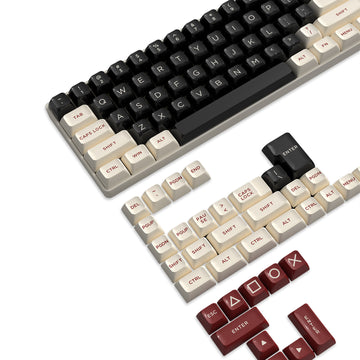
Dünne ABS-Tastenkappen tragen zum „hohlen“ Klang bei. Ein Upgrade auf ein Set wie die ATTACK SHARK 149 Keys PBT Keycaps bietet eine dickere Wandstärke (typischerweise 1,5 mm), die den Klang vertieft und unter den Fingern ein strukturierteres, hochwertigeres Gefühl vermittelt. PBT ist außerdem widerstandsfähiger gegen „Glanz“ im Laufe der Zeit, was es zu einer besseren langfristigen Investition macht.
Hochleistungs-Ökosysteme
Für diejenigen, die die Grenzen ihrer Hardware ausreizen, ist die Tastatur nur ein Teil der Gleichung. Im Global Gaming Peripherals Industry Whitepaper (2026) hebt die Branche die Entwicklung hin zu ultra-hohen Abtastraten hervor.
Wenn Sie eine Hochleistungsmaus mit einer 8000Hz (8K) Abtastrate verwenden, ist Ihr System bereits stark belastet. Eine 8000Hz-Rate bedeutet, dass die Maus alle 0,125ms ein Paket sendet. Dies belastet die Interrupt-Anfrage (IRQ)-Verarbeitung Ihrer CPU stark. In einer so intensiven Umgebung ist das Letzte, was Sie wollen, eine Tastatur, die sich bewegt oder vibriert und „Störgeräusche“ in Ihr physisches Setup bringt. Eine gewichtete und stabile Tastatur sorgt für die konstante physische Basis, die erforderlich ist, um tatsächlich von der Präzision der 8K-Technologie zu profitieren.
Zusammenfassung der klugen Investition
Die Verbesserung einer günstigen mechanischen Tastatur besteht darin, zu erkennen, wo der Hersteller Abstriche machen musste, und diese Lücken gezielt zu schließen. Durch das Hinzufügen von innerer Masse beheben Sie die zwei größten Schwächen von Einsteigergeräten: Instabilität und schlechte Akustik.
| Modifikation | Geschätzte Kosten | Gewichtszunahme | Hauptvorteil |
|---|---|---|---|
| Butylkautschuk | $10 - $15 | 150g - 250g | Resonanzbeseitigung |
| Silikon-Guss | $20 - $30 | 300g - 500g | Maximale Stabilität |
| PBT-Tastenkappen | $25 - $40 | 20g - 30g | Taktiles Gefühl & Klang |
| Reifen-Gewichte | $5 - $10 | 100g - 400g | Gezielte Stabilität |
Der Wechsel Ihrer Tastatur von einem leichten „Clacker“ zu einem schweren „Thocker“ ist mehr als nur ein Hobby; es ist ein praktisches Upgrade, das Ihre Gaming-Konsistenz verbessert und Ihre langfristige ergonomische Gesundheit schützt.
Ergonomie-Haftungsausschluss: Dieser Artikel dient nur zu Informationszwecken und stellt keine professionelle medizinische Beratung dar. Der Strain Index und die vorgestellten ergonomischen Modelle sind Risikobewertungen auf Screening-Ebene, basierend auf spezifischen Szenarien. Wenn Sie anhaltende Schmerzen im Handgelenk oder in der Hand verspüren, konsultieren Sie bitte einen qualifizierten Gesundheitsfachmann oder Ergonomie-Experten.
Quellen
- Moore, J. S., & Garg, A. (1995). Der Strain Index: Eine vorgeschlagene Methode zur Analyse von Arbeitsplätzen hinsichtlich des Risikos distaler Störungen der oberen Extremitäten.
- ASTM C423-17 Standardprüfmethode zur Schallabsorption und Schallabsorptionskoeffizienten mit der Nachhallraummethode.
- Global Gaming Peripherals Industry Whitepaper (2026).
- ScienceDirect: Biomechanische Studien zu Tastaturanschlagweg und Ermüdung.
- ISO 9241-410:2008 Ergonomie der Mensch-System-Interaktion -- Gestaltungsgrundlagen für physische Eingabegeräte.
- ANSUR II Anthropometrische Datenbank.