

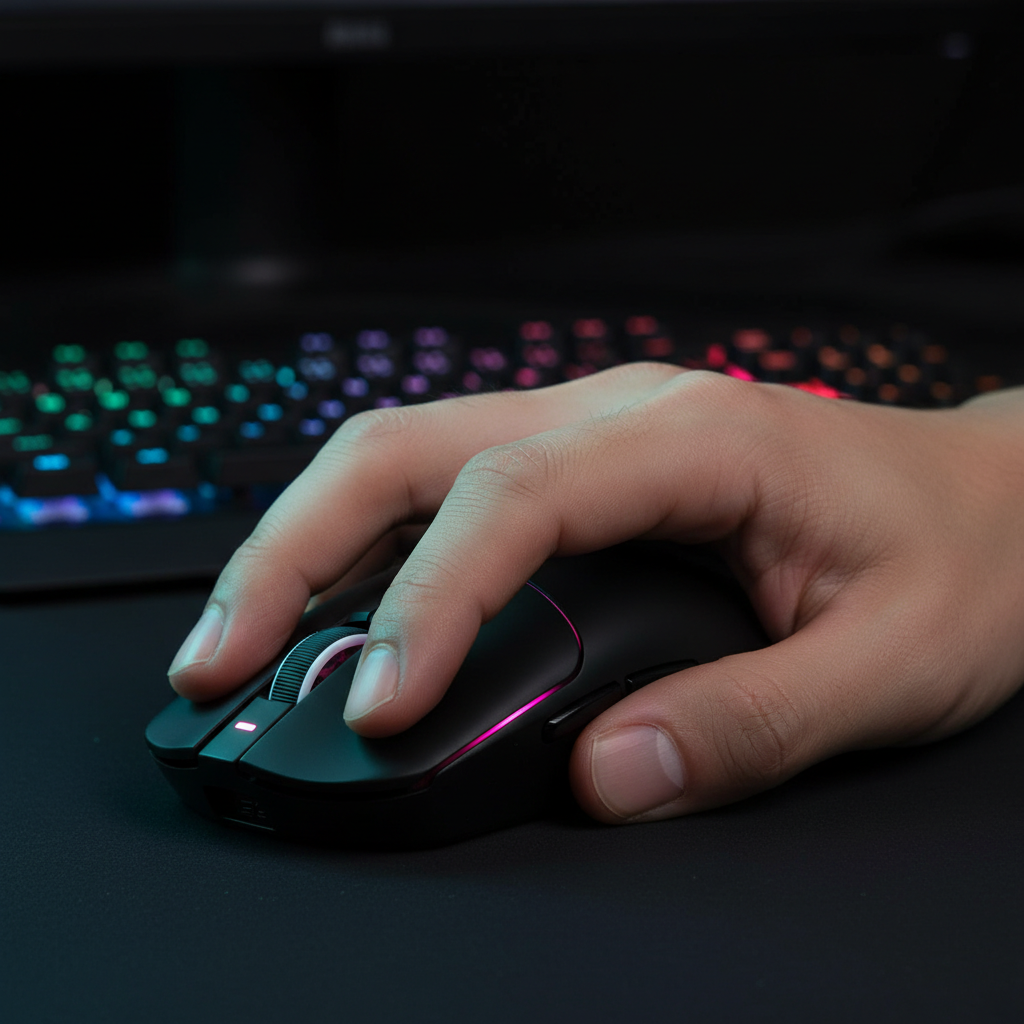
The Biomechanics of the Arch: How Claw Grip Increases Click Speed
In competitive gaming, particularly within the Multiplayer Online Battle Arena (MOBA) and First-Person Shooter (FPS) genres, the efficiency of the human-machine interface is measured in milliseconds. While hardware specifications like sensor accuracy and polling rates often dominate technical discussions, the biomechanical execution of the user—specifically the grip style—serves as the foundational layer of performance. The claw grip, characterized by an arched finger posture and a partial palm anchor, has emerged as a preferred technique for players seeking to maximize click frequency and micro-adjustment precision.
This article analyzes the mechanical advantages of the claw grip arch, the physiological trade-offs involved in its maintenance, and the specific hardware geometries required to optimize this technique without compromising long-term musculoskeletal health.
The Physics of the Arch: Lever Arms and Actuation
The primary mechanical advantage of the claw grip lies in the reduction of the lever arm. In a traditional palm grip, the fingers lie flat across the mouse buttons, necessitating a larger range of motion at the metacarpophalangeal (MCP) joints to achieve actuation. By contrast, the claw grip arches the fingers, positioning the fingertips nearly perpendicular to the switch housing.
Vertical Displacement and Velocity
When the fingers are arched, the distance the fingertip must travel to reach the actuation point is minimized. More importantly, the vertical orientation allows the user to leverage the flexor digitorum profundus and flexor digitorum superficialis muscles more effectively. These muscles are capable of generating higher downward force with less displacement compared to the flatter finger position used in palm grips.
Experienced players often employ a "pre-loading" technique. By resting the fingertips on the buttons with slight, controlled pressure, they place the switch at the very edge of its actuation point. This "hair-trigger" setup, combined with the vertical strike of the arched finger, allows for near-instant 0.125ms response times when paired with high-performance hardware like the ATTACK SHARK X8 Series Tri-mode Lightweight Wireless Gaming Mouse.
Logic Summary: The claw grip arch transforms the finger into a shorter, more rigid lever. This increases the angular velocity of the fingertip during the downward stroke, resulting in faster switch engagement.
The Fatigue Paradox: Extensor Loading and Static Tension
While the claw grip offers a speed advantage, it introduces a significant physiological cost. Research into computer mouse usage patterns indicates that the arched position is not a "relaxed" state. According to a study on Observed finger behaviour during computer mouse use, maintaining an arched posture requires sustained, static contraction of the extensor muscles to prevent inadvertent clicks.
The Trade-off of Stability
This static loading leads to what is known as "pre-fatigue." Because the muscles are already under tension to hold the arch, the initial actuation time for the first click in a sequence may actually be slightly delayed compared to a fully relaxed hand. However, once the clicking sequence begins (spam clicking), the rebound speed of the arched finger is superior.
For MOBA players, this means the claw grip is optimized for high-frequency bursts rather than single, reactive clicks. Data from the Global Gaming Peripherals Industry Whitepaper (2026) suggests that players using claw-optimized shells, such as the ATTACK SHARK V8 Ultra-Light Ergonomic Wireless Gaming Mouse, report higher Actions Per Minute (APM) but require more frequent rest intervals to mitigate forearm strain.

Hardware Synergy: Hump Placement and Shell Geometry
The effectiveness of a claw grip is largely dictated by the mouse's physical dimensions. A common mistake among competitive players is selecting a mouse that is too long for their hand size. A mouse that exceeds approximately 67% of the hand's total length forces the fingers into a flatter posture, effectively negating the biomechanical benefits of the arch.
The Importance of the Rear Hump
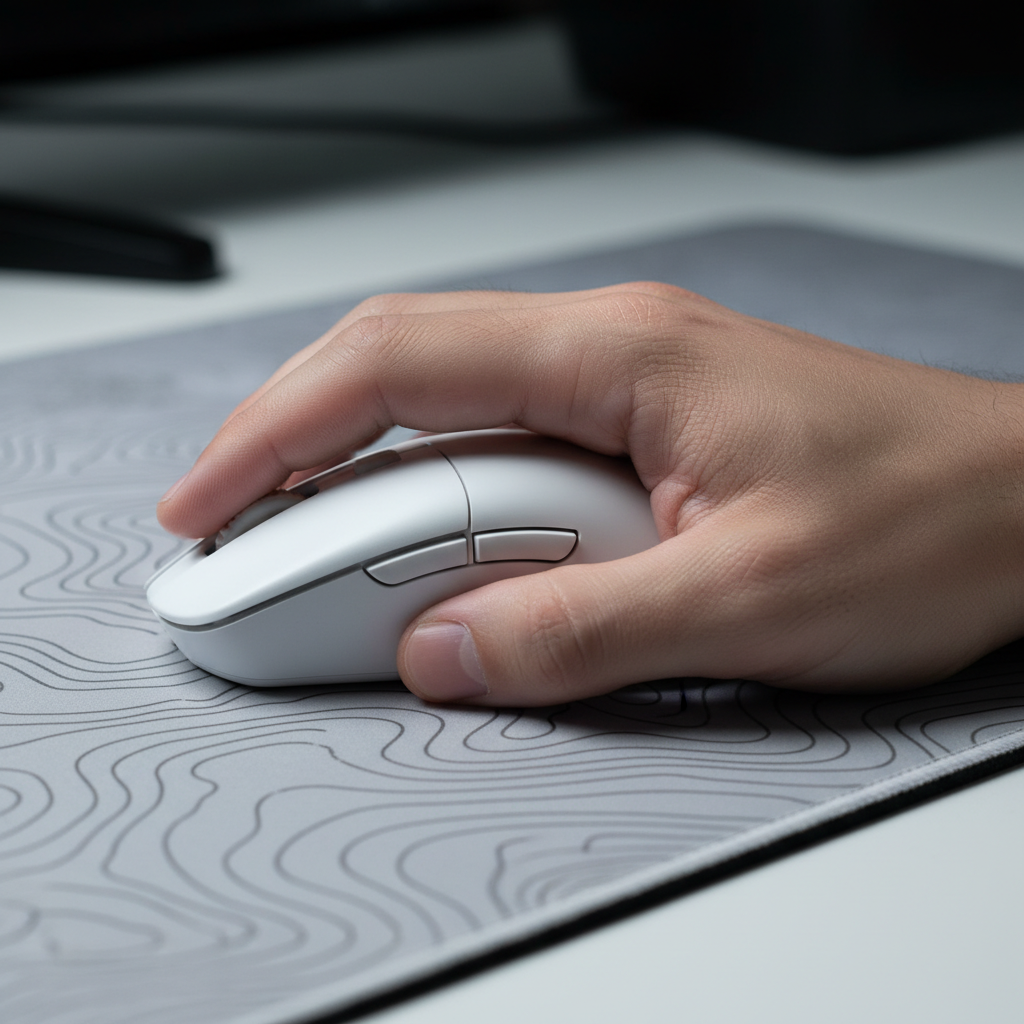
For a claw grip to remain stable during rapid clicking, the palm must have a reliable anchor point. Mice designed for this style typically feature a pronounced hump positioned towards the rear of the shell. This allows the base of the palm (the thenar and hypothenar eminences) to rest firmly against the mouse, providing a counter-force to the downward pressure of the fingers.
The ATTACK SHARK V8 Ultra-Light Ergonomic Wireless Gaming Mouse utilizes this specific geometry, featuring a steep fall-off after the main buttons. This allows the fingertips to curl downwards without obstruction, maintaining the ideal joint angles for the flexor tendons.
Switch Selection for Spam Clicking
In MOBA titles, the reset speed of the switch is as critical as the actuation speed. While tactile switches provide a satisfying "bump," this mechanical resistance can actually slow down high-frequency clicking. Linear switches or optical switches with a crisp, clean break—such as the Omron Optical switches found in the ATTACK SHARK X8 Series Tri-mode Lightweight Wireless Gaming Mouse—reduce tactile feedback time. This allows for a faster reset and subsequent actuation, which is essential for "stutter-stepping" or rapid ability casting.

Technical Performance: 8000Hz Polling and Sensor Saturation
To fully realize the benefits of the claw grip's physical speed, the electronic pipeline must be capable of transmitting data at matching intervals. Standard 1000Hz mice update the PC every 1.0ms. However, modern competitive standards have moved toward 8000Hz (8K) polling.
The 8K Math
At 8000Hz, the polling interval is reduced to 0.125ms. This near-instant communication ensures that the micro-adjustments made possible by the claw grip's fingertip control are captured with extreme granularity.
- Motion Sync Scaling: At 1000Hz, Motion Sync adds approximately 0.5ms of latency. At 8000Hz, this delay scales down to ~0.0625ms, making it virtually negligible for the user.
- Sensor Saturation: To saturate an 8000Hz signal, the sensor must generate enough data points. At a standard 800 DPI, a movement speed of at least 10 Inches Per Second (IPS) is required. However, increasing the DPI to 1600 reduces the required movement speed to only 5 IPS, ensuring 8K stability even during slow, precise micro-flicks.
Devices like the ATTACK SHARK X68HE Magnetic Keyboard With X3 Gaming Mouse Set leverage high polling rates to bridge the gap between human biomechanics and digital execution.
Performance Modeling: Grip vs. Efficiency
To understand the practical impact of these factors, we can model the performance of different hardware configurations under a claw grip scenario. This model assumes a standardized hand size of 18.5cm and a MOBA-style clicking frequency.
Modeling Note (Reproducible Parameters)
This analysis uses a deterministic parameterized model to estimate efficiency gains based on the mechanical properties of the arch and the electronic latency of the hardware. This is a scenario model, not a controlled lab study.
| Parameter | Value / Range | Unit | Rationale |
|---|---|---|---|
| Hand Length | 18.5 | cm | Median competitive gamer hand size |
| Mouse Length (X8) | 125 | mm | ~67% of hand length (Optimal Heuristic) |
| Polling Rate | 8000 | Hz | High-performance standard |
| Actuation Force | 55-65 | g | Standard for Huano/Omron switches |
| IPS Threshold | 5 - 10 | IPS | Required to saturate 8K bandwidth |
Analysis: Based on these parameters, the combination of a rear-hump shell and 8K polling results in a theoretical reduction in total click-to-screen latency of approximately 0.8ms compared to a 1000Hz palm-grip setup. While seemingly small, this represents a significant portion of the reaction window in high-level play.
Optimizing the Interface: The Role of the Surface
The final component of the claw grip kinematic chain is the friction at the contact points. Because the claw grip relies on micro-adjustments from the wrist and fingers, any "stiction" (static friction) can disrupt the smooth execution of a click.
A high-quality surface, such as the ATTACK SHARK Cloud Mouse Pad, provides the necessary glide while offering a wrist rest to mitigate the fatigue associated with the claw grip's high-tension posture. The integrated memory foam helps redistribute the pressure that would otherwise be concentrated on the carpal tunnel during intense sessions.

Strategic Implementation for Competitive Advantage
Adopting the claw grip is not a universal solution for every player. It is a specialized technique that rewards those who prioritize speed and precision over long-term comfort. To successfully implement this style, players should follow these expert-level heuristics:
- Prioritize Weight over Features: A lighter mouse (under 60g) reduces the force required to initiate movement, which is critical when the fingers are already under static tension.
- Match DPI to Polling: If using 8000Hz polling, ensure your DPI is set to at least 1600 to maintain packet stability during slow movements.
- Monitor Forearm Tension: If you experience a persistent burning sensation in the extensor carpi radialis, your mouse may be too long, or your arch may be too aggressive for your current hand size.
- Direct Connection: Always connect high-polling mice to the rear I/O ports of the motherboard to avoid the IRQ processing bottlenecks associated with USB hubs.
By understanding the biomechanics of the arch and selecting hardware that complements these physical laws, gamers can transcend the limitations of traditional grip styles and achieve a higher ceiling of competitive performance.
Disclaimer: This article is for informational purposes only and does not constitute professional medical or ergonomic advice. The claw grip involves significant muscle tension; if you experience persistent pain, numbness, or tingling in your hands or wrists, consult a qualified healthcare professional or physiotherapist.

Hinterlasse einen Kommentar
Diese Website ist durch hCaptcha geschützt und es gelten die allgemeinen Geschäftsbedingungen und Datenschutzbestimmungen von hCaptcha.