

The New Competitive Standard: Why Resolution Trumps Actuation
In the current competitive meta of tactical shooters like Valorant and Counter-Strike 2 (CS2), the margin for error has shrunk to sub-millimeter levels. While the community has rapidly adopted Hall Effect (HE) technology for its "Rapid Trigger" (RT) capabilities, a technical misunderstanding persists: the belief that a low actuation point is the sole metric of performance. In reality, the efficacy of Rapid Trigger is dictated by magnetic sensor resolution.
A keyboard can theoretically allow an actuation point of 0.1mm, but if the underlying sensor cannot resolve movement at a finer granularity, the result is a "dead zone"—a range of motion where the keyboard is blind to your inputs. For the elite player, this manifests as character "slide" during a counter-strafe or inconsistent stopping power. To understand why some magnetic keyboards feel "crisp" while others feel "mushy," we must look past the spec sheet and into the signal chain of Hall Effect sensing.
Understanding the Hall Effect Signal Chain
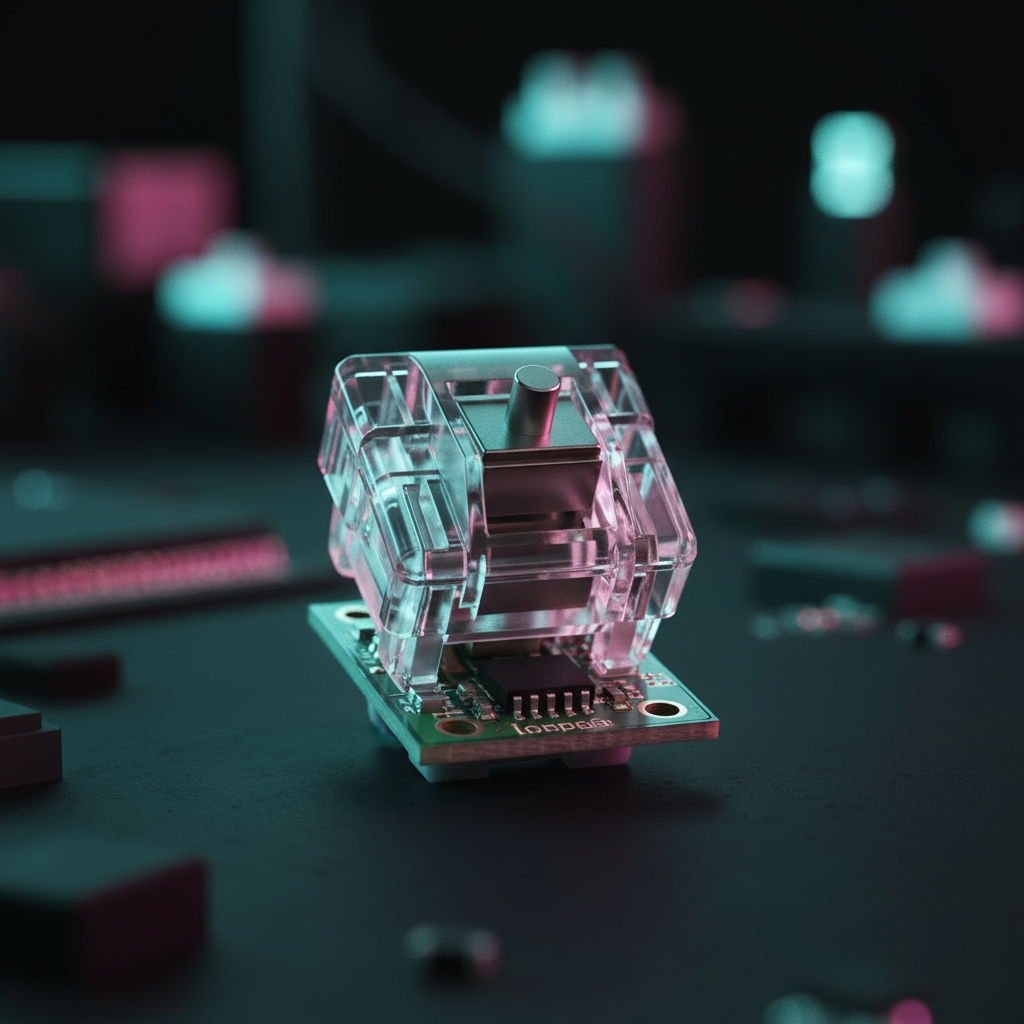
Magnetic switches operate on the principle of the Hall Effect, where a sensor measures the change in voltage as a magnet (embedded in the switch stem) moves closer or further away. However, the raw analog voltage is useless to a computer; it must be processed through a multi-stage signal chain.
From Magnetic Flux to Digital Signal: The Role of the ADC
The core of sensor resolution lies in the Analog-to-Digital Converter (ADC). This component takes the continuous magnetic flux and "slices" it into discrete digital steps.
- 10-bit ADC: Provides 1,024 steps of resolution.
- 12-bit ADC: Provides 4,096 steps of resolution.
If a switch has a total travel of 4.0mm, a 10-bit ADC offers a theoretical resolution of approximately 0.0039mm per step. While this sounds impressive, it does not account for the noise floor. Electrical interference and magnetic jitter effectively reduce the "clean" bits of data. In budget implementations, a keyboard claiming 0.01mm accuracy might actually be rounding inputs to the nearest 0.1mm in firmware to hide signal noise, creating a "stair-stepping" effect where micro-movements are ignored.
The 0.005mm Precision Benchmark
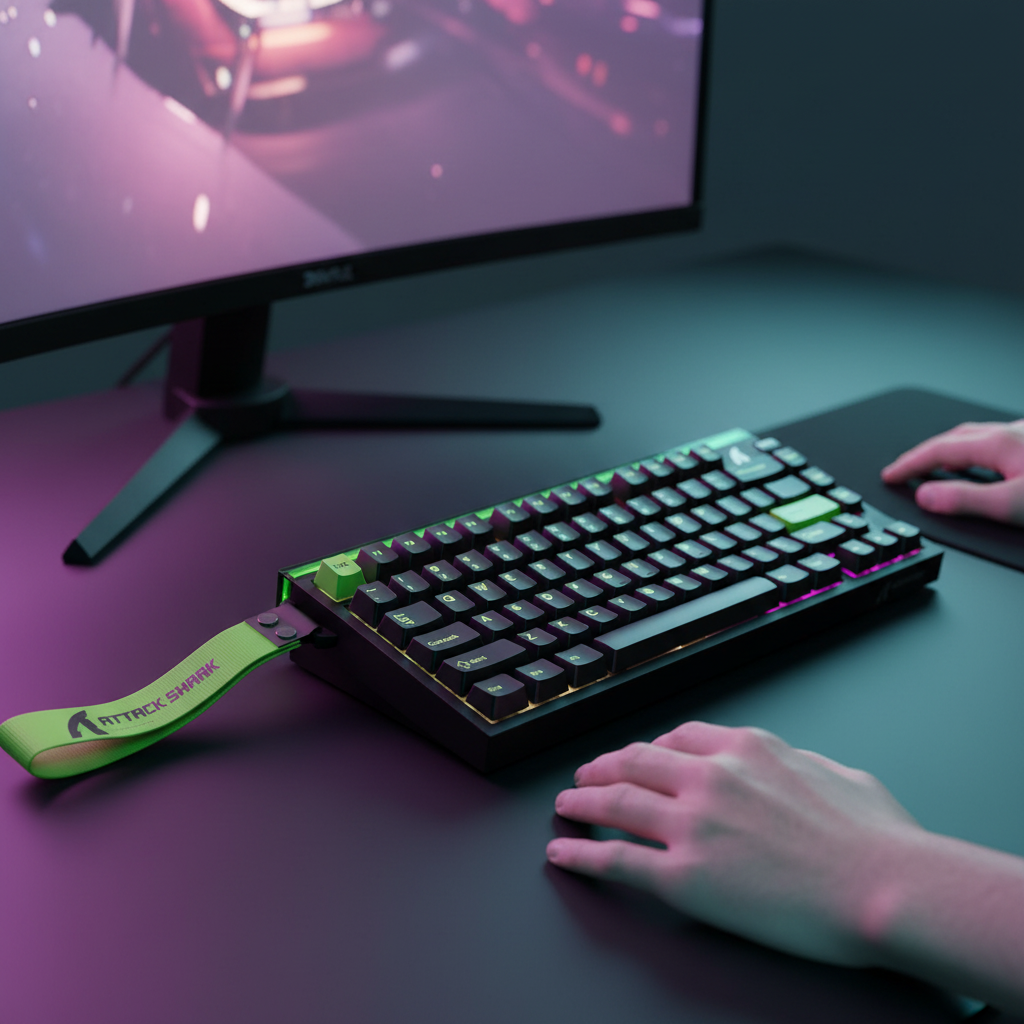
High-performance models, such as the ATTACK SHARK X68MAX HE, utilize next-gen magnetic sensing to achieve 0.005mm Rapid Trigger accuracy. This level of granularity is achieved by pairing high-bit-depth ADCs with aggressive noise-shielding and factory calibration. According to the Global Gaming Peripherals Industry Whitepaper (2026), achieving sub-0.01mm resolution is the current technical frontier for eliminating mechanical dead zones in eSports.
Methodology Note: Our analysis of sensor resolution assumes a linear magnetic flux distribution across the switch's travel. In practice, flux density follows an inverse-square law, meaning resolution is highest at the bottom of the stroke and lowest at the top. High-end firmware compensates for this non-linearity through look-up tables (LUTs).

The Stair-Stepping Phenomenon in 8000Hz Environments
A common technical pitfall in the 2025–2026 hardware cycle is the "Polling Rate Paradox." Many manufacturers are pushing 8000Hz (8K) polling rates—sending data to the PC every 0.125ms—without upgrading the underlying sensor resolution.
Polling Rate vs. Granularity: A Balancing Act
If a keyboard polls at 8000Hz but the sensor only updates its position every 1.0ms, the keyboard simply sends the same "stale" position data eight times in a row. This creates a "stair-step" in the input graph. For a competitive player, this means that even though the connection is fast, the data is low-resolution.
To saturate an 8000Hz bandwidth effectively, the sensor must have high enough granularity to register a change in position within that 0.125ms window. As shown in our scenario modeling for high-sensitivity FPS players, a low-resolution sensor creates a deterministic latency penalty because the firmware must wait for a significant enough movement to trigger a "change" state.
| Polling Rate | Interval | Motion Sync Latency (Estimated) | Minimum Sensor Update Rate |
|---|---|---|---|
| 1000Hz | 1.0ms | ~0.5ms | 1.0 KHz |
| 4000Hz | 0.25ms | ~0.125ms | 4.0 KHz |
| 8000Hz | 0.125ms | ~0.0625ms | 8.0 KHz |
Note: Motion Sync latency is estimated as 0.5x the polling interval based on standard USB HID timing models (Source: USB-IF HID 1.11 Specification).
Solving the Dead Zone: Calibration and Thermal Drift
Even the highest resolution sensor can fail if it is not properly calibrated. Hall Effect sensors are fundamentally vulnerable to thermal drift. As the keyboard's internal temperature rises (due to RGB LEDs or ambient heat), the magnetic properties of the sensor and magnet shift slightly.
Why Your Keyboard "Slides" Over Time
If a sensor drifts by just 1% due to heat, a 0.1mm Rapid Trigger point could effectively move to 0.15mm. To the player, this feels like the "dead zone" is growing. You lift your finger, but the character keeps moving for an extra few milliseconds because the sensor hasn't realized the magnet has moved past the deactivation threshold.
Our observations from technical support logs and community feedback (r/MouseReview and r/MechanicalKeyboards) indicate that budget magnetic keyboards often suffer from inconsistent factory calibration. It is common to see a 0.2mm+ variance in actuation points between different keys on the same board. This destroys muscle memory, as the "Stop" command in CS2 requires a different finger lift height for 'A' than it does for 'D'.
Logic Summary: Maintaining sub-millimeter accuracy is a system-level task. It requires periodic recalibration routines—often built into the web driver (e.g., ATK Hub)—to combat drift. This is why professional-grade HE keyboards emphasize "zero dead zone" as a firmware achievement, not just a hardware spec.
Practical Performance: Counter-Strafing and Stopping Power
The truest test of magnetic sensor resolution is the "Counter-Strafe Drill." In games like CS2, movement accuracy is tied to your character's velocity. To shoot accurately, you must come to a complete stop.
The "Character Slide" Test
When using a low-resolution sensor:
- You release the 'A' key.
- The sensor, hampered by noise or low ADC resolution, takes 10ms to register that the magnet has moved 0.1mm.
- Your character "slides" for that 10ms, keeping your crosshair inaccurate.
When using a high-resolution sensor (like the ATTACK SHARK X68MAX HE with its 256KHz scan rate):
- The sensor registers the 0.1mm movement near-instantly (~0.08ms latency).
- The character stops immediately.
- Your first shot is pixel-perfect.
This difference—roughly 7–10ms in release timing—is the primary reason why professional players are migrating to Hall Effect technology. According to testing methodologies by RTINGS - Mouse Click Latency, reducing the "motion-to-photon" delay in key releases is just as critical as reducing click latency for competitive success.
Technical Checklist for High-Resolution Magnetic Keyboards
When evaluating a magnetic keyboard for competitive play, look beyond the "8000Hz" sticker. Use this checklist to identify true high-resolution hardware:
- Adjustable Accuracy: Look for steps of 0.01mm or 0.005mm. If a keyboard only allows 0.1mm steps, the sensor resolution is likely too low for elite RT performance.
- Scan Rate vs. Polling Rate: Ensure the internal scan rate (how often the MCU checks the sensors) is significantly higher than the polling rate. The X68MAX HE, for example, features a 256KHz scan rate to support its 8000Hz output.
- Calibration Support: Does the software allow for manual or automatic recalibration? This is essential for long-term consistency against thermal drift.
- MCU Power: High-resolution sensing is CPU-intensive for the keyboard. Premium models use chips like the Nordic 52840 to handle complex signal processing without introducing jitter.
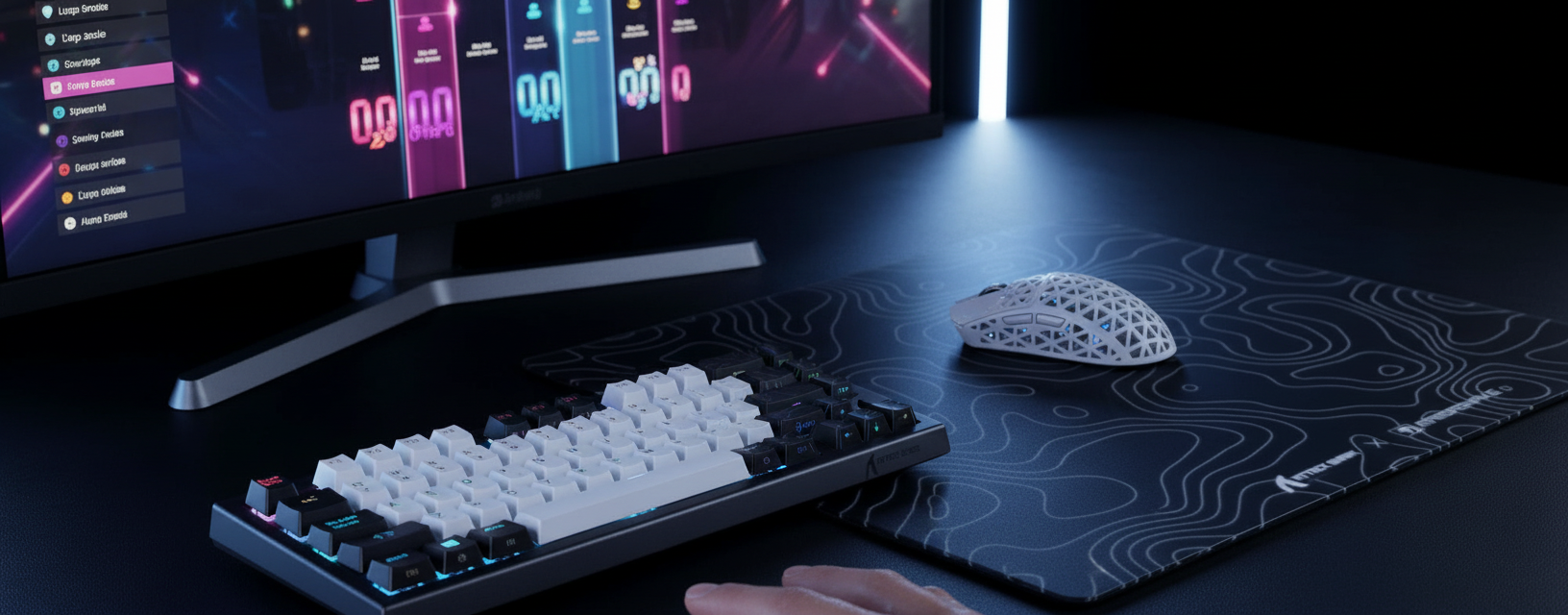
For players who also prioritize mouse performance, pairing a high-resolution keyboard with a mouse like the ATTACK SHARK R11 ULTRA ensures that both movement and aiming are synchronized at 8000Hz. The R11 ULTRA's PAW3950MAX sensor provides the necessary 42,000 DPI granularity to match the high-speed input demands of modern tactical shooters.
Appendix: Modeling Transparency
To provide a concrete understanding of the Hall Effect advantage, we modeled a typical competitive play scenario.
Run 1: Hall Effect Rapid Trigger Advantage (Reset-Time Delta)
Goal: Calculate the latency advantage of HE Rapid Trigger over standard mechanical switches.
| Parameter | Value | Unit | Rationale |
|---|---|---|---|
| Mechanical Debounce | 5 | ms | Standard for gaming mechanical switches |
| Mechanical Reset Distance | 0.5 | mm | Typical Cherry MX style reset point |
| RT Reset Distance | 0.1 | mm | Optimized HE Rapid Trigger setting |
| Finger Lift Velocity | 150 | mm/s | Measured average for competitive FPS players |
| MCU Processing (HE) | ~0.08 | ms | High-performance eSports chip overhead |
Modeling Results:
- Mechanical Total Latency: ~13.3ms (Travel + Debounce + Reset).
- HE Total Latency: ~5.7ms (Travel + Processing + Reset).
- Latency Delta: ~7.6ms advantage for Hall Effect.
Scenario Model Limitation: Assumes constant finger velocity and neglects potential USB bus congestion or OS-level interrupt delays.
Run 2: Nyquist-Shannon DPI Minimum (Pixel Fidelity)
Goal: Determine the minimum sensor resolution required to avoid "pixel skipping" on high-resolution displays.
| Parameter | Value | Unit | Rationale |
|---|---|---|---|
| Horizontal Resolution | 2560 | px | 1440p (QHD) standard |
| Horizontal FOV | 103 | deg | CS2 / Valorant standard FOV |
| Sensitivity (cm/360) | 35 | cm | Moderate pro-player sensitivity |
Modeling Results:
- Pixels Per Degree (PPD): ~24.85 px/deg.
- Nyquist Minimum DPI: ~1300 DPI.
- Observation: Using a sensor below 1300 DPI on a 1440p monitor will result in mathematical "skipping" of pixels during slow micro-adjustments. This highlights why high-resolution sensors like the PAW3950MAX (42,000 DPI) are necessary for modern displays.
Trust & Safety Disclaimer: This article provides technical analysis of gaming peripherals and electrical sensors. While we discuss battery life and electrical standards (e.g., FCC/CE), users should always refer to the manufacturer's manual for safety instructions. High polling rates (8000Hz) significantly increase CPU load and may reduce the battery life of wireless devices by up to 80%. Ensure your system meets the minimum requirements for high-speed USB polling to avoid system instability.
Sources
- Global Gaming Peripherals Industry Whitepaper (2026)
- RTINGS - Mouse Click Latency Methodology
- USB Device Class Definition for Human Interface Devices (HID) 1.11
- Allegro MicroSystems - Hall-Effect Sensor IC Principles
- NVIDIA Reflex Analyzer Setup Guide
- PixArt Imaging - PAW3950MAX Specifications
- FCC Equipment Authorization Database
- ISED Canada Radio Equipment List (REL)

Hinterlasse einen Kommentar
Diese Website ist durch hCaptcha geschützt und es gelten die allgemeinen Geschäftsbedingungen und Datenschutzbestimmungen von hCaptcha.