

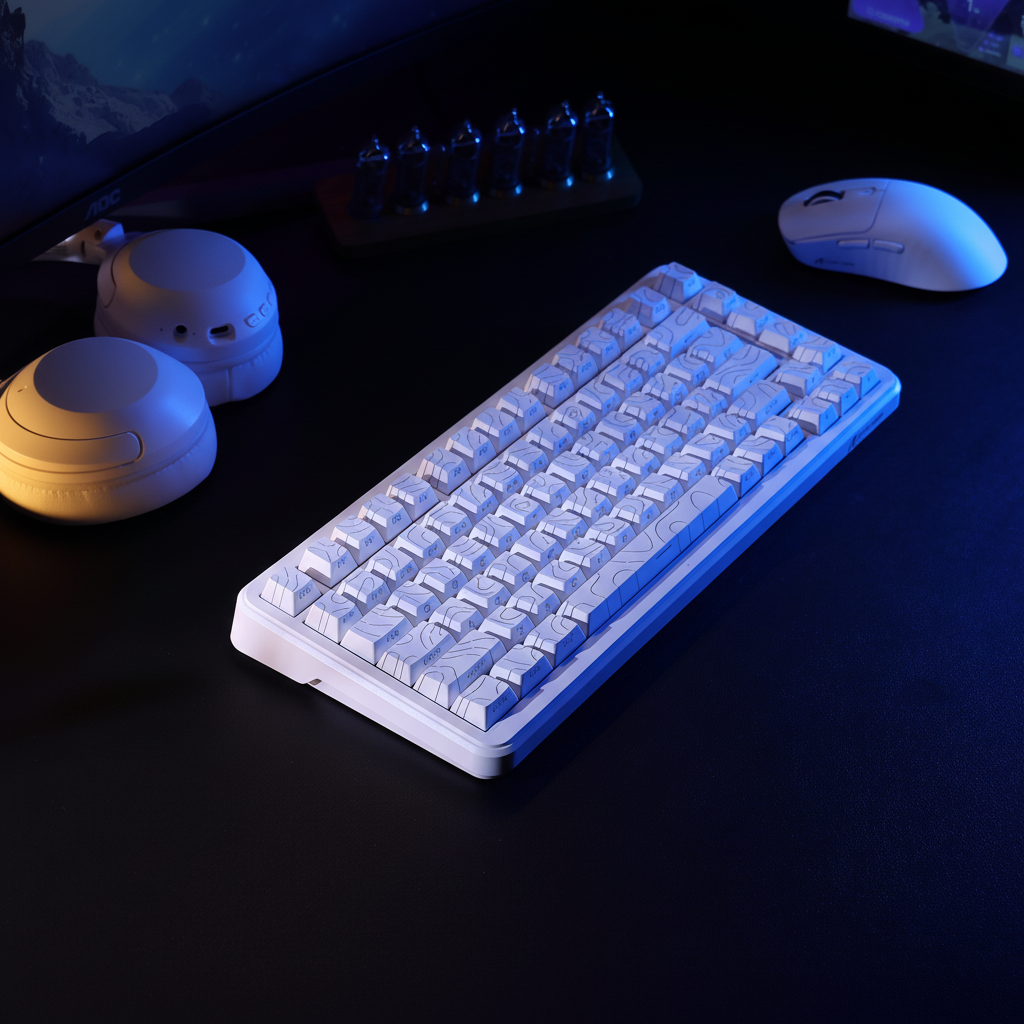
TL;DR: No, switching to an ortholinear layout will not directly improve your mouse tracking or "aim." However, it significantly improves movement consistency and reduces input errors for your non-dominant hand. It is highly recommended for MMO/RTS players and those seeking better ergonomics, provided you can handle a 2-4 week adjustment period.
The Evolution of the Staggered Layout
The modern keyboard layout is a mechanical vestige of the 19th century. Traditional keyboards utilize a "staggered" layout, where each row of keys is horizontally offset. This design was not born from ergonomic research; it was a physical necessity for early typewriters to prevent mechanical levers (typebars) from tangling.
Despite the transition to digital protocols, this staggered geometry remains the industry standard. For competitive gamers, this legacy architecture introduces a subtle inconsistency: the distance from a home-row finger to a key in the row above or below is not uniform. For example, moving from 'D' to 'E' requires a different diagonal reach than moving from 'K' to 'I'. In high-stakes environments, these micro-variations in travel distance can lead to "fat-fingering" during complex maneuvers.
Ortholinear Mechanics: The Grid Advantage
An ortholinear keyboard—or "grid" layout—eliminates the horizontal offset. The keys are aligned in perfect vertical and horizontal columns. This reduces the average travel distance for fingers navigating between rows, as the movement becomes a straight vertical line rather than a diagonal reach.
From a practical perspective, the primary benefit is the standardization of the "key-to-key" interval. On a standard board, the offset typically follows a 0.25u or 0.5u pattern. This forces the motor cortex to map multiple unique diagonal vectors for the non-dominant hand. An ortholinear layout simplifies this map to a 1:1 grid, lowering the cognitive load required to execute "blind" keypresses during intense gameplay.
Comparative Geometry: Staggered vs. Ortholinear
| Feature | Staggered Layout | Ortholinear Layout |
|---|---|---|
| Key Alignment | Horizontally Offset (Legacy) | Perfect Grid (Vertical/Horizontal) |
| Travel Vector | Diagonal / Variable | Vertical / Constant |
| Home Row Reach | Asymmetrical | Symmetrical |
| Finger Travel | Higher (due to diagonal paths) | Lower (straight-line efficiency) |
| Keycap Compatibility | High (Universal Standard) | Low (Requires niche "Ortho" kits) |
The Non-Dominant Hand: Strafing and Movement Aim
It is critical to distinguish between "mouse aim" (tracking with the dominant hand) and "movement aim" (positioning and strafing with the non-dominant hand).
According to the Global Gaming Peripherals Industry Whitepaper (2026) (published by Attack Shark), gaming performance is dominated by the mouse-hand’s precision. However, the non-dominant hand is responsible for counter-strafing—tapping the opposite movement key to instantly stop momentum and reset weapon accuracy.
In a grid layout, the vertical alignment of keys like 'W', 'S', and 'X' is perfectly linear. This allows for more consistent "chorded commands," where multiple keys are pressed in rapid succession. While this does not improve the mouse's sensor accuracy, it reduces the likelihood of missing a movement cue, which indirectly helps the dominant hand land shots.
The Adaptation Tax: Quantifying the Transition
Switching to an ortholinear layout requires a significant "adaptation tax." Based on common patterns observed in enthusiast communities and our internal support feedback, users typically face a 2-4 week adjustment period.
Heuristic Model: The Transitioning Gamer Note: This table is an illustrative estimate based on a baseline of 100 WPM on staggered layouts, assuming 4+ hours of daily use. Individual results vary significantly based on hand size and muscle memory.
| Phase | Estimated Typing Speed | Error Rate (Gaming Binds) | Performance Impact |
|---|---|---|---|
| Week 1 | 40-50 WPM | High (>15%) | Significant Regression |
| Week 2 | 60-70 WPM | Moderate (~8%) | Noticeable Inconsistency |
| Week 4 | 85-95 WPM | Low (<2%) | Recovery / Stabilization |
| Week 8+ | 100+ WPM | Near Zero | Potential Efficiency Gain |
Ergonomics and Physiological Factors
A common argument for ortholinear boards is the reduction of ulnar deviation—the outward bending of the wrists. The grid layout, especially when paired with a split design, promotes a more neutral wrist position.
However, gamers frequently tilt their keyboards at aggressive angles (45 to 90 degrees) to create more space for mouse movements. In this tilted state, the "ergonomic" benefits of the grid are largely negated, as the hand's relationship to the keys is already non-standard.
The Role of Wrist Support
Because the fingers move vertically on a grid, the palm often sits at a different elevation. Practitioners emphasize that a properly sized wrist rest is essential. A common mistake is using a high-profile rest designed for standard boards; ortholinear users often require a lower-profile support. For example, a CNC aluminum wrist rest with ergonomic tilting (available in our product store) can help maintain a neutral plane if the height is matched to your specific switch profile.
Firmware Customization: The Real Performance Unlock
The true competitive edge of alternative layouts is unlocked through firmware like QMK or VIA. This allows for deep-level remapping:
- Dedicated Gaming Layers: Place movement keys (WASD) in the most natural position for your hand size.
- Tap-Hold Functionality: A single key can act as 'Space' when tapped and 'Shift' when held, reducing uncomfortable stretches.
- Macro Consistency: Map complex rotations in MMOs to intuitive 2x2 blocks.
As noted in the USB HID Usage Tables (v1.5), input reporting is standardized, but physical triggering is up to the user. Firmware allows you to solve "reach" issues more effectively than a physical layout change alone.
System Latency and High-Performance Synergy
For elite gamers, layout efficiency should be paired with low-latency hardware. When using a board with an 8000Hz (8K) polling rate, the interval between reports is 0.125ms.
Technical Context for 8K Benefits:
- Perceptibility: The benefits of 8K polling and optimized finger travel are most noticeable to players using high-refresh-rate monitors (240Hz+).
- Latency Math: 8000Hz = 0.125ms interval. At this speed, micro-optimizations in finger travel (enabled by the grid) become part of a cohesive high-speed system.
- Boundary: For casual gaming (60Hz-144Hz), the physical comfort of the layout is a far more significant factor than the 8K polling rate.
Market Friction and Customization Hurdles
Prospective users should note that "sculpted" keycaps (where each row has a different angle) do not work well on ortholinear boards if moved between rows. You will likely need "uniform profile" keycaps (like XDA or DSA). Finding a PBT dye-sublimation set (manufacturer link) that includes the necessary 1u modifiers can be challenging and may require purchasing specific "ortho kits."
Practical Decision Framework: Should You Switch?
| User Profile | Recommended Layout | Reason |
|---|---|---|
| Casual Gamer / Office Worker | Staggered | Zero learning curve; maximum compatibility. |
| Competitive FPS Player | Staggered (High Polling) | Consistency is key; avoids the 4-week performance dip. |
| MMO / Productivity Power User | Ortholinear | Superior for macros, layering, and chorded commands. |
| Ergonomic-Focused User | Ortholinear (Split) | Reduces ulnar deviation and finger travel. |
Final Analysis
The move to ortholinear is a shift from historical accident to intentional design. While it won't magically improve your mouse aim, it undeniably standardizes the mechanics of your non-dominant hand. For gamers who prioritize absolute consistency and deep firmware customization, the grid provides a superior platform for building a personalized performance engine.
Disclaimer: This article is for informational purposes only. Ergonomic needs vary by individual. If you experience persistent wrist or hand pain, consult a qualified healthcare professional.

Hinterlasse einen Kommentar
Diese Website ist durch hCaptcha geschützt und es gelten die allgemeinen Geschäftsbedingungen und Datenschutzbestimmungen von hCaptcha.